
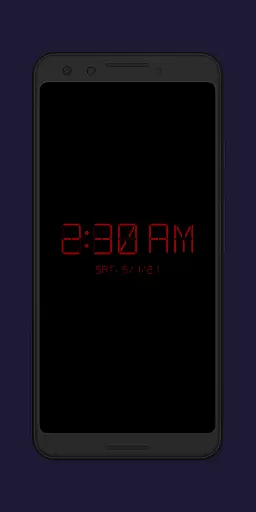
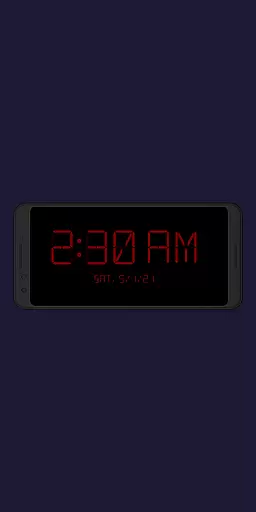
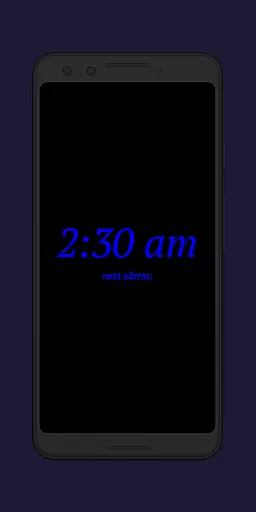
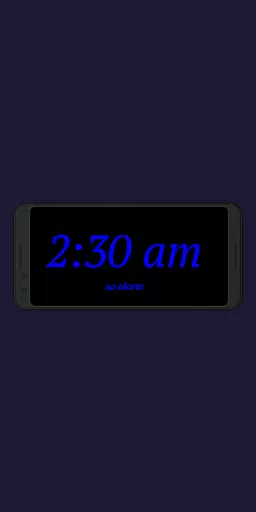
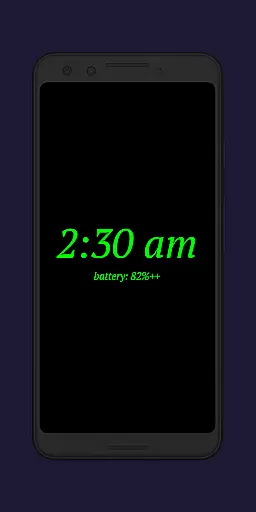
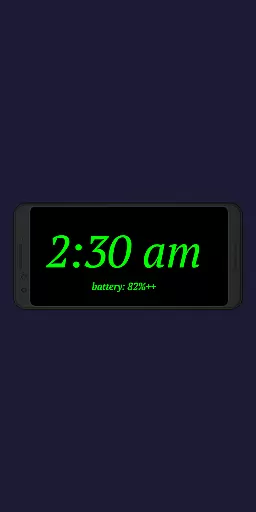
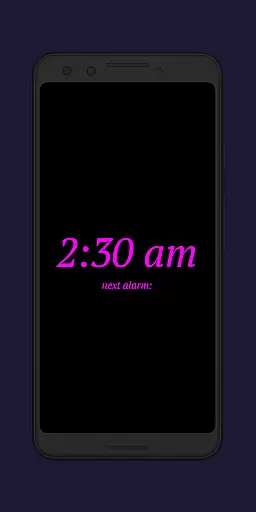
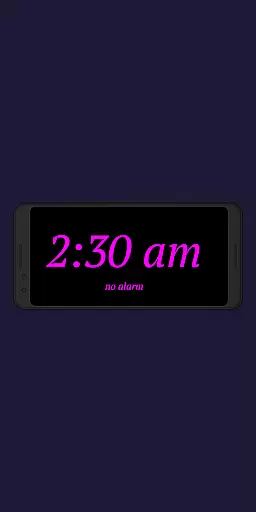
Night Clock + is a versatile digital clock app designed to serve as both a bedside night clock and a daylight mode display. This app transforms any unused device into an elegant digital clock for both day and night use, while also offering practical features like a built-in flashlight for nighttime convenience.
With its comprehensive customization options and advanced functionalities, Night Clock + stands out as the unrestricted supporter version of the free edition. It provides users with all settings and features without limitations, making it an ideal choice for those seeking a fully-featured digital clock experience.
The app's automatic start feature and adjustable settings make it particularly useful in maintaining a consistent daily routine, whether at home or in professional environments where time management is crucial.
Night Clock + boasts an impressive array of features that enhance user experience. The app offers four different font types, fully adjustable font colors, and customizable brightness levels specifically for the night clock screen.
Users can enjoy precise control over their clock display with adjustable sizes for clock elements, integrated screensaver functionality, and the ability to show the next alarm time from the Android system. Additionally, the app includes a convenient flashlight feature directly on the night clock screen.
Advanced automation allows for automatic night clock activation when a power cord is connected or at a preset time, complemented by a daylight mode that intelligently adjusts brightness throughout the day. These features collectively create a seamless and personalized clock experience.
In the realm of productivity, core task management is pivotal for organizing and prioritizing tasks efficiently. Night Clock + integrates this essential feature by offering users the ability to set and view their next alarm directly on the night clock display. This seamless incorporation ensures that users are always aware of their upcoming commitments without having to navigate away from the current interface.
The application takes task visibility a step further by allowing complete adjustability of the clock elements' display size. Users can customize how prominently their tasks are displayed, ensuring that even from a distance or with poor lighting conditions, they remain informed about their schedule.
Moreover, the app's automatic night clock start feature, which can be triggered by connecting a power cord or preset to a specific time, enhances task continuity. By maintaining consistency in the useru2019s routine, Night Clock + fosters an environment where task oversight becomes second nature, thus improving overall productivity.
With these carefully designed features, Night Clock + not only keeps users punctual but also empowers them to manage their daily tasks more effectively, leading to enhanced personal and professional performance.
Cross-device synchronization is crucial for users who operate multiple devices and require reliable updates across all platforms. Night Clock + addresses this need by ensuring that whether you're using an old device as a dedicated digital clock or your primary smartphone, the transition between devices is smooth and information remains consistent.
The app offers an exclusive feature where settings and functionalities such as font types, colors, brightness levels, and alarm times are synchronized reliably across devices. This means if you adjust the settings on one device, those preferences will reflect on any other linked device, providing a uniform experience regardless of which device you interact with.
Night Clock + also includes integrated screensaver functionality, which moves the clock slowly across the screen. This visual cue serves as a gentle reminder of ongoing tasks while adding a layer of personalization and engagement to the user experience.
By focusing on cross-device synchronization reliability, Night Clock + ensures that users enjoy uninterrupted service and access to their personalized settings, thereby enhancing both convenience and peace of mind.
User-friendly interface
Highly customizable
Automatic night mode
Integrated flashlight
Day and night functionality
Requires permissions
Battery consumption
Premium version cost
Limited free version
Device compatibility

A Revolutionary All-in-One Artificial Intelligence Tools
 3.80
3.80
Take control of your clipboard with Clipper!
3.90
Wake up & get tasks done! Add alarms & reminders on the Clock Launcher.
4.00
Secure, fast, open-source, Remote Desktop Client for Windows and Linux with SSH
4.60
Tally and goal counter for Wear OS & mobile
4.50
A comprehensive suite of tools designed specifically for Lactation Consultants
4.1
AI Chatbot and AI writing assistant powered by ChatGPT.
4.60
AT&T Internet customers can use this app to personalize their Wi-Fi network.
4.40
Set up, print, and get support—in one place
4.20
Mind Map and brainstorm, note taking and idea collection
4.80
Protect and view your important info on your phone and tablet with eWallet®
4.80
Simple notepad & memo. Take notes, to-do list, shopping list with reminders.
4.80
aCalendar+ makes your day, week and month
4.70
Client for Nextcloud Deck
4.60
Fill, sign & send docs, forms, agreements & contracts via electronic signature.
4.50
Experience Reading - Night Mode for Documents
4.40
Secure, open-source, SPICE and SSH Remote Desktop for QEMU KVM virtual machines
4.00
* block pre-roll ads, pop-up and forced redirect ads * Samsung certification app
4.00
Ultimate Virtual AI Character for immersive Roleplay Chat. Perfect Companion
3.90


User Reviews