
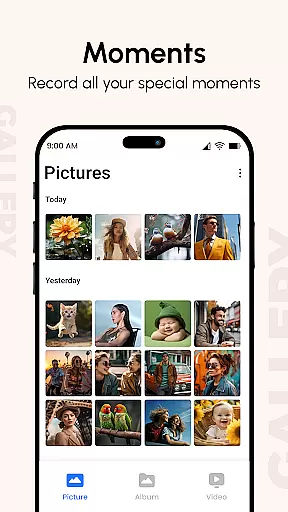
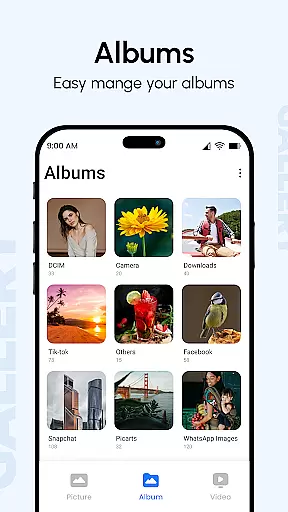
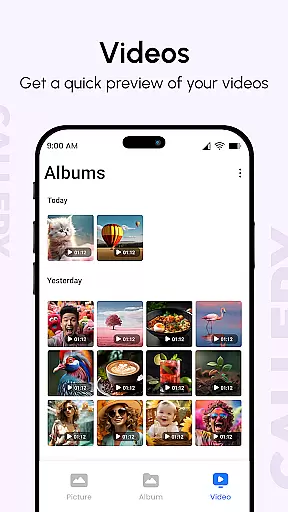
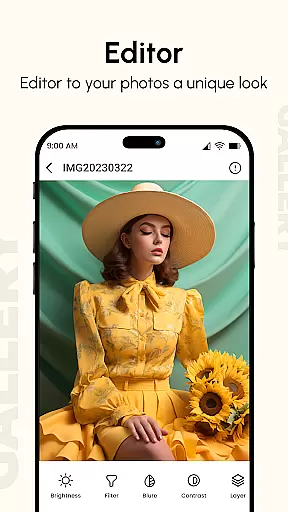
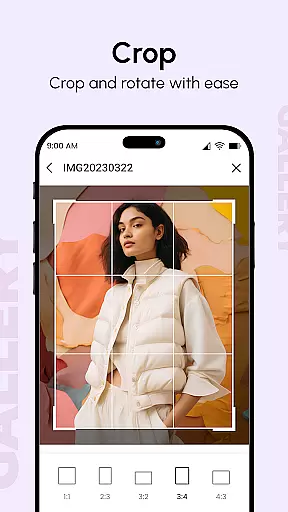
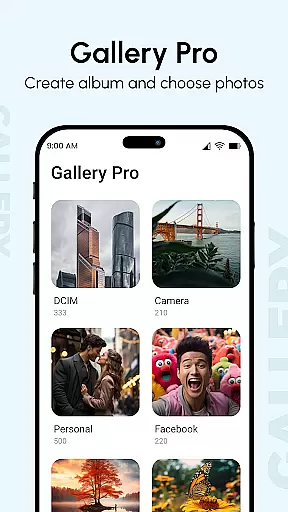
Gallery is a comprehensive photo and video management application designed to enhance your digital memories. This productivity app brings together media from all your devices, creating enhanced images and organizing them into visually appealing albums. The app's Photo View feature provides additional details like location and camera information, while the innovative after-call functionality allows instant photo access and quick reminders.
The Gallery app stands out with its flexible slideshow feature that lets you create stunning presentations with ease. It also offers privacy-focused features like hidden galleries protected by PIN codes, making it an ideal solution for both personal and professional use. With support for various file formats and advanced metadata handling, this app provides a complete solution for managing your digital assets across multiple devices.
Gallery distinguishes itself through several key features that cater to modern productivity needs. The app's Smart Mode automatically organizes your media based on folders, tags, and dates, presenting them in an intuitive homepage interface. Its robust photo management capabilities include support for all major image types, GIFs, and video files, along with advanced metadata handling for EXIF, XMP, and IPTC data.
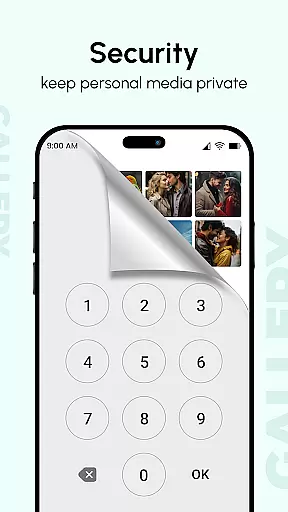
Security features are particularly noteworthy, with options for password protection, hidden galleries, and private vaults. The app's performance is optimized for large screens and supports multiple finger gestures for efficient navigation. Additionally, Gallery Pro offers professional-grade tools including metadata-based search, slideshow modes with various transitions, and instant recovery methods for lost files, making it an indispensable tool for serious media management.
Gallery offers a comprehensive approach to managing your digital memories, ensuring that every photo and video is organized effectively. This core task management functionality brings together media from all devices, creating a centralized hub for your images and videos.
The app enhances your photos, making them visually appealing while organizing them into well-structured albums. With features like metadata reading and GIF support, Gallery ensures that users can search and manage their media with precision and ease.
Users benefit from the app's ability to handle various file types, including images, GIFs, and videos. The smart organization based on folders, tags, and dates simplifies navigation and access, providing a seamless experience when locating specific files.
By integrating advanced features such as password protection and hidden galleries, Gallery empowers users to maintain privacy while enjoying an efficient media management system. This makes it an invaluable tool for anyone seeking to streamline their digital library.
Cross-device synchronization is a critical feature of Gallery, allowing users to access their photos and videos from any device seamlessly. By consolidating media files from multiple sources, the app ensures that your digital memories are always up-to-date and available wherever you go.
This synchronization process is reliable and optimized for large screens, supporting multiple finger gestures for smooth navigation. Whether you're using a smartphone, tablet, or computer, Gallery provides a consistent and responsive user experience across all platforms.
With instant syncing capabilities, any changes made on one device are immediately reflected on others. This real-time update functionality ensures that your media library remains current, eliminating the risk of losing important files due to outdated backups.
Gallery's robust synchronization system not only enhances accessibility but also reinforces data security. By maintaining a consistent connection between devices, users can rest assured that their cherished memories are safely stored and easily retrievable at any time.
User-friendly interface
Advanced security features
Comprehensive file support
Smart organization tools
Cross-device synchronization
Occasional sync issues
Storage space required
Premium feature costs
Learning curve for new users
Resource intensive

Automates browsing any website and notifies you of important changes or events
 4.30
4.30
The upgraded version of Name Wheel with AI and the power to add your own wheels.
4.0
PDF scanner & converter for files, photos, lottery, QR codes. One swipe away!
4.50
Find and delete junk files & block unwanted notifications & manage files
3.70
Access, manage and transfer files on Android, PC, Mac, NAS and cloud storages.
4.30
A simple Whisper AI keyboard for reliable speech transcription and rewording
4.60
Experience and share your SolidWorks designs on your Android® phone and tablet.
2.50
Okta MFA
4.70
Daily processing of PDF documents.
4.40
The long-awaited modern gallery app for your Nextcloud server
4.70
Scan paperwork into PDF/JPG, generate your own e-signature and send fax or email
4.70
Calendar 2023 widget for Android. Appointment scheduler, planner, and reminder
4.60
CalenGoo is a very flexible and feature-rich calendar app
4.40
Device's storage information in a simple and clear graphical form (infographics)
4.10
Cloud storage, automatic phone backup, and more.
4.10
Create and edit presentations with Google Slides, part of Google Workspace.
4.00
Secure, open-source, SPICE and SSH Remote Desktop for QEMU KVM virtual machines
4.00
⏰ Finally a timer app which can run multiple timers simultaneously on your watch
3.90
A comprehensive suite of tools designed specifically for Lactation Consultants
4.4


User Reviews