
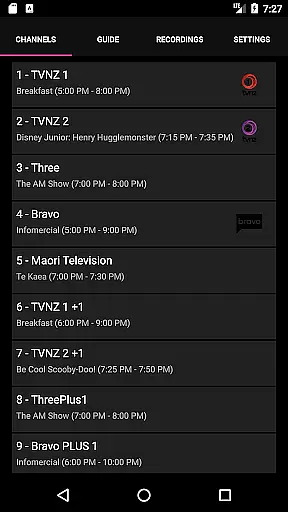
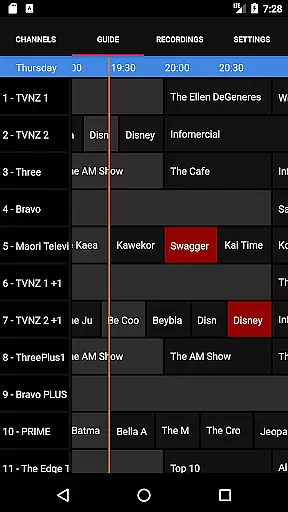
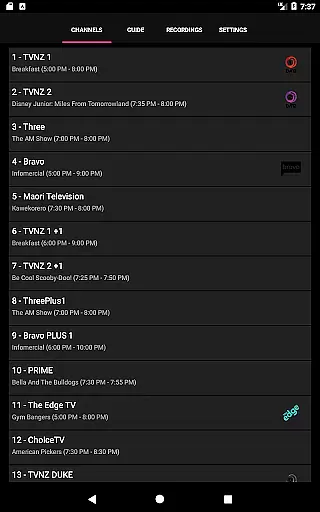
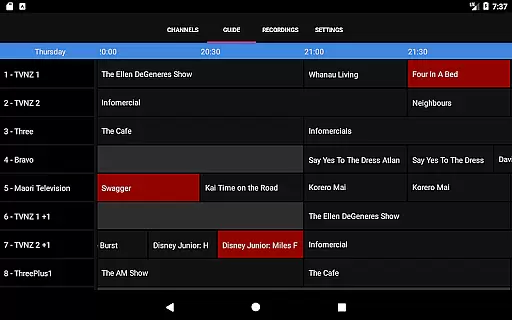
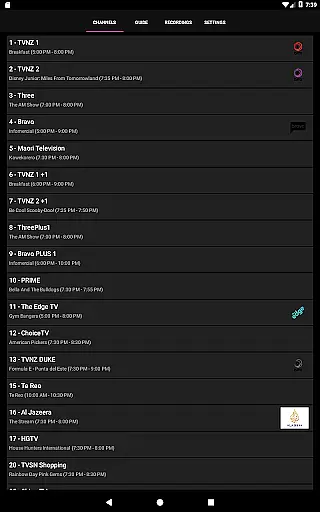
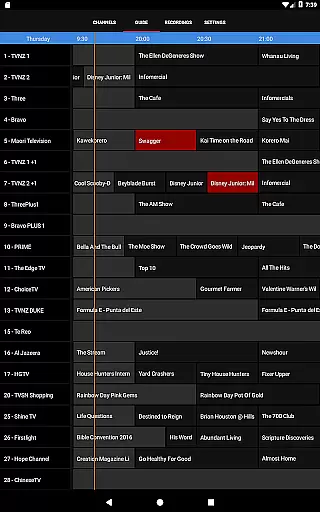
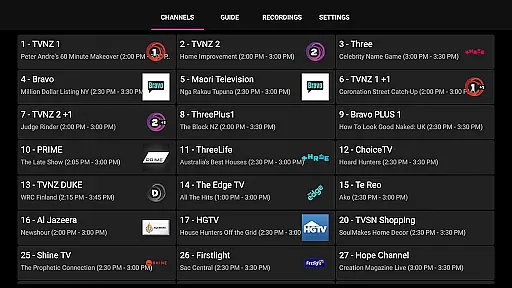
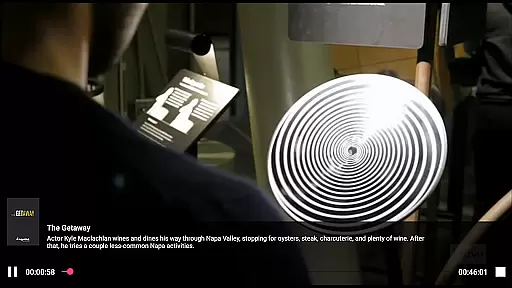
NextPVR is a versatile client application that connects users to the NextPVR media center software. Designed for seamless integration with NextPVR 4.1.0 or higher, this app allows you to manage and enjoy your media content directly from your mobile device. With its user-friendly interface, you can easily watch live TV, browse through an intuitive TV guide, schedule recordings, and access your stored media files.
This app is perfect for those who already have a Windows PC set up with NextPVR and compatible video capture devices. It transforms your mobile device into a powerful remote control and viewing station, making it easier than ever to interact with your home media setup. Whether you're at home or on the go, NextPVR ensures you never miss your favorite shows.
NextPVR offers a comprehensive suite of features tailored for managing and enjoying multimedia content. The app provides real-time access to live TV streams, allowing you to watch your favorite channels as they air. Its integrated TV guide presents a clear overview of programming schedules, ensuring you always know what's on.
Scheduling recordings is effortless thanks to the app's intuitive interface. You can browse upcoming shows, select the ones you want to record, and let NextPVR handle the rest. Once recorded, your media is easily accessible within the app, organized neatly for quick retrieval. Additionally, support for various video capture sources means you can enjoy content from ATSC, DVB, and analog tuners without hassle.
NextPVR offers extensive video format compatibility, ensuring users can enjoy a wide range of media content without worrying about format restrictions.
The app supports various ATSC, DVB, and Analog TV tuners, as well as other video capture sources, allowing seamless integration with different hardware setups.
This flexibility enables users to watch live TV, manage recordings, and view previously recorded content effortlessly.
By supporting multiple formats, NextPVR ensures that users have a versatile and uninterrupted viewing experience across different devices and network conditions.
While primarily a media player, NextPVR also includes AI-powered editing features that enhance the user's ability to manage and edit their recorded content efficiently.
These features allow users to easily trim, cut, and merge video clips, providing an intuitive interface for organizing media libraries.
Additionally, the AI algorithms assist in optimizing video quality and file sizes, ensuring efficient storage and playback performance.
With these capabilities, users can customize their viewing experience and maintain a well-organized digital media collection.
User-friendly interface
Comprehensive TV guide
Effortless recording scheduling
Supports multiple video sources
Remote access capability
Requires NextPVR setup
Windows PC dependency
Limited standalone functionality
No built-in tuner
Network-dependent performance

KineMaster, Your Ultimate Video Editor!
 4.40
4.40
Create photo video with music & template. AI video maker for stunning slideshow.
4.60
VLC Remote lets you control your VLC Media Player on Mac, PC or Linux.
4.60
AirMirror Receiver - Screen mirroring/cast web videos to Android TV by AirPlay.
4.40
Pro video editor app for Instagram, edit video with song, AI, effect & slowmo.
4.80
Manage your IPTV live channels and VOD playlists (no playlist included)
3.80
All in one multi protocols stream receiver for AirPlay, Cast and DLNA.
3.60
Download Hub, easy and private way to download and enjoy your videos offline
4.80
Fast private browser with secure, seamless access & supported video downloads!
4.00
Download videos and play them offline
4.70
A Quick and Pro Video Editor
4.70
Find, download, and play torrents with the official BitTorrent® Pro app
4.70
IPTV Loader, loads your own Playlist. DOES NOT CONTAIN ANY LIST OR CHANNELS
4.60
Download website videos fast&privacy
4.40
Viddo: Generate Action Figure, AI Anime, AI kiss, AI hug Video from image & text
4.40
Create & edit videos with AI
4.30
HD video & music player - All format support with floating & PIP mode!
3.80
Watch full episodes of your favorite Cartoon Network and Cartoonito shows!
3.50
Download videos easily & play them all in one smart, powerful video manager.
3.40


User Reviews