
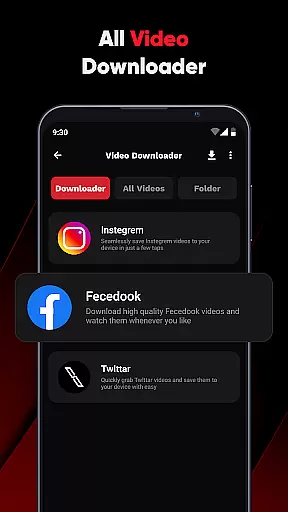
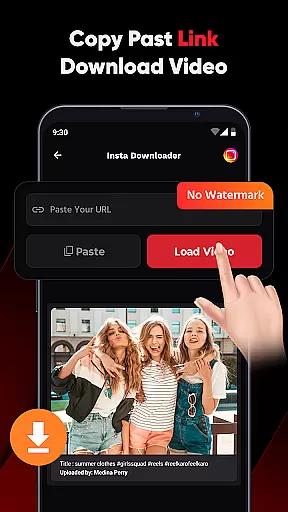
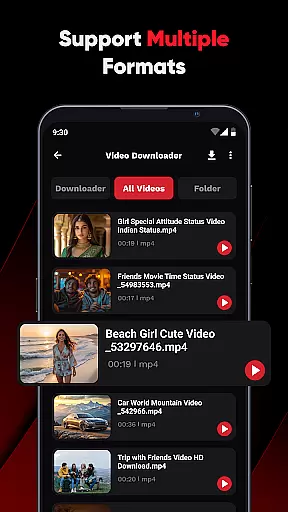
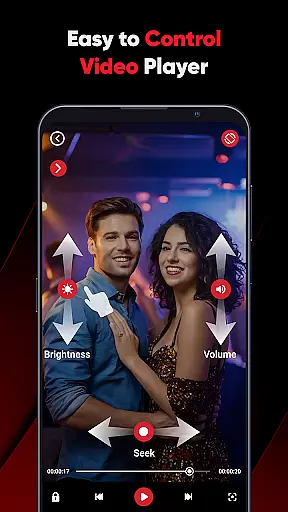
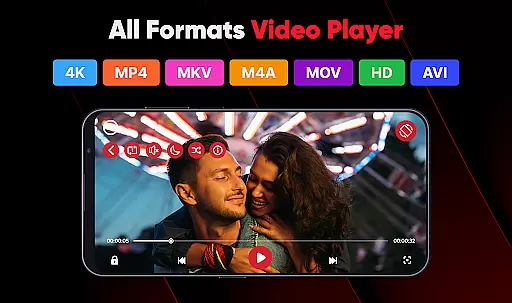
ViPlayer is a versatile video player and downloader app designed for users who want to enjoy HD videos seamlessly. It supports all major video formats including MP4, MKV, AVI, and MOV, allowing users to play saved videos directly from their device with advanced gesture controls. The app also enables downloading videos from social media platforms like Facebook and Instagram by simply pasting the URL, previewing the content, and saving it to the gallery for offline viewing.
Beyond its core functionality as a video player, ViPlayer stands out with its user-friendly interface and powerful features such as auto-detection of videos from internal and external storage, swipe controls for adjusting volume and brightness, and a lightweight design that ensures fast performance. Whether you're watching personal content or downloading videos for later, ViPlayer offers a complete solution for all your video needs in one convenient app.
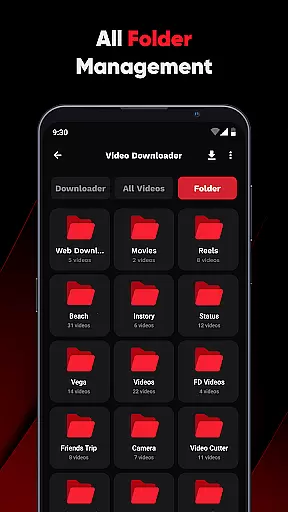
ViPlayer boasts an impressive array of features that cater to both casual viewers and power users. Its all-format video player supports MP4, MKV, AVI, MOV, and more, ensuring compatibility with virtually any video file. The app's auto-detection feature organizes videos by folder from both internal and external storage, making it easy to locate and play your content.
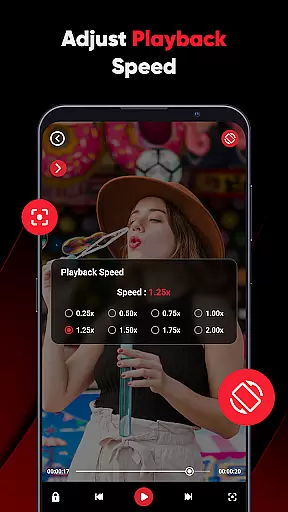
One of the standout features is the intuitive gesture controls, which allow users to adjust volume, brightness, and playback with simple swipes. Additionally, ViPlayer includes a built-in downloader for HD videos from supported links on platforms like Facebook and Instagram. With one-click downloading, no login requirements, and a clean, lightweight UI, ViPlayer delivers a fast, secure, and enjoyable video experience tailored to modern users' needs.
ViPlayer stands out as a versatile video player due to its extensive video format compatibility. It supports an array of major video formats including MP4, MKV, AVI, and MOV, ensuring that users can play virtually any video file without the need for conversion.
The importance of this feature cannot be overstated, as it eliminates the frustration of encountering unsupported file types. ViPlayer achieves this by integrating advanced decoding technologies that handle various codecs efficiently.
Users benefit from a seamless playback experience regardless of the video source or original format. This flexibility makes ViPlayer suitable for both casual viewers and professionals who work with different video formats regularly.
By providing such comprehensive format support, ViPlayer ensures that users can focus on enjoying their content rather than worrying about technical limitations, making it an essential tool for anyone who frequently handles multimedia files.
While primarily a video player and downloader, ViPlayer incorporates AI-powered features that enhance the user's interaction with video content. Although not a full-fledged editor, its intelligent algorithms assist in optimizing video playback and organization.
The app automatically detects and categorizes videos from internal and external storage, using AI to create an intuitive folder structure. This smart organization saves users time and effort when managing large video libraries.
Additionally, ViPlayer's gesture controls are enhanced by AI learning, adapting to user preferences for volume, brightness, and playback adjustments. These features demonstrate how artificial intelligence can streamline video management tasks.
Although focused on playback and downloading, these AI-powered enhancements make ViPlayer more than just a basic video player, offering users smarter ways to interact with and manage their video content collection.
User-friendly interface
Supports multiple formats
Advanced gesture controls
Fast and reliable performance
Offline video downloads
Limited platform support
No cloud integration
Basic editing tools
Ads in free version
Occasional bugs

Online Videos Player
 3.90
3.90
Cast Videos from Web Browser, IPTV to Roku, Chromecast, DLNA, Smart TV +more
4.60
?100% FREE! Download & save videos? safely in this app. All formats supported.
4.60
Fast & Private Video Downloader App. Save all videos easily from the Internet.
4.40
AI Video Editor:AI Music, Text to Video,Text to Speech,Auto Caption,Video Effect
4.00
Make your own Animations, Video and Photo Edits, Visual Effects, and more!
4.00
Browser for Sony TV to stream web videos, online movies and live tv
3.20
Watch IPTV on your Android device
4.60
#1 Torrent App on Android ** No Ads Ever + Battery Saver **
4.80
Play ALL formats in 4K & HD. Video downloader, MP3 player, Chromecast & more.
4.80
Search & download videos from net with all video downloader, auto-detect & safe.
4.60
Browser + Remote for Roku to stream webvideos, online movies and livestreams
4.60
Auto video maker with music & exclusive filters. Video editing made simple.
4.50
Fast video downloader & private browser. Save HD clips to watch offline.
4.40
Powerful Video Editor & Photo Editing App —— Quick Edits & Stunning Effects!
4.30
Your media, on your terms.
4.10
Fast private browser with secure, seamless access & supported video downloads!
4.00
Livestream, news, & gaming content. Watch, chat, and upload. Join Rumble today!
3.80
IPTV Player - Watch live TV from m3m & m3u8 playlist, stream IPTV on mobile
3.30


User Reviews