
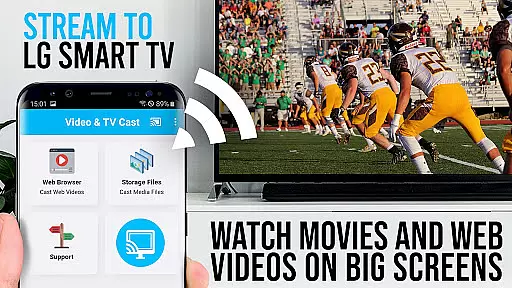
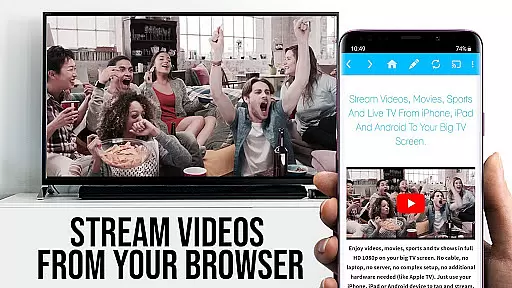
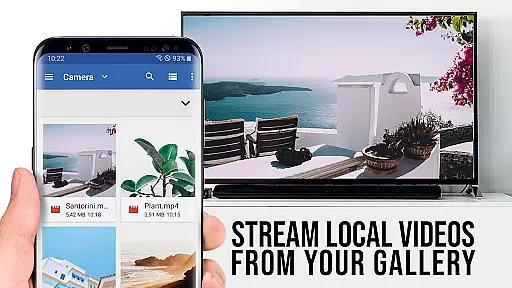
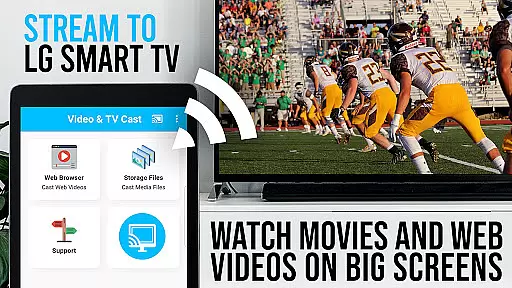
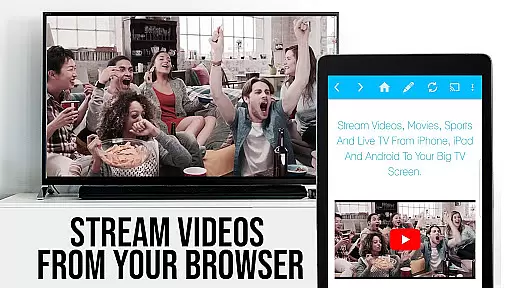
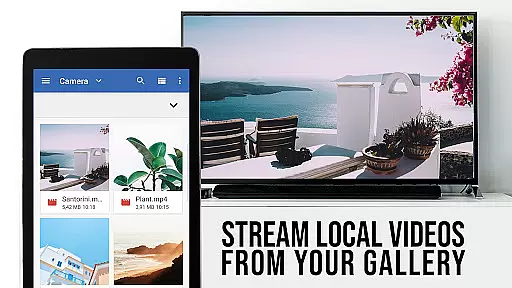
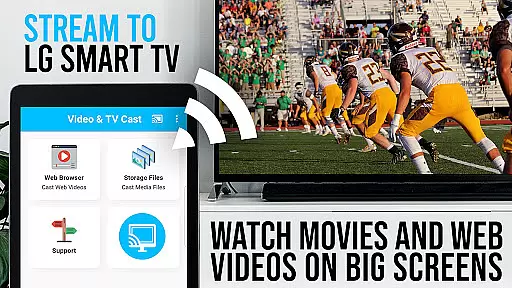
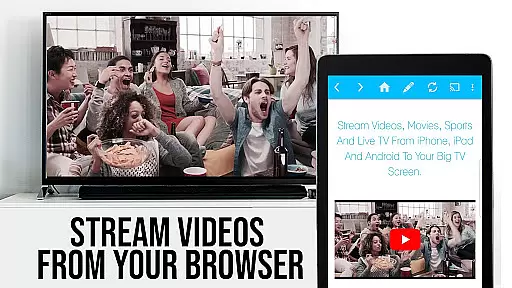
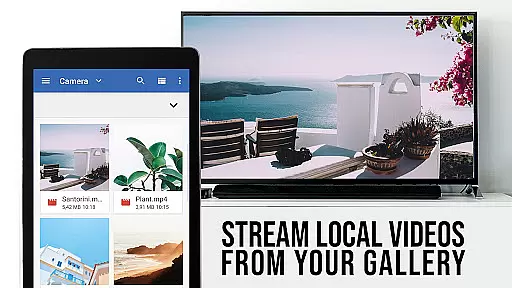
TV Cast Pro for LG webOS is a premium application designed to enhance your streaming experience on LG Smart TVs. This app allows users to stream web-videos, online-movies, livestreams, and live-tv shows directly to their LG TV without the need for an additional streaming box. With support for video formats such as mp4 and m3u8, it ensures high-quality Full HD streaming. The app stands out with its multitasking capabilities, enabling users to close the app or even shut down their phone while casting continues.
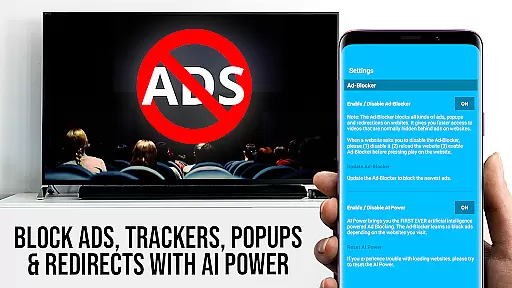
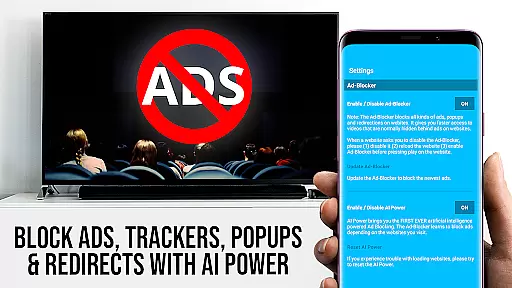
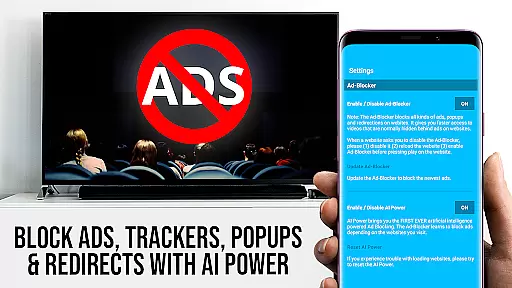
The PRO edition of TV Cast offers unlocked Premium Features including an Ad-Blocker, Remote Playbar for advanced video control, Bookmarks for easy access to favorite content, Desktop Mode for a full website browsing experience, and customizable Homepage settings. These features collectively provide a seamless and enriched streaming experience, making it an ideal choice for users looking to maximize their LG TV's potential.
TV Cast Pro for LG webOS boasts several distinctive features that cater to diverse user needs. One of its key functionalities is the ability to cast videos in Full HD, irrespective of the Android device's screen resolution. This ensures that users enjoy crisp, clear visuals on their TV screens. Additionally, the app supports multitasking; users can manage other activities on their phone or even power it down while casting persists.
Another highlight is the Remote Playbar, which provides advanced video controls like scrubbing, forward, rewind, play, pause, and stop functions directly from the app interface. The inclusion of an Ad-Blocker enhances user experience by blocking ads and popups on most websites. Moreover, features like Bookmarks, Desktop Mode, and Change Homepage offer personalized and convenient navigation options, allowing users to tailor their browsing and streaming activities according to their preferences.
TV Cast Pro for LG webOS stands out with its versatile video format compatibility, ensuring users can stream a wide range of content without limitations. The app supports popular formats such as mp4 and m3u8, allowing seamless streaming of web-videos, online-movies, livestreams, and live-tv shows directly to LG Smart TVs.
The ability to handle Full HD content even on Android devices with lower screen resolutions makes this app particularly appealing. Unlike Miracast, which is restricted by the resolution of Android devices, TV Cast Pro delivers crisp, clear visuals in Full HD quality. This ensures an optimal viewing experience regardless of the source device's specifications.
By supporting various video formats and delivering high-quality streams, the app provides users with the flexibility to enjoy their preferred content without worrying about format restrictions or quality degradation. Whether it's browsing videos on favorite websites or streaming live events, users can expect consistent performance and reliability.
While TV Cast Pro for LG webOS doesn't focus on traditional AI-powered editing features found in dedicated video editing applications, it incorporates advanced functionalities that enhance the streaming experience. One notable feature is the Ad-Blocker, which intelligently filters out ads and popups from most websites, providing an uninterrupted viewing session.
The Remote Playbar represents another innovative aspect of the app, offering users advanced video control while browsing. This includes essential functions like video scrubbing, forward, rewind, play, pause, and stop. These controls mimic professional editing tools but are tailored specifically for real-time streaming scenarios.
Additionally, the Desktop Mode allows users to change the browser user-agent, enabling them to load desktop versions of websites instead of mobile versions. This feature expands access to content typically optimized for larger screens, further enriching the streaming experience. Combined with customizable settings like homepage configuration and bookmark management, these features create a sophisticated environment for managing and enjoying digital media content.
Full HD casting
Multitasking enabled
Ad-Blocker included
Remote Playbar feature
Customizable homepage
No DRM video support
Limited device compatibility
QR Code required
Premium cost involved
Third-party app restrictions

Powerful, professional, versatile teleprompter. Developed by an active film crew
 4.00
4.00
Your media, on your terms.
4.10
A Quick and Pro Video Editor
4.70
This app was created to edit the metadata of music files.
4.20
Video player with powerful streaming playback and various convenient features.
2.10
Pro video editor app for Instagram, edit video with song, AI, effect & slowmo.
4.80
An easy-to-use and all-round screen recorder with audio
4.80
Video Downloader, Multiple Resolution Options, Video Player
4.50
All in one multi protocols stream receiver for AirPlay, Cast and DLNA.
3.60
Flud is a simple and beautiful BitTorrent client for Android.
4.80
All in one HD video downloader & player for multiple formats with full privacy
4.70
Movie maker & video editing app with AI effects and green screen
4.30
Powerful Video Editor & Photo Editing App —— Quick Edits & Stunning Effects!
4.30
1)AirPlay/DLNA Mirroring/Streaming, up to 4 connections; 2)Samba/NAS/DMS Player.
4.00
Explore the largest library of free GIFs, Stickers & Memes - or create your own!
3.90
HD video & music player - All format support with floating & PIP mode!
3.80
Manage your IPTV live channels and VOD playlists (no playlist included)
3.80
Watch full episodes of your favorite Cartoon Network and Cartoonito shows!
3.50
A full editing room to accompany your Insta360 cameras and handheld gimbals.
3.30


User Reviews