
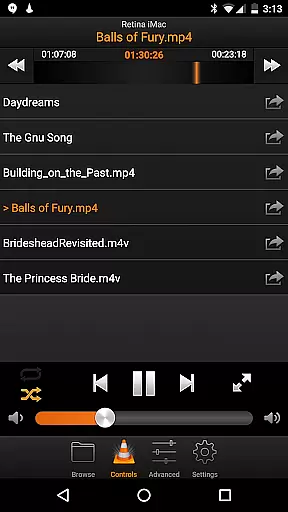
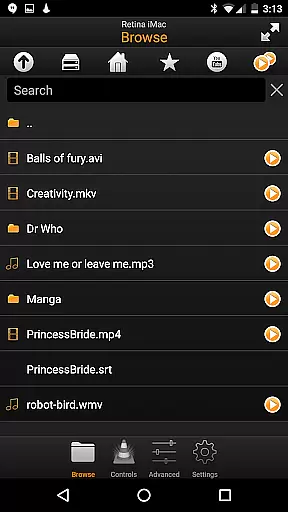
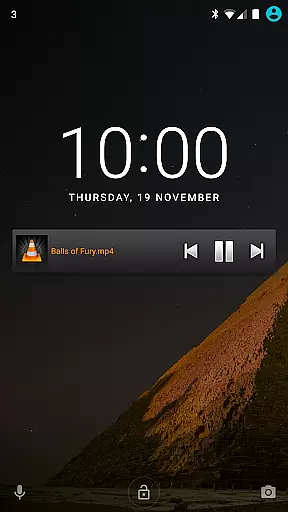
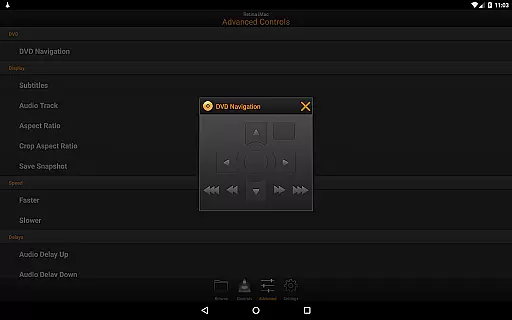
VLC Remote is a powerful and user-friendly Android application designed specifically for controlling VLC media player on your computer. With its intuitive interface, this app allows you to effortlessly manage your multimedia experience directly from your smartphone.
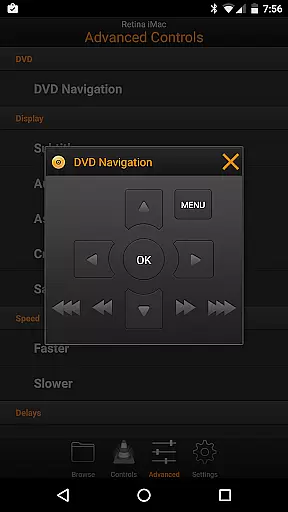
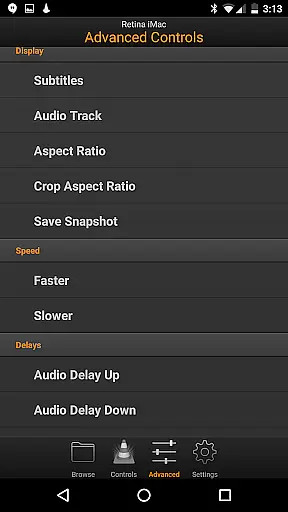
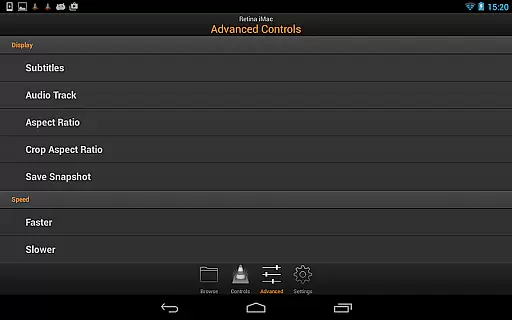
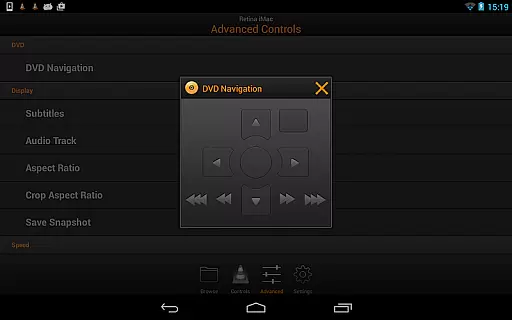
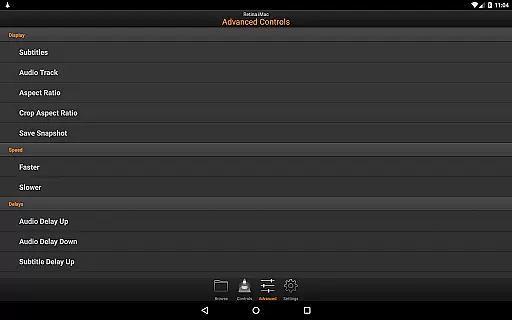
The standout feature of VLC Remote is its free setup helper that automatically configures both VLC and the connection between your Android device and computer with just a few button clicks. This seamless integration enables users to enjoy full browsing control, DVD controls, volume adjustment, position tracking, fullscreen toggling, subtitle management, aspect ratio adjustments, audio track selection, and access to external drives.
Whether you're relaxing on the couch or need to manage media playback from across the room, VLC Remote provides an unparalleled level of convenience and functionality. Its ability to enhance your home entertainment system makes it an essential tool for any VLC user looking to elevate their viewing experience.
VLC Remote offers a comprehensive suite of features that cater to all your multimedia control needs. One of its most notable capabilities is the automatic configuration provided by the free setup helper, which simplifies the initial connection process between your Android device and VLC media player on your computer.
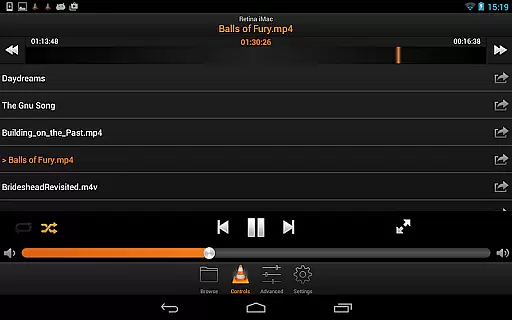
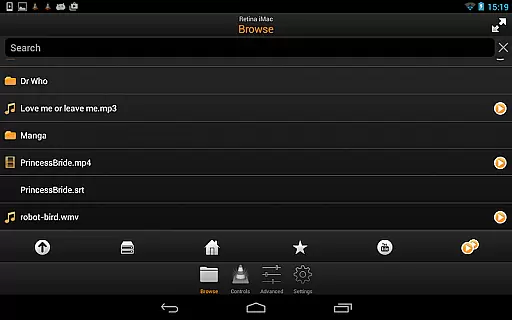
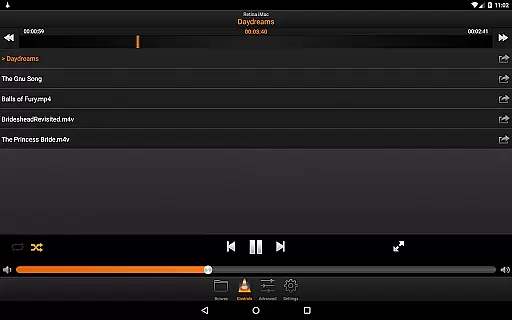
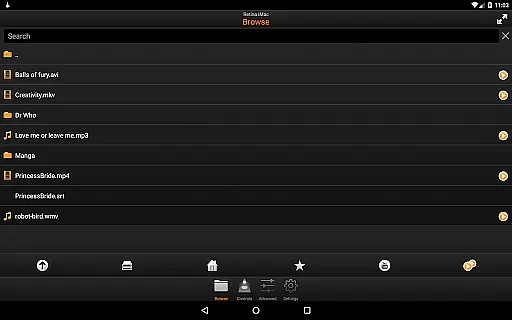
Once connected, users can take advantage of full browsing control, allowing them to play any file from their computer's library directly through the app. The remote also supports complete DVD controls, enabling users to navigate menus and chapters with ease. Additionally, VLC Remote provides precise control over volume levels, playback position, track selection, fullscreen mode activation, subtitle settings, aspect ratio adjustments, audio track management, and even access to external drives.
These features collectively ensure that users have complete dominion over their media playback experience without having to physically interact with their computer. By combining powerful functionality with an intuitive interface, VLC Remote stands out as one of the most versatile tools available for managing VLC media player remotely.
When it comes to video playback, the VLC Remote app ensures broad video format compatibility. This means you can enjoy a wide range of video files without worrying about format issues.
The app supports popular formats such as MP4, AVI, and MKV, allowing seamless playback directly from your device. Whether you're streaming content or accessing files stored locally, the app handles various codecs with ease.
Users benefit from not having to convert files or use additional software for playback. The app's robust compatibility ensures that videos play smoothly, maintaining high-quality audio and video synchronization.
This feature is particularly valuable for users with diverse media libraries, ensuring they can access their content effortlessly on the go.
VLC Remote incorporates AI-powered editing features that enhance the user experience. These intelligent tools allow users to make precise edits to their video files with minimal effort.
From automatic scene detection to smart trimming options, the app leverages AI to simplify complex editing tasks. Users can quickly cut, merge, or adjust video clips without requiring advanced technical skills.
The AI algorithms ensure that edits are smooth and natural, preserving the original quality of the footage. This makes video editing accessible to both beginners and experienced creators.
By integrating these innovative features, VLC Remote empowers users to create professional-looking videos directly from their mobile devices.
User-friendly interface
Automatic setup helper
Comprehensive control options
Seamless device integration
Wide range of supported functions
Limited to VLC media player
Requires initial setup
Dependent on network connection
No standalone media player
Premium version costs extra

Capture images & record videos for USB Camera, Webcam, Microscopes, Endoscopes
 3.80
3.80
Fast & easy HD video downloader for all formats, support 4K playback & download.
4.60
All in one multi protocols stream receiver for AirPlay, Cast and DLNA.
3.60
This app is an emulator of some specific IPTV boxes
3.50
Powerful video player with advanced hardware acceleration and subtitle supports
4.20
Video player with 4K & 1080P support, popup play, background play and subtitle.
4.20
convenient, safe and fast at Video Downloader & Player
4.60
Make videos you’re proud to share with Edits, a video editor for creators.
4.70
Capture the moment and Cut
3.40
AI Video Editor with Music, Filter, Slideshow, Effect, Merge & Trim Video.
4.80
Find, download, and play torrents with the official BitTorrent® Pro app
4.70
Video Player - Unlimited features, 30 days money back guarantee.
4.60
Browser + Remote for Roku to stream webvideos, online movies and livestreams
4.60
Video player, file manager for all formats, 4K/HD media player supports subtitle
4.30
Powerful, professional, versatile teleprompter. Developed by an active film crew
4.00
AI Video Editor:AI Music, Text to Video,Text to Speech,Auto Caption,Video Effect
4.00
Livestream, news, & gaming content. Watch, chat, and upload. Join Rumble today!
3.80
Client application for NextPVR software
3.00
Powerful HD video player with support for all formats & subtitles.
4.5


User Reviews