
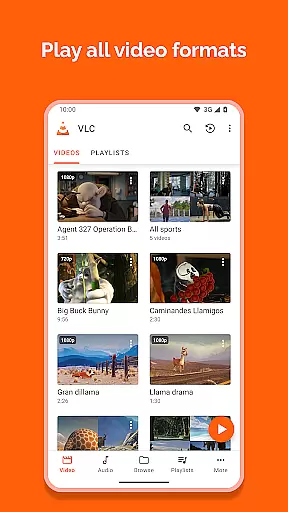
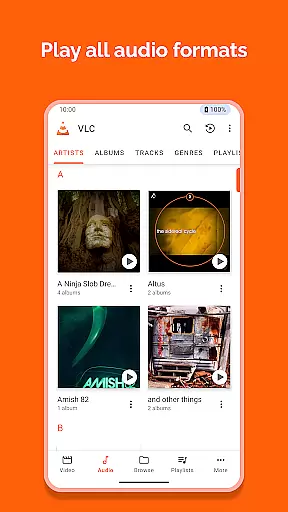
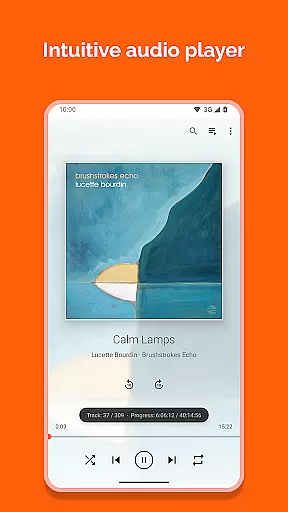
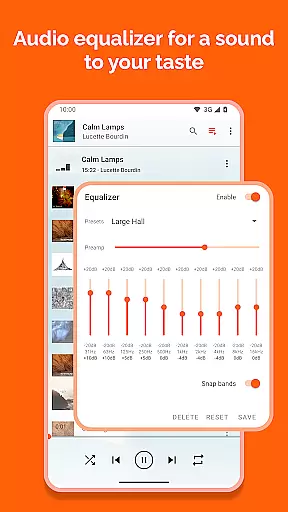
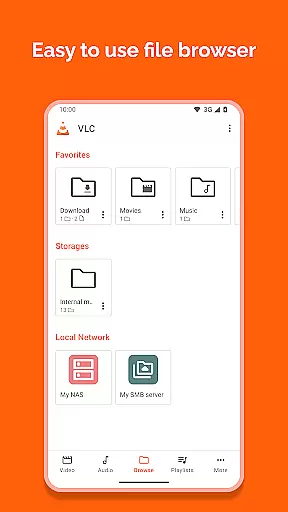
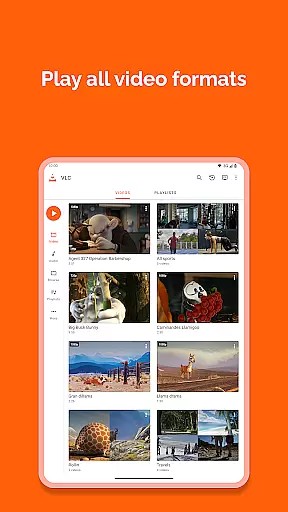
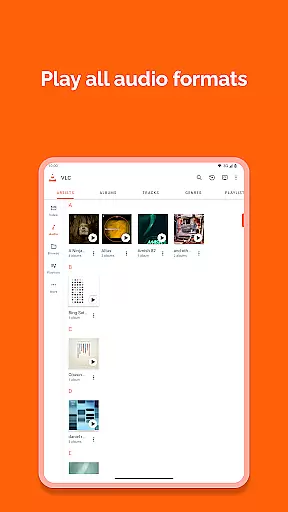
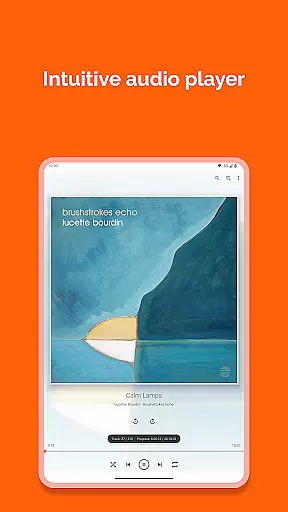
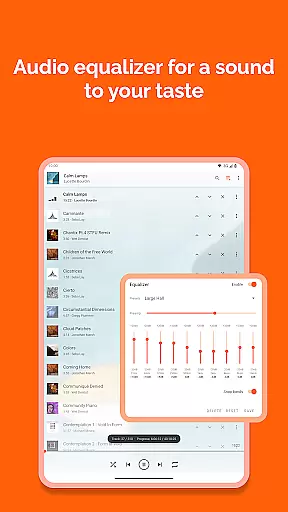
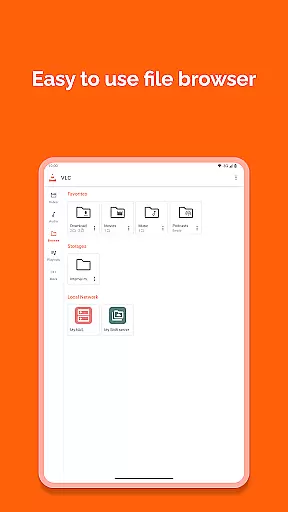
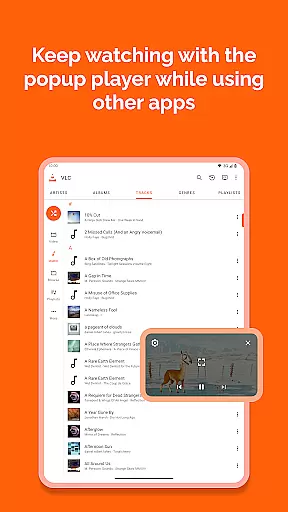
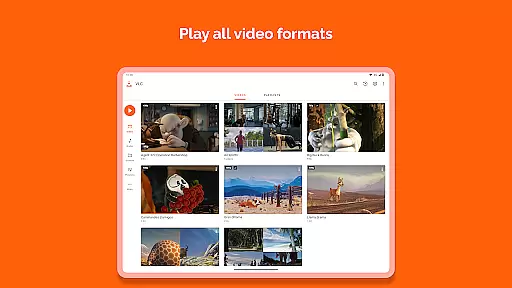
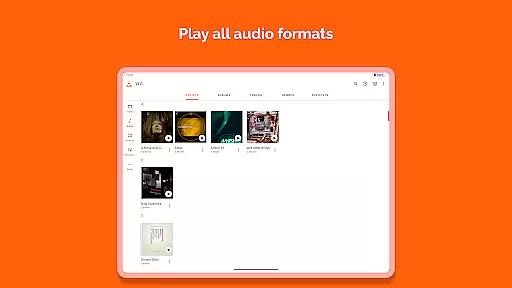
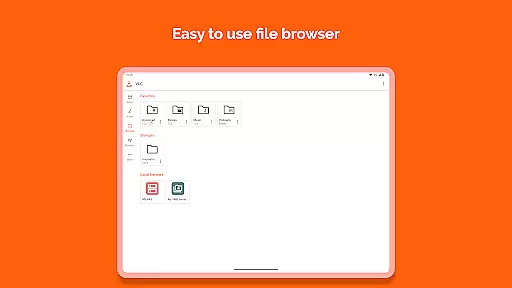
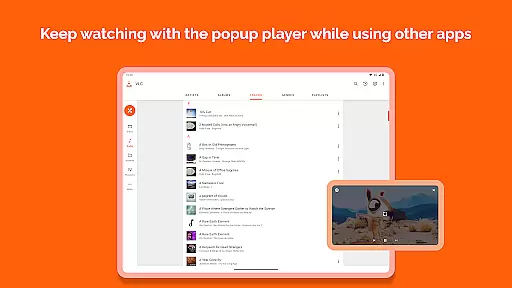
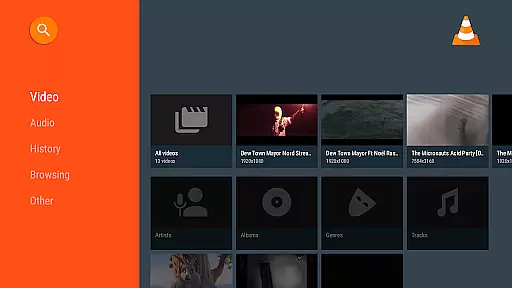
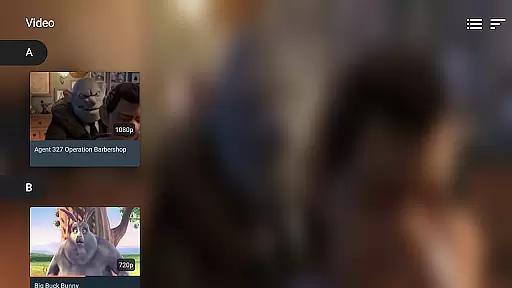

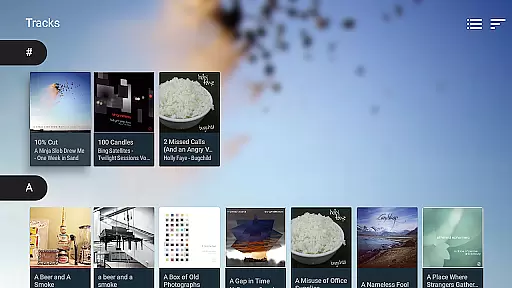
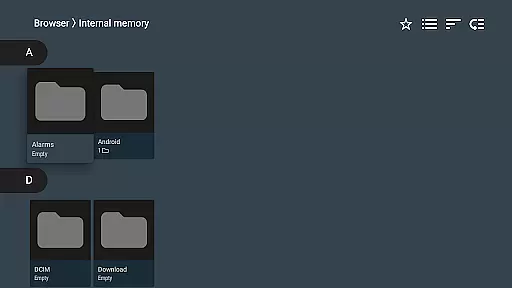
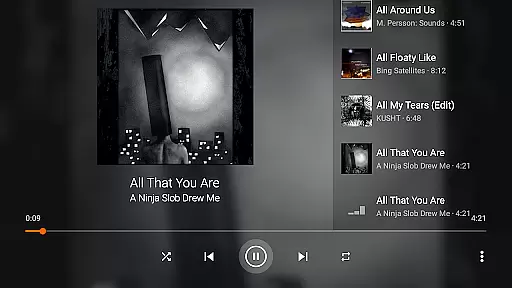
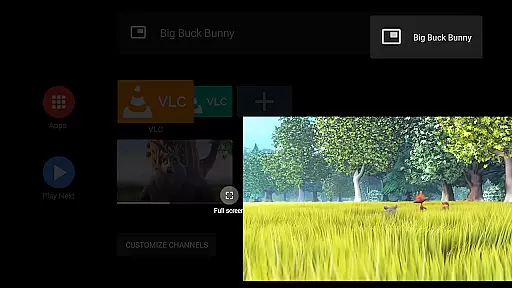
VLC for Android is a versatile, free, and open-source media player that brings the renowned VLC experience to mobile devices. This application supports an extensive range of video and audio formats, including network streams, DVD ISOs, and disk shares, without the need for separate codecs or downloads.
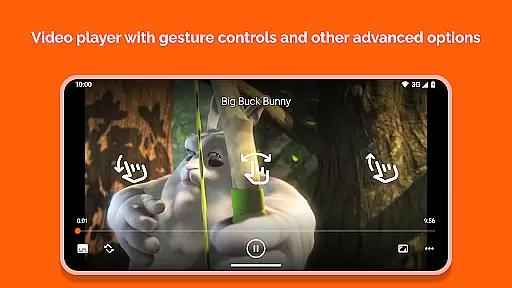
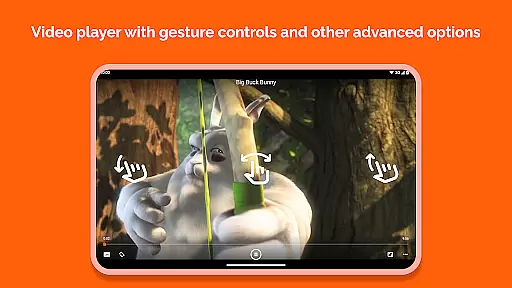
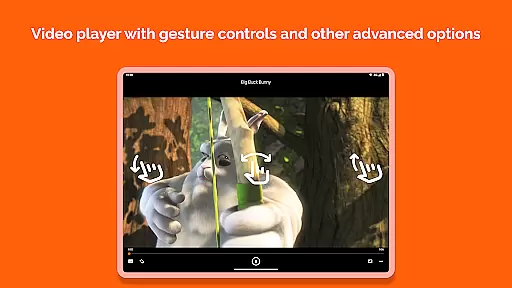
Designed with user convenience in mind, it features a comprehensive media library, supports multi-track audio and subtitles, and offers intuitive gesture controls for volume, brightness, and seeking. Whether you're streaming content or managing your local media files, VLC for Android ensures a seamless playback experience across all formats.
Ideal for users who require a reliable media player on-the-go, this app is perfect for enjoying multimedia content during commutes or while traveling. Its commitment to being ad-free and respecting user privacy makes it a trustworthy choice for both casual viewers and audiophiles alike.
VLC for Android stands out with its ability to handle virtually any multimedia file format without additional codec packs. It supports everything from standard MP4 and AVI to more complex formats like MKV, FLAC, and M2TS, ensuring universal compatibility.
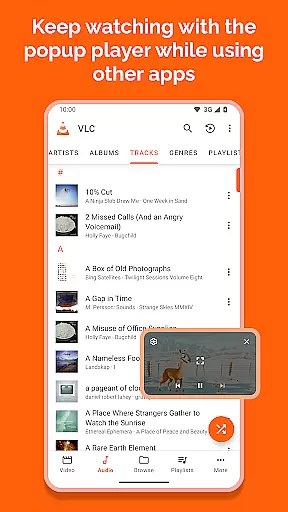
Beyond basic playback, the app includes advanced functionalities such as support for adaptive streaming, multi-track audio, and subtitle synchronization. Users can also take advantage of practical features like auto-rotation, customizable aspect ratios, and a widget for audio control, making it highly adaptable to different viewing preferences.
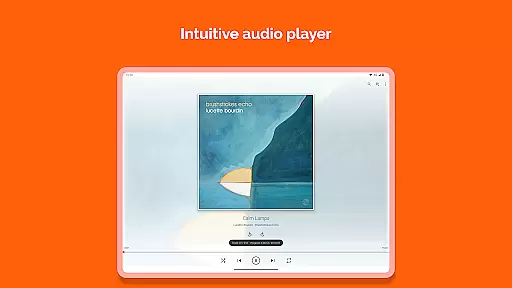
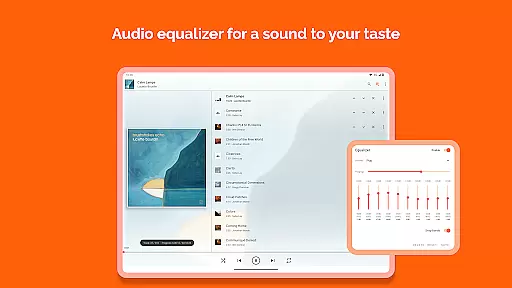
The inclusion of a full-featured audio player with equalizer settings, cover art display, and headset controls further enhances its appeal. By providing tools for network stream access and supporting various storage permissions, VLC for Android empowers users to manage and enjoy their entire media collection effortlessly.
VLC for Android stands out in its exceptional video format compatibility, ensuring users can play virtually any multimedia file without the need for additional codecs or plugins. This universal support includes popular formats like MKV, MP4, AVI, and more specialized ones such as Ogg and FLAC.
The application's comprehensive codec integration eliminates the hassle of searching for and installing separate components to play specific files. Whether you're dealing with high-definition videos or lesser-known audio formats, VLC has got you covered.
For users, this means seamless playback of media files from various sources, be it downloaded content, network streams, or disk shares. The ability to handle all these formats within a single app simplifies media consumption and enhances accessibility.
This extensive compatibility not only saves time but also storage space on your device, making VLC an essential tool for anyone who regularly consumes multimedia content on their Android device.
While VLC for Android focuses primarily on media playback, it incorporates some intelligent features that enhance user experience beyond traditional video players. Although it may not offer full-fledged AI-powered editing capabilities, its smart functionalities contribute significantly to media management and playback optimization.
The application automatically organizes your media library, categorizing audio and video files efficiently. Its intelligent system supports multi-track audio and subtitles, allowing users to customize their viewing experience according to personal preferences.
VLC employs smart gestures for controlling volume, brightness, and seeking through videos, demonstrating a level of intelligence that makes media interaction more intuitive. These features, combined with advanced audio controls and equalizer settings, create a sophisticated media environment.
For users seeking a reliable media player that incorporates intelligent management features without compromising performance, VLC delivers a compelling solution that balances playback capabilities with smart organizational tools.
User-friendly interface
Wide format support
No ads or in-app purchases
Regular updates
Active community support
Occasional bugs
Complex settings
Limited customer support
Heavy on battery
Interface not modern

Kodi media center, a free and open source cross-platform entertainment hub
 3.60
3.60
Cast to Chromecast, Xbox, Fire Stick, Roku, DLNA, Smart TV & No Feature Limited!
4.50
High-Quality USB Camera Viewer & HDMI Display
4.70
Fast & easy HD video downloader for all formats, support 4K playback & download.
4.60
Web Browser for LG TV to stream webvideos, online movies and livestreams in HD
4.20
Fast & Private HD Video Downloader with Built-in Proxy Browser and Video Player.
4.50
Download Hub, easy and private way to download and enjoy your videos offline
4.80
Photo editor & video maker with music and slideshows.
4.10
Make videos you’re proud to share with Edits, a video editor for creators.
4.70
Play ALL formats in 4K & HD. Video downloader, MP3 player, Chromecast & more.
4.80
Video Player - Unlimited features, 30 days money back guarantee.
4.60
Watch IPTV on your Android device
4.60
Fast, private downloading, video saving, social media
4.50
This app was created to edit the metadata of music files.
4.20
Video player with 4K & 1080P support, popup play, background play and subtitle.
4.20
1)AirPlay/DLNA Mirroring/Streaming, up to 4 connections; 2)Samba/NAS/DMS Player.
4.00
Live TV, anywhere in your home
3.80
The essential companion to your Blue Iris PC software
2.50
Stream high quality video from your camera over NDI protocol
4.5


User Reviews