
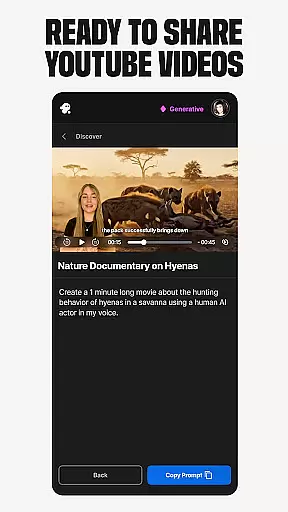
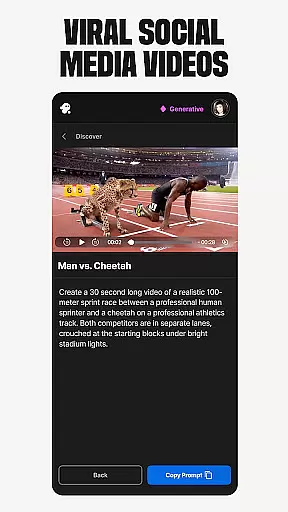
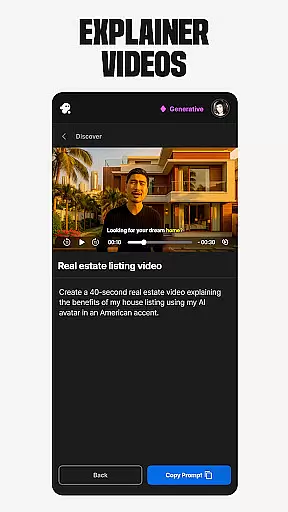
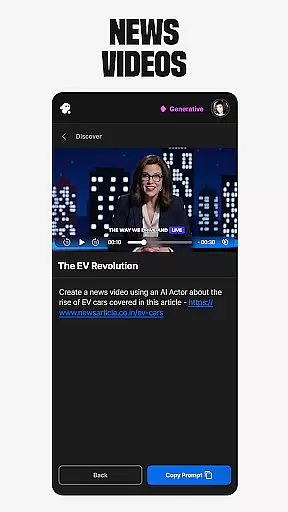
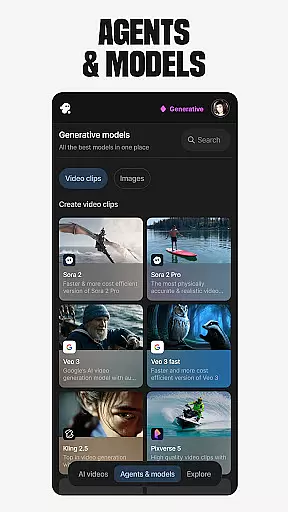
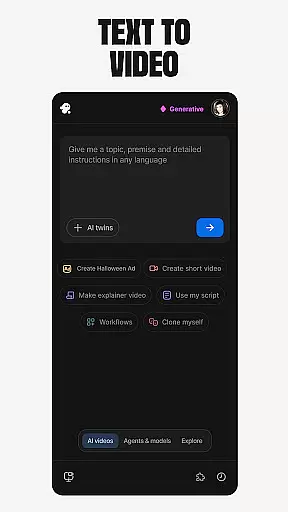
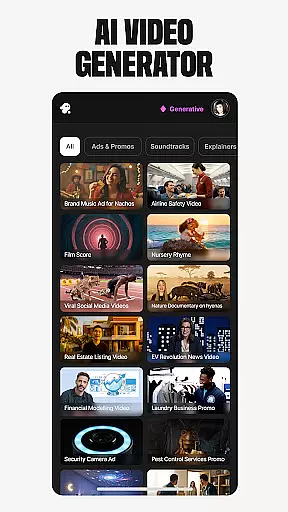
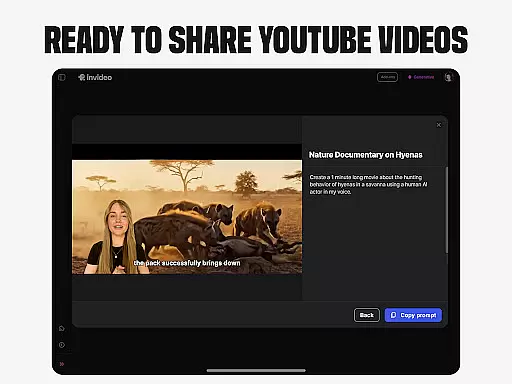
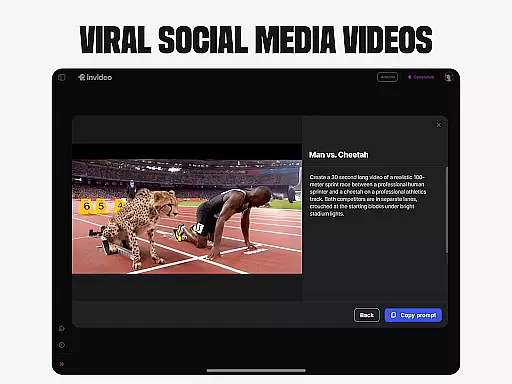
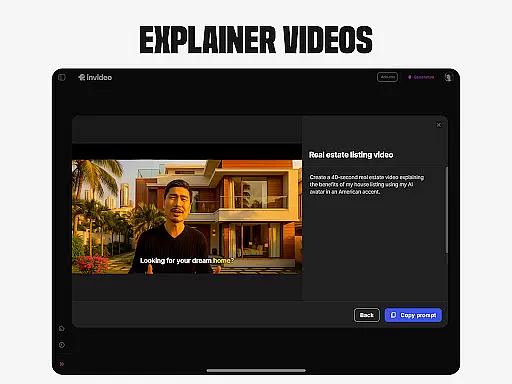
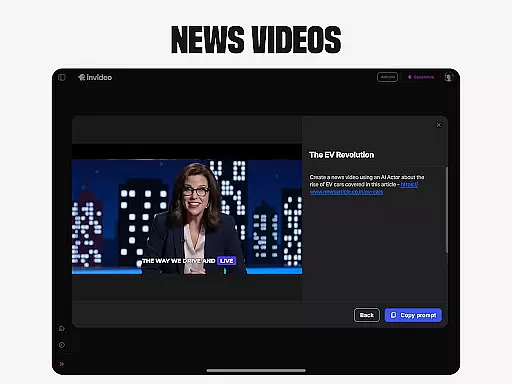
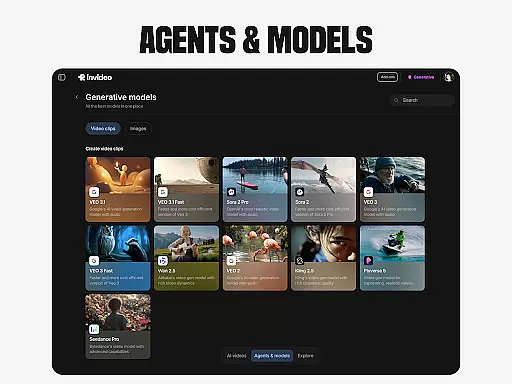
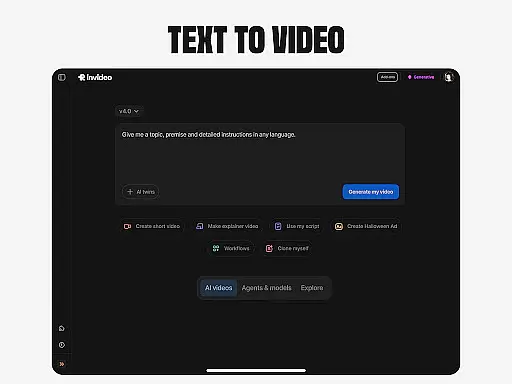
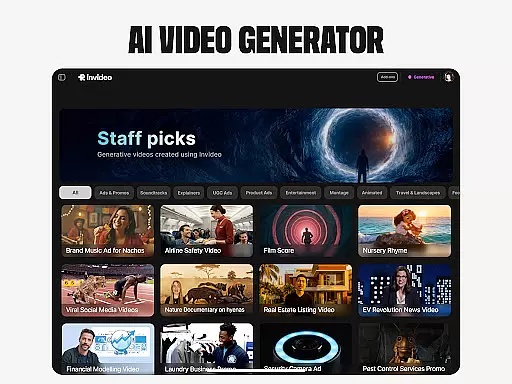
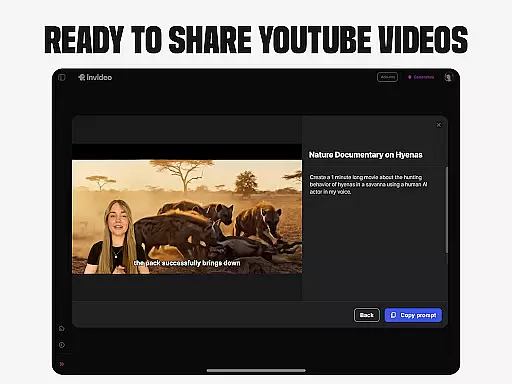
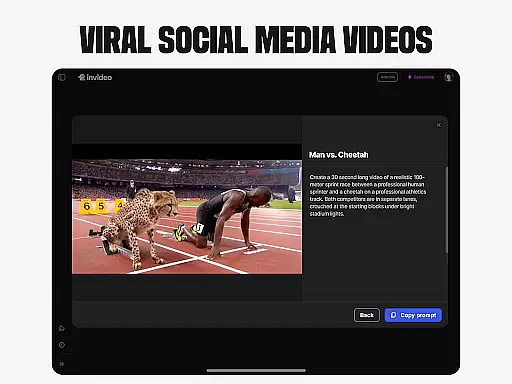
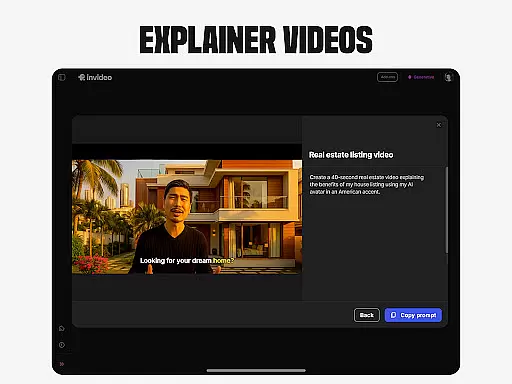
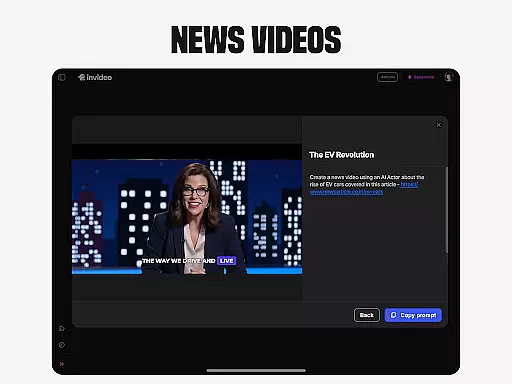
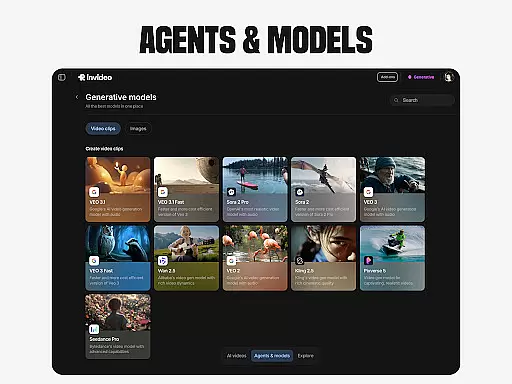
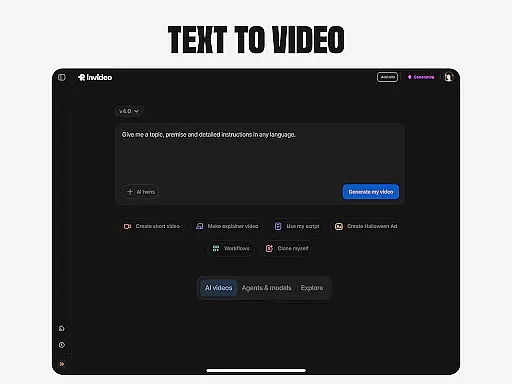
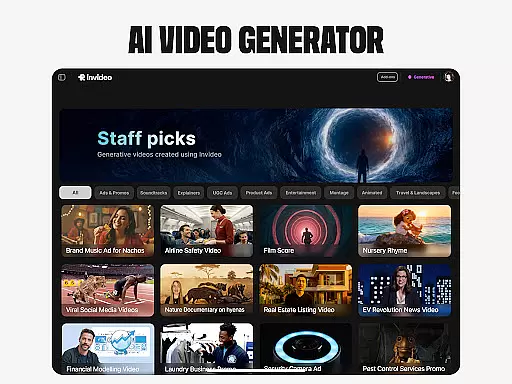
Invideo AI revolutionizes video creation by offering a comprehensive suite of AI-powered tools that cater to both beginners and professionals. This versatile platform enables users to effortlessly produce high-quality videos across various formats, including explainers, promos, ads, and documentaries.
The application's standout features include AI Text-to-video conversion, AI Avatars for personalized content creation, and AI voice cloning for multilingual projects. With support for over 50 languages, Invideo AI empowers global creators to visualize scripts, generate full-length films, and produce engaging UGC content with unprecedented ease.
Whether you're developing e-commerce product videos or educational content, Invideo AI streamlines the process through its intuitive interface and powerful automation capabilities, making professional-grade video production accessible to all.
Invideo AI distinguishes itself through its extensive feature set designed to simplify complex video production tasks. The platform's AI video generator creates complete productions with scripts, generative media, captions, voiceovers, and music in multiple languages.
Advanced capabilities include AI Avatars that enable users to create training materials and product explainers using their digital twin, eliminating traditional studio requirements. The AI voice cloning feature allows content creators to maintain consistent branding across different language versions.
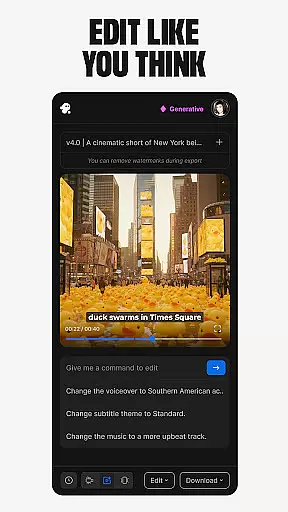
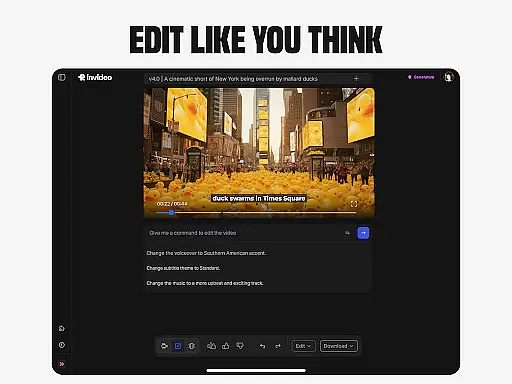
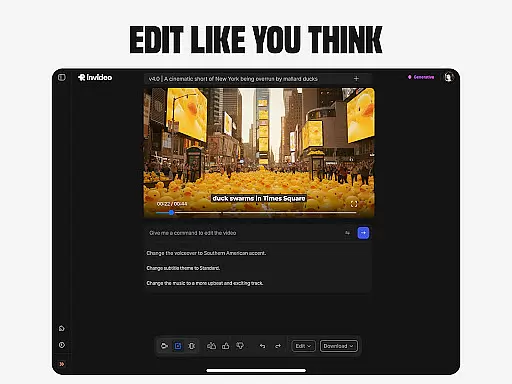
Additional innovative tools encompass AI Image to video conversion, virtual product try-ons for e-commerce, and an intelligent video editor that modifies scenes and adjusts elements through simple text commands, significantly reducing editing time and complexity.
Video format compatibility is a crucial feature for any video editing tool, ensuring that users can work with a wide range of video file types without the need for conversion. Invideo AI supports over 50 languages and various formats, making it versatile for international and diverse user bases. This flexibility allows creators to focus on their content rather than technical limitations.
The application's support extends to popular formats such as MP4, AVI, and MOV, which are commonly used across different platforms like YouTube, Vimeo, and social media channels. By accommodating these formats, Invideo AI ensures that videos created or edited within the app can be seamlessly shared and played on various devices and platforms without additional processing.
For professionals and beginners alike, this broad compatibility means less time spent on troubleshooting format issues and more time dedicated to creativity and production. Whether you're creating explainers, promos, ads, or full-length films, having robust video format support enhances workflow efficiency and expands creative possibilities.
AI-powered editing features revolutionize the way users interact with video editing software by simplifying complex processes through intelligent automation. Invideo AI incorporates advanced AI capabilities that allow users to change scenes, edit music, refine tone, and swap voiceovers effortlessly using simple text commands. This intuitive approach eliminates the steep learning curve typically associated with traditional timeline-based editing applications.
One standout feature is the ability to convert prompts into full scenes and visualize scripts with AI script-to-video functionalities. This empowers creators to bring their ideas to life quickly and efficiently, without needing extensive technical skills. Additionally, AI-driven tools like virtual product try-ons and AI avatars enable innovative content creation methods that were previously inaccessible to many users.
By leveraging AI, Invideo AI not only streamlines the editing process but also opens up new avenues for creativity. Users can produce high-quality, engaging videos that stand out on platforms like YouTube and social media, all while enjoying an uncomplicated and enjoyable editing experience. These powerful AI features make Invideo AI a valuable tool for anyone looking to create compelling video content easily and effectively.
User-friendly interface
Multi-language support
Comprehensive feature set
Time-saving automation
Professional quality output
Subscription costs may be high
Learning curve for advanced features
Limited free tier options
Internet connection required
Occasional rendering delays

Video Trimmer, Video to MP3 Converter. Extract music from video, Easy & Fast.
 4.80
4.80
Video player with powerful streaming playback and various convenient features.
2.10
Download videos easily & play them all in one smart, powerful video manager.
3.40
Mix with Virtual DJ directly from your phone or tablet !
3.10
The essential companion to your Blue Iris PC software
2.50
Browser for Samsung TV to stream webvideos, online movies and livestreams in HD
4.10
LumaFusion: The Ultimate Storytelling Experience for Video Editing
4.10
Download Hub, easy and private way to download and enjoy your videos offline
4.80
Video&Drama Player All Format is a HD video player, music player
3.00
#1 Torrent App on Android ** No Ads Ever + Battery Saver **
4.80
Pro video editor app for Instagram, edit video with song, AI, effect & slowmo.
4.80
AI Video Editor with Music, Filter, Slideshow, Effect, Merge & Trim Video.
4.80
Fast & easy HD video downloader for all formats, support 4K playback & download.
4.60
Browser + Remote for Roku to stream webvideos, online movies and livestreams
4.60
Browser for Fire TV to stream webvideos, online movies, livestreams in HD
4.40
Powerful, professional, versatile teleprompter. Developed by an active film crew
4.00
AI Video Editor:AI Music, Text to Video,Text to Speech,Auto Caption,Video Effect
4.00
Online Videos Player
3.90
Play and download HD videos from all sources — fast, simple, and all-in-one.
4.1


User Reviews