
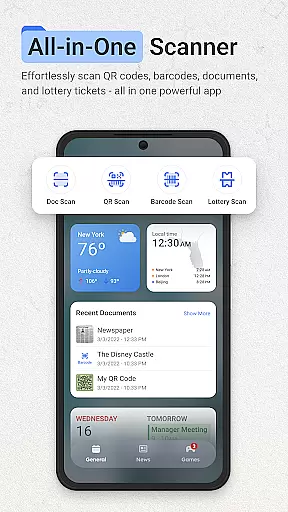
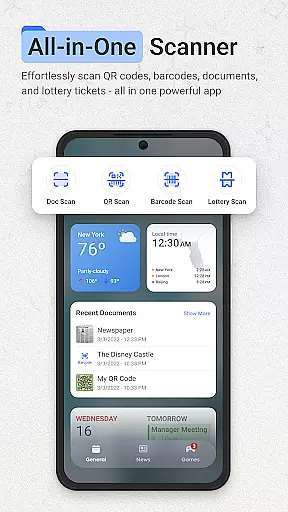
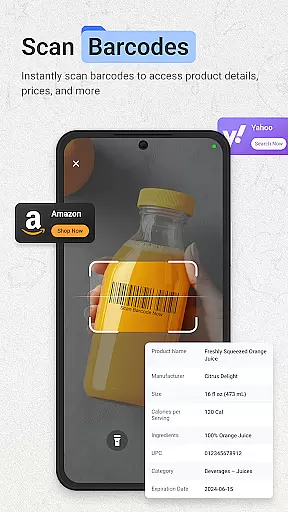
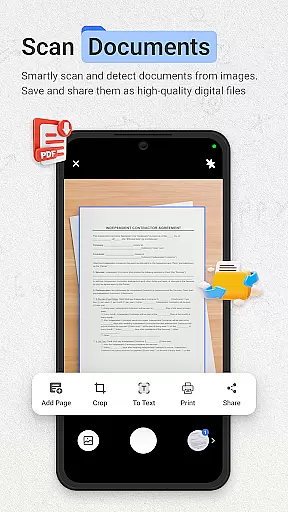
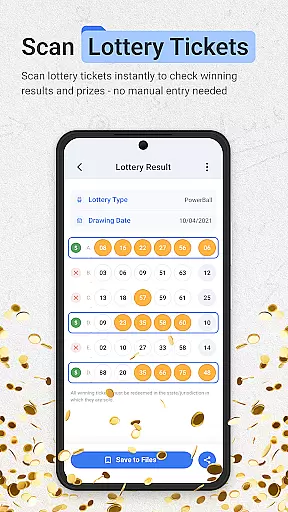
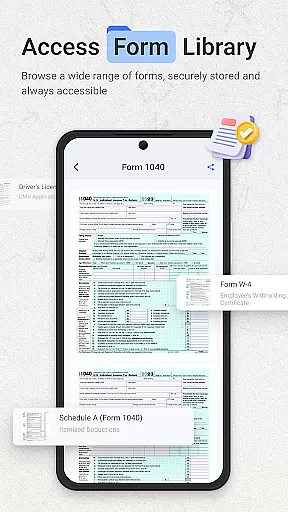
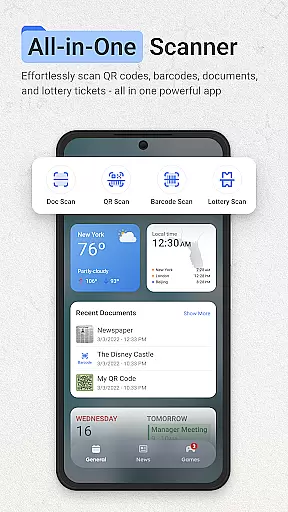
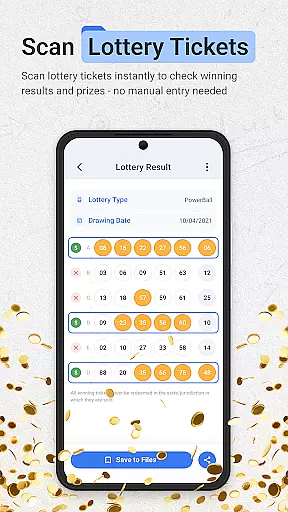
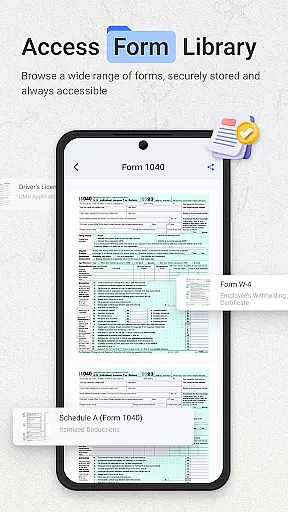
ScanNow Home revolutionizes productivity by integrating advanced scanning tools directly into your home screen experience. This innovative launcher combines essential document, barcode, and lottery ticket scanning with a clean, customizable interface. Users can instantly access powerful scanning features while enjoying the benefits of a modern Android launcher.
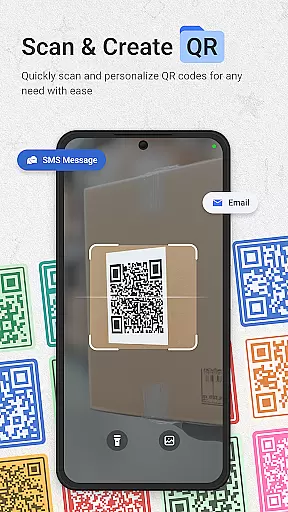
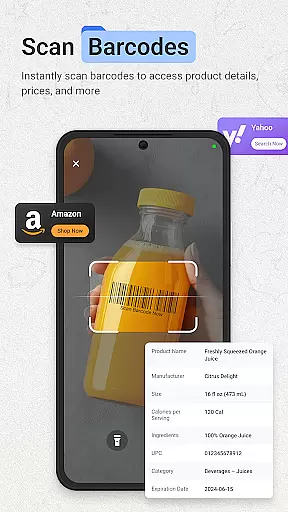
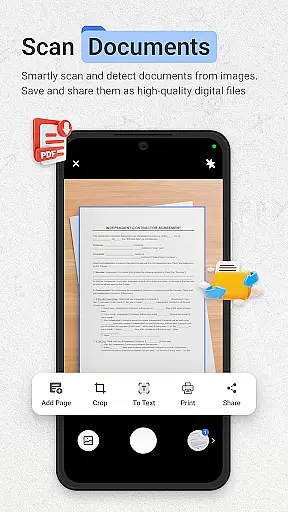
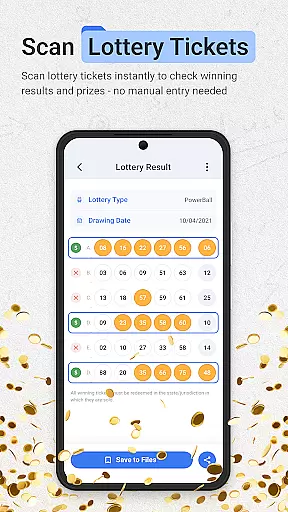
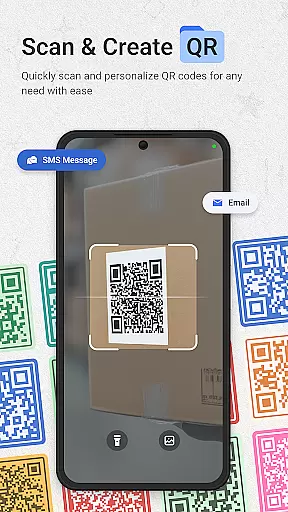
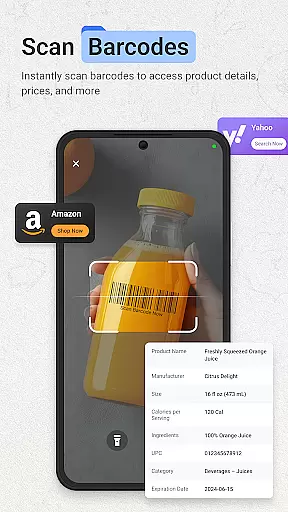
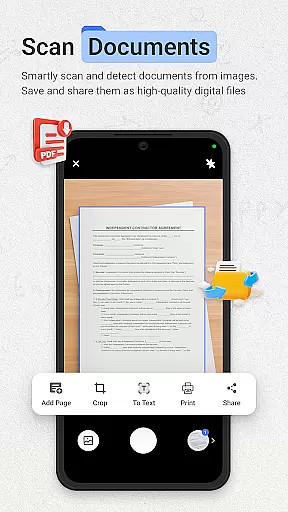
The application's standout feature is its seamless integration of multiple scanning tools. The document scanner offers professional-grade functionality with auto-edge detection, perspective correction, and multi-page support. Its barcode and QR code scanner provides instant results with price comparison capabilities, while the lottery validator supports major games and tracks playing history. These tools are complemented by smart launcher features including adaptive icons and dark mode support.
Ideal for professionals and students alike, ScanNow Home transforms your device into an all-in-one productivity solution. Whether you're digitizing important documents, comparing product prices, or managing lottery tickets, this app streamlines daily tasks while maintaining a user-friendly home screen experience.
ScanNow Home distinguishes itself through its comprehensive feature set that combines productivity tools with launcher functionality. The document scanner implements advanced algorithms for edge detection and perspective correction, ensuring professional-quality scans every time. Its batch processing capability allows users to handle multiple pages efficiently, while image enhancement tools guarantee optimal clarity.
The integrated barcode and QR scanner demonstrates exceptional performance with support for all major formats. Its price comparison feature empowers users to make informed purchasing decisions, while the scan history function maintains organized records of past scans. The lottery ticket validator showcases sophisticated functionality with real-time result checking and comprehensive tracking capabilities.
As a launcher, ScanNow Home incorporates modern Android features including adaptive icon support and material design principles. The application's smart categorization system helps users maintain an organized home screen, while its optimized performance ensures smooth operation even on older devices. These features collectively create a powerful yet user-friendly mobile experience.
ScanNow Home revolutionizes productivity by integrating essential scanning tools directly into your home screen experience, streamlining core task management like never before. The app consolidates document scanning, barcode reading, and lottery ticket validation into one seamless interface.
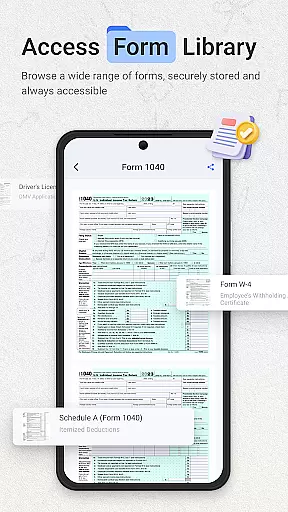
The document scanner offers advanced features including auto-edge detection, perspective correction, and batch scanning with multi-page support. These capabilities ensure users can efficiently digitize and organize important paperwork without switching between multiple apps.
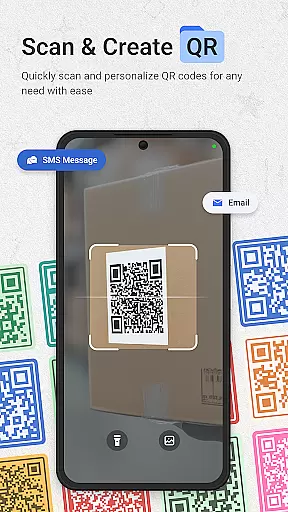
Barcode and QR code scanning functionality provides instant access to product information and web links. The built-in price comparison tool helps users make informed purchasing decisions while the scan history feature maintains a comprehensive record of all scanned items.
These integrated tools create a unified productivity solution that saves time and enhances workflow efficiency. Users can access these powerful features instantly from their home screen, making ScanNow Home an indispensable tool for managing daily tasks.
In today's interconnected world, ScanNow Home ensures reliable cross-device synchronization across all your Android devices. This feature guarantees that your scanned documents, tickets, and search history remain consistently accessible regardless of which device you're using.
The app employs advanced cloud-based technology to maintain real-time updates between devices. Whether you're scanning documents at work or validating lottery tickets at home, all information is automatically synced and available on your other devices within seconds.
Particular attention has been paid to data integrity during synchronization. The app implements robust error-checking protocols to prevent data corruption and ensure that every piece of information remains accurate and complete across devices.
This synchronization capability extends to user preferences and settings as well. Your customized launcher interface, dark mode preference, and adaptive icon choices are maintained uniformly across devices, providing a consistent user experience that adapts to your mobile lifestyle.
Instant access to scanning tools
Professional document processing
Comprehensive barcode support
User-friendly interface design
Efficient task management
Requires multiple permissions
Some features need in-app purchase
May drain battery faster
Complex for basic users
Only for Android 8.0+

Auto-shutoff Alarm with Sunrise, Sunset & Fixed Options.
 3.50
3.50
Native client for Forgejo and Gitea
5.00
Smart PDF reader & editor to view, organize and manage PDF documents easily.
3.70
A lightweight JSON & XML files creator, editor and viewer (Premium Version)
4.40
Customizable calendar widget for seamless event sync, planning & scheduling.
4.00
Secure, open-source, SPICE and SSH Remote Desktop for QEMU KVM virtual machines
4.00
Tally and goal counter for Wear OS & mobile
4.50
Best Tool for the professionals Electrician, Electrical contractors, etc.
4.90
This small app MUST BE INSTALLED after purchase, else license won't work
4.40
Protect and view your important info on your phone and tablet with eWallet®
4.80
Simple notepad & memo. Take notes, to-do list, shopping list with reminders.
4.80
Secure, fast, open-source, VNC and SSH Remote Desktop for Windows, Linux and Mac
4.70
App Lock with fingerprint, password: Lock apps & hide photos with lock screens
4.60
Stay on top of your to-dos with Google Tasks, part of Google Workspace.
4.60
Planet Free VPN - The best Fast Unlimited and Secure VPN Without Logs
4.50
Access, manage and transfer files on Android, PC, Mac, NAS and cloud storages.
4.30
Unlock AutoNotification
4.00
All in one sketching tool. Technical and General drawing. Online Maps support.
3.70
Find and delete junk files & block unwanted notifications & manage files
3.70


User Reviews