
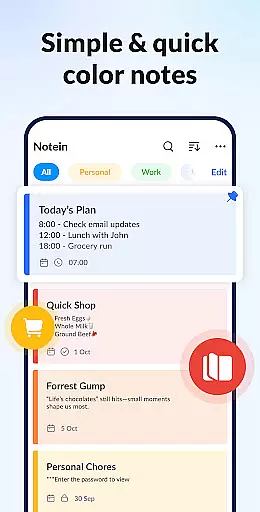


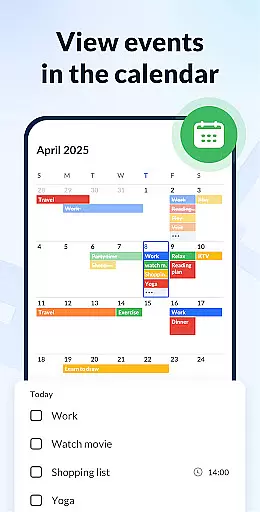
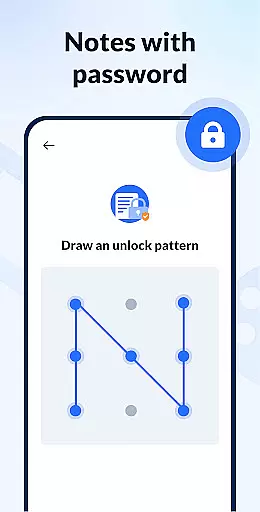
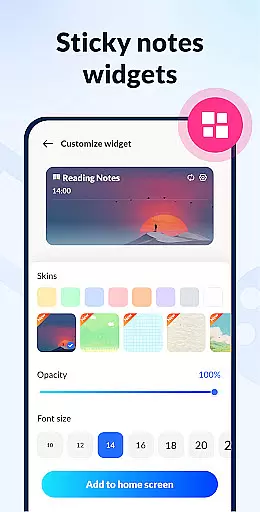


Notein - Notepad, Notes, Lists is a versatile productivity app designed to streamline note-taking and task management. This free notepad app offers multiple note-taking modes including text and checklist formats, automatic saving, and an intuitive interface for creating quick notes, meeting notes, or organizing daily tasks.
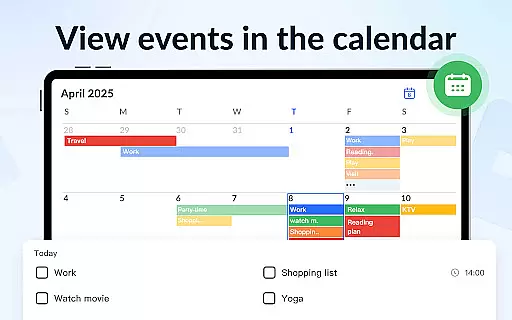
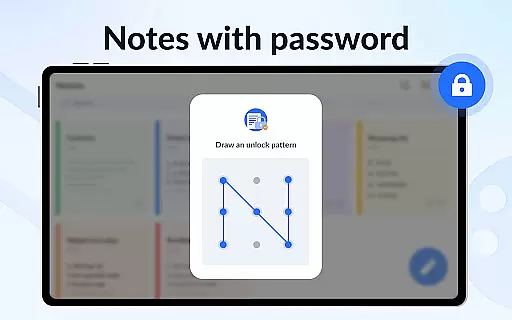
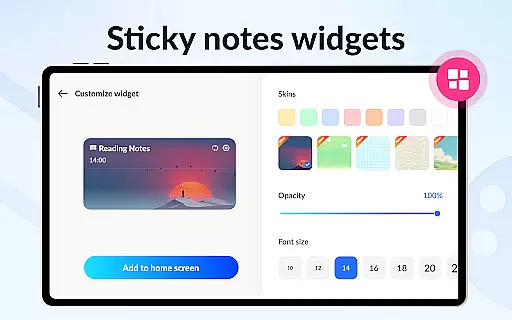
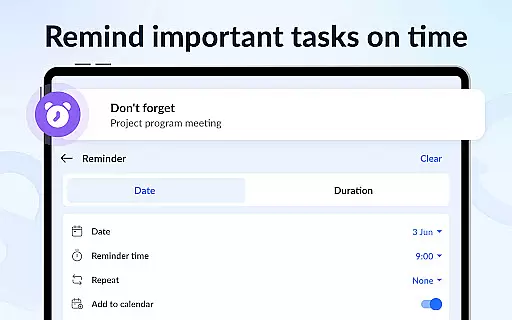
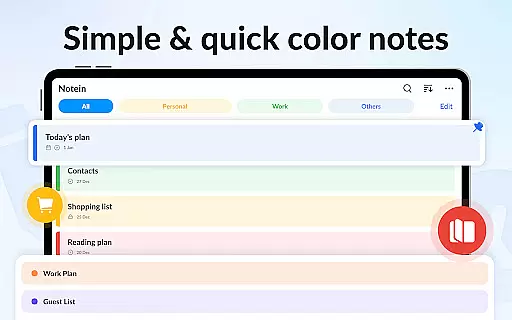
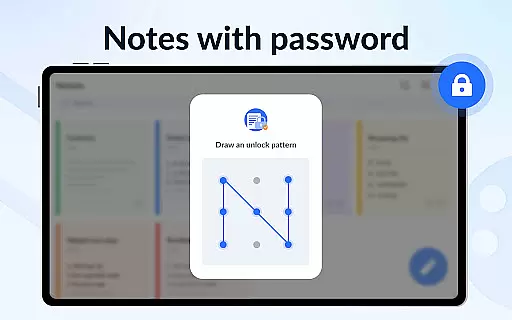
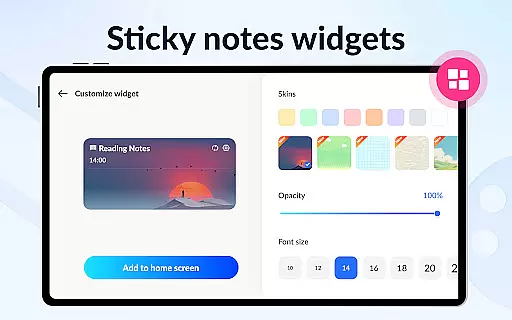
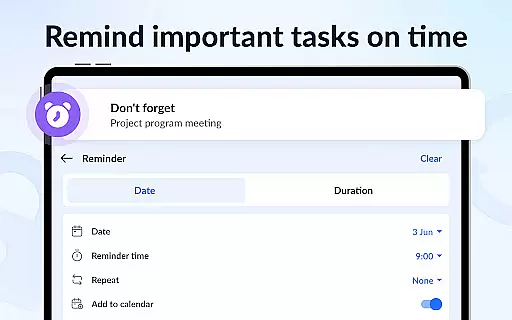
Key features include color-coded notes for better organization, calendar integration for scheduling tasks, and reminder notifications to ensure important deadlines are met. The sticky notes widget provides instant access to frequently used notes directly from the home screen, while password protection keeps sensitive information secure.
Ideal for students, professionals, and anyone seeking better organization, this app helps users maintain productivity by providing a centralized platform for all their note-taking needs. The cloud backup feature ensures data safety, making it a reliable companion for both personal and professional use.
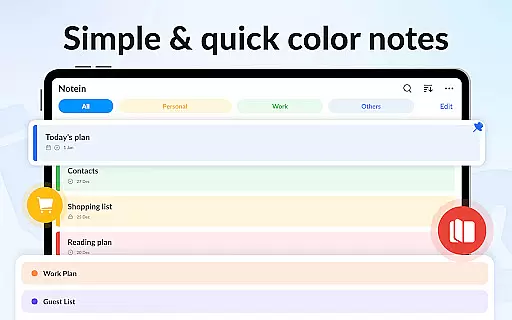
Notein stands out with its comprehensive set of productivity tools. The app's dual note-taking modes cater to different user preferences, while the automatic save function prevents accidental data loss. Users can create various types of notes including class notes, book summaries, and task lists, all with customizable color backgrounds for easy categorization.
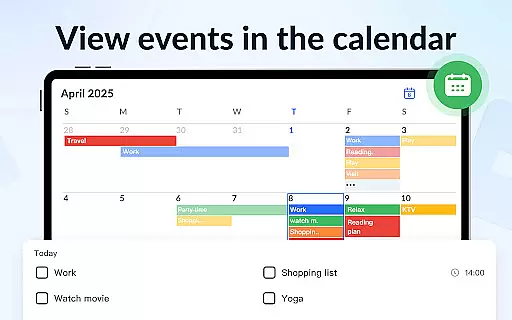
The calendar mode revolutionizes time management by allowing users to schedule notes and reminders on specific dates. The notification system ensures timely alerts for upcoming tasks and events. With support for multiple sorting methods and display modes (list, grid, details), users can organize their notes according to their preferred workflow.
Advanced security features include password protection for confidential notes, while the cloud backup system provides peace of mind against data loss. The app's lightweight design ensures smooth performance even on older devices, making it accessible to a wide range of users seeking an efficient digital notebook solution.
Effective task management is essential for productivity applications, serving as the backbone for organizing and tracking tasks. Notein - Notepad, Notes, Lists excels in this area by offering versatile note-taking modes that cater to different types of tasks and lists.
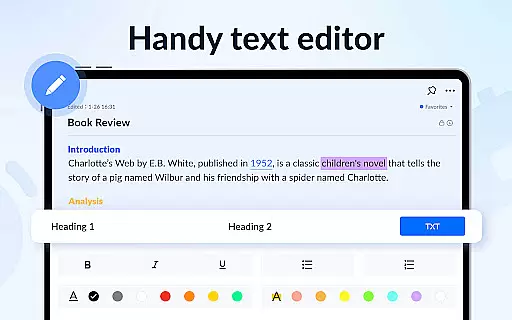
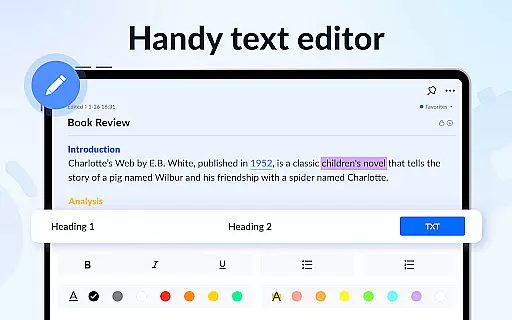
The application provides text mode for general notes and checklist mode for task-specific entries, ensuring users can manage their responsibilities efficiently. Automatic saving functionality guarantees that no information is lost, while features like pinning important notes enhance accessibility to critical tasks.
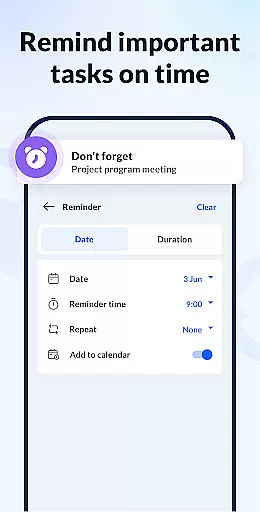
Users benefit from the app's comprehensive approach to task management, which includes setting reminders, adding notes to a calendar, and viewing notes through widgets. These capabilities ensure that deadlines are met, and schedules are maintained with precision.
By integrating color-coded organization and password protection, Notein not only streamlines task management but also personalizes and secures it. This combination of features empowers users to stay organized and focused on their objectives without compromising privacy or convenience.
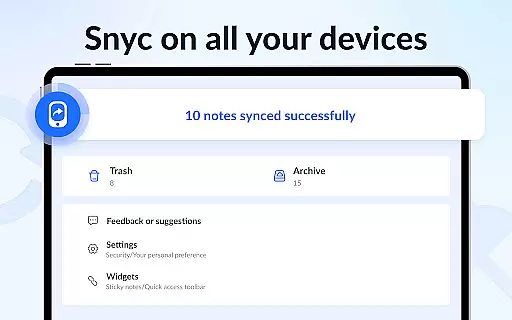
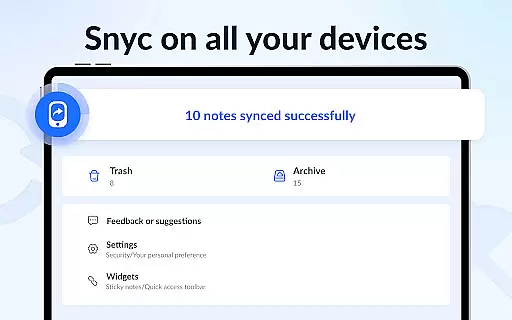
In today's interconnected world, reliable cross-device synchronization is crucial for productivity tools. Notein ensures seamless data consistency across devices, although specific details about cloud integration would enhance user confidence in its synchronization capabilities.
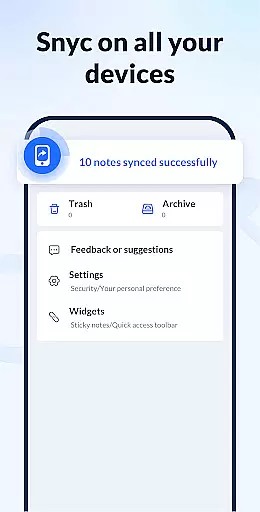
The app supports backing up all notes and lists to the cloud, which lays the foundation for reliable access from multiple devices. While explicit descriptions of real-time syncing are absent, the backup feature suggests a commitment to maintaining up-to-date information across platforms.
For users, this means peace of mind knowing that their notes are safely stored and retrievable from any device with cloud access. The ability to restore data ensures continuity in their workflow, regardless of the device being used at any given time.
While emphasizing its core features such as colorful widgets and organizational tools, Notein could further highlight its synchronization reliability to assure users of consistent access to their vital information, thereby solidifying its position as a dependable productivity companion.
User-friendly interface
Automatic note saving
Color-coded organization
Calendar integration
Cloud backup feature
Limited collaboration tools
No desktop version
Premium features locked
Occasional bugs
Ads in free version

Mega cloud explorer plugin for Solid Explorer
 3.80
3.80
Wake up & get tasks done! Add alarms & reminders on the Clock Launcher.
4.00
Make your handwriting beautiful, even more than pen on paper.
3.60
Remotely view listen control and record cameras.
3.70
IP Camera Viewer - Android TV : RTSP Surveillance camera viewer for Android TV
4.0
All document reader, all in one file viewer read PDF, DOCX, XLS, PPT, TXT files.
4.60
Tally and goal counter for Wear OS & mobile
4.50
Access your phone's notifications, calls, apps, photos & texts on your PC
3.90
Scan paperwork into PDF/JPG, generate your own e-signature and send fax or email
4.70
Seamlessly integrate data and reports to build your presentation to impress
4.80
Use powerful, industry-leading AI tools to generate visual charts from any data
4.80
Fill, sign & send docs, forms, agreements & contracts via electronic signature.
4.50
PDF scanner & converter for files, photos, lottery, QR codes. One swipe away!
4.50
Access, manage and transfer files on Android, PC, Mac, NAS and cloud storages.
4.30
Todo reminder
4.10
Make apps & sites with natural language prompts
4.10
Activate Two Factor Authentication (2FA or Multi OTP), Password manager and more
4.10
AI Video AI Image Private LLM AI Browser Llama Gemma Ollama Connect LLM Studio
4.4
The upgraded version of Name Wheel with AI and the power to add your own wheels.
4.0


User Reviews