
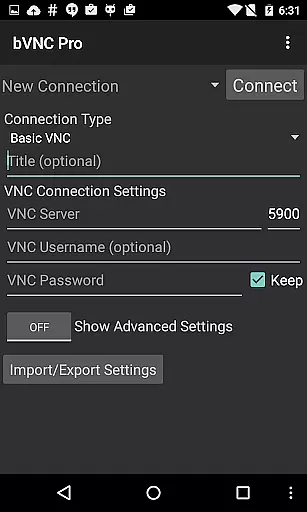
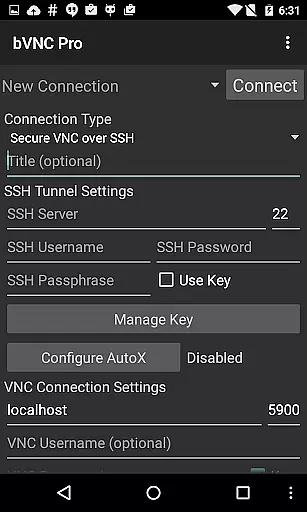
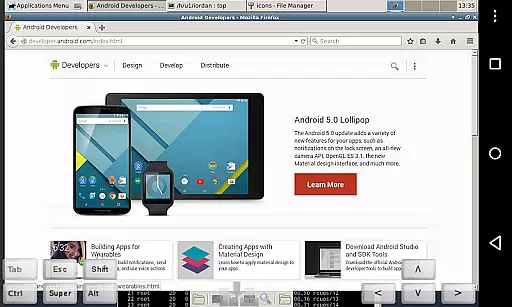
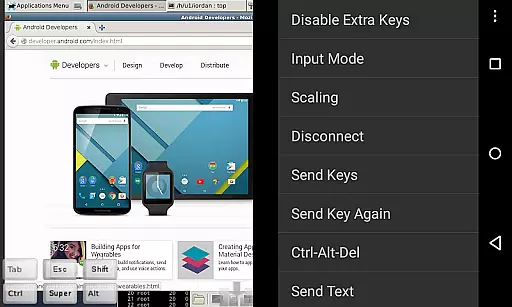
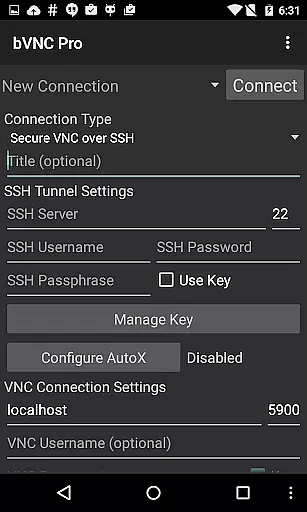
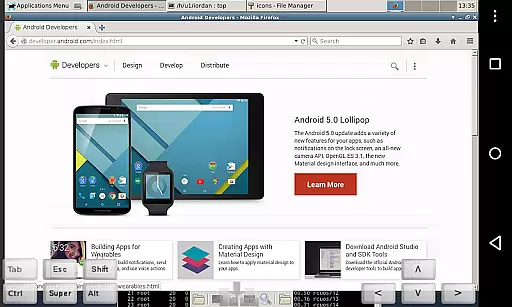
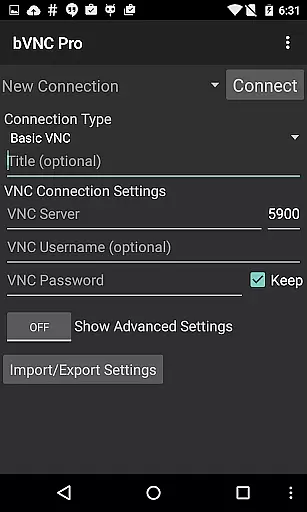
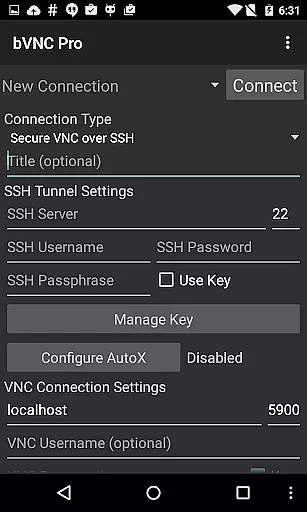
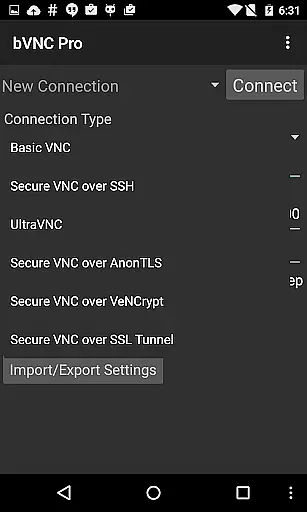
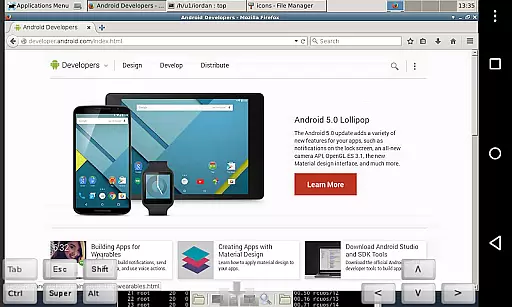
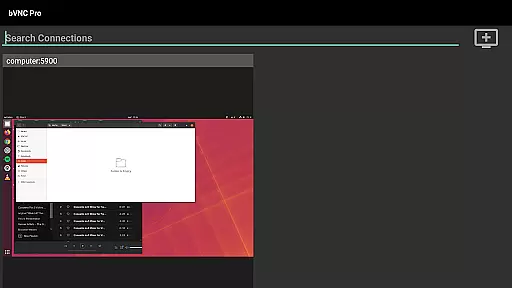
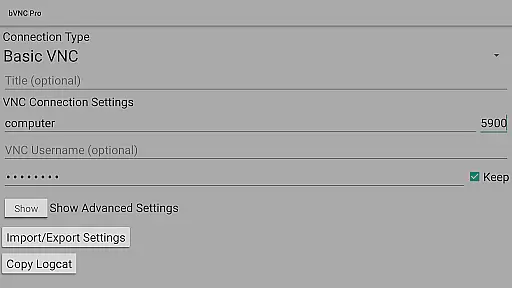
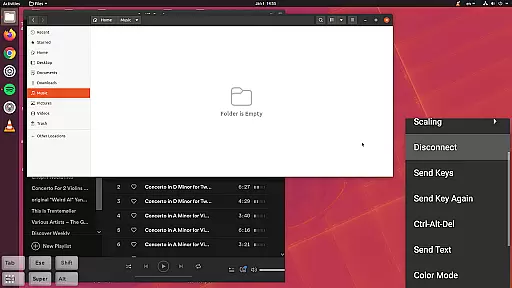
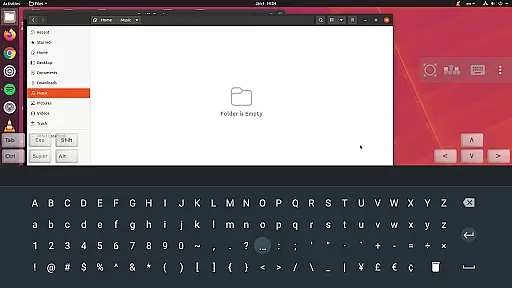
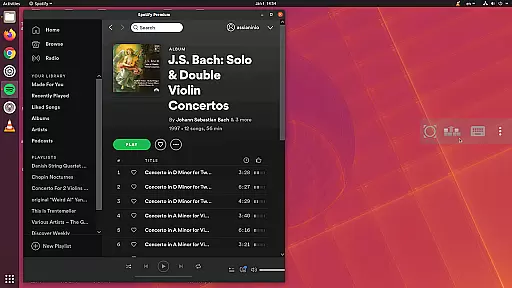
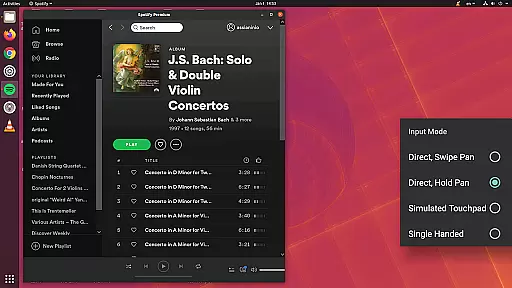
bVNC Pro is a productivity-focused secure VNC client designed for seamless remote desktop management across multiple operating systems. The app supports Windows, Mac, Linux, and other VNC server-enabled platforms, offering advanced features like master password protection, multi-factor SSH authentication, and dynamic resolution adjustment.
With its intuitive multi-touch controls, users can efficiently manage remote desktop environments, from BIOS-level access to full OS control. The app ensures top-grade security through SSH tunneling and VeNCrypt encryption, making it ideal for IT professionals and system administrators who require reliable and secure remote access solutions.
The app provides an extensive feature set tailored for productive remote desktop management. Key capabilities include multi-touch mouse control with tap-based click actions, pinch-zoom functionality, and immersive screen modes that keep the workspace active and visible.
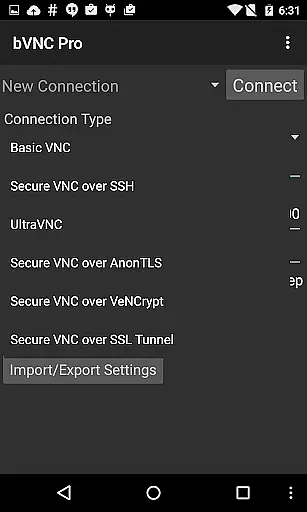
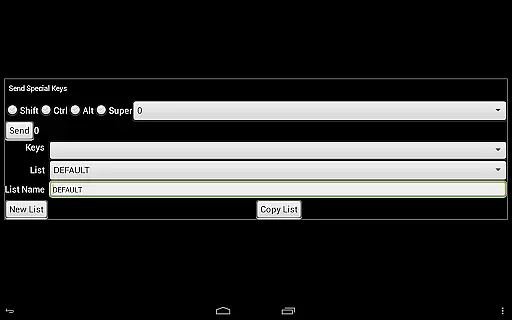
Advanced security measures such as SSH tunneling, AnonTLS, and VeNCrypt ensure protected connections, surpassing traditional RDP encryption standards. Additionally, bVNC Pro supports various VNC servers, offers multi-language interfaces, and includes practical tools like stowable on-screen keys and hardware keyboard compatibility.
bVNC Pro is a productivity powerhouse that excels in core task management by providing secure and seamless remote desktop access. The app supports multiple operating systems, including Windows, Mac, Linux, and BSD, allowing users to manage tasks across various platforms efficiently.
One of the standout features is its multi-touch control over the remote mouse, enabling intuitive interactions such as one-finger tap for left-click, two-finger tap for right-click, and three-finger tap for middle-click. This functionality streamlines task execution on the remote desktop, making it feel as if you are working directly on the machine.
In addition to touch controls, bVNC Pro offers dynamic resolution changes and full rotation capabilities. These features ensure that your remote desktop experience remains consistent and adaptable, regardless of the device orientation or screen size. Users can also take advantage of pinch-zoom and scrolling with a two-finger drag to navigate through their tasks effortlessly.
Furthermore, bVNC Pro includes SSH tunneling, AnonTLS, and VeNCrypt for secure connections, ensuring that all task management activities are protected from unauthorized access. With high-grade encryption superior to RDP using SSH and VeNCrypt, users can confidently manage their tasks without worrying about potential security threats.
Cross-device synchronization is a critical aspect of bVNC Pro, ensuring that users can reliably access their remote desktops from multiple devices without any hiccups. Whether you're switching between an iOS device, Android phone, or a desktop computer, bVNC Pro maintains a consistent and reliable connection to your remote desktop environment.
The app's support for multi-factor SSH authentication in the Pro version adds an extra layer of security during cross-device synchronization. This feature ensures that only authorized users can access the remote desktop, safeguarding sensitive information and maintaining data integrity across devices.
bVNC Pro also offers master password support, which simplifies the login process when switching between devices. By remembering a single master password, users can quickly reconnect to their remote desktops without needing to re-enter complex credentials each time they switch devices.
Moreover, the app provides comprehensive compatibility with various VNC servers, including TightVNC, UltraVNC, TigerVNC, and RealVNC. This broad compatibility ensures that no matter which device you use, you'll have reliable access to your remote desktop, allowing for efficient and uninterrupted task management across different platforms.
Secure remote access
Multi-touch controls
Dynamic resolution
SSH tunneling
Multi-language support
No RealVNC encryption
Complex setup
Paid Pro features
Limited iOS support
High system requirements

 4.20
4.20
Ads Free App! Editor, Hide File, Copy, Move, Delete and Rename.. all facility av
1.70
Planet Free VPN - The best Fast Unlimited and Secure VPN Without Logs
4.50
Device's storage information in a simple and clear graphical form (infographics)
4.10
CalenGoo is a very flexible and feature-rich calendar app
4.40
A comprehensive suite of tools designed specifically for Lactation Consultants
4.4
The ultimate file manager for rooted devices. The original and still the best.
4.00
Lightweight PDF, Word, Excel reader.
4.60
Understand anything with a personalized AI research assistant
4.80
Great calculator for Android named one of USA TODAY's "25 Essential Apps".
4.90
Direct Chat without saving contacts & Dual WA Account on Single Device
4.70
Translate text/voice/photos in 150+ languages. Offline & fast translator app.
4.50
Subscribe to Webcal & .ics calendars and keep them up-to-date!
4.50
Automates browsing any website and notifies you of important changes or events
4.30
Cloud storage, automatic phone backup, and more.
4.10
Experience real multitasking on your Android!
4.00
Unlock AutoNotification
4.00
All in one sketching tool. Technical and General drawing. Online Maps support.
3.70
Make your handwriting beautiful, even more than pen on paper.
3.60


User Reviews