
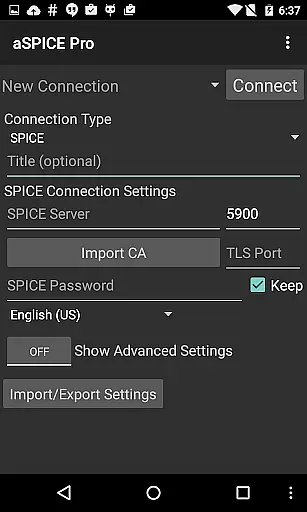
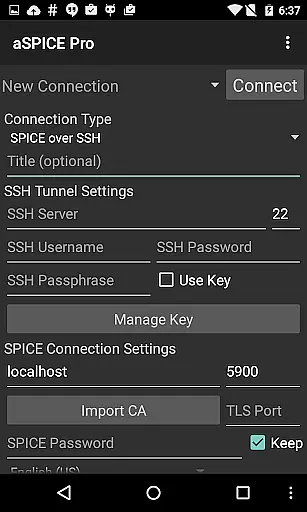
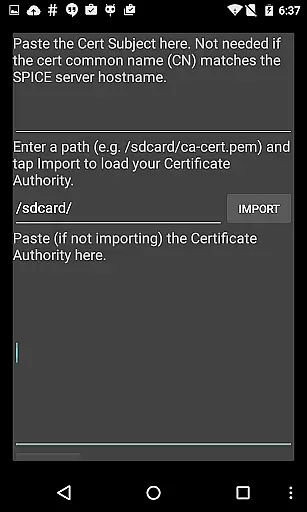
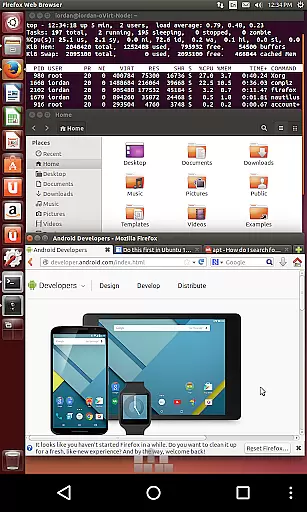
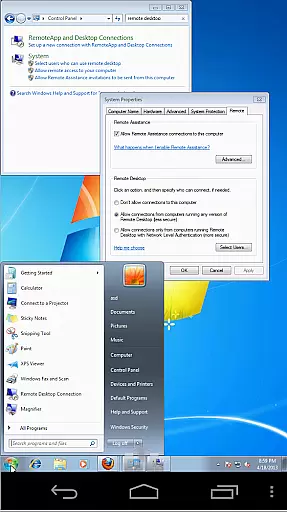
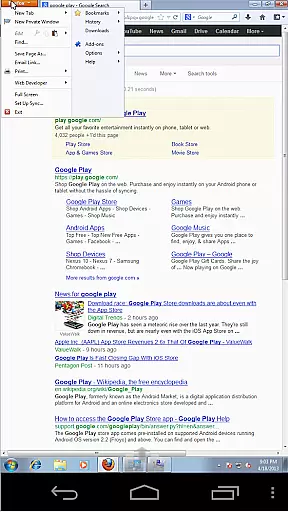
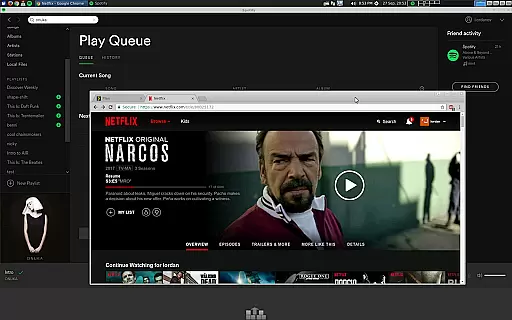
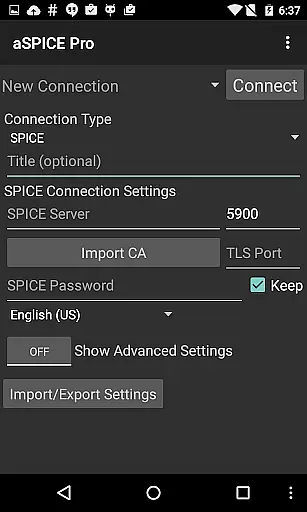
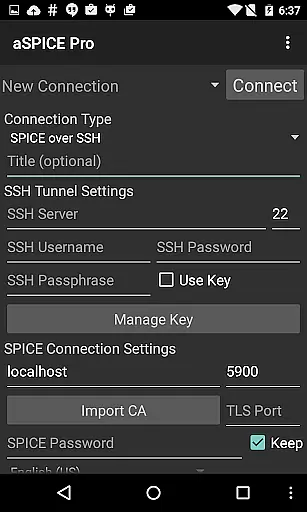
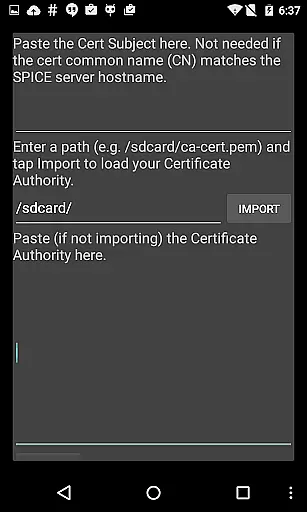
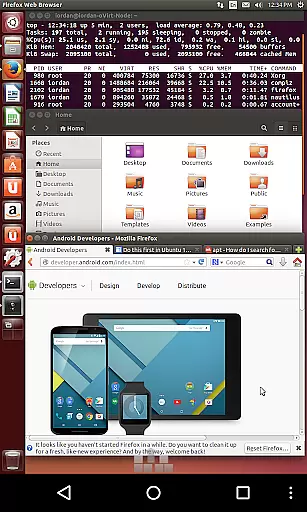
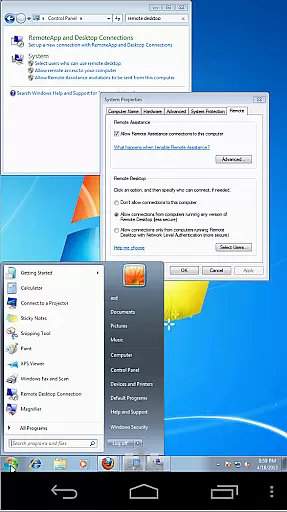
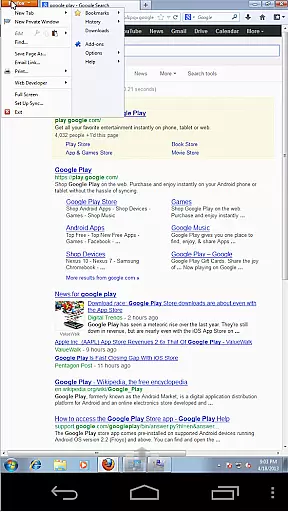
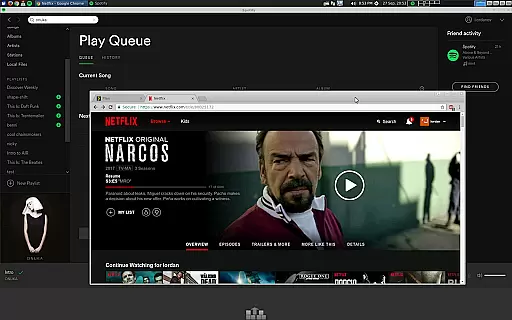
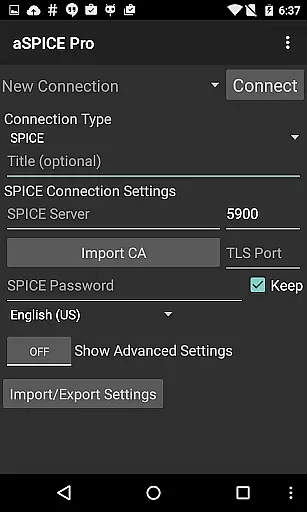
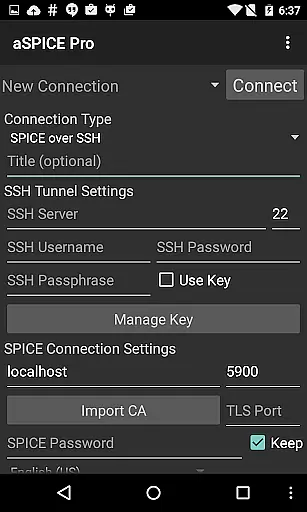
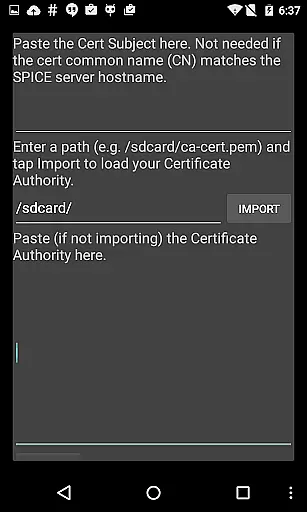
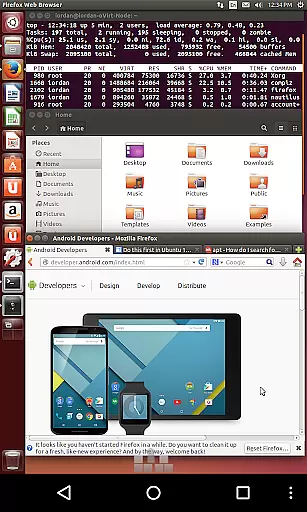
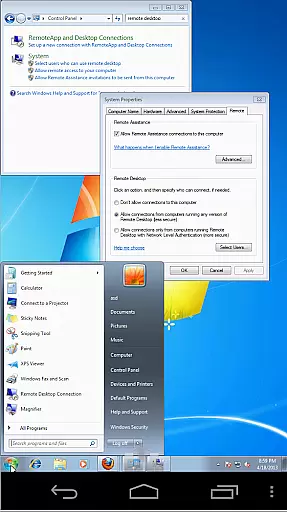
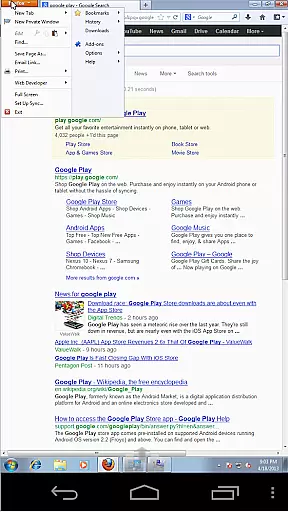
aSPICE Pro Secure SPICE Client is a powerful productivity tool designed for secure remote desktop access. This application enables users to control any SPICE-enabled virtual machine with ease, regardless of the guest operating system. With advanced features like SSH tunneling, multi-touch controls, and dynamic resolution changes, it ensures both security and flexibility in managing virtual environments.
The app stands out with its support for multiple authentication methods including Master Password and MFA/2FA SSH authentication. It offers an optimized user interface for various screen sizes, making it equally suitable for tablets and smartphones. Whether you need to manage BIOS settings or interact with the full desktop environment, aSPICE provides reliable performance and intuitive controls.
Designed for power users and IT professionals, this app allows complete control over virtual machines from anywhere. The ability to add hardware like USB Graphics Tablets enhances mouse pointer accuracy, while features like pinch-zooming and scrolling improve the overall user experience. These capabilities make aSPICE an essential tool for remote system administration and productivity.
aSPICE Pro Secure SPICE Client offers an impressive array of features that enhance remote desktop management. The application supports multi-touch controls with distinct tap gestures for left, right, and middle clicks, providing precise interaction with remote systems. Advanced input modes include two direct modes, one simulated touchpad mode, and a single-handed mode with customizable options for clicks, drag modes, scroll, and zoom.
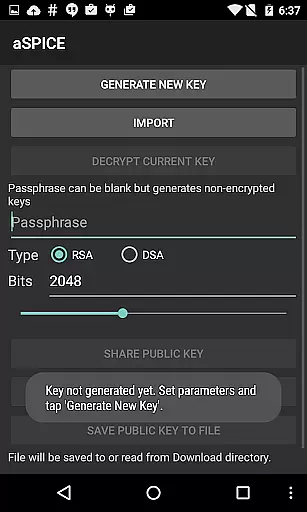
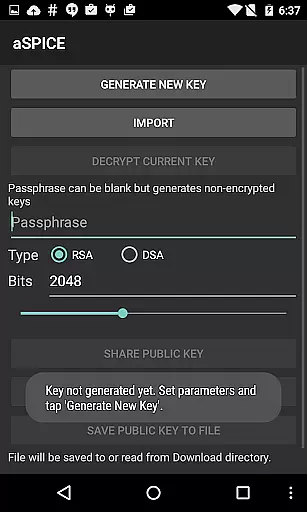
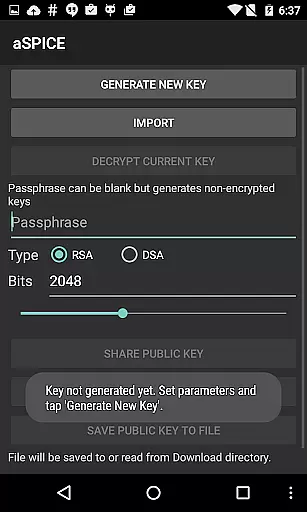
Security is a top priority, with robust SSH tunneling capabilities that allow safe connections even through firewalls. The app supports various key types including encrypted/unencrypted RSA keys in PEM format and unencrypted DSA keys in PKCS#8 format. Additional security features include master password support and MFA/2FA SSH authentication, ensuring enterprise-grade protection for your connections.
Usability enhancements include automatic session saving, multiple scaling modes (Zoomable, Fit to Screen, One to One), and stowable on-screen keys for Ctrl/Alt/Tab/Super functions. The app also supports different keyboard configurations, including FlexT9 and hardware keyboards, plus special handling for bluetooth keyboards. These comprehensive features make aSPICE an indispensable tool for efficient and secure remote desktop management.
In the realm of productivity, aSPICE Pro Secure SPICE Client excels in core task management by providing users with robust tools to control any SPICE-enabled virtual machine. This capability ensures that whether you're managing a Windows or Linux guest OS, your tasks are executed seamlessly.
The application supports multi-factor authentication and master password features, enhancing security while managing various tasks. With options like USB redirection and dynamic resolution changes, users can reconfigure their desktop environments on-the-fly, ensuring maximum flexibility and efficiency.
Additionally, aSPICE offers multiple input modes including direct touch, simulated touchpad, and single-handed mode. These options allow users to interact with their virtual machines naturally, making task execution intuitive and straightforward. The inclusion of stowable on-screen keys further streamlines complex operations, offering a comprehensive task management solution.
Cross-device synchronization is crucial for maintaining workflow continuity, and aSPICE Pro Secure SPICE Client addresses this need effectively. By supporting SSH tunneling, it ensures secure connections across different devices, even when accessing machines behind firewalls.
The app's automatic connection session saving feature guarantees that your work state is preserved, allowing you to pick up right where you left off, regardless of the device you switch to. This seamless transition is vital for professionals who rely on consistent access to their virtual environments.
Moreover, aSPICEu2019s UI optimizations cater to both smartphones and tablets, ensuring that the user experience remains smooth and responsive. With Samsung multi-window support and DEX compatibility, users can efficiently multitask and manage their virtual machines alongside other applications, boosting overall productivity.
Secure SSH connections
Multi-touch controls
Dynamic resolution
Master password support
Automatic session saving
Complex setup required
Limited clipboard integration
No native macOS version
Advanced features may overwhelm beginners
Some planned features not yet implemented

Total remote control for your Android device, PC and cloud services (IFTTT)!
 4.20
4.20
Professional calendar app for Google Calendar, MS Outlook & Exchange
4.20
The Pro Version of Android's tiniest Notepad app. Just 0.3MB but feature-packed!
4.60
Simple and reliable communication between inmates, friends and family
3.20
Functional QR scanner and barcode reader that requires little storage space.
4.60
ID.me Authenticator is a simple and free Two Factor Authentication solution
3.50
Enjoy classic gameplay with customizable features and retro-style graphics.
4.30
The ultimate file manager for rooted devices. The original and still the best.
4.00
Daily processing of PDF documents.
4.40
Mind Map and brainstorm, note taking and idea collection
4.80
Use powerful, industry-leading AI tools to generate visual charts from any data
4.80
All document reader, all in one file viewer read PDF, DOCX, XLS, PPT, TXT files.
4.60
A Pixel Art watchface inspired by other iconic 90s designs for Wear OS devices!
4.40
Take control of your clipboard with Clipper!
3.90
Access your phone's notifications, calls, apps, photos & texts on your PC
3.90
Make your handwriting beautiful, even more than pen on paper.
3.60
Code on-the-go with VScode for Android. Edit,debug and collaborate from mobile!!
3.10
The upgraded version of Name Wheel with AI and the power to add your own wheels.
4.5
A simple, portable logger for POTA, SOTA, Field Day, and more
4.5


User Reviews