
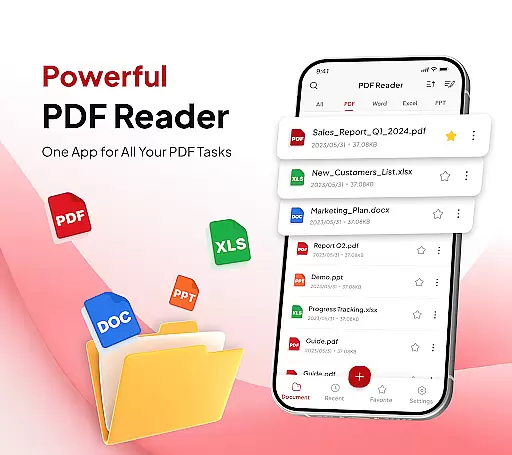
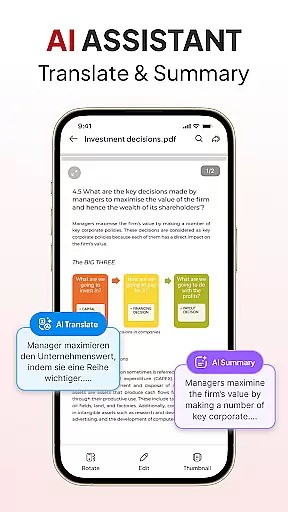
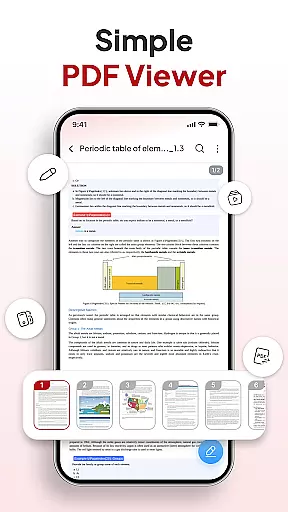
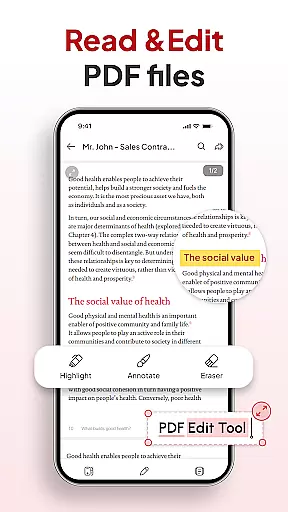
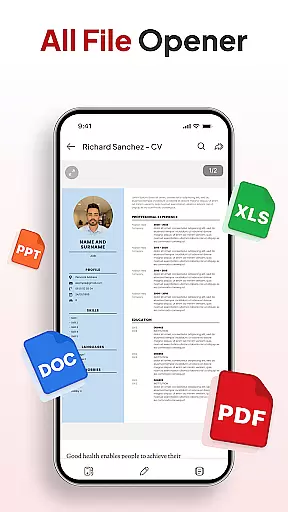
PDF Reader - Document Editor is a comprehensive productivity tool designed to streamline document management for students, professionals, and everyday users. This app allows you to read, edit, organize, and convert PDF files with ease, offering support for multiple file formats including XLS, DOCX, and PPT.
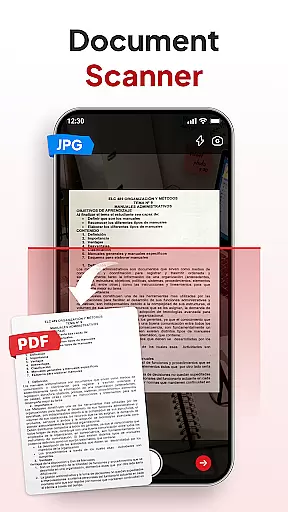
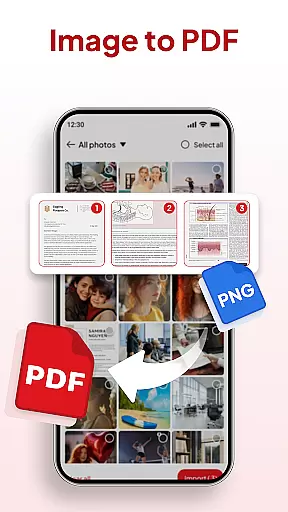
One of the standout features is its powerful conversion capabilities. You can instantly scan physical documents into digital PDFs or transform images into professional-quality documents. The app also includes AI-powered tools that help summarize or translate content, making it an essential companion for both academic and workplace environments.
Whether you're annotating important sections, adding signatures, or organizing files into folders, this app ensures your documents are always accessible and manageable. Its intuitive interface and robust functionality make it an ideal solution for anyone looking to enhance their document workflow.
PDF Reader - Document Editor offers an extensive set of features that cater to various document management needs. At its core, the app provides smooth PDF reading with lag-free scrolling and zoom functionality, allowing users to focus on details without performance issues.
The app's smart conversion tools stand out as well. With a built-in document scanner, you can digitize notes, receipts, or contracts in seconds. Additionally, the image-to-PDF feature lets you convert photos and screenshots into polished documents effortlessly. These tools are complemented by advanced AI capabilities, such as summarizing lengthy texts or translating documents into different languages.
For those who need efficient file organization, the app supports sorting, searching, and categorizing documents by name, date, or size. It also enables instant sharing via popular apps and platforms, ensuring seamless collaboration. Whether you're signing contracts or managing large volumes of files, this app delivers a complete package for all your productivity needs.
Efficient task management is essential for productivity applications, and PDF Reader - Document Editor excels in this area. The app provides a comprehensive suite of tools that allow users to handle PDF documents with ease.
With features like File Organizer, users can manage and declutter their storage effortlessly using folders and favorites. This ensures that all important documents are systematically arranged and easily accessible when needed.
The Sort & Search functionality enables users to quickly locate any document by name, date, or size, streamlining the workflow and saving valuable time. Additionally, the ability to add signatures smoothly further enhances the document handling process.
By integrating these robust task management features, PDF Reader - Document Editor empowers users to maintain an organized digital workspace, boosting overall efficiency and effectiveness in managing their documents.
In today's interconnected world, reliable cross-device synchronization is crucial for maintaining productivity. PDF Reader - Document Editor addresses this need by ensuring that your documents are consistently updated across all your devices.
Whether you're working on a smartphone, tablet, or computer, the app guarantees real-time updates, allowing seamless transitions between different platforms without missing a beat. This means you can start editing a document on one device and continue right where you left off on another.
Instant sharing capabilities further enhance collaboration by enabling users to send PDFs via their favorite apps in just one tap. This feature supports efficient teamwork and communication, no matter where team members are located.
By prioritizing synchronization reliability, PDF Reader - Document Editor ensures that users have access to the most current versions of their documents at all times, enhancing both individual and collaborative work experiences.
User-friendly interface
Multi-format support
Powerful AI tools
Efficient file management
Instant sharing options
Limited free features
Occasional ads
Premium subscription required
Large file loading delays
Advanced tools locked behind paywall

Client for Nextcloud Deck
 4.60
4.60
8 custom complications. Custom Time Fonts. Beautiful color schemes. A++ Design.
5.00
The Pro Version of Android's tiniest Notepad app. Just 0.3MB but feature-packed!
4.60
Multilingual translator for text, voice, and image translation!
4.90
Use powerful, industry-leading AI tools to generate visual charts from any data
4.80
Seamlessly read, manage, and organize all your PDF files solution in one place
4.40
Set up, print, and get support—in one place
4.20
Browse and view your photos and videos from the phone with photo & video hide.
4.10
Note taking, handwriting, record audio, PDF annotation, planner & journal
4.20
Simple notepad & memo. Take notes, to-do list, shopping list with reminders.
4.80
Stay on top of your to-dos with Google Tasks, part of Google Workspace.
4.60
Planet Free VPN - The best Fast Unlimited and Secure VPN Without Logs
4.50
Share files & memories safely. Keep your photos and videos secure.
4.40
Access your phone's notifications, calls, apps, photos & texts on your PC
3.90
Find and delete junk files & block unwanted notifications & manage files
3.70
Make your handwriting beautiful, even more than pen on paper.
3.60
Code on-the-go with VScode for Android. Edit,debug and collaborate from mobile!!
3.10
Experience and share your SolidWorks designs on your Android® phone and tablet.
2.50
Create study competitions, track your hours, and stay consistent with friends
4.3


User Reviews