
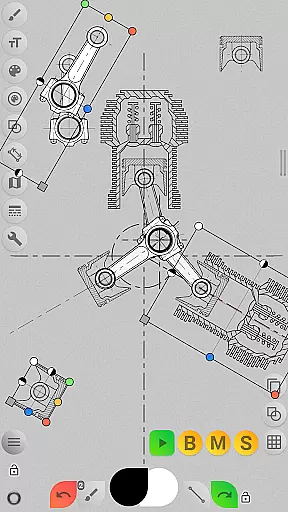
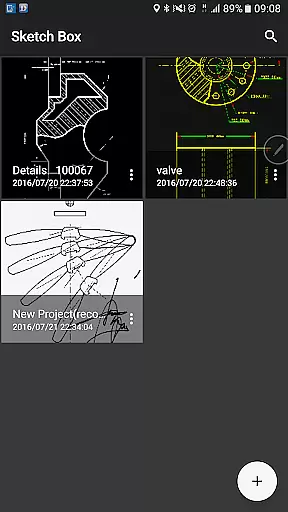
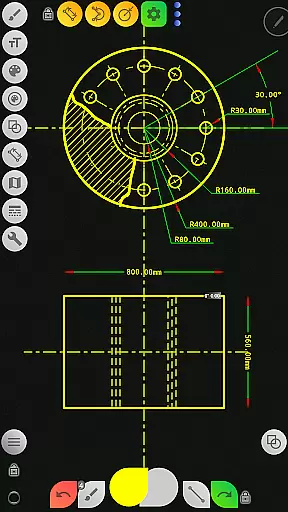
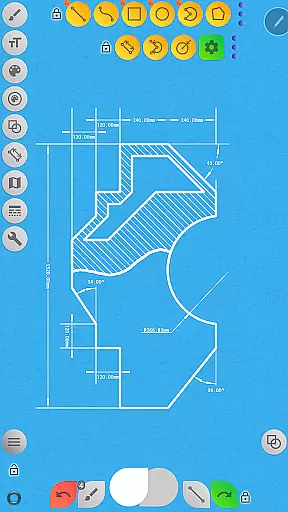
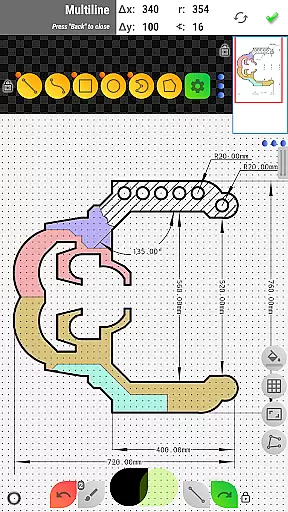


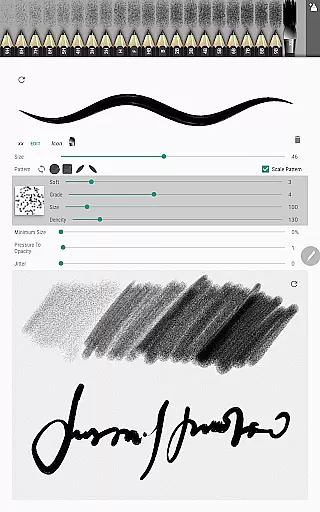
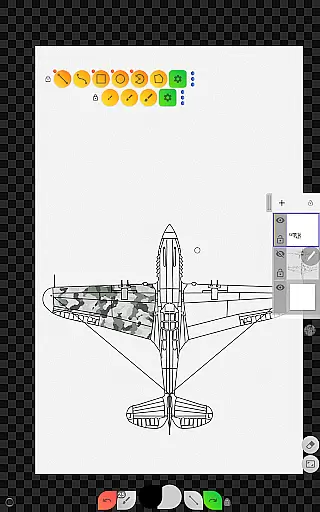
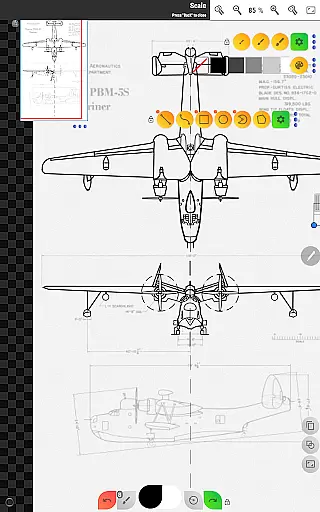
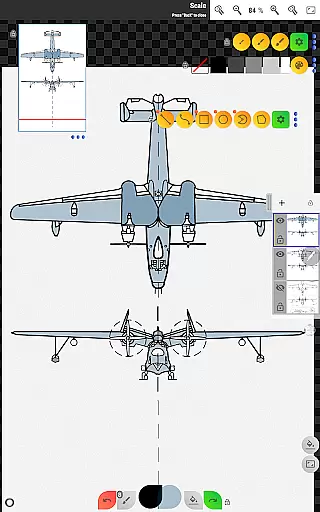
Sketch Box Pro is a versatile sketching and drawing application designed for both technical drawings and general sketching needs. This productivity tool serves as an alternative to vector CAD systems while maintaining the simplicity of traditional drawing applications. With features like online map support and interactive map tools, it caters to a wide range of requirements from engineering sketches to creative drawings.
The app provides a smooth combination of traditional drawing tools and CAD system functionalities, making it suitable for users who need precision and flexibility. Whether you are an engineer looking to replicate the ease of pencil-and-paper sketches or an artist needing a reliable digital sketchpad, Sketch Box Pro offers the necessary tools to capture instantaneous ideas effectively.
One notable feature is its project-based workflow, allowing users to create projects from scratch, import snapshots from online maps, or use images from the device gallery. The app supports layers, various shapes, predefined brushes, and advanced tools like dimensioning and scaling, ensuring that users can create detailed and precise sketches for any task.
Sketch Box Pro stands out with its comprehensive set of features tailored for both casual and professional users. One of the key highlights is the Pencils Set, which allows users to customize each pencil's characteristics using the powerful Pencil Redactor. This customization extends to input dimensions text and optimized multiline tools, enabling continuous line creation with manual point positioning in scalar and radial coordinates.
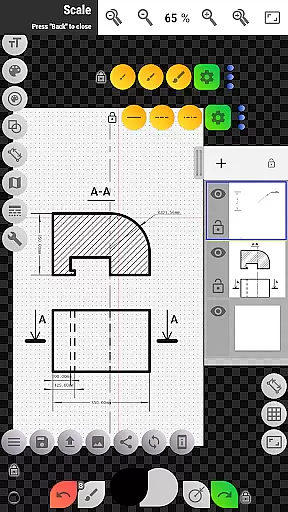
The app also includes free and radial selection tools, along with an optimized drawing engine and improved UI for a seamless experience. Users can work on up to six layers in the Pro version, with options to lock layers, control opacity, duplicate, clear, delete, and merge layers. These layer controls provide extensive flexibility for complex projects.
Additional features include a wide range of basic shapes, predefined brushes for freehand drawing, grid tools for technical precision, and dimension tools for quick linear, angular, and radius measurements. The scale tool helps maintain accurate drawing proportions, while the flood filling and hatching tools allow for efficient area coverage. Advanced functionalities like the copy tool, drawing rotation tool, and image insertion from the gallery further enhance the app’s capabilities, making it a robust solution for all sketching needs.
Sketch Box Pro excels in core task management by offering a versatile platform for both technical and general sketching needs. The app provides an extensive range of tools that cater to different drawing requirements, ensuring users can manage their projects efficiently.
With project creation available from scratch, online maps snapshots, or device gallery images, users have the flexibility to start their tasks based on various sources. This adaptability is crucial for streamlining workflows and enhancing productivity.
The application supports layers, allowing for complex project organization and easy manipulation of different elements within a single project. Features such as locking layers, controlling opacity, and merging layers provide users with precise control over their work, which is essential for effective task management.
Additionally, Sketch Box Pro's ability to save, duplicate, and share projects ensures that users can easily keep track of their work, reuse it when necessary, and collaborate with others. These capabilities make the app a comprehensive solution for managing all aspects of sketch-based projects.
Cross-device synchronization is a vital feature for users who work across multiple devices. Sketch Box Pro ensures reliable synchronization, enabling users to access their projects seamlessly from any device at any time.
By leveraging cloud technology, the app guarantees that every change made to a project is updated in real-time across all devices. This means that whether you're switching from your tablet to your smartphone or sharing your work with a colleague, you can be confident that everyone is viewing the most current version of the project.
Moreover, the export and sharing functionalities within Sketch Box Pro enhance cross-device operations. Users can export their drawings to the gallery or share them directly, making it simple to transfer work between different platforms or collaborate with team members regardless of their device preferences.
This level of synchronization reliability not only saves time but also enhances collaboration and ensures that all stakeholders are always on the same page, thus significantly boosting overall productivity.
User-friendly interface
Customizable drawing tools
Comprehensive layer management
Advanced technical drawing features
Flexible project creation options
Limited free version features
Occasional performance lags
Steep learning curve for beginners
Subscription cost for Pro version
Complex UI for casual users

QuickBooks Workforce lets teams view pay info and track time in one place.
 4.70
4.70
Seamlessly integrate data and reports to build your presentation to impress
4.80
The upgraded version of Name Wheel with AI and the power to add your own wheels.
4.3
IP Camera Viewer - Android TV : RTSP Surveillance camera viewer for Android TV
4.1
Customizable calendar widget for seamless event sync, planning & scheduling.
4.00
All in One PDF Reader: Manage, Read and Edit your Documents
4.20
Multilingual translator for text, voice, and image translation!
4.90
Ultimate Virtual AI Character for immersive Roleplay Chat. Perfect Companion
3.90
Okta MFA
4.70
Understand anything with a personalized AI research assistant
4.80
aCalendar+ makes your day, week and month
4.70
App lock - lock apps with fingerprint, password, pin or pattern, protect privacy
4.70
Secure, fast, open-source, Remote Desktop Client for Windows and Linux with SSH
4.60
The AI assistant that thinks with you - write, code, and solve complex tasks
4.60
* block pre-roll ads, pop-up and forced redirect ads * Samsung certification app
4.00
A Revolutionary All-in-One Artificial Intelligence Tools
3.80
Code on-the-go with VScode for Android. Edit,debug and collaborate from mobile!!
3.10
Create study competitions, track your hours, and stay consistent with friends
4.2
A simple, portable logger for POTA, SOTA, Field Day, and more
4.4


User Reviews