
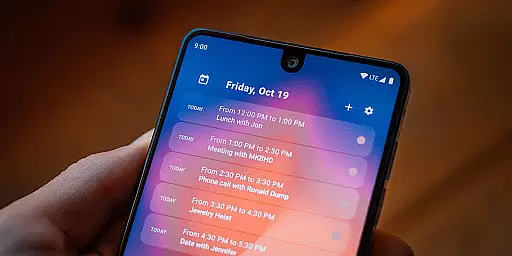
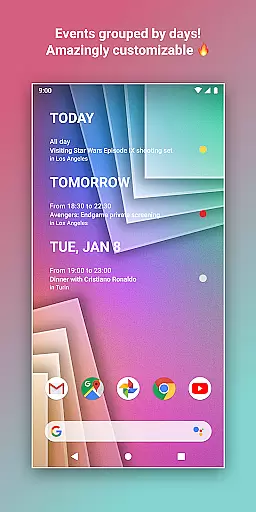
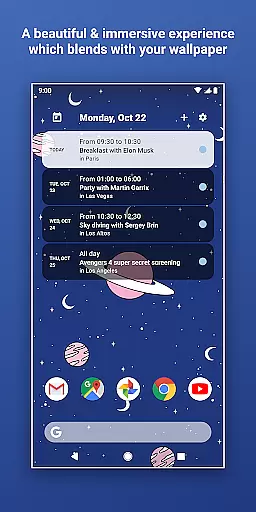
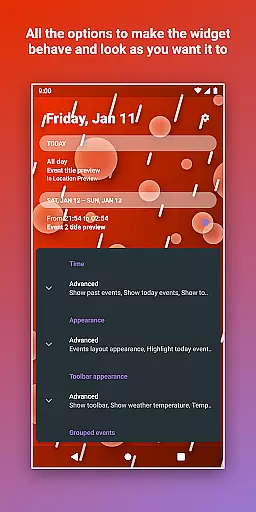
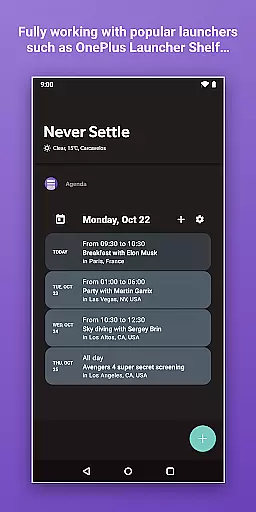
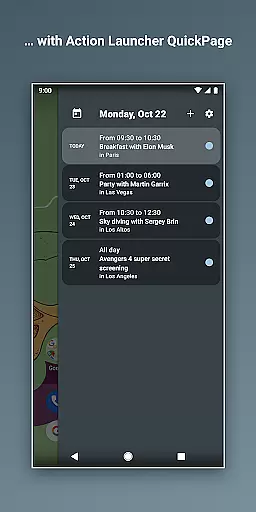
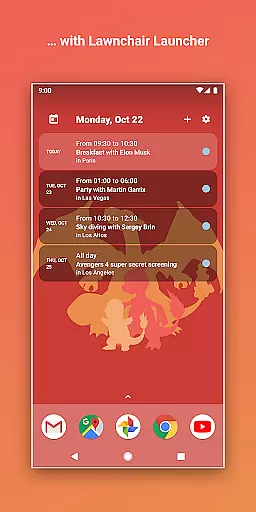
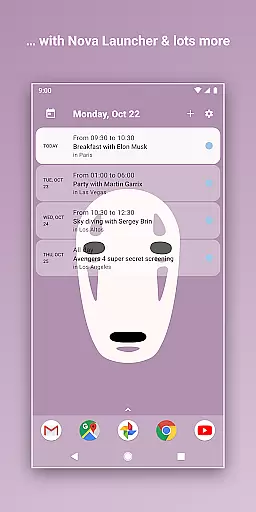
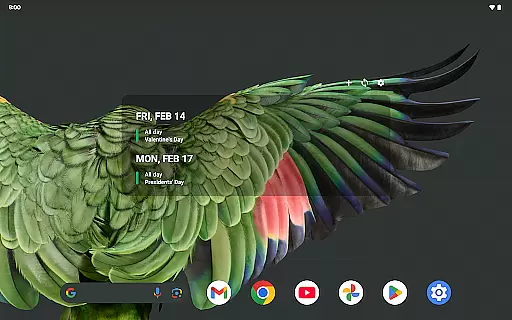
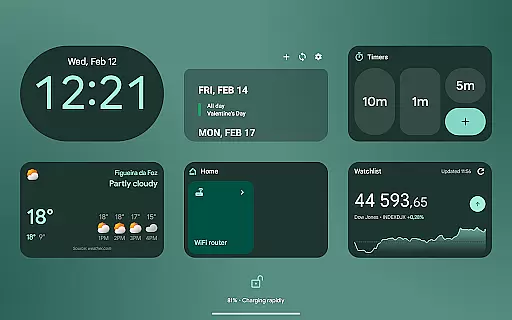
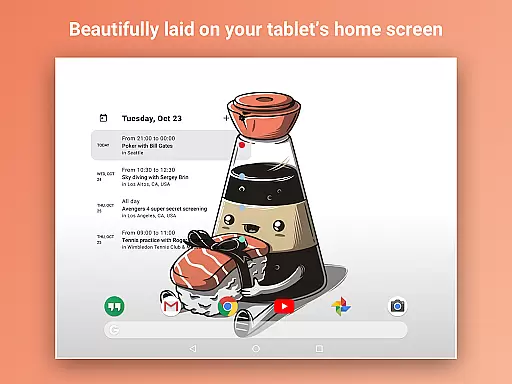
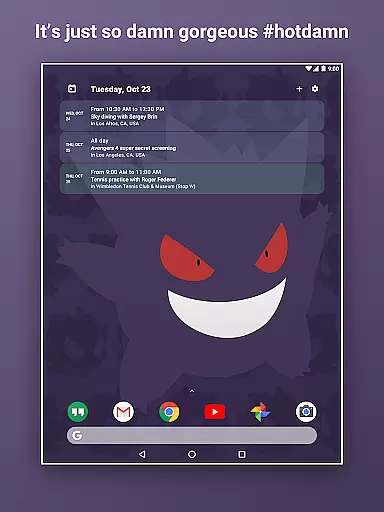
Home Agenda is a powerful productivity tool designed to streamline your daily planning and organization. This customizable calendar widget, agenda, and planner for Android offers seamless integration with popular calendar services like Google Calendar and Outlook. With instant synchronization capabilities, users can effortlessly manage their events and appointments directly from their home screen.
The app stands out with its highly customizable interface, allowing users to personalize widget sizes and themes to match their preferences. Whether you need a quick overview of your day or want to add and edit events on the go, Home Agenda provides all the necessary tools. Its optimized performance ensures minimal battery impact while maintaining real-time notifications and updates.
What makes Home Agenda particularly unique is its commitment to user privacy. Unlike many other calendar apps, it operates 100% locally without tracking user data or displaying ads. This ensures complete control over personal information while maintaining a clean and modern interface that transforms your home screen into an efficient planning hub.
Home Agenda distinguishes itself through several innovative features that enhance user experience. The app's Custom Design functionality enables users to create personalized themes and adjust widget sizes according to their specific needs. This level of customization extends beyond mere aesthetics, allowing users to optimize their home screen for maximum productivity.
The Instant Sync feature connects seamlessly with various calendar services including Google Calendar and Outlook. This ensures that all events and appointments are automatically updated across devices, providing users with real-time access to their schedule. The Easy Planning capability allows for quick viewing, adding, and editing of events directly from the home screen widget.
Performance optimization is another key aspect of Home Agenda's feature set. The app is specifically designed to minimize battery consumption while maintaining full functionality. Additionally, its local-only operation ensures complete data privacy, giving users peace of mind while they stay organized. These features collectively contribute to a superior planning experience that adapts to individual work styles and preferences.
Task management is at the heart of productivity applications, and Home Agenda excels in this area. The app allows users to effortlessly sync events from multiple calendar services like Google Calendar and Outlook.
The widget's instant sync feature ensures that every event update is reflected immediately, providing real-time accuracy for your scheduling needs. This seamless integration enables users to view, add, and edit events directly from their home screen.
With its customizable sizes and themes, Home Agenda offers a personalized experience while maintaining functional efficiency. Users can design widgets that fit their aesthetic preferences without compromising on practicality.
This level of customization not only enhances user engagement but also streamlines daily planning activities, making it easier than ever to stay organized and productive throughout the day.
Cross-device synchronization is crucial for users managing schedules across multiple devices. Home Agenda provides reliable performance by ensuring all synced calendars are consistently updated.
Despite the lack of a public API for fetching reminders from Google Calendar, the app optimizes available resources to maintain accurate event tracking. This reliability extends to its battery-efficient design, which supports daily use without significant power consumption.
Furthermore, Home Agenda prioritizes user privacy by operating locally without tracking data or displaying ads. This approach guarantees that personal information remains secure and private.
By combining robust synchronization capabilities with privacy-focused features, Home Agenda delivers an efficient and trustworthy solution for managing tasks and events across various devices.
User-friendly interface
Highly customizable widgets
Instant calendar synchronization
Minimal battery consumption
Strong privacy protection
Limited reminder functionality
No public API access
Android-only availability
Requires manual setup
Basic free version

Easily read and manage all your PDF files
 4.10
4.10
The Pro Version of Android's tiniest Notepad app. Just 0.3MB but feature-packed!
4.60
We're working to become the best machining app on the market! www.cncdirt.com
4.80
Secure, open-source, SPICE and SSH Remote Desktop for QEMU KVM virtual machines
4.00
Code on-the-go with VScode for Android. Edit,debug and collaborate from mobile!!
3.10
* block pre-roll ads, pop-up and forced redirect ads * Samsung certification app
4.00
Great calculator for Android named one of USA TODAY's "25 Essential Apps".
4.90
Seamlessly read, manage, and organize all your PDF files solution in one place
4.40
Note taking, handwriting, record audio, PDF annotation, planner & journal
4.20
App lock - lock apps with fingerprint, password, pin or pattern, protect privacy
4.70
Absolutely the best CNC machinist speed and feed calculator around. fswizard.com
4.60
Calendar 2023 widget for Android. Appointment scheduler, planner, and reminder
4.60
PDF scanner & converter for files, photos, lottery, QR codes. One swipe away!
4.50
Intelligent AI Assistant
4.10
Ultimate Virtual AI Character for immersive Roleplay Chat. Perfect Companion
3.90
Auto-shutoff Alarm with Sunrise, Sunset & Fixed Options.
3.50
Simple and reliable communication between inmates, friends and family
3.20
AI Video AI Image Private LLM AI Browser Llama Gemma Ollama Connect LLM Studio
4.4
The upgraded version of Name Wheel with AI and the power to add your own wheels.
4.5


User Reviews