
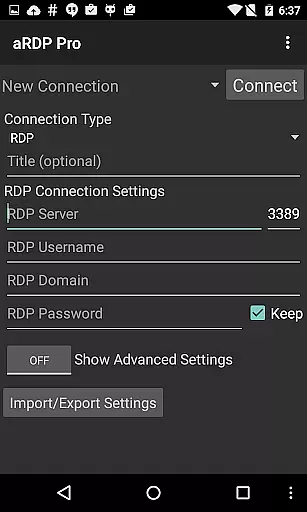
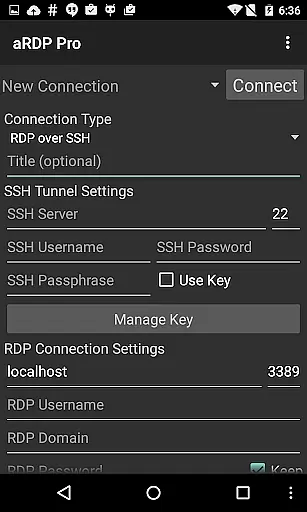
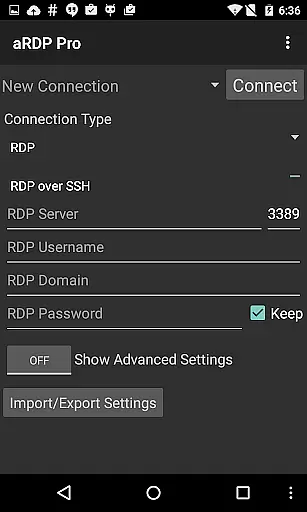
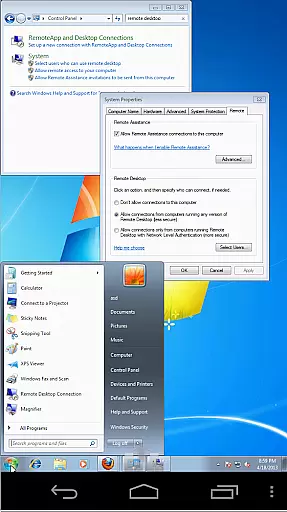
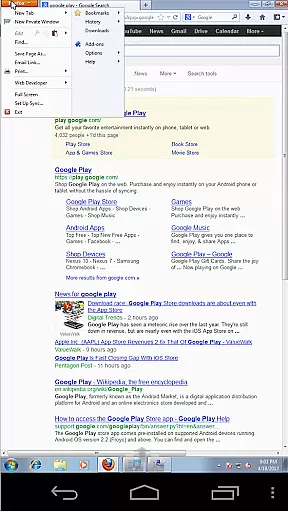
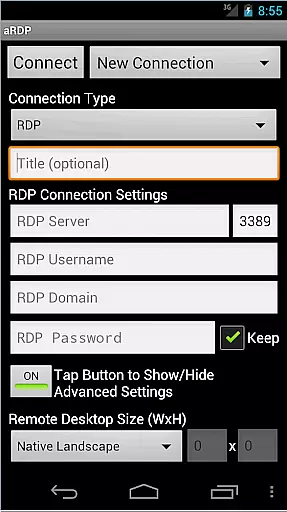
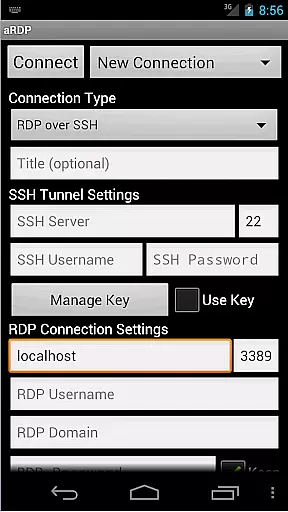
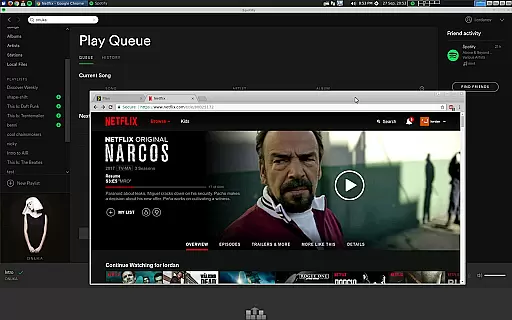
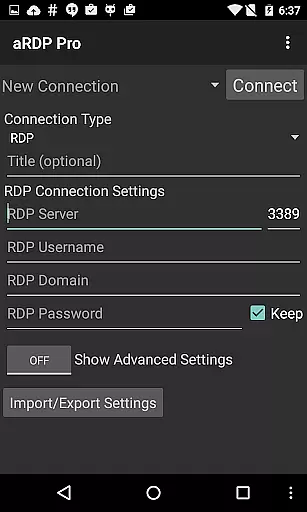
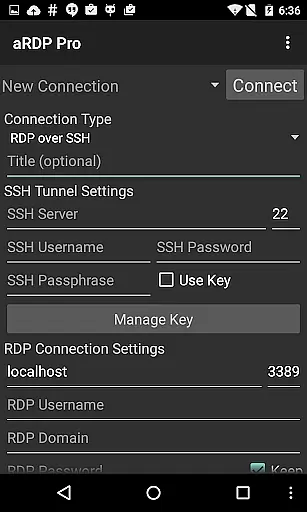
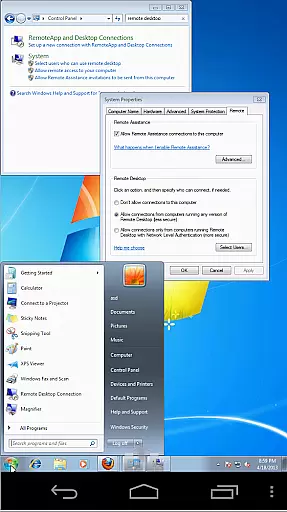
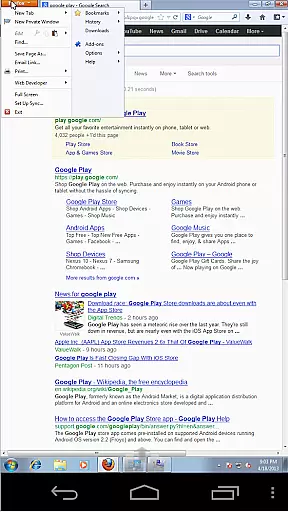
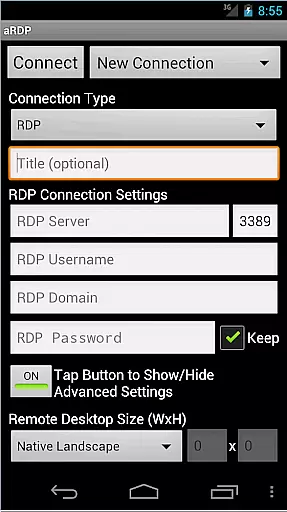
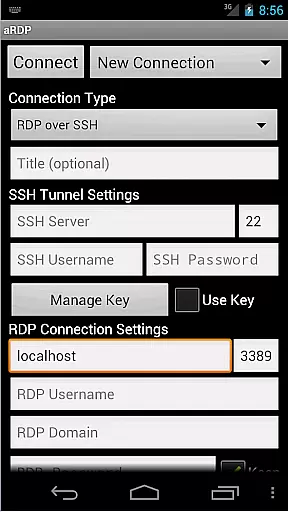
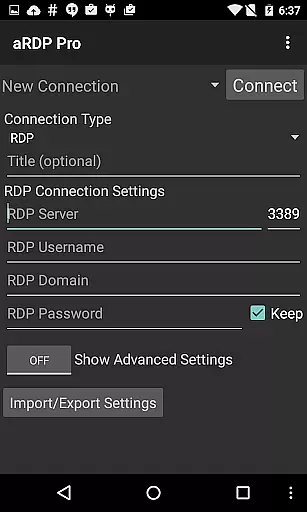
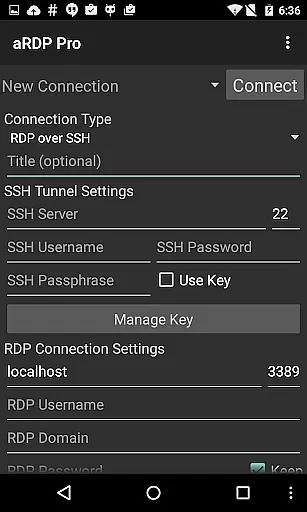
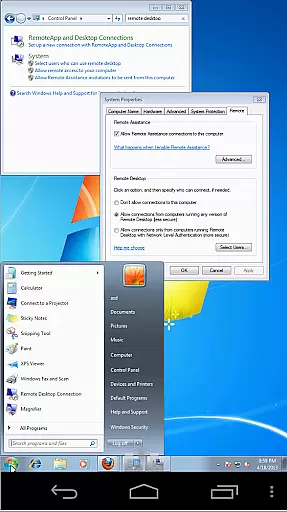
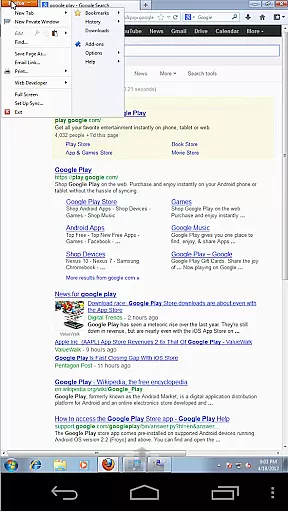
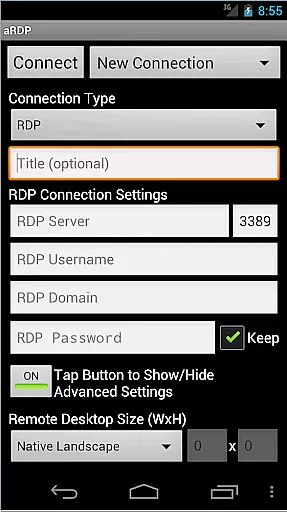
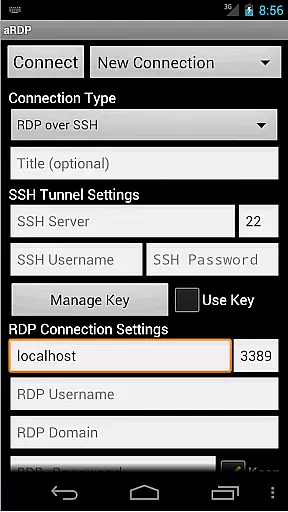
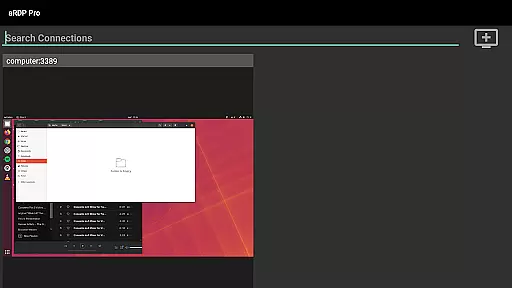
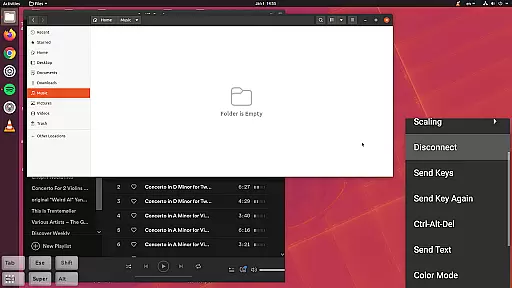
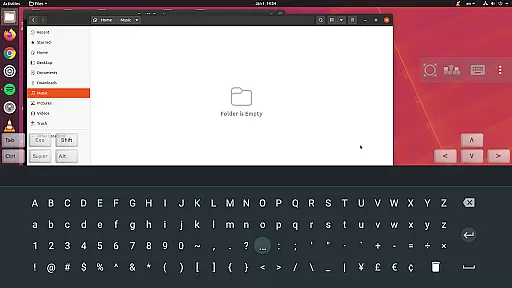
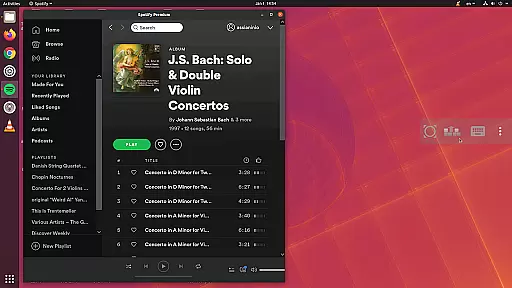
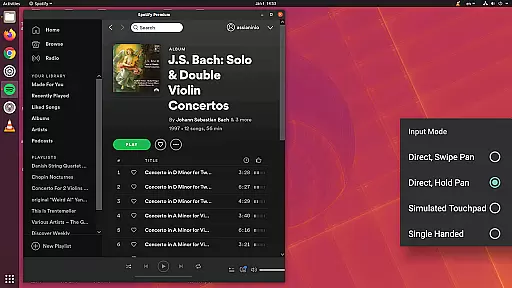
aRDP Pro is a premier open-source Remote Desktop Protocol (RDP) client, offering secure and versatile remote desktop control. It utilizes the robust FreeRDP library to enable users to connect to Windows computers and Linux systems with xrdp installed. The app supports advanced features like SSH tunneling, sound redirection, and multi-touch controls, making it ideal for both personal and professional use.
With support for dynamic resolution changes, multi-language options, and full mouse functionality on Android 4.0+, aRDP Pro ensures an optimal user experience across various devices. Whether accessing your desktop from a smartphone or tablet, this app provides comprehensive session management and customization options that cater to different user needs.
The application's ability to handle complex tasks such as BIOS-level virtual machine control and its compatibility with multiple authentication methods highlight its value in enhancing productivity. By integrating essential tools like master password protection, MFA/2FA SSH authentication, and clipboard integration, aRDP Pro stands out as a reliable solution for efficient remote desktop management.
aRDP Pro boasts an array of sophisticated features designed to enhance remote desktop interactions. One of its standout capabilities is the support for RDP files in the Pro version, allowing users to save and manage connection settings efficiently. This feature simplifies the process of reconnecting to frequently accessed systems, thus saving time and effort.
The app also offers extensive customization options, including fine control over remote desktop session styling and multiple input modes such as Direct Touch, Simulated Touchpad, and Single-handed Input. These modes provide flexibility in how users interact with their remote desktops, ensuring a comfortable and productive experience regardless of device type or user preference.
Security is another critical aspect where aRDP Pro excels. With built-in SSH tunneling, MFA/2FA SSH authentication, and support for encrypted RSA keys in PEM format, the app ensures that your connections remain secure. Additionally, features like SD card redirection, console mode, and sound redirection further enrich the remote desktop experience by providing seamless access to local resources and functionalities.
aRDP Pro excels in core task management by offering users comprehensive control over remote desktop sessions. The application supports multiple operating systems, including various versions of Windows and Linux, ensuring that users can manage their tasks across different platforms effectively.
With features like dynamic resolution changes and full rotation support, aRDP Pro allows users to reconfigure their desktop environments on the fly. This flexibility is crucial for adapting to different work scenarios and screen orientations, providing an optimal viewing experience regardless of the device being used.
The inclusion of multi-touch controls enhances productivity by enabling intuitive interactions with the remote desktop. Users can perform complex actions such as right-clicking, middle-clicking, and scrolling through simple touch gestures, streamlining their workflow and making remote task management more efficient.
Additionally, aRDP Pro offers SSH tunneling and MFA/2FA authentication, ensuring secure connections to remote machines. These security measures are vital for protecting sensitive data and maintaining the integrity of remote operations, giving users peace of mind while managing their tasks.
Cross-device synchronization is a standout feature of aRDP Pro, allowing seamless transitions between different devices without losing progress or settings. Whether switching from a smartphone to a tablet or vice versa, users can expect consistent performance and access to their remote desktops.
The application's automatic connection session saving ensures that users can pick up where they left off, regardless of the device they are using. This feature is particularly beneficial for professionals who rely on multiple devices throughout their day, providing a reliable and uninterrupted workflow.
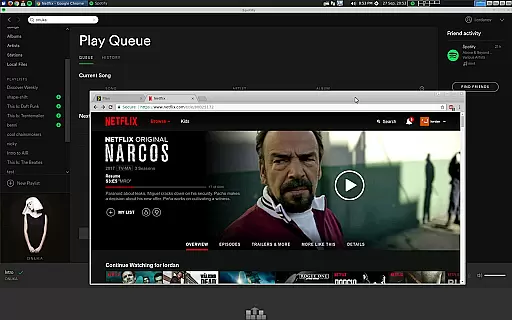
aRDP Pro also supports Samsung multi-window functionality, enabling users to multitask efficiently on compatible devices. By allowing simultaneous use of other applications alongside the remote desktop session, it enhances productivity and makes cross-device usage even more versatile.
Furthermore, the app's UI optimizations cater to both smartphones and tablets, ensuring that the interface remains user-friendly and responsive across different screen sizes. This adaptability guarantees that users enjoy a smooth and reliable synchronization experience, enhancing overall productivity and convenience.
Secure SSH connections
Multi-touch controls
Dynamic resolution changes
Comprehensive session management
Multi-language support
No iOS version available
Complex setup for beginners
Limited Windows 10 Home support
Occasional connectivity issues
Advanced features require technical knowledge

When you Focus, so will your Bean in this cozy focus timer
 4.30
4.30
Experience real multitasking on your Android!
4.00
Easily read and manage all your PDF files
4.10
Make apps & sites with natural language prompts
4.10
Create and edit presentations with Google Slides, part of Google Workspace.
4.00
A comprehensive suite of tools designed specifically for Lactation Consultants
4.3
Scientific calculator for Android - looks and operates like the real thing!
4.90
Secure your apps with lock screens, use custom themes and different features.
4.40
AI Chatbot and AI writing assistant powered by ChatGPT.
4.60
8 custom complications. Custom Time Fonts. Beautiful color schemes. A++ Design.
5.00
App Lock with fingerprint, password: Lock apps & hide photos with lock screens
4.60
Lightweight PDF, Word, Excel reader.
4.60
Planet Free VPN - The best Fast Unlimited and Secure VPN Without Logs
4.50
Tally and goal counter for Wear OS & mobile
4.50 4.20
4.20
Professional calendar app for Google Calendar, MS Outlook & Exchange
4.20
Intelligent AI Assistant
4.10
Ultimate Virtual AI Character for immersive Roleplay Chat. Perfect Companion
3.90
Easiest event planning, volunteer signups & parent teacher conference scheduling
2.20


User Reviews