
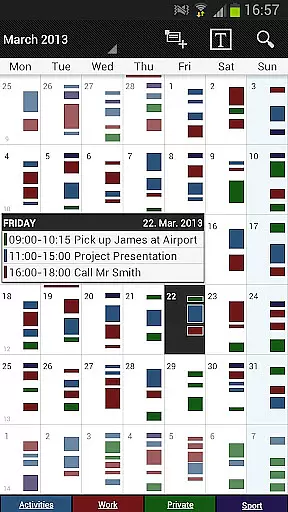
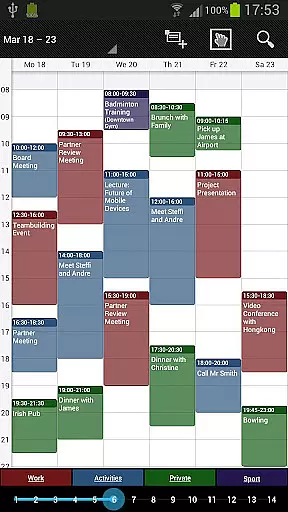
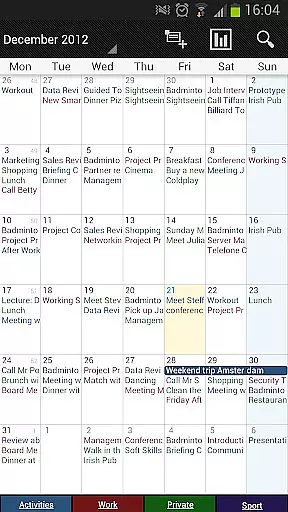
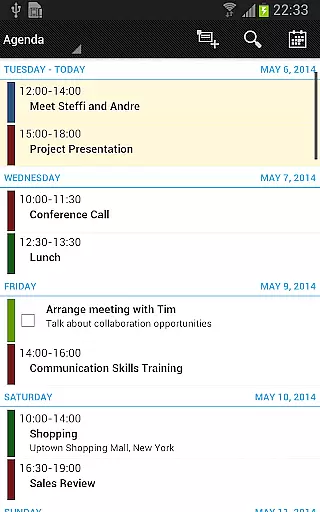
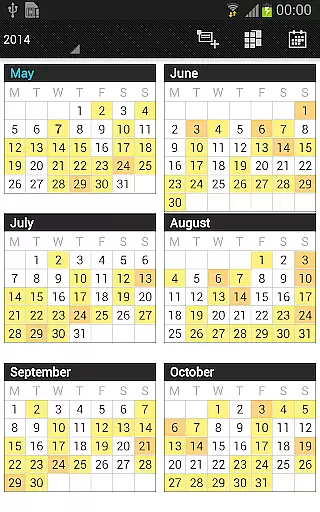
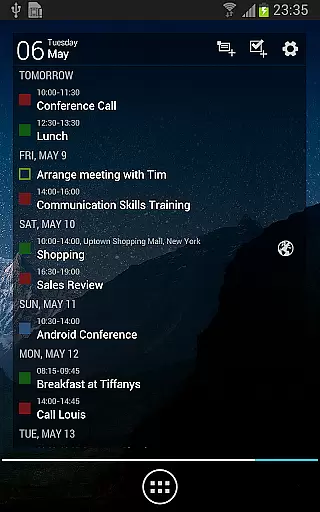
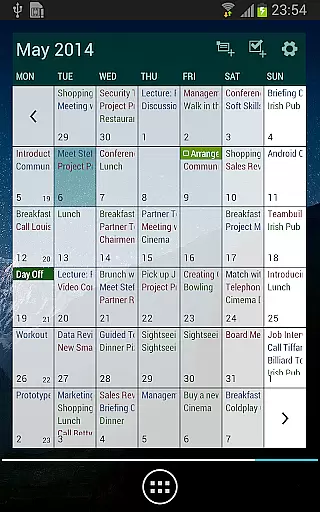
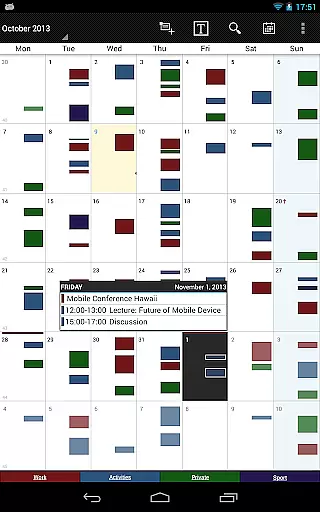
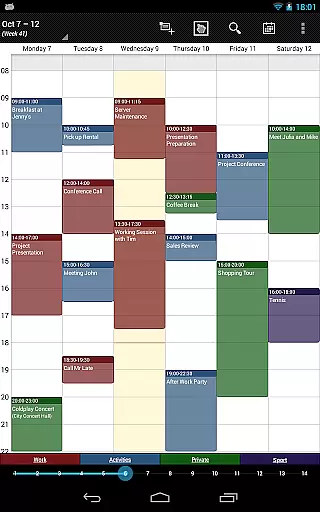
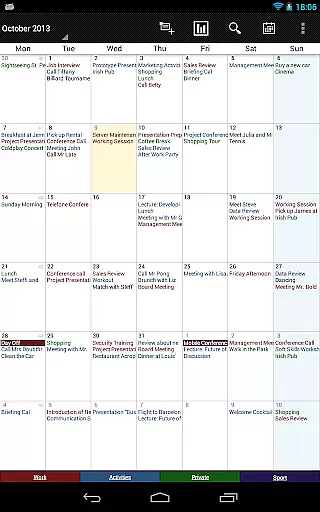
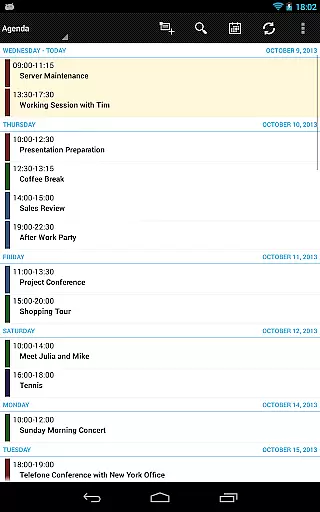
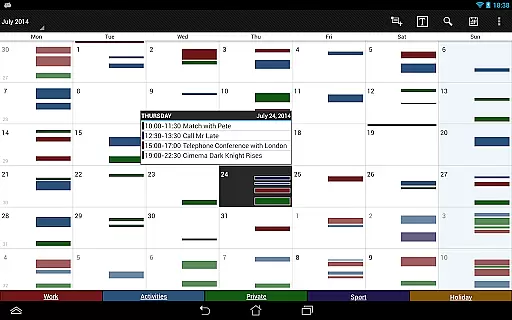
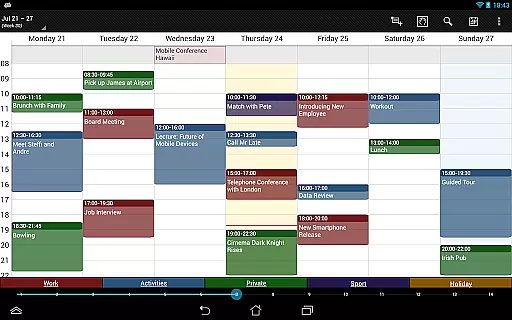
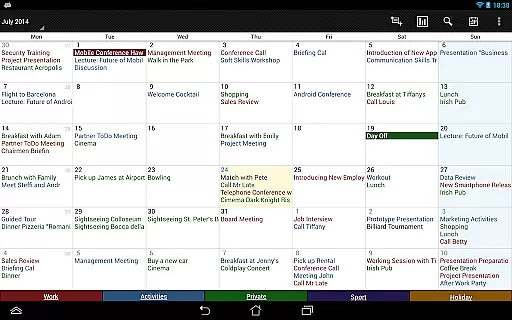

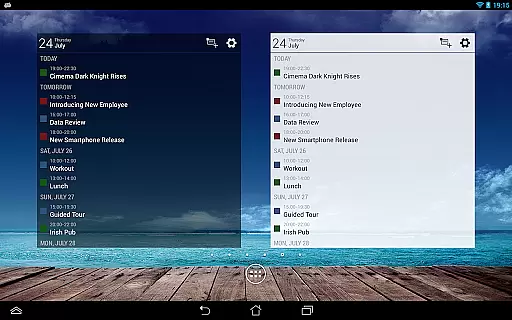
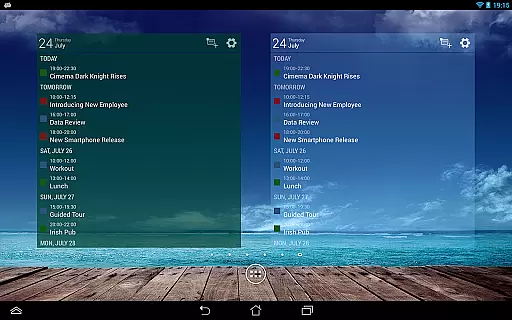
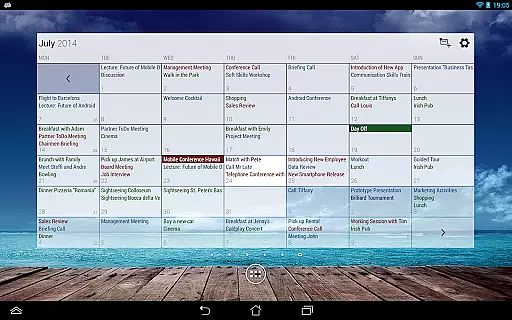
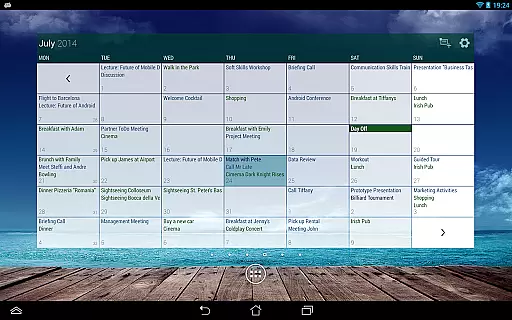
Business Calendar Pro is a comprehensive productivity tool designed for professionals who need an efficient way to manage their schedules. The app offers an intuitive interface that provides excellent visibility of daily appointments while allowing users to easily create and manipulate events. With features like Quick Day View, Favorite Bar, and smooth scroll-and-zoom capabilities, it ensures seamless interaction.
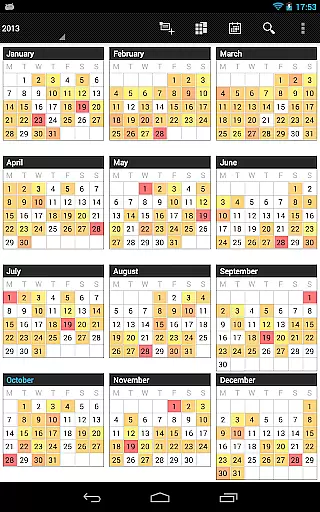
What sets Business Calendar Pro apart is its high level of customization. Users can adapt views and widgets to their preferences, set individual reminders with specific sounds or repetitions, and adjust font sizes across the app. It also supports synchronization with Google Calendar, Microsoft Outlook, and Exchange, making it versatile for both personal and professional use. Its advanced functionalities such as multi-day views, color-coded year view, and professional widgets make it one of the best calendar apps available on Android devices.
Business Calendar Pro boasts a wide array of features tailored to enhance productivity. One standout feature is the Quick Day View, which allows users to see all events scheduled for the day at a glance. The app's Favorite Bar provides instant access to all calendars, streamlining navigation. Additionally, its smooth scrolling and zooming functionality make interacting with your schedule more dynamic and user-friendly.
The app excels in customization options. Users can personalize every aspect of the app’s appearance, from adapting views and widgets to setting detailed reminders with unique vibration patterns, sounds, and intervals. Advanced functionalities include drag-and-drop event management, multi-selection tools for bulk actions, and integrated task management through Google Tasks and Toodledo. These robust features ensure that Business Calendar Pro not only meets but exceeds the needs of power users looking for a reliable scheduling solution.
Task management is a cornerstone of productivity applications, and Business Calendar Pro excels in this area. The app provides users with comprehensive tools to create, manipulate, and organize their events and tasks efficiently.
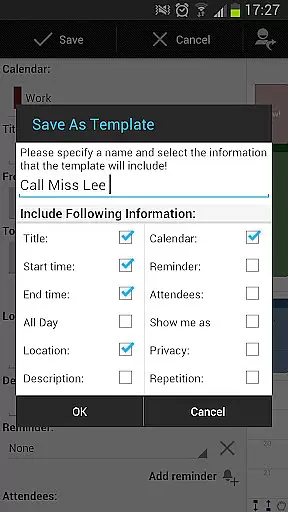
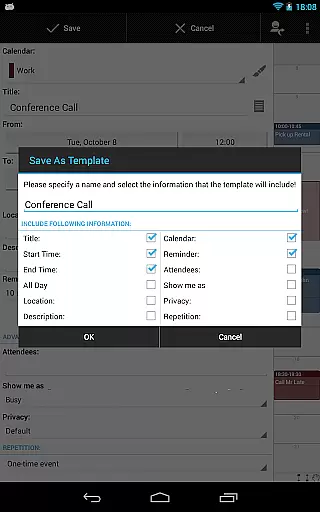
With features such as customizable templates, users can design their own frameworks for new events, ensuring consistency and saving time. Additionally, the multi-selection functionality allows for bulk actionsu2014deleting, moving, or copying multiple events simultaneously, which greatly enhances efficiency.
The drag & drop feature simplifies event management by enabling users to move or copy events easily within the multi-day view. This intuitive interaction reduces the complexity often associated with managing busy schedules.
Moreover, the integrated task-management tool supports synchronization with services like Google Tasks and Toodledo, offering a seamless experience across devices and platforms. These capabilities ensure that users can maintain an organized and efficient schedule, making Business Calendar Pro an indispensable tool for anyone seeking to optimize their time management.
Cross-device synchronization is vital for users who rely on consistent access to their data across multiple platforms. Business Calendar Pro addresses this need by providing reliable synchronization options that keep all user information up-to-date and accessible.
The app syncs events with popular calendar systems such as Google Calendar, Microsoft Outlook, and Exchange using Android's native calendar synchronization. This ensures that changes made on one device are reflected everywhere, maintaining consistency and reliability in your scheduling.
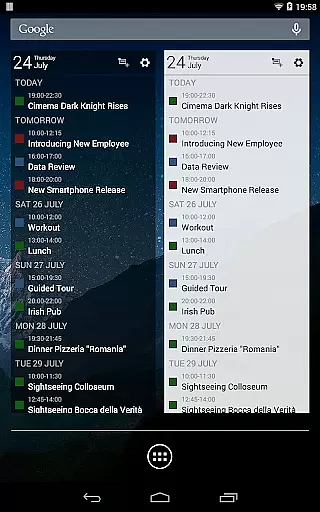
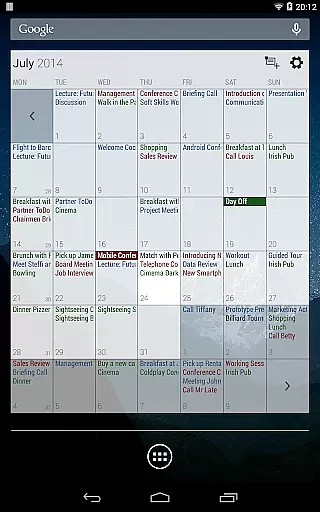
In addition to calendar synchronization, the app offers advanced widgets that can be individually set with specific colors, font sizes, and calendars. This customization extends the synchronization experience, allowing users to tailor their interface to match their preferences while still receiving real-time updates.
Furthermore, the import & export functionality supports quick transfers of all calendars in .ics format, facilitating backups and transitions between devices or platforms. With these robust synchronization features, Business Calendar Pro guarantees that users have reliable access to their schedules no matter where they are or what device they use.
User-friendly interface
Highly customizable
Advanced widget options
Comprehensive task management
Seamless calendar sync
Paid version only
Complex for beginners
Limited iOS support
No free trial
Occasional sync issues

Client for Nextcloud Deck
 4.60
4.60
Native client for Forgejo and Gitea
5.00
A lightweight JSON & XML files creator, editor and viewer (Premium Version)
4.40
Stay on top of your to-dos with Google Tasks, part of Google Workspace.
4.60
Docker, Kubernetes management over Portainer Mobile
4.40
Best Tool for the professionals Electrician, Electrical contractors, etc.
4.90
A Pixel Art watchface inspired by other iconic 90s designs for Wear OS devices!
4.40
Share files & memories safely. Keep your photos and videos secure.
4.40
AI Chatbot and AI writing assistant powered by ChatGPT.
4.60
8 custom complications. Custom Time Fonts. Beautiful color schemes. A++ Design.
5.00
Multilingual translator for text, voice, and image translation!
4.90
Mind Map and brainstorm, note taking and idea collection
4.80
Protect and view your important info on your phone and tablet with eWallet®
4.80
Quickly and easily keep track of your work shifts
4.70
Secure, fast, open-source, Remote Desktop Client for Windows and Linux with SSH
4.60
Subscribe to Webcal & .ics calendars and keep them up-to-date!
4.50
Automates browsing any website and notifies you of important changes or events
4.30 4.20
4.20
Access your phone's notifications, calls, apps, photos & texts on your PC
3.90


User Reviews