
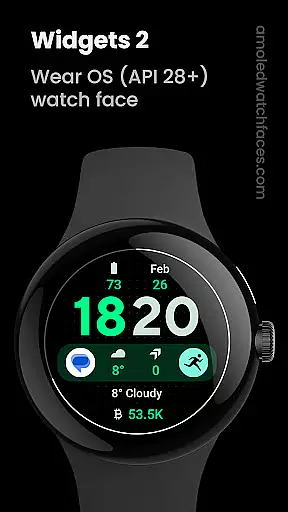
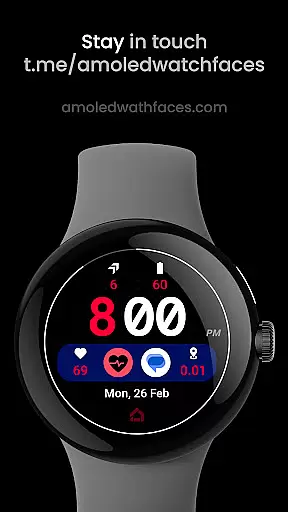
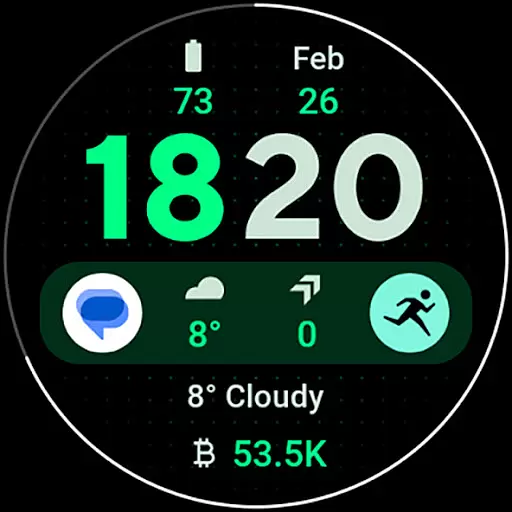
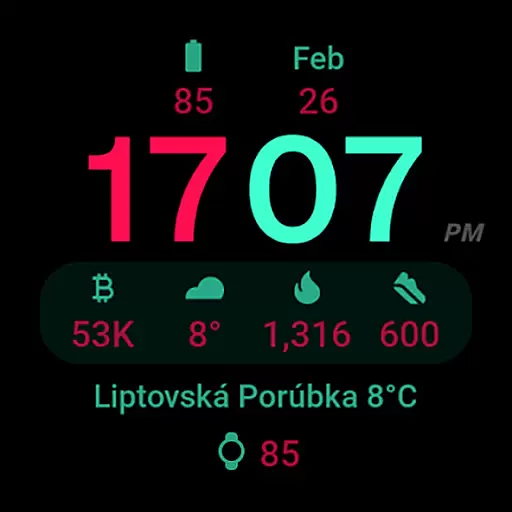
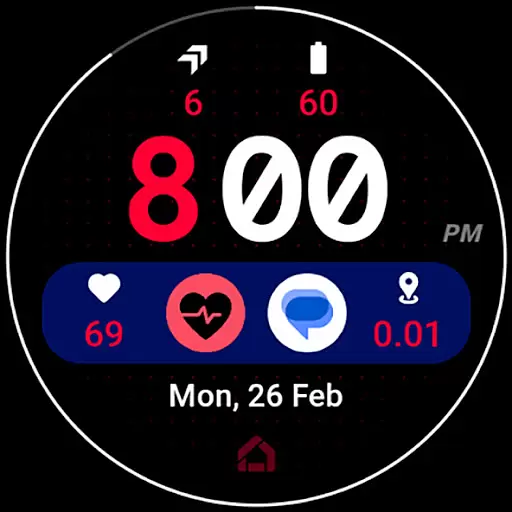
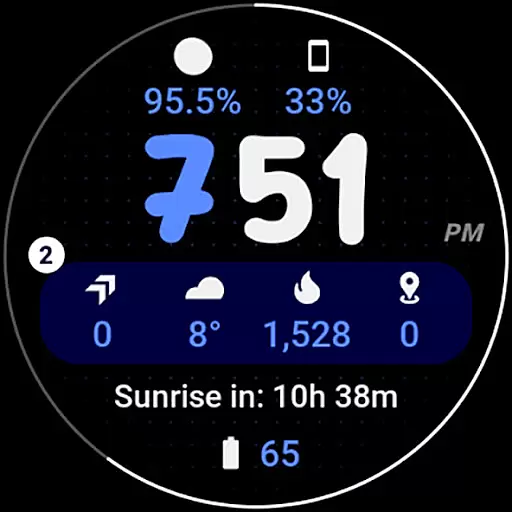
Widgets 2 is a feature-rich productivity app designed exclusively for Wear OS 4+ devices. This application offers advanced watch face customization options, including true black backgrounds, high resolution displays, and unique color themes. With support for 8 custom complication slots and an innovative ambient mode, it provides users with a personalized and battery-efficient experience. The app's compatibility with the latest Wear OS features makes it an essential tool for smartwatch users seeking both functionality and style.
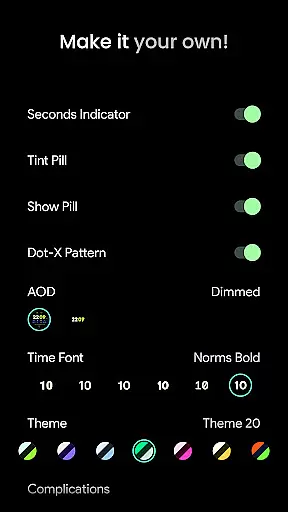
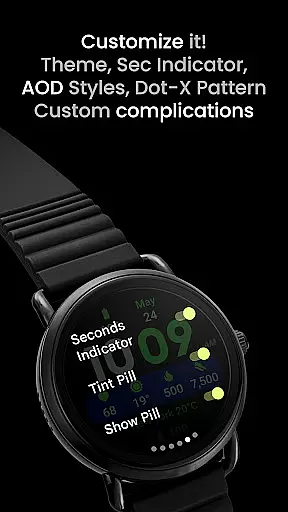
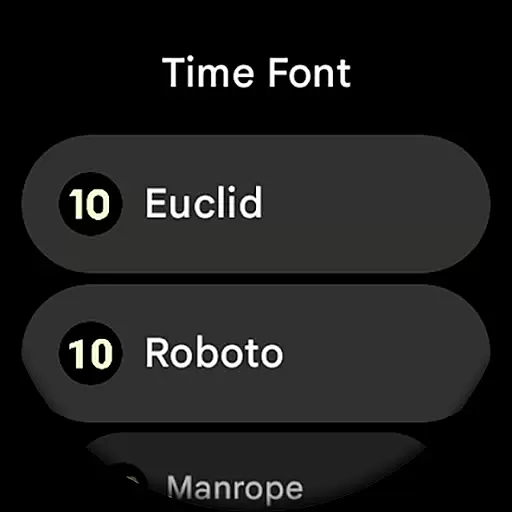
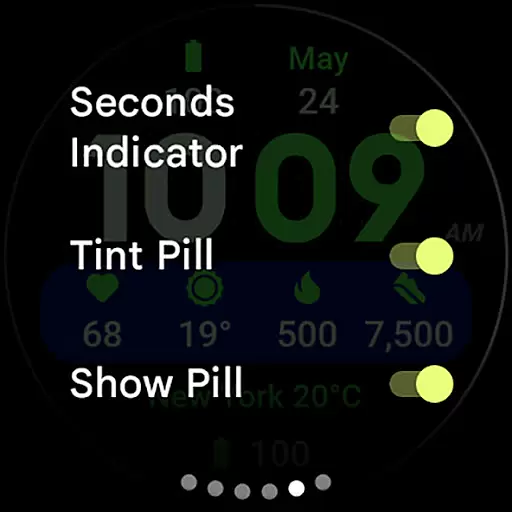
The app stands out with its customizable user configurations, allowing users to choose from multiple time fonts, AOD styles, and toggle various display elements. These features enable users to create a watch face that perfectly matches their preferences while maintaining optimal performance. Whether you need detailed fitness tracking or simply want a stylish timepiece, Widgets 2 delivers a comprehensive solution for power users.
Widgets 2 distinguishes itself through its extensive feature set tailored for productivity enthusiasts. The app supports Watch Face Format 1 and offers full compatibility with the latest Wear OS devices. Its technical capabilities include burn-in protection, progress bar seconds indicators, and customizable time fonts, ensuring both functionality and visual appeal. The inclusion of phone notification complications enhances its utility as a personal information manager.
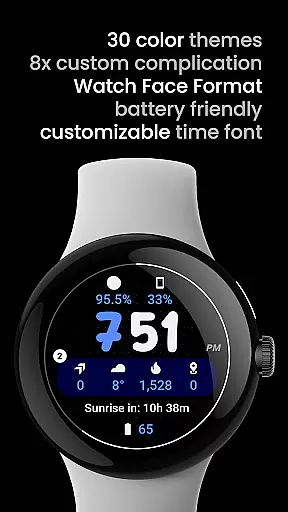
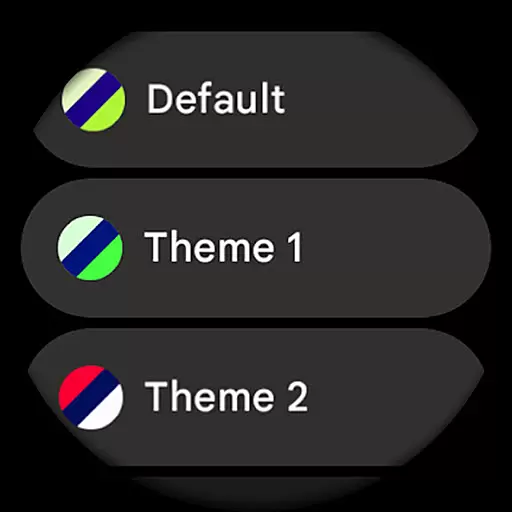
One of the app's key strengths lies in its sophisticated user configuration options. Users can select from 30 different themes, 7 time fonts, and customize up to 8 complication slots. The app's unique ambient mode automatically adjusts colors and optimizes power consumption. These features demonstrate the developer's commitment to providing both flexibility and performance optimization. The integration with custom complication apps further extends its capabilities, making it a versatile tool for managing daily tasks efficiently.
Task management is a cornerstone of productivity applications, ensuring users can efficiently organize and track their responsibilities. Widgets 2 excels in this area by providing a comprehensive suite of tools designed to streamline task handling on Wear OS devices.
The app offers eight customizable complication slots, allowing users to prioritize and manage tasks directly from their watch face. This feature enables quick access to critical information and actions without needing to navigate through multiple screens, thus enhancing workflow efficiency.
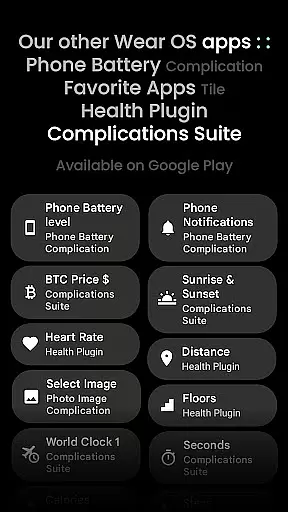
Additionally, Widgets 2 supports phone notifications as complications, which means users can stay updated on important alerts and reminders. This integration requires the Phone Battery Complication app, further expanding the functionality and convenience for users who need to keep track of their tasks and communications simultaneously.
With its high-resolution display and unique ambient mode, Widgets 2 ensures that all task-related information is easily readable and accessible at a glance. The ability to customize themes and time fonts also allows users to tailor the interface to their preferences, making task management not only efficient but also enjoyable.
Cross-device synchronization is vital for maintaining consistency and reliability across different platforms. Widgets 2 addresses this need by ensuring seamless integration between Wear OS devices and smartphones, providing users with a unified experience regardless of the device they are using.
The application leverages the latest advancements in Wear OS technology to deliver real-time updates and notifications. By supporting phone notifications as complications, Widgets 2 keeps users informed about their tasks and messages, even when they are away from their phones. This feature is particularly useful for individuals who rely on timely information to manage their daily activities effectively.
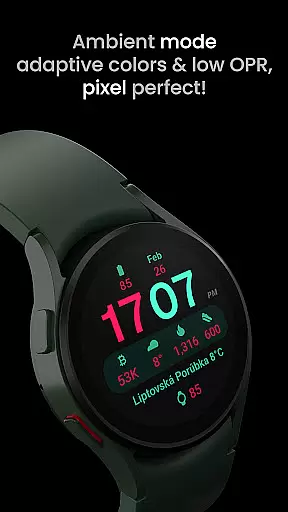
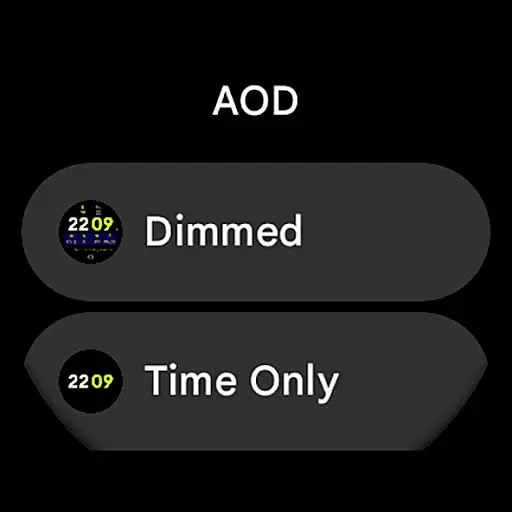
Moreover, Widgets 2 includes a burn-in protection mechanism and adaptive colors in ambient mode, which help preserve the display quality over time. These features ensure that the synchronization process does not compromise the longevity or performance of the device, offering a reliable solution for cross-device task management.
Installation and troubleshooting guides are readily available, providing users with the necessary resources to set up and maintain synchronization effortlessly. With dedicated support channels and a vibrant community, Widgets 2 guarantees that users can resolve any issues quickly and continue enjoying a seamless cross-device experience.
Highly customizable
Battery efficient
Modern design
Wide compatibility
Unique features
Not for rectangles
Premium cost
Complex setup
Device specific
Learning curve

Native client for Forgejo and Gitea
 5.00
5.00
Android Wallet Password Manager
4.80
Secure, fast, open-source, Remote Desktop Client for Windows and Linux with SSH
4.60
App Lock with fingerprint, password: Lock apps & hide photos with lock screens
4.60
Font maker keyboard with your own handwriting
4.10
Enjoy classic gameplay with customizable features and retro-style graphics.
4.30
A Pixel Art watchface inspired by other iconic 90s designs for Wear OS devices!
4.40
Scientific calculator for Android - looks and operates like the real thing!
4.90
Ultimate Virtual AI Character for immersive Roleplay Chat. Perfect Companion
3.90
The Pro Version of Android's tiniest Notepad app. Just 0.3MB but feature-packed!
4.60
The AI assistant that thinks with you - write, code, and solve complex tasks
4.60
Lightweight PDF, Word, Excel reader.
4.60
Fill, sign & send docs, forms, agreements & contracts via electronic signature.
4.50
Translate text/voice/photos in 150+ languages. Offline & fast translator app.
4.50
Docker, Kubernetes management over Portainer Mobile
4.40
Share files & memories safely. Keep your photos and videos secure.
4.40
Access, manage and transfer files on Android, PC, Mac, NAS and cloud storages.
4.30
Professional calendar app for Google Calendar, MS Outlook & Exchange
4.20
A comprehensive suite of tools designed specifically for Lactation Consultants
4.3


User Reviews