
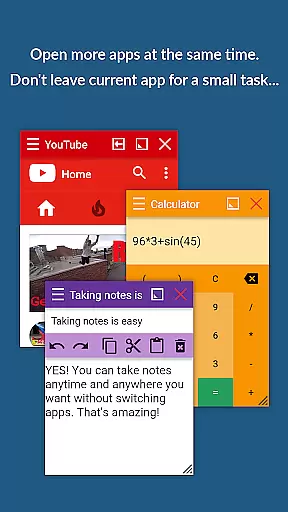
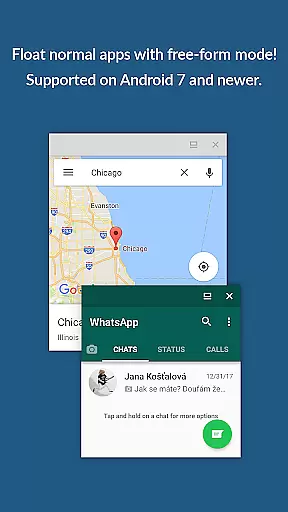
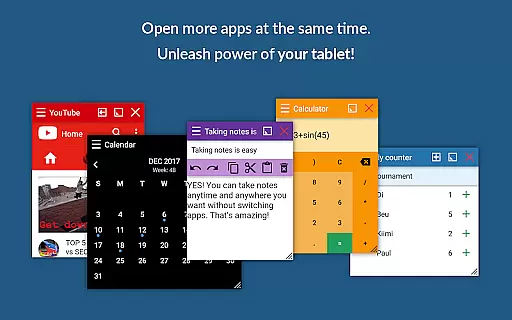
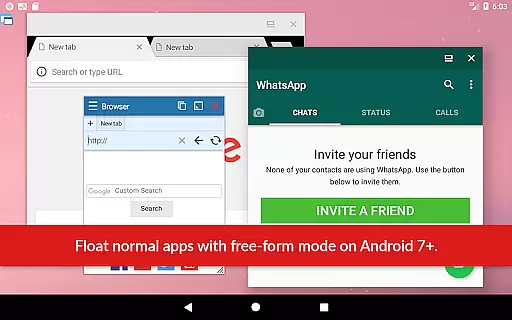
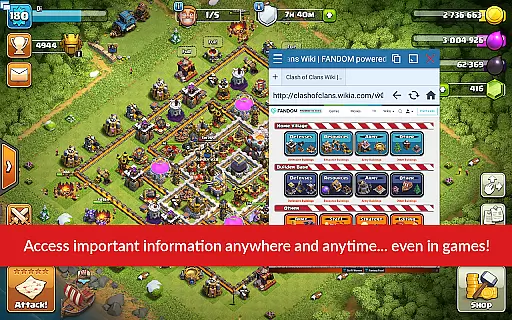
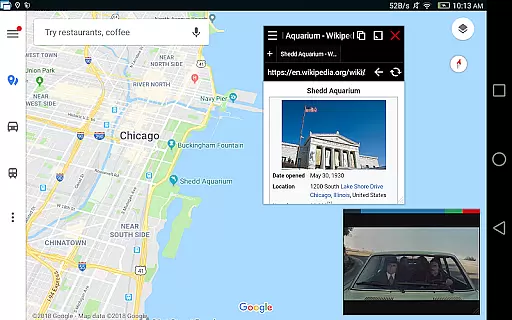
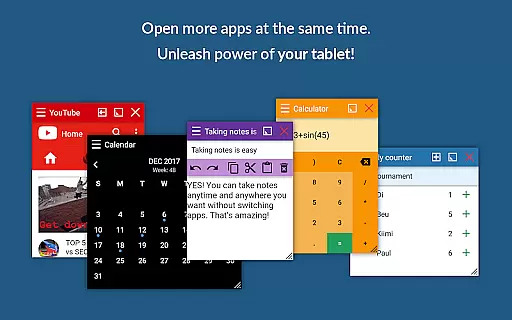
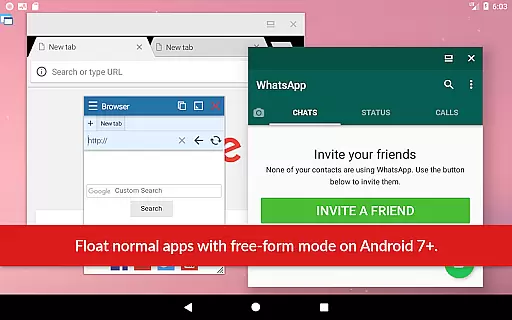
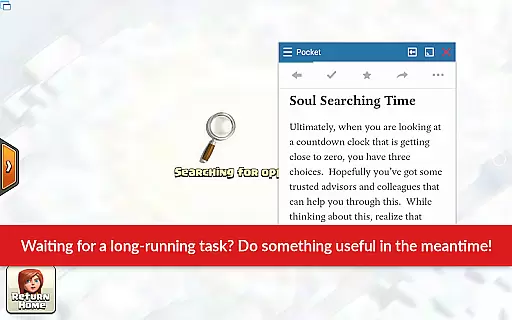
Floating Apps revolutionizes multitasking on Android devices by enabling users to run multiple apps simultaneously in floating windows. This productivity tool allows seamless integration of functions without the need to switch contexts, such as watching videos while working or taking notes during a call.
With over 41 built-in floating apps ranging from browsers and media players to document viewers and social media platforms, it caters to diverse user needs. Its customization options and support for multiple languages make it accessible worldwide, enhancing efficiency and convenience for both personal and professional use.
The app boasts an extensive array of features designed to maximize productivity. Users can create custom floating apps from home screen widgets and URLs, providing unparalleled flexibility. The movable and resizable quick launch icon ensures one-tap access to frequently used apps.
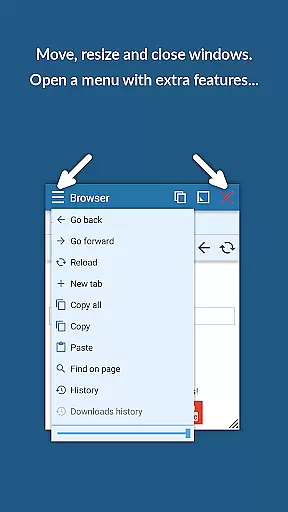
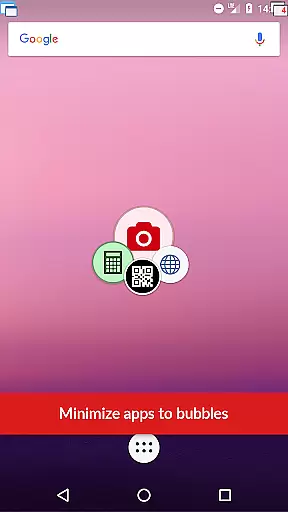
Advanced functionalities include window management through dragging and resizing, maximizing or minimizing windows, and controlling transparency. These capabilities, combined with the ability to handle links, videos, and images within floating apps, deliver a versatile multitasking environment akin to Samsung's multi-window or split-screen modes but compatible with all Android devices.
Floating Apps revolutionizes the way users handle multiple tasks on their Android devices by enabling real multitasking. The app allows you to open and manage more applications simultaneously in floating windows, which means you can perform several tasks at once without switching between full-screen apps.
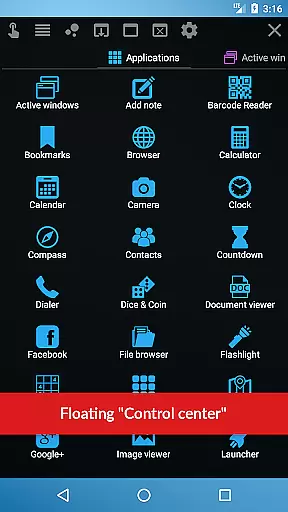
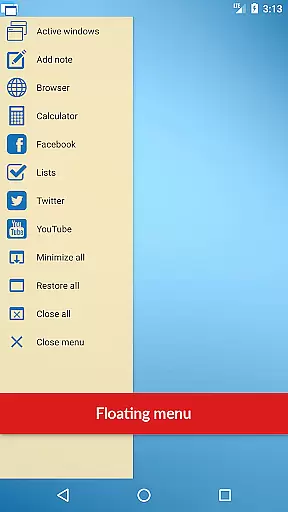
With over 41 built-in floating mini apps ranging from a floating browser, document viewer, YouTube, calculator, and more, this productivity tool ensures that your workflow is smooth and efficient. You can easily watch videos, take notes, view documents, or even translate text while working on other tasks, thus significantly enhancing your device's functionality.
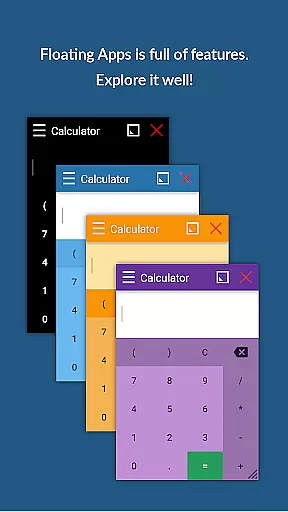
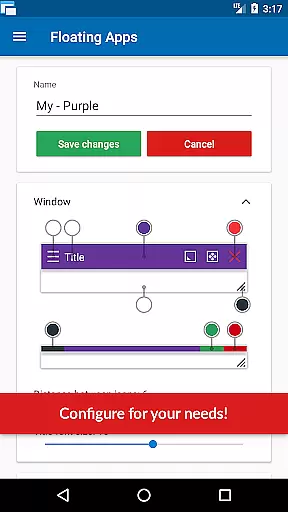
The true power of Floating Apps lies in its customizable nature; it supports creating personalized floating apps from home screen widgets and URLs. This feature provides an unprecedented level of task management customization for users who need specific tools at their fingertips, allowing them to tailor their multitasking environment according to their unique needs.
Cross-device synchronization is essential for users who operate across multiple devices, and Floating Apps addresses this need with robust capabilities. Although primarily an Android application, the suite of floating apps ensures that your data and app states are reliably maintained, so you can pick up right where you left off, no matter which device you use next.
While direct cross-platform sync isn't explicitly detailed in the app description, Floating Apps' commitment to user-centric development implies continuous improvements. With more than five years of dedicated development, it's clear that they strive to refine these features further, ensuring seamless transitions between different work environments.
Moreover, the ability to create custom floating apps using URLs suggests potential integration with cloud services or web-based applications, which could be synchronized across devices. This flexibility not only enhances productivity but also offers peace of mind knowing that all your critical information is accessible wherever you go, maintaining consistency and reliability throughout your digital ecosystem.
User-friendly interface
Extensive customization
Wide language support
Versatile floating apps
Efficient multitasking
May drain battery faster
Interface can be cluttered
Some features are complex
Occasional performance lags
Premium version required

Secure, fast, open-source, VNC and SSH Remote Desktop for Windows, Linux and Mac
 4.70
4.70
A customizable calendar for your Wear OS watch
4.20
QuickBooks Workforce lets teams view pay info and track time in one place.
4.70
Mind Map and brainstorm, note taking and idea collection
4.80
Make your handwriting beautiful, even more than pen on paper.
3.60
IP Camera Viewer - Android TV : RTSP Surveillance camera viewer for Android TV
4.5
Activate Two Factor Authentication (2FA or Multi OTP), Password manager and more
4.10
AI Chatbot and AI writing assistant powered by ChatGPT.
4.60
Seamlessly read, manage, and organize all your PDF files solution in one place
4.40
Multilingual translator for text, voice, and image translation!
4.90
Scan paperwork into PDF/JPG, generate your own e-signature and send fax or email
4.70
App Lock with fingerprint, password: Lock apps & hide photos with lock screens
4.60
All document reader, all in one file viewer read PDF, DOCX, XLS, PPT, TXT files.
4.60
A lightweight JSON & XML files creator, editor and viewer (Premium Version)
4.40 4.20
4.20
Professional calendar app for Google Calendar, MS Outlook & Exchange
4.20
Font maker keyboard with your own handwriting
4.10
Mega cloud explorer plugin for Solid Explorer
3.80
Simple and reliable communication between inmates, friends and family
3.20


User Reviews