
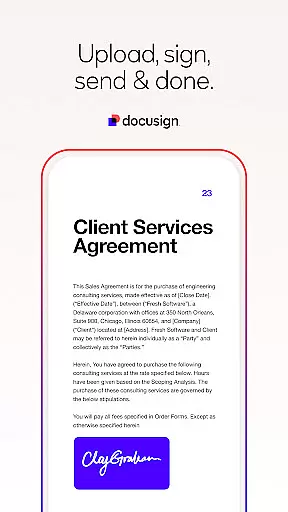


Docusign is the leading Intelligent Agreement Management solution that simplifies and secures the entire agreement process. As the world's #1 eSignature platform, it allows businesses and individuals to sign documents from anywhere, at any time, on almost any device. Trusted by millions globally, Docusign offers unlimited free signing for all parties while ensuring legal compliance and top-tier security.
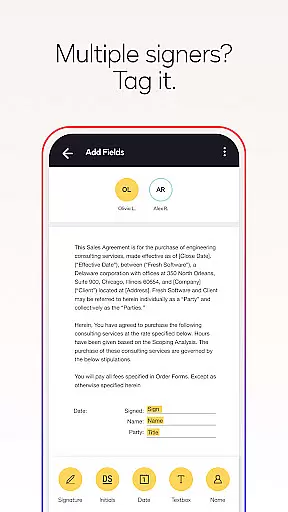
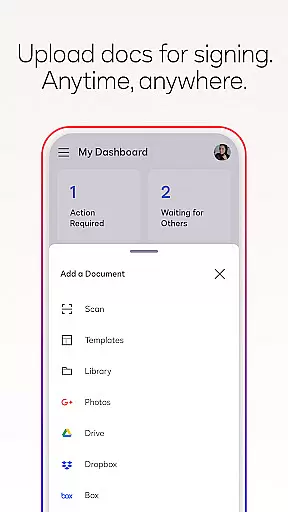
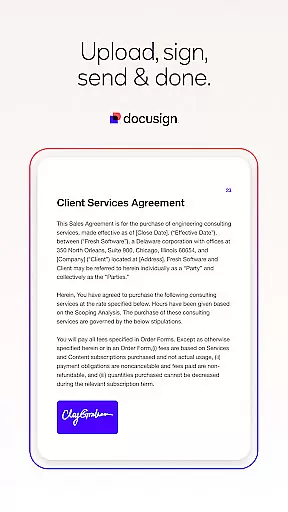
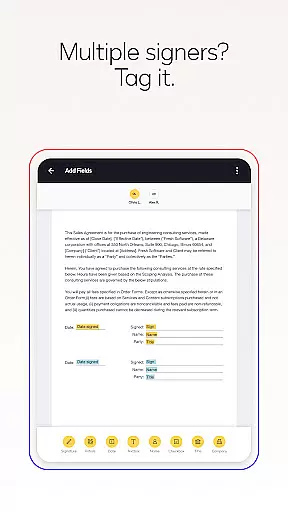
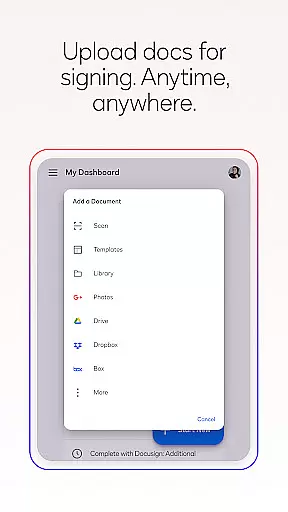
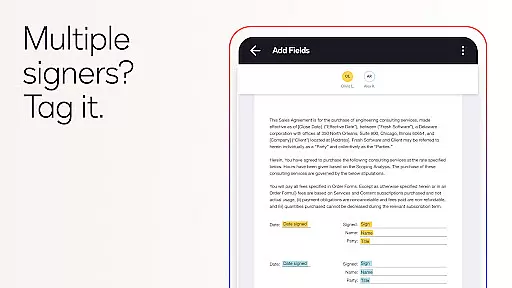
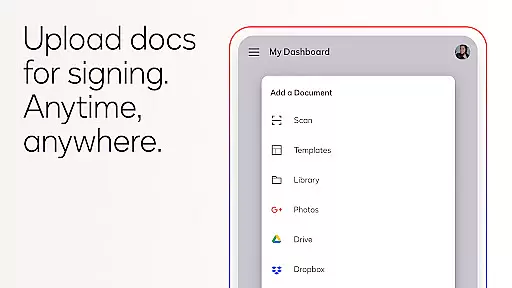
The app streamlines document management with features like uploading files via Google Drive or DropBox, preparing documents with 'Sign Here' tags, and setting workflows for multiple signers. It also supports real-time notifications and adapts documents for mobile viewing. Whether you're handling NDAs, sales contracts, or lease agreements, Docusign provides a seamless experience for both senders and signers.
Docusign stands out with its comprehensive feature set designed to simplify agreement processes. Users can create customized digital signatures directly on their devices and upload documents through various platforms such as email, Google Drive, or Salesforce. The app supports multiple file formats including PDFs, Word documents, Excel sheets, and images.
One of the key highlights is its streamlined management system. Send documents for signature with precise tagging options, set signing orders, and enable both in-person and remote signing. Responsive signing functionality ensures documents adapt to any device size. Advanced plans offer additional capabilities like reusable templates, reminders, voiding sent documents, and managing workflows for multiple signers.
Docusign complies with the eSign Act, ensuring legally binding agreements with complete audit trails. Documents are encrypted, making them safer than paper-based alternatives. With ISO 27001 and SSAE16 compliance, users can trust the platform for secure transactions.
In the realm of productivity, core task management is pivotal for organizing and executing work efficiently. DocuSign revolutionizes this area by streamlining how agreements are handled from creation to completion.
DocuSign's platform allows users to create customized digital signatures directly on their devices, upload documents easily via various services, and e-sign documents without any monthly limit. This seamless integration simplifies the entire agreement process, making it accessible and efficient.
The application provides tools to prepare documents with specific tags indicating where to sign or add information, set signing orders for multiple signers, and send remindersu2014all from a mobile device. These features ensure that tasks related to agreements are managed effectively, enhancing productivity.
Ultimately, DocuSign's approach to task management not only saves time but also increases security and compliance, offering users a comprehensive solution for managing agreements with ease and confidence.
Cross-device synchronization is crucial for maintaining consistency and accessibility across different platforms. DocuSign excels in providing reliable synchronization that ensures all actions taken on one device are accurately reflected on others.
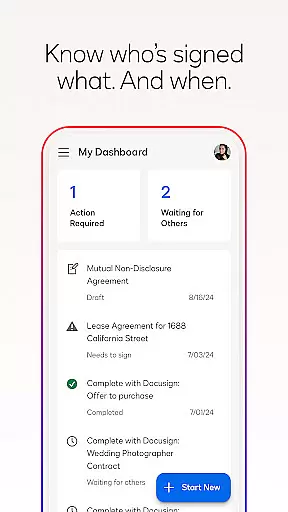
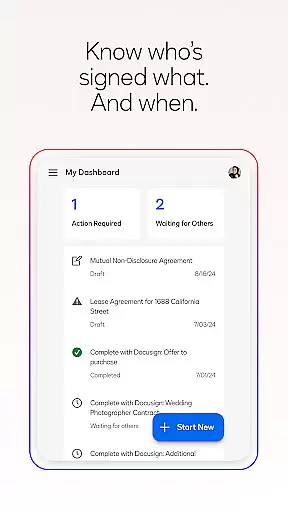
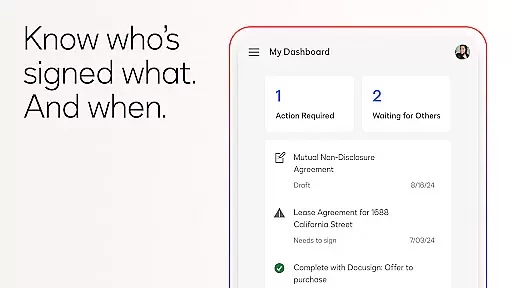
With DocuSign, users can import files, prepare them for signatures, and monitor the status of agreements straight from their devices. The responsive signing functionality automatically adapts documents for optimal viewing on any device, ensuring uniformity regardless of screen size or orientation.
Real-time push notifications further enhance cross-device reliability by alerting users immediately when a document has been signed. This instant communication keeps all parties informed and aligned, reducing delays and improving workflow efficiency.
By prioritizing robust cross-device synchronization, DocuSign delivers a dependable and cohesive user experience, allowing individuals and businesses to manage their agreements seamlessly across various devices.
User-friendly interface
Legally compliant signatures
Secure encryption protocols
Real-time notifications
Wide format compatibility
Limited free sending in Personal Plan
No offline access
Subscription costs for advanced features
Occasional syncing delays
Complexity for first-time users

Native client for Forgejo and Gitea
 5.00
5.00
Create study competitions, track your hours, and stay consistent with friends
4.5
All in one sketching tool. Technical and General drawing. Online Maps support.
3.70
Planet Free VPN - The best Fast Unlimited and Secure VPN Without Logs
4.50
ID.me Authenticator is a simple and free Two Factor Authentication solution
3.50
Great calculator for Android named one of USA TODAY's "25 Essential Apps".
4.90
Best Tool for the professionals Electrician, Electrical contractors, etc.
4.90
Lightweight PDF, Word, Excel reader.
4.60
Understand anything with a personalized AI research assistant
4.80
Multilingual translator for text, voice, and image translation!
4.90
aCalendar+ makes your day, week and month
4.70
Functional QR scanner and barcode reader that requires little storage space.
4.60
Translate text/voice/photos in 150+ languages. Offline & fast translator app.
4.50
Share files & memories safely. Keep your photos and videos secure.
4.40
Pwnagotchi companion app
4.20
Wake up & get tasks done! Add alarms & reminders on the Clock Launcher.
4.00
⏰ Finally a timer app which can run multiple timers simultaneously on your watch
3.90
Auto-shutoff Alarm with Sunrise, Sunset & Fixed Options.
3.50
Easiest event planning, volunteer signups & parent teacher conference scheduling
2.20


User Reviews