

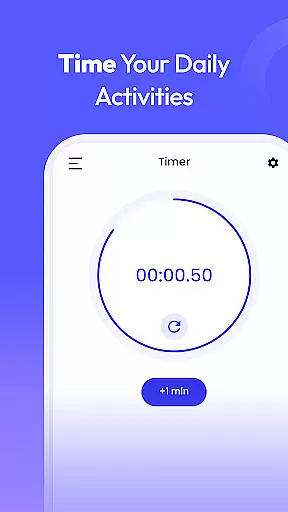
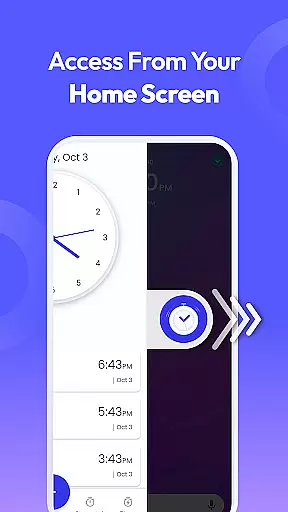
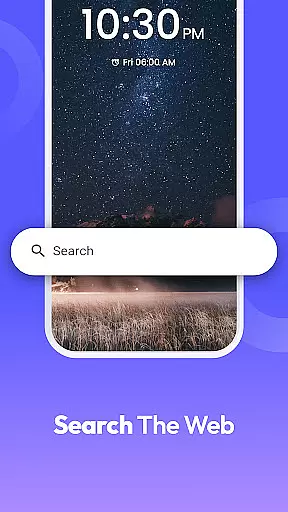
Clock Launcher is a productivity-focused app that combines essential time management tools with launcher functionality. The app provides instant access to alarms, timers, reminders, and world clocks through a simple swipe from the home screen. Its intuitive design ensures users can efficiently manage their schedules while enjoying added convenience features like weather widgets and clock-themed wallpapers.
One of the standout aspects of Clock Launcher is its ability to transform the home screen experience. While the layout may change after installation, this allows for quicker access to frequently used tools. Whether you're a busy professional managing international meetings or someone looking to stay on top of daily tasks, Clock Launcher offers practical solutions to enhance productivity without compromising ease of use.
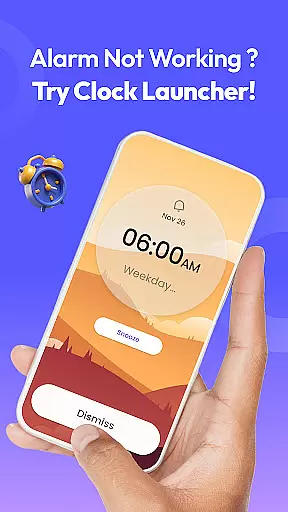
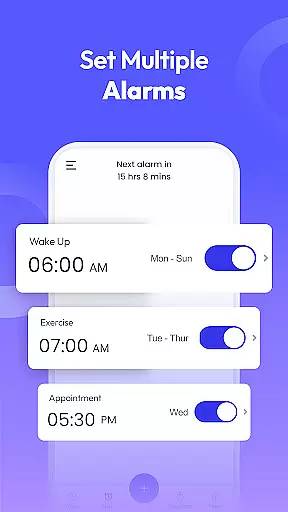
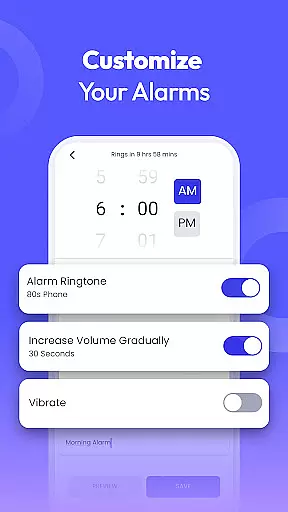
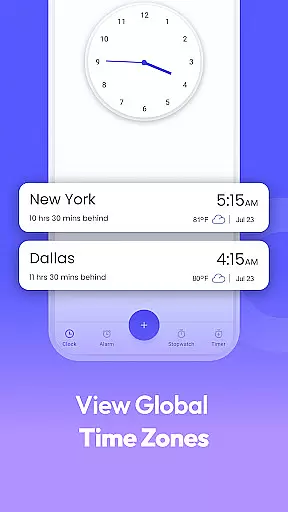
Clock Launcher stands out with its comprehensive suite of time management features. The app includes a customizable alarm clock with options for daily or weekly alarms, multiple tones, and adjustable snooze durations. This ensures users can tailor their wake-up experience to fit their unique lifestyles. Additionally, the world clock feature is invaluable for travelers and professionals working across time zones, allowing them to track and save multiple city times effortlessly.
Beyond alarms and world clocks, the app offers practical tools like reminders, timers, and a stopwatch. Reminders help users stay on top of appointments and events, while the timer is perfect for cooking or workouts. The stopwatch provides precise time tracking for fitness enthusiasts. With multi-touchpoint search capabilities powered by Yahoo, users can also quickly find installed apps or perform web searches directly from the home screen.
At the heart of Clock Launcher lies its robust core task management system, designed to streamline your daily routine. This feature allows users to effortlessly set alarms, reminders, and timers, ensuring they stay on top of their schedules without any hassle.
The app's intuitive interface makes it simple to organize your day by checking the time across different cities, which is particularly beneficial for those with international commitments. With just a swipe from the home screen, access essential time management tools that keep you punctual and prepared.
Users benefit from the seamless integration of a world clock, alarm clock, reminders, timer, and stopwatch, all within easy reach. These tools are not only functional but also customizable, catering to individual preferences and lifestyles, thus enhancing productivity and time management.
Clock Launcher ensures reliable cross-device synchronization, allowing users to maintain consistency across multiple devices. This means whether you're at home or on the go, your alarms, timers, and reminders will be accurately reflected on any device you use.
The synchronization process is smooth and automatic, eliminating the need for manual updates. As long as devices are connected to the internet, changes made on one device are instantly mirrored on others, providing peace of mind and continuity in your scheduling.
This reliability extends to features like the world clock and multi-touchpoint search, making sure that no matter where you are, your data remains up-to-date and accessible. Such seamless integration enhances user experience by offering dependable access to critical time management functions anytime, anywhere.
User-friendly interface
Comprehensive time tools
Customizable alarms
Efficient home screen access
World clock functionality
Home screen layout changes
Limited widget options
No 24-hour clock format
Basic theme selection
Occasional ads in free version

Experience Reading - Night Mode for Documents
 4.40
4.40
Take control of your clipboard with Clipper!
3.90
Mind Map and brainstorm, note taking and idea collection
4.80
Make your handwriting beautiful, even more than pen on paper.
3.60
Functional QR scanner and barcode reader that requires little storage space.
4.60
Enjoy classic gameplay with customizable features and retro-style graphics.
4.30
Calendar 2023 widget for Android. Appointment scheduler, planner, and reminder
4.60
Quickly and easily keep track of your work shifts
4.70
Scan paperwork into PDF/JPG, generate your own e-signature and send fax or email
4.70
Use powerful, industry-leading AI tools to generate visual charts from any data
4.80
Understand anything with a personalized AI research assistant
4.80
Absolutely the best CNC machinist speed and feed calculator around. fswizard.com
4.60
Secure, fast, open-source, Remote Desktop Client for Windows and Linux with SSH
4.60
App Lock with fingerprint, password: Lock apps & hide photos with lock screens
4.60
Translate text/voice/photos in 150+ languages. Offline & fast translator app.
4.50
A Pixel Art watchface inspired by other iconic 90s designs for Wear OS devices!
4.40
This small app MUST BE INSTALLED after purchase, else license won't work
4.40
Secure your apps with lock screens, use custom themes and different features.
4.40
Font maker keyboard with your own handwriting
4.10


User Reviews