
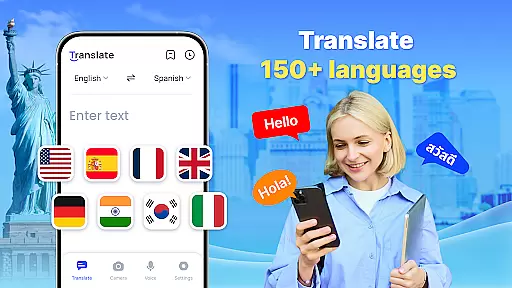

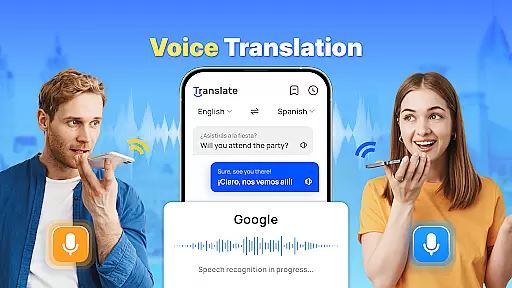

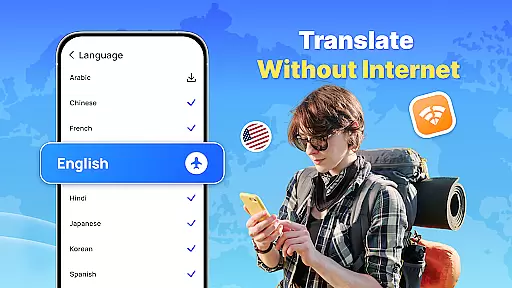
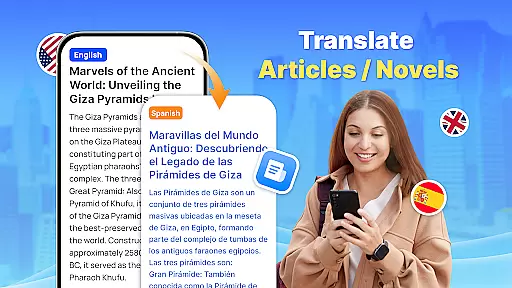
Translate - Translator is a versatile productivity app designed to break language barriers through its comprehensive translation capabilities. This free translator app supports text, voice, and photo translation across 150+ languages, making it an essential tool for travelers, students, and professionals alike. The app's offline functionality ensures uninterrupted translations even without an internet connection.
With features like real-time voice translation, AI-powered photo translation, and full-screen text translation, the app caters to various communication needs. Users can save important translations for future reference and easily share results with others. Whether you're traveling abroad, conducting business negotiations, or learning new languages, this app provides accurate and fast translations to facilitate cross-cultural interactions.
The Translate - Translator app stands out with its diverse range of innovative features. The instant text translation function allows users to enter or paste text and receive quick translations across multiple languages. The real-time voice translation feature uses intelligent voice recognition technology to enable smooth conversations with foreign speakers.
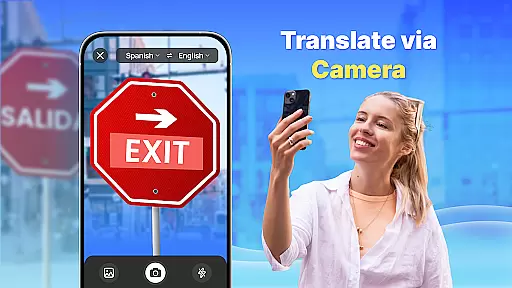
One of the most impressive capabilities is the AI-powered photo translation. Users can capture images containing foreign language materials such as menus or product descriptions and receive accurate translations. The app's offline mode is particularly useful when traveling in areas with limited connectivity. Additionally, the floating ball feature enables quick translation of full-screen texts, while the auto-detect function identifies input languages automatically.
All these features are designed to provide maximum convenience and efficiency for users who need to communicate across different languages in various contexts. The ability to save and organize translation collections makes it especially valuable for frequent travelers and language learners.
In the realm of productivity, core task management is pivotal for organizing and prioritizing tasks efficiently. Translate - Translator excels in this area by offering a multifaceted approach to managing language translation tasks.
With features like instant text translation, real-time voice translation, and AI-powered photo translation, users can handle various types of translation needs seamlessly. The app supports over 150 languages, ensuring that users can manage tasks across different linguistic contexts with ease.
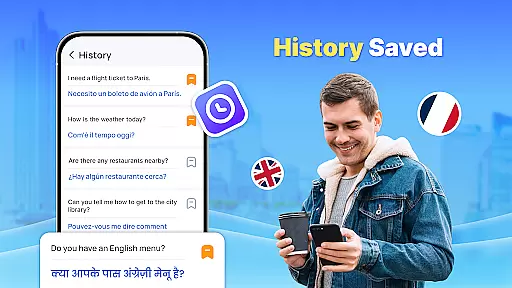
The ability to save and share translation results adds another layer to task management, allowing users to create collections of important translations. This feature is particularly useful for travelers, professionals, and language learners who need quick access to frequently used phrases or terms.
Translate - Translator's offline functionality further enhances its task management capabilities. Users can translate languages without an internet connection, making it an indispensable tool for managing translation tasks in any environment.
Cross-device synchronization is essential for maintaining consistency and accessibility across multiple devices. Translate - Translator ensures reliable synchronization, enabling users to access their translation history and saved translations from any device.
This reliability is supported by the app's cloud-based infrastructure, which securely stores user data and synchronizes it across devices in real-time. Whether you're switching from a smartphone to a tablet or sharing translations between colleagues, the transition is seamless.
The app's floating ball feature exemplifies its commitment to synchronization reliability. By granting 'Accessibility' and 'Display over other apps' permissions, users can translate full-screen texts effortlessly, knowing that their work will be synchronized across devices.
For those who rely on consistent access to translationsu2014be it for business negotiations, academic research, or personal useu2014Translate - Translator's cross-device synchronization offers peace of mind and uninterrupted productivity.
User-friendly interface
Wide language support
Offline functionality
Real-time translation
Photo translation feature
Limited advanced grammar
Occasional inaccuracies
Ads in free version
Requires permissions
Large file size

 4.20
4.20
Client for Nextcloud Deck
4.60
Mega cloud explorer plugin for Solid Explorer
3.80
Direct Chat without saving contacts & Dual WA Account on Single Device
4.70
Easiest event planning, volunteer signups & parent teacher conference scheduling
2.20
Calendar 2023 widget for Android. Appointment scheduler, planner, and reminder
4.60
A simple Whisper AI keyboard for reliable speech transcription and rewording
4.60
This small app MUST BE INSTALLED after purchase, else license won't work
4.40
Put a lock on your cloud: Take the security of your data into your own hands
3.70
Understand anything with a personalized AI research assistant
4.80
Secure, fast, open-source, VNC and SSH Remote Desktop for Windows, Linux and Mac
4.70
Docker, Kubernetes management over Portainer Mobile
4.40
Automates browsing any website and notifies you of important changes or events
4.30
Device's storage information in a simple and clear graphical form (infographics)
4.10
Todo reminder
4.10
Create and edit presentations with Google Slides, part of Google Workspace.
4.00
Take control of your clipboard with Clipper!
3.90
The upgraded version of Name Wheel with AI and the power to add your own wheels.
4.1
A simple, portable logger for POTA, SOTA, Field Day, and more
4.3


User Reviews