
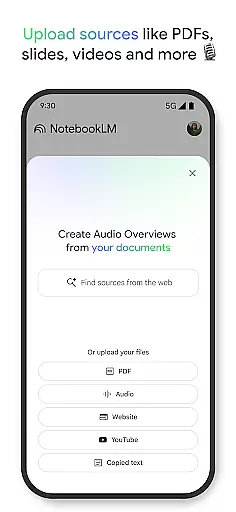
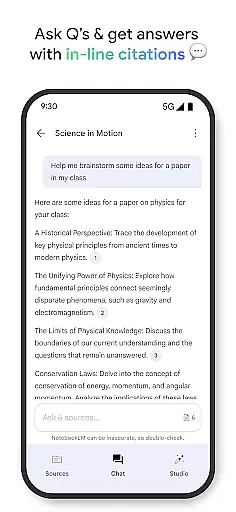
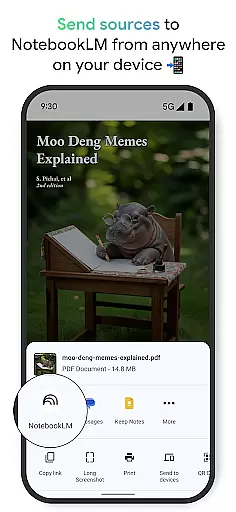
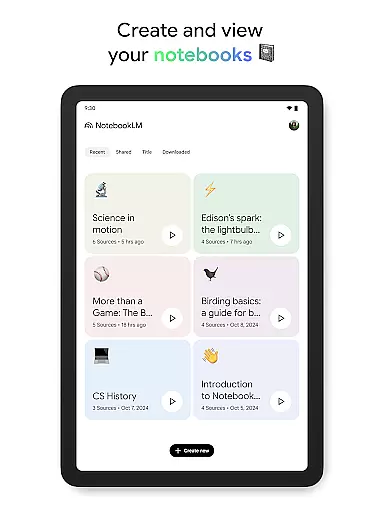
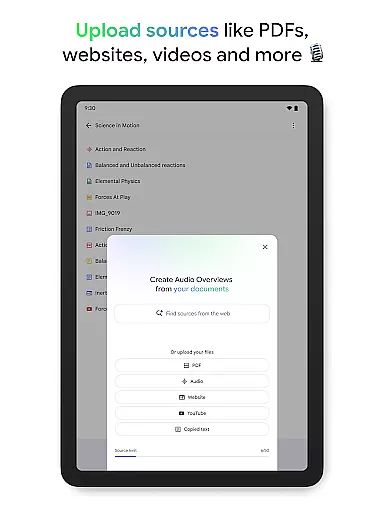
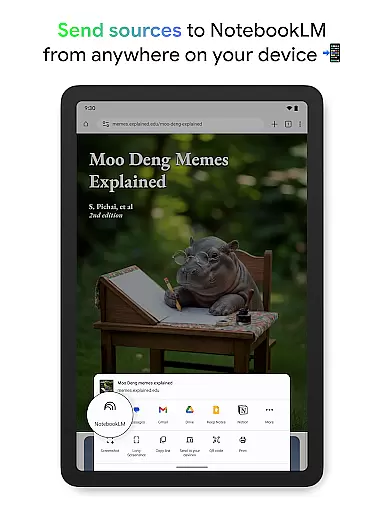
NotebookLM is a productivity-focused AI assistant that transforms complex information into clear, actionable insights. The app allows users to upload various sources such as PDFs, websites, and YouTube videos, then creates expert summaries and connections between these materials.
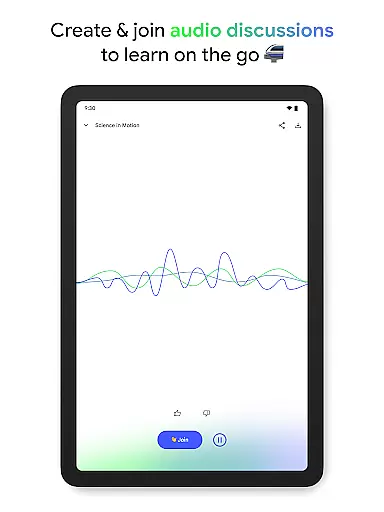
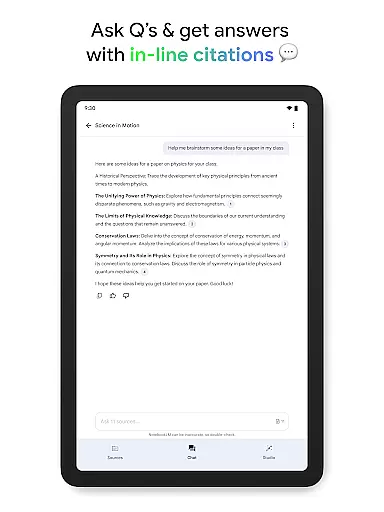
With its unique Audio Overviews feature, users can listen to podcast-style discussions about their content, making it ideal for learning on the go. Trusted by millions of professionals and students, NotebookLM delivers verified answers with proper source citations, ensuring reliable information.
This versatile tool is particularly valuable for researchers, creators, and busy professionals who need to process large amounts of information efficiently while maintaining accuracy and accessibility.
NotebookLM stands out with its comprehensive feature set designed for knowledge workers. The app's source processing capability handles multiple formats including PDF documents, web pages, and video content, creating detailed summaries and meaningful connections between uploaded materials.
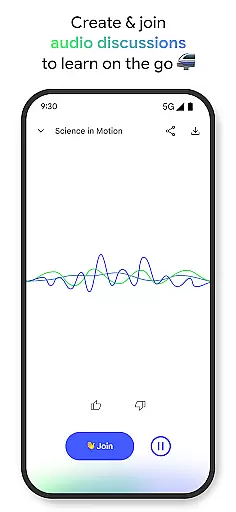
The innovative Audio Overview function converts text-based content into engaging audio discussions hosted by two AI personalities. Users can actively participate in these conversations, asking questions and guiding the discussion flow for a more interactive learning experience.
Additional features include offline support for mobile use, background playback for multitasking, and trusted answer generation with inline source citations. These capabilities make information processing both efficient and reliable across different devices and usage scenarios.
Effective task management is crucial for productivity applications, serving as the backbone for organizing and prioritizing work. NotebookLM excels in this area by transforming complex information into manageable insights.
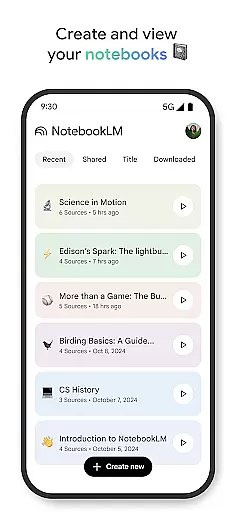
The app allows users to upload various sources such as PDFs, websites, and videos, turning them into structured notebooks. This feature simplifies the process of managing extensive data, making it easily accessible and actionable.
Users benefit from NotebookLM's ability to summarize content and draw connections between different pieces of information. This functionality not only saves time but also enhances understanding, allowing users to focus on critical tasks.
By providing trusted insights and enabling multi-format learning, NotebookLM empowers users to work more efficiently and effectively, demonstrating its value as a core task management tool.
In today's interconnected world, reliable cross-device synchronization is essential for maintaining workflow continuity. NotebookLM addresses this need by offering seamless access to notebooks across multiple devices.
The application supports background playback and offline access for Audio Overviews, ensuring users can continue their learning journey regardless of internet connectivity. This feature is particularly valuable for professionals who require constant access to information.
With real-time updates and consistent data availability, users can trust that their work remains current and synchronized. This reliability fosters confidence in using NotebookLM as a primary productivity tool.
By combining robust synchronization capabilities with flexible learning options, NotebookLM establishes itself as a reliable companion for managing tasks across different environments and devices.
Trusted source citations
Offline audio support
Interactive AI hosts
Multi-format uploads
Cross-device access
Limited free tier
Occasional AI errors
High system requirements
Premium subscription cost
Learning curve present

AI Video AI Image Private LLM AI Browser Llama Gemma Ollama Connect LLM Studio
 4.1
4.1
Planet Free VPN - The best Fast Unlimited and Secure VPN Without Logs
4.50
Send files, sync SMS, notifications & clipboard across devices via local network
4.40
Automates browsing any website and notifies you of important changes or events
4.30
All in One PDF Reader: Manage, Read and Edit your Documents
4.20
Font maker keyboard with your own handwriting
4.10
A comprehensive suite of tools designed specifically for Lactation Consultants
4.4
Best Tool for the professionals Electrician, Electrical contractors, etc.
4.90
Daily processing of PDF documents.
4.40
Multilingual translator for text, voice, and image translation!
4.90
Client for Nextcloud Deck
4.60
This small app MUST BE INSTALLED after purchase, else license won't work
4.40
Share files & memories safely. Keep your photos and videos secure.
4.40 4.20
4.20
A customizable calendar for your Wear OS watch
4.20
Todo reminder
4.10
A Revolutionary All-in-One Artificial Intelligence Tools
3.80
Ads Free App! Editor, Hide File, Copy, Move, Delete and Rename.. all facility av
1.70
IP Camera Viewer - Android TV : RTSP Surveillance camera viewer for Android TV
4.4


User Reviews