
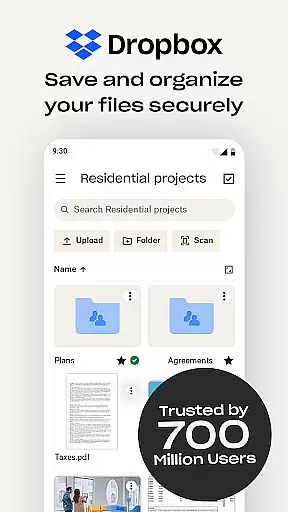
Dropbox is a leading cloud storage solution that allows users to securely backup, access, and manage essential files from any location. Trusted by over 700 million registered users, it provides reliable and private file management for individuals and teams alike. With features like automatic photo uploads, offline file access, and document scanning, Dropbox ensures seamless productivity across devices.
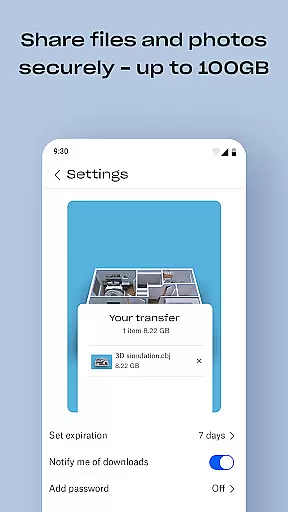
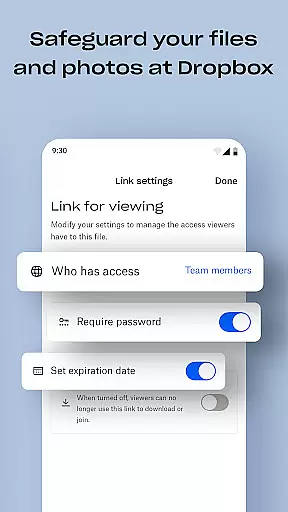
The platform supports over 175 file types for easy preview without requiring special software. Additionally, Dropbox offers advanced tools such as version history, file recovery, and secure sharing of large files via links. Its Plus plan includes innovative features like Dropbox Passwords, Vault, and Rewind, making it an all-in-one solution for file storage, organization, and sharing.
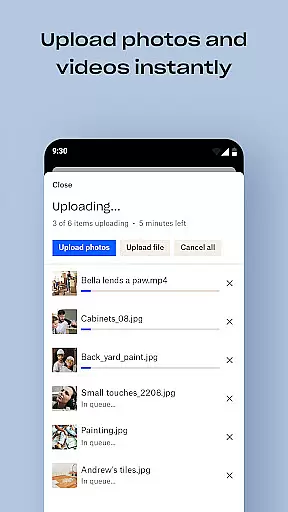
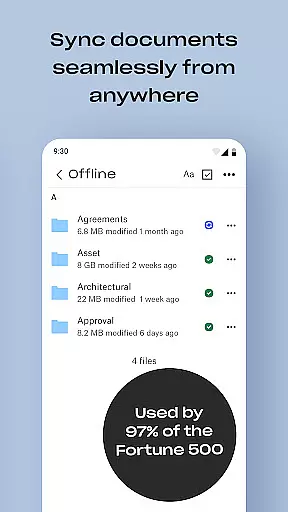
Dropbox stands out with its robust feature set tailored for productivity. One of its key strengths is automatic photo uploads, which store images in cloud photo storage, enabling effortless sharing. The ability to access files offline and preview diverse file types enhances user convenience, eliminating the need for additional software.
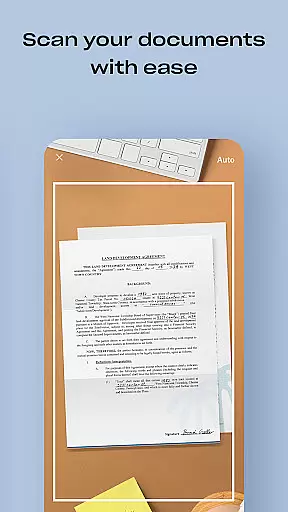
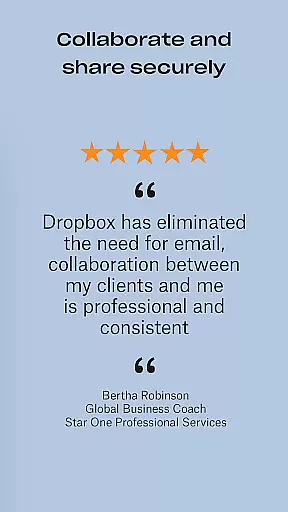
Another notable feature is its document scanning tool, allowing users to scan receipts, IDs, and documents directly into high-quality PDFs. Dropbox also excels in collaboration, offering easy sharing of large files through links, even with non-Dropbox users. Furthermore, its sync capabilities ensure folders on PCs or Macs are consistently updated, while version history and file recovery provide peace of mind for critical data management.
Dropbox excels in core task management by providing a seamless experience for organizing, storing, and accessing files. The app allows users to automatically upload photos and documents, ensuring that important data is always backed up and available.
With features like automatic camera roll uploads and offline access, Dropbox ensures that users can manage their tasks efficiently regardless of internet connectivity. This functionality is crucial for maintaining productivity on the go.
The ability to preview over 175 file types without special software enhances task management by allowing quick reviews and edits. This versatility supports a wide range of professional and personal use cases.
Moreover, Dropbox's version history and file recovery options provide peace of mind, letting users recover older versions or restore deleted files effortlessly. These features collectively ensure robust and reliable task management.
Cross-device synchronization is a cornerstone of Dropbox's productivity suite, enabling users to access their files from any device at any time. This reliability is vital for individuals and teams who need consistent access to their data across multiple platforms.
Dropbox ensures that folders synced on PCs or Macs are updated in real-time, providing a seamless experience whether you're working from a desktop, tablet, or smartphone. This synchronization capability keeps all your devices in sync, enhancing collaboration and efficiency.
In addition to basic syncing, Dropbox offers advanced features like Dropbox Vault and Passwords, which secure sensitive documents and sync passwords across devices. These tools add layers of security while maintaining synchronization reliability.
Furthermore, Dropbox Rewind allows users to roll back any file, folder, or their entire account for up to 30 days, ensuring that accidental changes or deletions do not disrupt workflow continuity. This feature underscores Dropbox's commitment to reliable cross-device synchronization.
User-friendly interface
Secure file sharing
Offline file access
Automatic photo backup
Cross-device synchronization
Limited free storage
Paid subscription required
Occasional sync delays
No built-in editing tools
High cost for advanced plans

Create study competitions, track your hours, and stay consistent with friends
 4.0
4.0
Total remote control for your Android device, PC and cloud services (IFTTT)!
4.20
8 custom complications. Custom Time Fonts. Beautiful color schemes. A++ Design.
5.00
Protect and view your important info on your phone and tablet with eWallet®
4.80
Absolutely the best CNC machinist speed and feed calculator around. fswizard.com
4.60
Cloud storage, automatic phone backup, and more.
4.10
Docker, Kubernetes management over Portainer Mobile
4.40
To do list widget with a notebook organizer, checklist, simple shopping list
4.60
AI Chatbot and AI writing assistant powered by ChatGPT.
4.60
Great calculator for Android named one of USA TODAY's "25 Essential Apps".
4.90
Secure, fast, open-source, VNC and SSH Remote Desktop for Windows, Linux and Mac
4.70
Secure, fast, open-source, Remote Desktop Client for Windows and Linux with SSH
4.60
A simple Whisper AI keyboard for reliable speech transcription and rewording
4.60
Send files, sync SMS, notifications & clipboard across devices via local network
4.40
Automates browsing any website and notifies you of important changes or events
4.30
Experience real multitasking on your Android!
4.00
Customizable calendar widget for seamless event sync, planning & scheduling.
4.00
All in one sketching tool. Technical and General drawing. Online Maps support.
3.70
Find and delete junk files & block unwanted notifications & manage files
3.70


User Reviews