
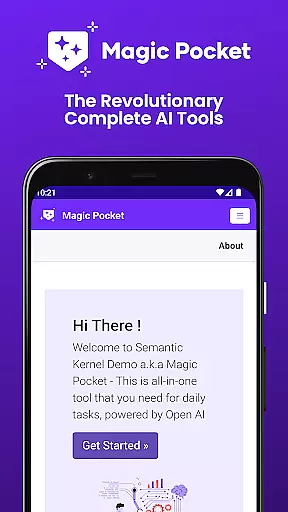
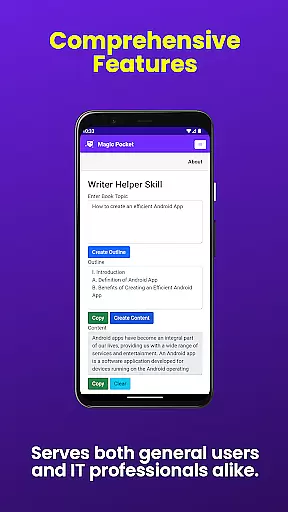
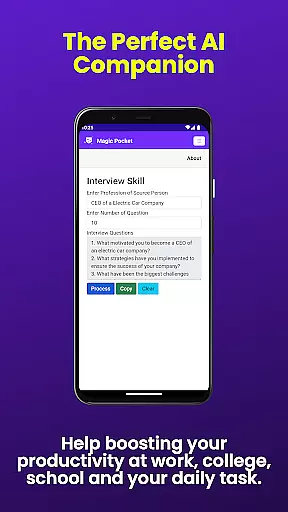
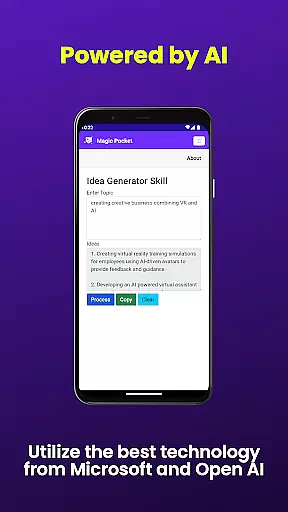
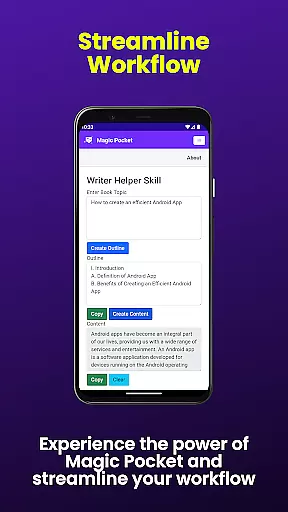
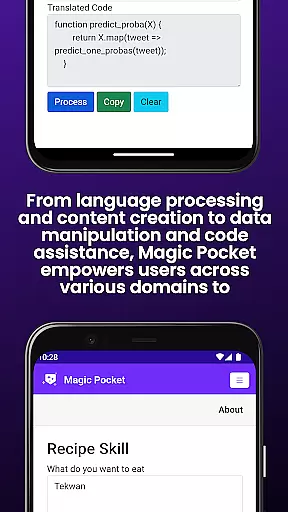
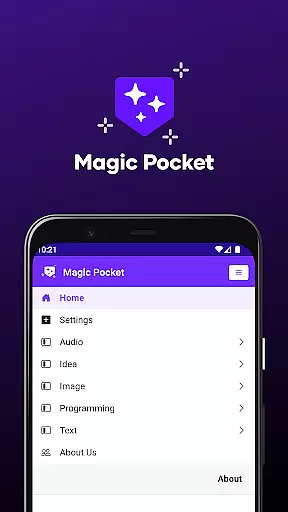
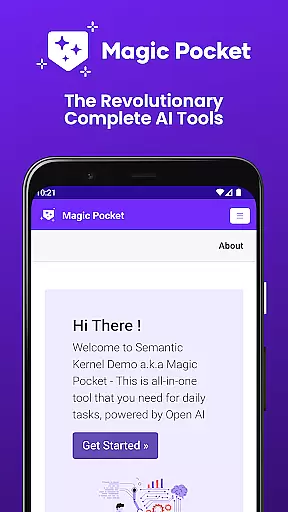
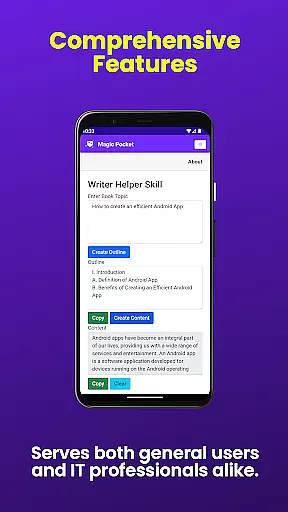
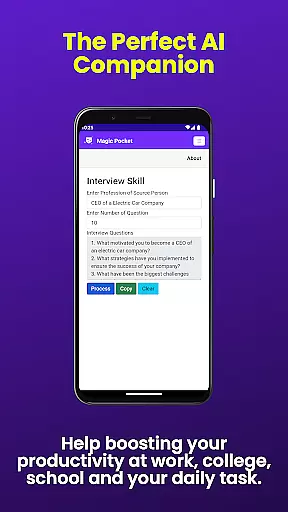
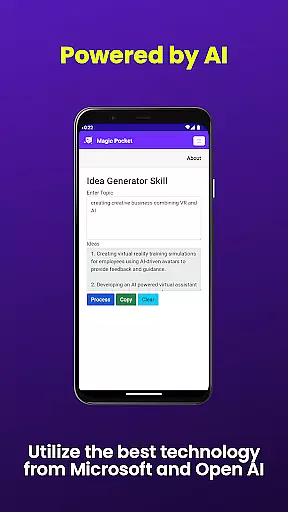
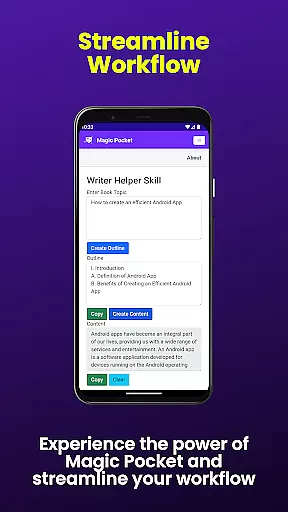
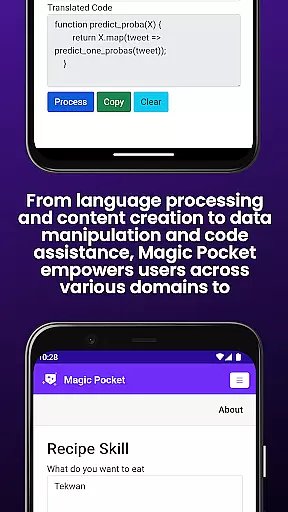
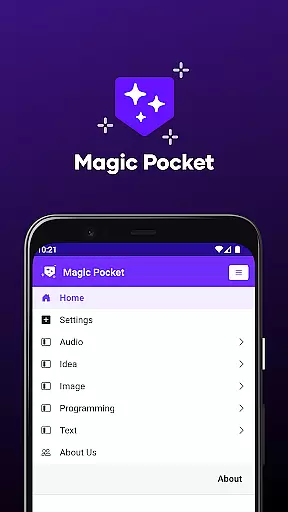
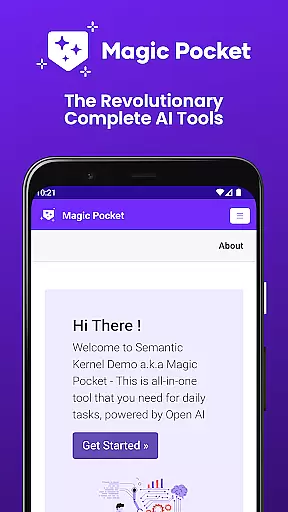
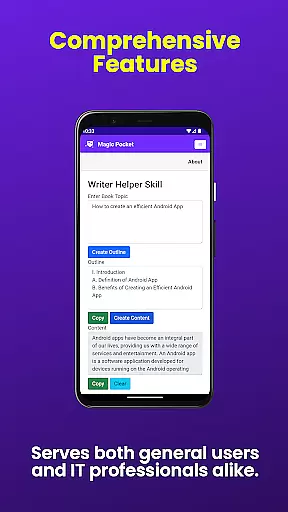
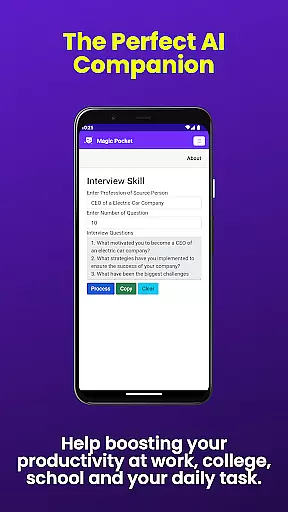
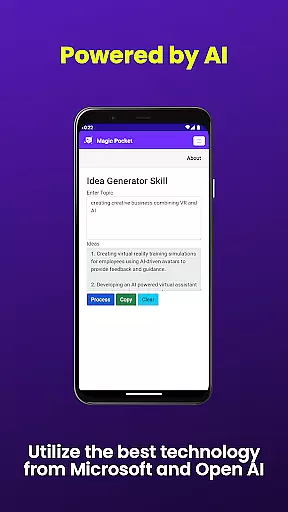
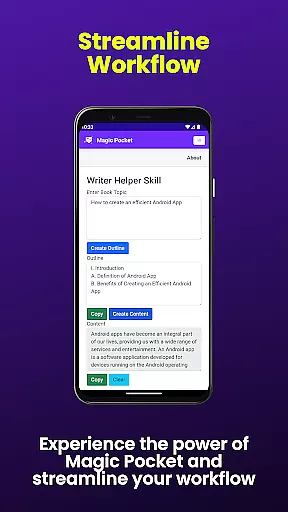
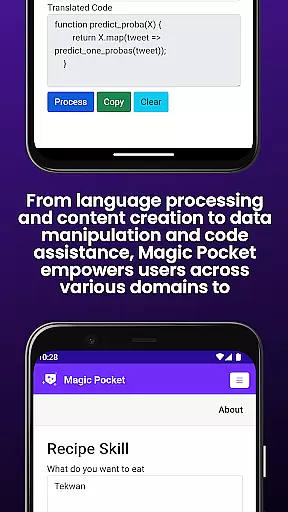
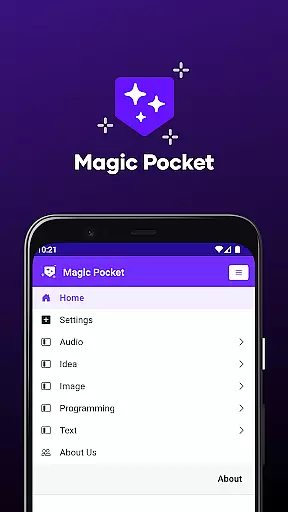
Magic Pocket is a productivity powerhouse that has recently been updated to include 100 cutting-edge features, solidifying its position as an essential tool for creative and productive tasks. Available on Android and Windows platforms, this app offers users the ability to engage in video conversations, extract data from images, and animate pictures with voice commands.
With innovative tools like HTML to Markdown conversion, speech-to-speech translation, and high-quality video generation using the Luma model, Magic Pocket caters to a wide range of needs. Whether you're crafting stunning headshots, transforming images into emojis, or generating detailed graphics with Nvidia's Sana Model, this app provides immense value by streamlining complex processes into user-friendly functions.
The latest version of Magic Pocket introduces 20 new groundbreaking features, bringing the total to an impressive 100 tools designed to enhance creativity and productivity. Notable additions include Talk with Video for seamless video conversations and Extract Image Data, which allows effortless data extraction from images.
Creative professionals will appreciate features like Animate Image With Voice, Sana Image Generator, and Vector Image Generator, each offering unique ways to manipulate media. These robust capabilities ensure that whether you're managing multimedia content or working on transformative projects, Magic Pocket equips you with everything needed to produce outstanding results efficiently.
Task management is a cornerstone of productivity applications, and Magic Pocket excels in this domain by offering an extensive suite of features designed to streamline your workflow. With over 100 tools at your disposal, the app allows users to organize, prioritize, and execute tasks with remarkable efficiency.
Magic Pocket's approach to task management includes functionalities such as Talk with Video for seamless communication, Html to Markdown for content transformation, and Handwriting Generator for personalized note-taking. These are just a few examples of how the app integrates diverse capabilities into a cohesive system that adapts to various productivity needs.
The true value of Magic Pocket's task management lies in its ability to cater to both creative and administrative projects. Whether you're animating images with voice commands using Animate Image With Voice or extracting video captions with Add Video Caption, each feature is crafted to save time and enhance output quality.
Ultimately, Magic Pocket empowers users to focus on what truly matters by automating routine processes and providing innovative solutions for complex challenges. This comprehensive task management experience ensures that whether you're working on media projects or transforming text, your productivity is maximized without compromising creativity.
Cross-device synchronization is essential for maintaining workflow continuity in today's multi-device world. Magic Pocket addresses this need by ensuring reliable data transfer and consistency across Android and Windows platforms. This synchronization capability allows users to start a task on one device and seamlessly continue on another without any loss of information or functionality.
The app employs robust cloud-based infrastructure to guarantee that all 100 features, including cutting-edge tools like Luma Video Generator and Photon Image Generator, maintain their integrity during cross-device operations. Users can confidently work on intricate tasks such as generating 3D assets with Trellis or changing video backgrounds knowing that their progress is securely saved and accurately reflected across all devices.
Magic Pocket's synchronization goes beyond mere data transfer; it preserves complex project states and user preferences. Whether you're extracting image data or creating vector images, the application ensures that every detail, from settings to unfinished work, remains intact regardless of which device you use next.
This level of synchronization reliability provides peace of mind for professionals who depend on consistent access to their productivity tools. By eliminating compatibility concerns and ensuring real-time updates across devices, Magic Pocket enables users to focus on their creative and productive endeavors without technological constraints.
User-friendly interface
Extensive feature set
Cross-platform support
Innovative AI tools
Regular updates
Steep learning curve
High system requirements
Limited iOS availability
Occasional bugs
Premium pricing

AI Video AI Image Private LLM AI Browser Llama Gemma Ollama Connect LLM Studio
 4.4
4.4
QuickBooks Workforce lets teams view pay info and track time in one place.
4.70
Create study competitions, track your hours, and stay consistent with friends
4.3
Easiest event planning, volunteer signups & parent teacher conference scheduling
2.20
Make apps & sites with natural language prompts
4.10
Functional QR scanner and barcode reader that requires little storage space.
4.60
AI Chatbot and AI writing assistant powered by ChatGPT.
4.60
Set up, print, and get support—in one place
4.20
Note taking, handwriting, record audio, PDF annotation, planner & journal
4.20
Client for Nextcloud Deck
4.60
Translate text/voice/photos in 150+ languages. Offline & fast translator app.
4.50
Tally and goal counter for Wear OS & mobile
4.50
Send files, sync SMS, notifications & clipboard across devices via local network
4.40
A lightweight JSON & XML files creator, editor and viewer (Premium Version)
4.40
Share files & memories safely. Keep your photos and videos secure.
4.40
Enjoy classic gameplay with customizable features and retro-style graphics.
4.30
Pwnagotchi companion app
4.20
Secure, open-source, SPICE and SSH Remote Desktop for QEMU KVM virtual machines
4.00
Remotely view listen control and record cameras.
3.70


User Reviews