
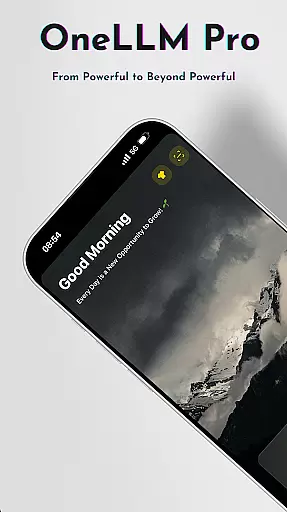
OneLLM Pro is a powerful productivity tool that seamlessly integrates local and cloud AI capabilities, offering users an extensive suite of AI-powered features. Whether offline or online, the app provides access to thousands of fully offline Large Language Models (LLMs) and over 300 online LLMs, including top performers like ChatGPT 4o, Claude, and Llama. Its core strength lies in delivering lightning-fast, secure interactions while ensuring maximum privacy through local processing.
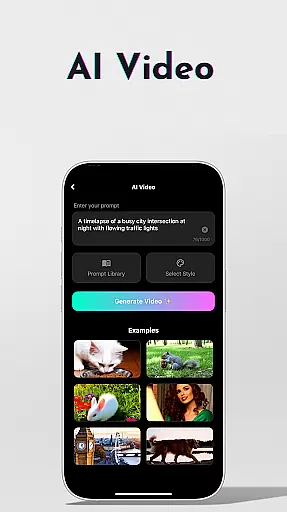
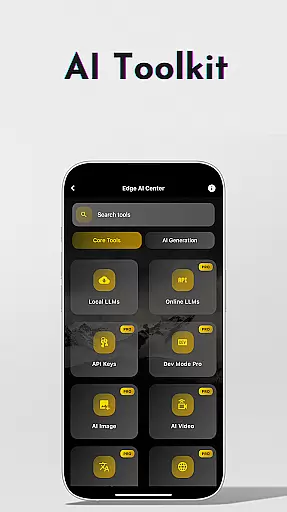
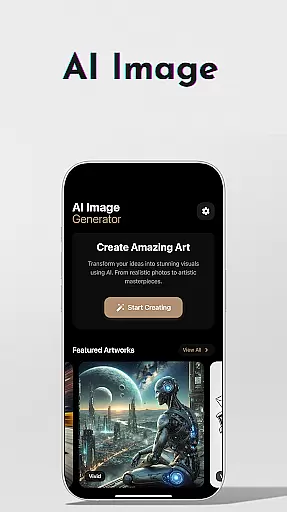
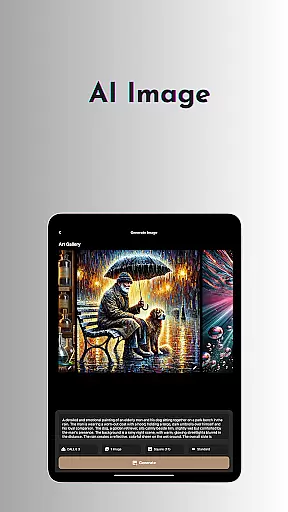
Beyond its robust language models, OneLLM Pro includes specialized AI toolkits for video generation, image creation using Stable Diffusion and DALL·E 3, offline OCR document scanning, and more. These tools cater to diverse use cases, from professional workflows to creative projects. The app also supports advanced functionalities such as multi-LLM simultaneous response mode, study assistance, and private speech-to-text transcription, making it suitable for both casual users and developers seeking customization options.
Designed for all devices, OneLLM Pro optimizes performance across entry-level to flagship hardware. With features like Smart LLM Matching, Hugging Face integration, and ad-free navigation, it ensures a smooth, distraction-free experience. This makes it ideal for individuals looking to enhance their productivity without compromising on privacy or usability.
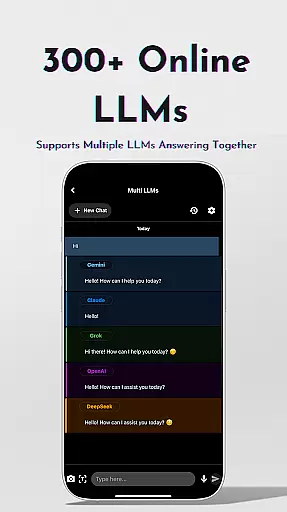
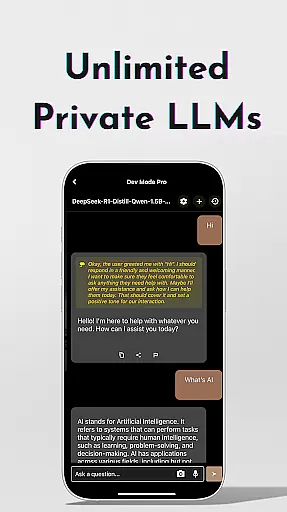
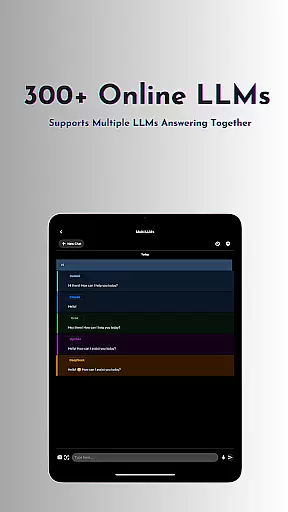
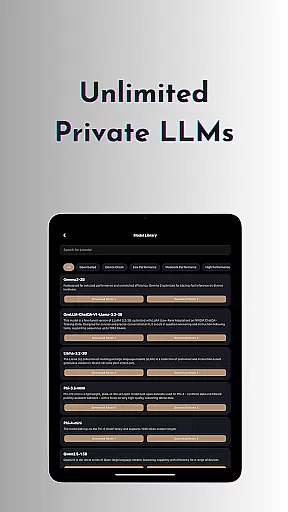
OneLLM Pro stands out with its comprehensive feature set designed to meet various productivity needs. At its core, the app offers unlimited private and local LLMs, enabling users to customize unique AI characters tailored to specific tasks. For those requiring additional power, the app provides access to over 300 online LLMs via OpenRouters, allowing seamless switching between models with just one tap.
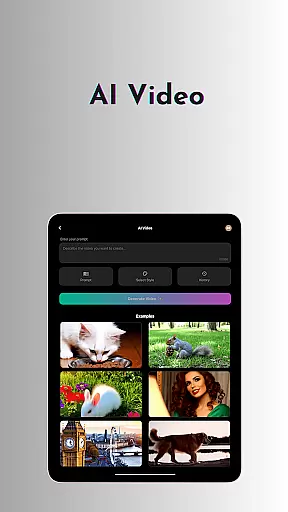
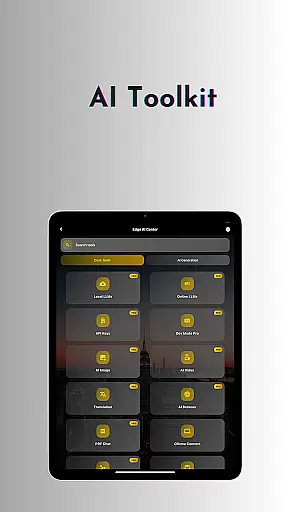
The AI toolkit expands this functionality further by incorporating cutting-edge tools such as AI video generation, image creation, and offline OCR document scanning. Users can collaborate with AI imaging experts to produce stunning visuals or leverage the app's private speech-to-text transcription for sensitive meetings. Advanced users benefit from LLM Dev Mode, which allows fine-tuning parameters and managing per-model histories for optimal results.
Additional highlights include smart LLM matching based on device specs, Hugging Face integration for easy model downloads, and privacy-focused features like local processing and no external data sharing. With support for multiple languages, ad-free navigation, and compatibility across devices, OneLLM Pro delivers exceptional versatility and reliability for modern productivity demands.
Effective task management is essential for productivity applications, serving as the backbone for organizing workflows and personal schedules. OneLLM Pro excels in this area by offering a comprehensive suite of AI tools designed to streamline task handling.
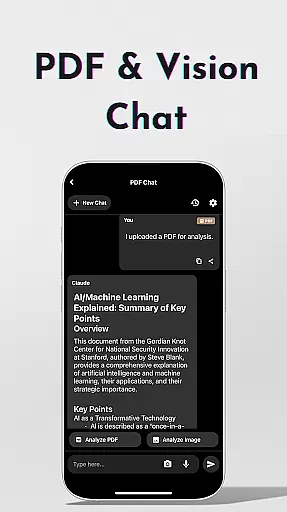
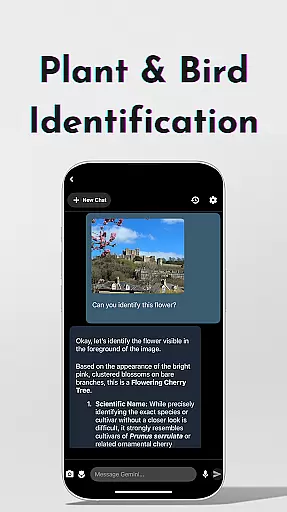
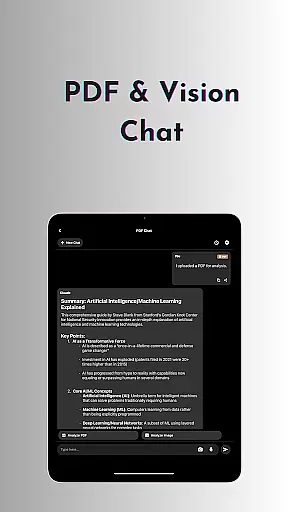
The application provides users with an advanced Study Assistant, capable of delivering answers from top models through various input methods such as text, photo capture, or image uploads. This feature not only aids in managing academic tasks but also enhances learning efficiency.
Additionally, OneLLM Pro includes functionalities like Private Speech-to-Text Transcription AI Notes, perfect for private meetings and personal note-taking. These capabilities ensure that all important information is captured and can be revisited when needed.
Furthermore, the Multi-LLM Simultaneous Response Mode allows users to get instant answers from leading LLMs with a single click, significantly reducing the time spent on switching between different apps and streamlining the workflow.
Cross-device synchronization is a critical feature for modern productivity tools, ensuring that users can access their data seamlessly across multiple devices. OneLLM Pro addresses this need by providing robust synchronization capabilities.
OneLLM Pro supports both local and cloud AI processing, allowing users to choose between private local interactions or powerful cloud performance. This dual approach ensures that data remains consistent and up-to-date, regardless of where it is accessed.
The application's Smart LLMs Matching feature intelligently recommends LLMs optimized for the useru2019s device specifications, enhancing performance while conserving storage and battery life. This optimization contributes to reliable cross-device experiences.
Moreover, OneLLM Pro offers an ad-free experience, enabling users to focus on their tasks without distractions. With these features, OneLLM Pro ensures that users enjoy smooth and dependable synchronization across all their devices.
Extensive AI toolkit
Strong privacy controls
Offline functionality
Device optimization
Developer-friendly
Paid subscription
Complex setup
Resource intensive
Limited free tier
Steep learning curve

A Revolutionary All-in-One Artificial Intelligence Tools
 3.80
3.80
A customizable calendar for your Wear OS watch
4.20
Android Wallet Password Manager
4.80
A lightweight JSON & XML files creator, editor and viewer (Premium Version)
4.40
Secure, fast, open-source, Remote Desktop Client for Windows and Linux with SSH
4.60
Functional QR scanner and barcode reader that requires little storage space.
4.60
Seamlessly read, manage, and organize all your PDF files solution in one place
4.40
Browse and view your photos and videos from the phone with photo & video hide.
4.10
QuickEdit is a fast, stable and full featured text and code editor.
4.20
We're working to become the best machining app on the market! www.cncdirt.com
4.80
Stay on top of your to-dos with Google Tasks, part of Google Workspace.
4.60
All document reader, all in one file viewer read PDF, DOCX, XLS, PPT, TXT files.
4.60
Lightweight PDF, Word, Excel reader.
4.60
Experience Reading - Night Mode for Documents
4.40
Unlock AutoNotification
4.00
Customizable calendar widget for seamless event sync, planning & scheduling.
4.00
Take control of your clipboard with Clipper!
3.90
All in one sketching tool. Technical and General drawing. Online Maps support.
3.70
Create study competitions, track your hours, and stay consistent with friends
4.1


User Reviews