
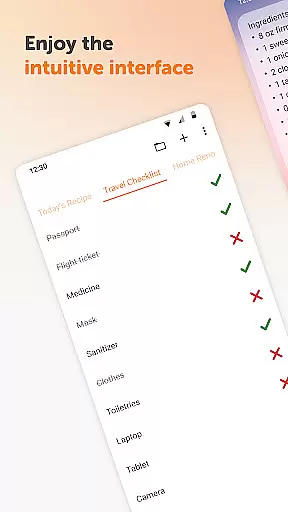
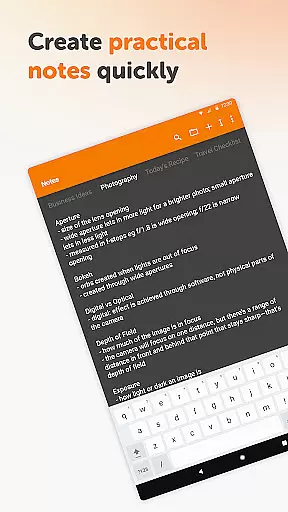
Simple Notes Pro is a productivity-focused note-taking application designed to help users quickly capture ideas, create shopping lists, and manage daily tasks. The app offers an intuitive interface that allows for easy organization of notes through customizable widgets and resizable text areas. Its core functionality lies in providing a seamless experience for creating plain text notes, checklists, and reminders without any complicated setup.
What sets Simple Notes Pro apart is its commitment to simplicity and efficiency. The app supports multiple independent notes, autosave features, and quick access via widgets. It also integrates material design with a default dark theme, ensuring a pleasant user experience. With no ads or unnecessary permissions, this tool emphasizes privacy and usability, making it ideal for individuals seeking a reliable digital notebook for personal or professional use.
Simple Notes Pro stands out with its rich feature set tailored for productivity enthusiasts. One of its key strengths is the ability to create multiple plain text notes and checklists quickly, all while ensuring data safety through an autosave function. This eliminates the risk of losing important information due to accidental exits or crashes.
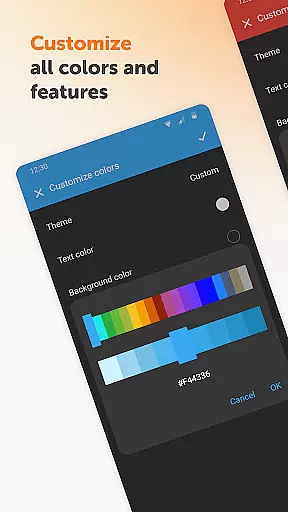
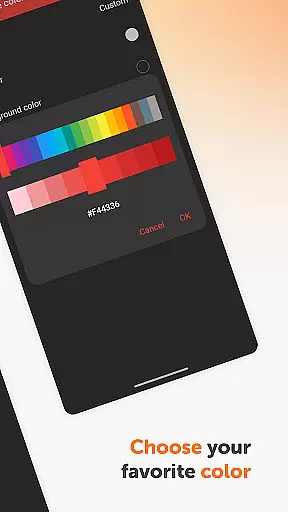
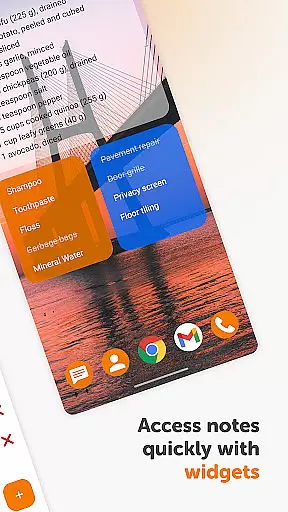
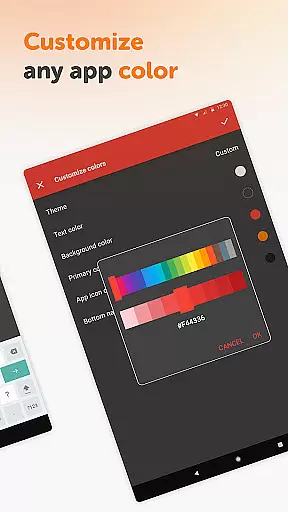
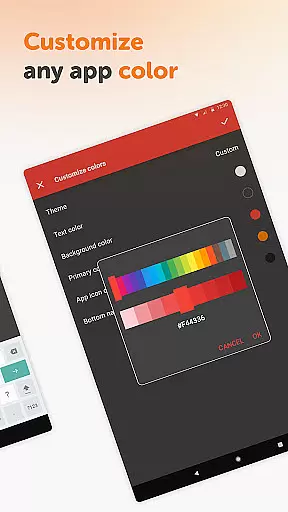
The app's customizable and resizable widget provides unparalleled convenience by allowing users to access their notes directly from the home screen. Additionally, Simple Notes Pro offers full open-source code, enabling tech-savvy users to tweak the app according to their preferences. The inclusion of customizable colors and themes enhances personalization options, catering to both aesthetic and functional needs.
Another notable feature is the offline-first approach, which ensures enhanced security, privacy, and stability compared to cloud-based alternatives. By removing internet dependencies, the app guarantees uninterrupted performance even in areas with poor connectivity.
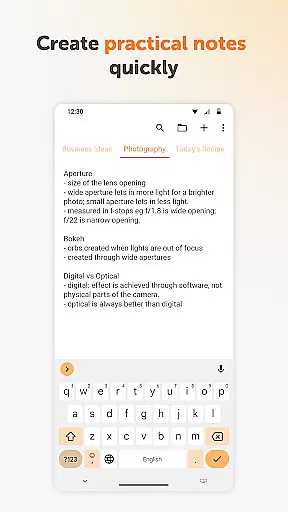
Task management is a cornerstone of productivity applications, and Simple Notes Pro excels in providing users with the tools necessary to efficiently organize their daily activities. This application allows for the creation of multiple independent plain text notes and lists, ensuring that users can segment their tasks and ideas into manageable pieces.
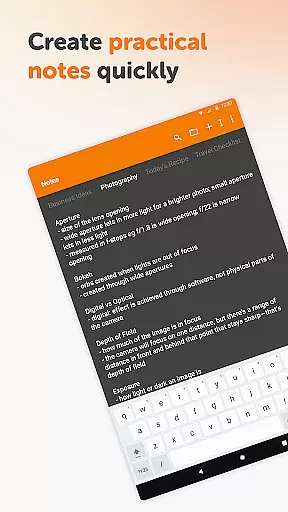
The app's interface supports quick typing and easy organization, making it simple to create shopping lists, to-do lists, or backup notes for various ideas. With an autosave feature, users are guaranteed that their changes will not be lost accidentally, thus maintaining the integrity of their work and thoughts at all times.
Simple Notes Pro enhances user experience by offering a customizable and resizable widget. This widget not only provides quick access to the app but also opens directly to the note-taking section, streamlining the process of jotting down sudden bursts of inspiration or urgent reminders.
Cross-device synchronization is vital for users who operate across multiple platforms and devices. While Simple Notes Pro focuses on standalone functionality, its robust design ensures that notes remain consistent and reliable without requiring internet access. This approach prioritizes user privacy, security, and stability over cloud-based syncing features.
Although it does not provide traditional cross-device syncing, the app's fully open-source nature allows tech-savvy users to implement their own solutions for transferring data between devices. This method maintains the app's commitment to simplicity and transparency while still addressing the needs of those requiring synchronization capabilities.
By focusing on local storage and management, Simple Notes Pro delivers a dependable environment where users can trust that their information remains secure and accessible only to them. The absence of ads and unnecessary permissions further reinforces the app's dedication to providing a seamless and distraction-free experience.
User-friendly interface
No ads or hidden fees
Autosave functionality
Fully customizable themes
Offline accessibility
Limited advanced formatting
No cloud sync option
Basic collaboration tools
Restricted multimedia support
Requires manual backup

Make apps & sites with natural language prompts
 4.10
4.10
Font maker keyboard with your own handwriting
4.10
Simple and reliable communication between inmates, friends and family
3.20
Tally and goal counter for Wear OS & mobile
4.50
A comprehensive suite of tools designed specifically for Lactation Consultants
4.3
A beautiful digital clock with autostart and many other functions
4.70
A Pixel Art watchface inspired by other iconic 90s designs for Wear OS devices!
4.40
The ultimate file manager for rooted devices. The original and still the best.
4.00
Daily processing of PDF documents.
4.40
Seamlessly integrate data and reports to build your presentation to impress
4.80
Protect and view your important info on your phone and tablet with eWallet®
4.80
Secure, fast, open-source, VNC and SSH Remote Desktop for Windows, Linux and Mac
4.70
The long-awaited modern gallery app for your Nextcloud server
4.70
Secure, fast, open-source, Remote Desktop Client for Windows and Linux with SSH
4.60
A simple Whisper AI keyboard for reliable speech transcription and rewording
4.60
Experience real multitasking on your Android!
4.00
Mega cloud explorer plugin for Solid Explorer
3.80
Auto-shutoff Alarm with Sunrise, Sunset & Fixed Options.
3.50
AI Video AI Image Private LLM AI Browser Llama Gemma Ollama Connect LLM Studio
4.1


User Reviews