
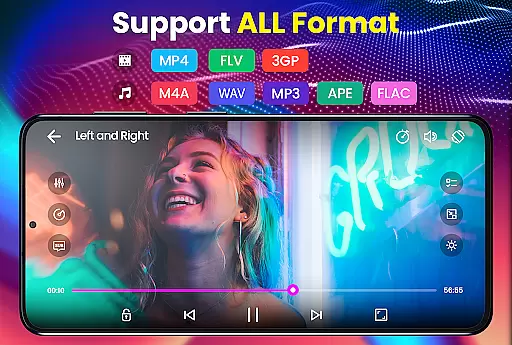
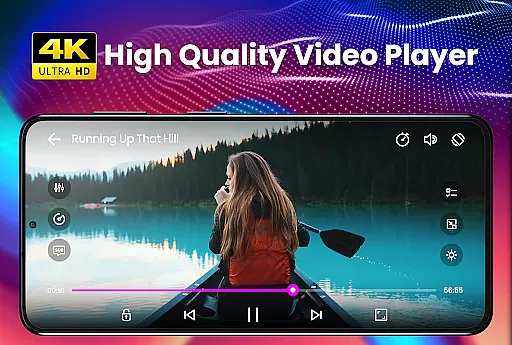
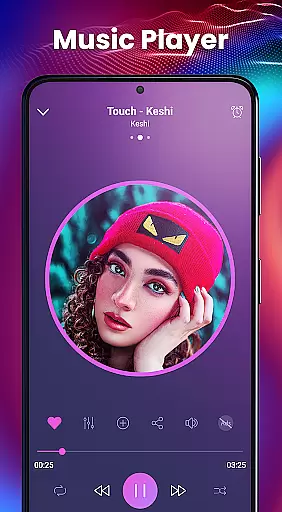
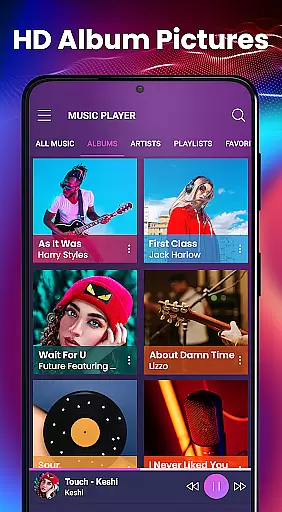
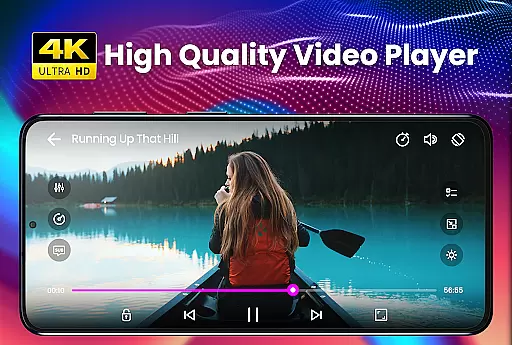
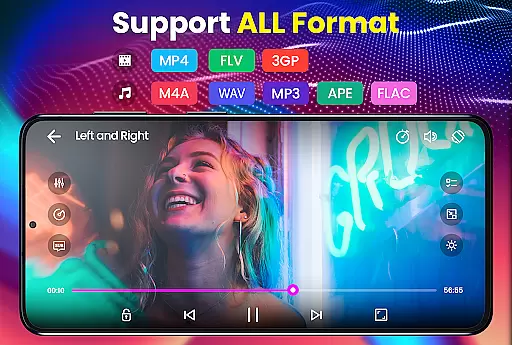
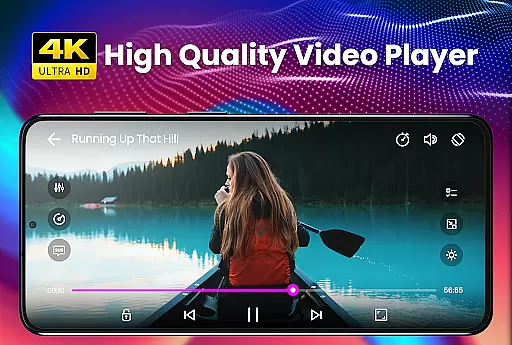
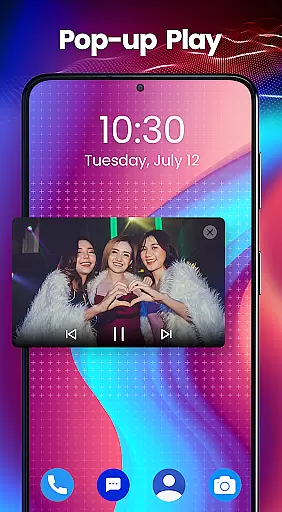
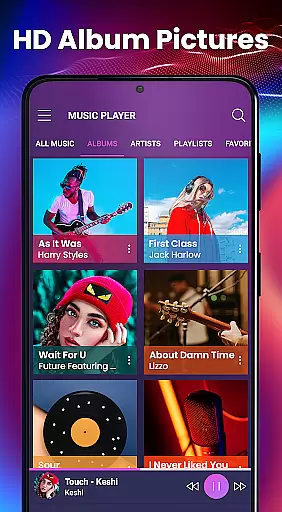
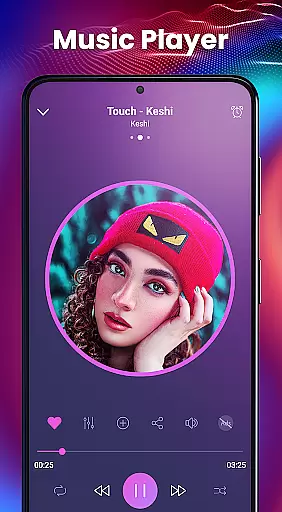
Video Player - PRO Version is a premium video playback application designed for users who demand high-quality media experiences. This professional-grade player supports all major video and audio formats, including HD and 4K resolutions, making it an ideal choice for movie enthusiasts and music lovers alike.
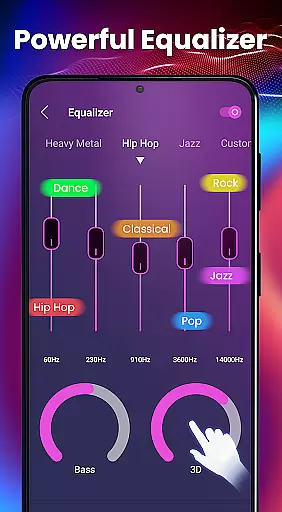
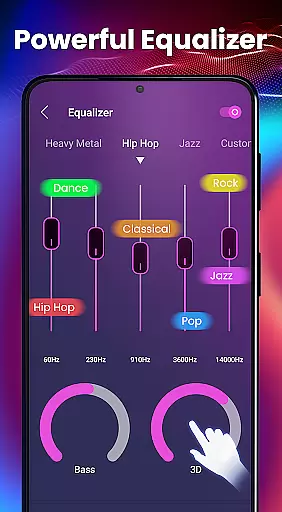
The app stands out with its advanced hardware acceleration capabilities through the new HW+ decoder, ensuring smooth playback even for demanding video files. Its comprehensive subtitle support, including automatic synchronization and multiple subtitle formats, makes it perfect for watching foreign films or TV series. The built-in equalizer with 3D effects and 10 presets enhances your audio experience, while the kid's lock feature provides peace of mind for parents.
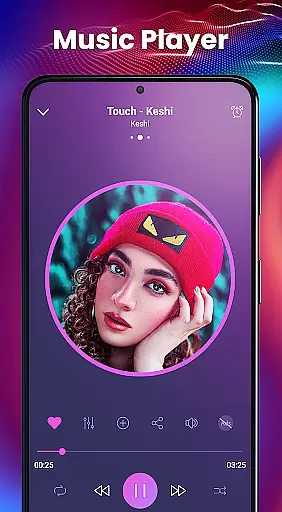
Whether you're commuting, traveling, or relaxing at home, Video Player - PRO Version delivers exceptional performance across various Android devices. The app's ability to play media in the background and organize files by folders adds convenience to your daily entertainment needs.
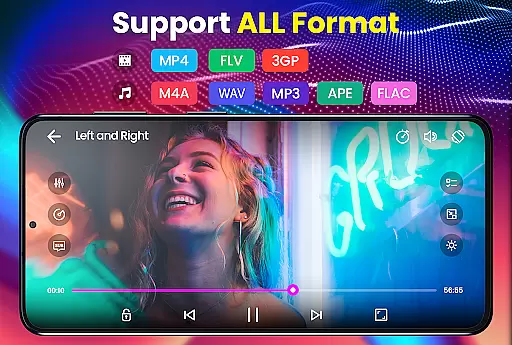
Video Player - PRO Version offers an impressive array of features that cater to both casual viewers and advanced users. The app's complete format support covers over 20 video codecs including AVI, MP4, MKV, and FLV, alongside all popular audio formats like MP3, WAV, and AAC. This universal compatibility ensures you can play any media file without conversion.
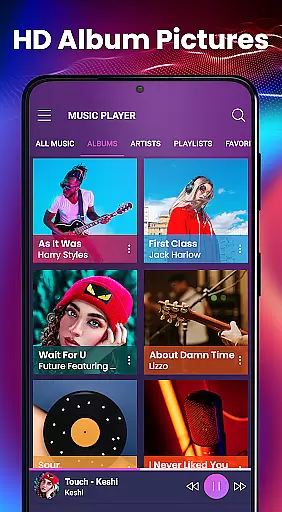
The player's advanced functionality extends to its sophisticated subtitle engine, supporting more than 10 subtitle formats with full styling options. Users can enjoy customized viewing experiences through the 5-band equalizer with bass boost and 3D reverb effects. The app's efficient memory management and folder-based organization system make it suitable for devices with limited storage space.
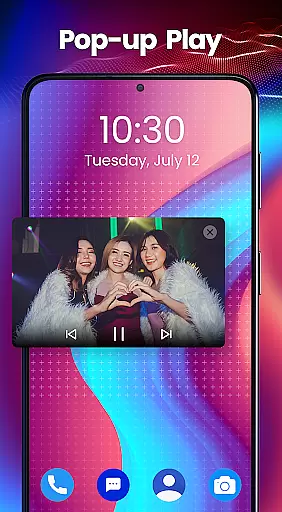
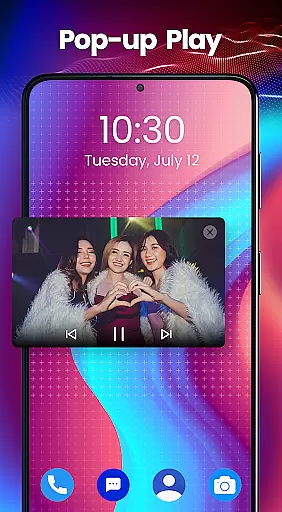
Additional notable features include background playback for multitasking, cool music player widgets for quick access, and thumbnail previews for easy navigation. The implementation of hardware acceleration through the new HW+ decoder significantly improves performance, especially when playing high-resolution videos. These technical capabilities combined with user-friendly features create a comprehensive media solution.
Video Player - PRO Version stands out with its extensive video format compatibility, ensuring users can play virtually any file type without conversion. The app supports an impressive range of formats including but not limited to AVI, MP4, MKV, FLV, and even high-definition options like 4K video files.
This versatility is powered by advanced hardware acceleration through the new HW+ decoder. This feature not only broadens the spectrum of playable videos but also enhances playback smoothness and quality, making it an ideal choice for users with diverse media libraries.
With this level of format support, users can enjoy seamless playback of all their video content, regardless of source or resolution. Whether it's a home movie, downloaded content, or professional footage, this player ensures your videos come to life exactly as intended.
While Video Player - PRO Version focuses primarily on playback, it also includes basic AI-powered features that enhance the viewing experience. Although it may not offer traditional video editing capabilities, the app leverages AI to optimize video rendering and audio synchronization.
The intelligent subtitle processing system automatically detects and synchronizes various subtitle formats, including complex ones like SubStation Alpha and SAMI files. This smart handling of subtitles ensures accurate timing and proper display without manual adjustments.
Additionally, the built-in equalizer demonstrates basic AI functionality by analyzing audio tracks and applying optimal sound settings. With 3D reverb effects and virtualization, users can customize their listening experience while enjoying automated audio enhancement suggestions based on the content being played.
Supports all video/audio formats
Advanced subtitle features
Excellent equalizer presets
Efficient memory usage
Kids lock functionality
Paid version only
No free trial available
Occasional bugs reported
Limited UI customization
Requires recent Android

Play ALL formats in 4K & HD. Video downloader, MP3 player, Chromecast & more.
 4.80
4.80
VLC Remote lets you control your VLC Media Player on Mac, PC or Linux.
4.60
Play and download HD videos from all sources — fast, simple, and all-in-one.
4.4
Download videos and play them offline
4.70
IPTV Loader, loads your own Playlist. DOES NOT CONTAIN ANY LIST OR CHANNELS
4.60
Manage your IPTV live channels and VOD playlists (no playlist included)
3.80
Browser + Remote for Roku to stream webvideos, online movies and livestreams
4.60
AI Video Editor with Music, Filter, Slideshow, Effect, Merge & Trim Video.
4.80
Capture the moment and Cut
3.40
Flud is a simple and beautiful BitTorrent client for Android.
4.80
Search & download videos from net with all video downloader, auto-detect & safe.
4.60
Auto video maker with music & exclusive filters. Video editing made simple.
4.50
Powerful Video Editor & Photo Editing App —— Quick Edits & Stunning Effects!
4.30
This app was created to edit the metadata of music files.
4.20
Your media, on your terms.
4.10
LumaFusion: The Ultimate Storytelling Experience for Video Editing
4.10
Stream Web Videos to Chromecast, Samsung, LG, Sony, Roku, Fire TV, DLNA + more
4.00
Explore the largest library of free GIFs, Stickers & Memes - or create your own!
3.90
Stream high quality video from your camera over NDI protocol
4.2


User Reviews