
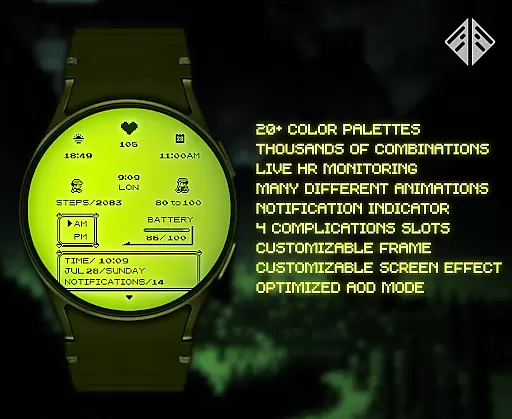
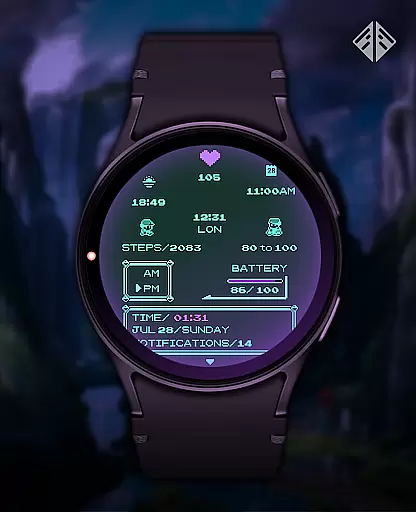
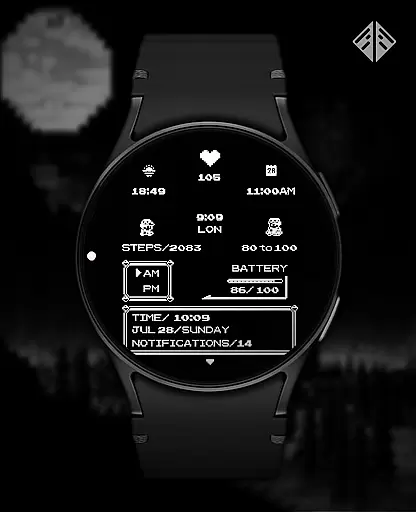
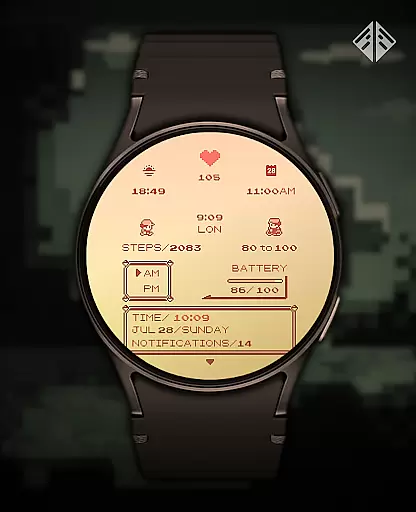
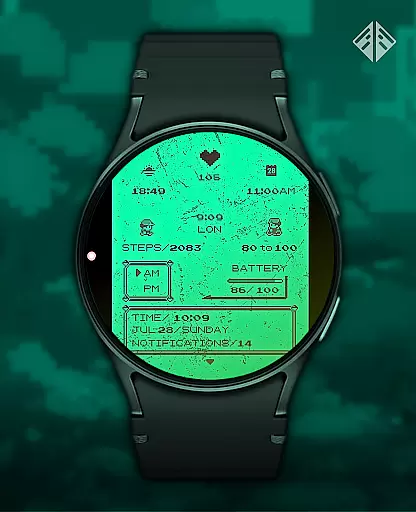
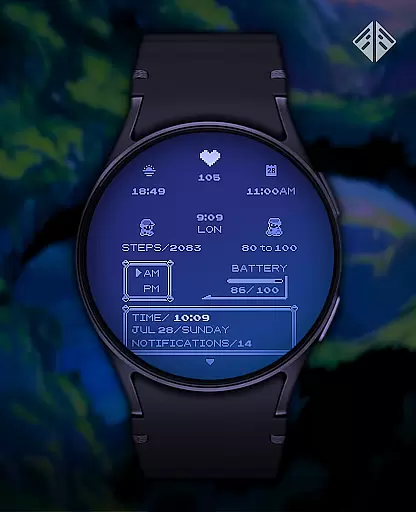
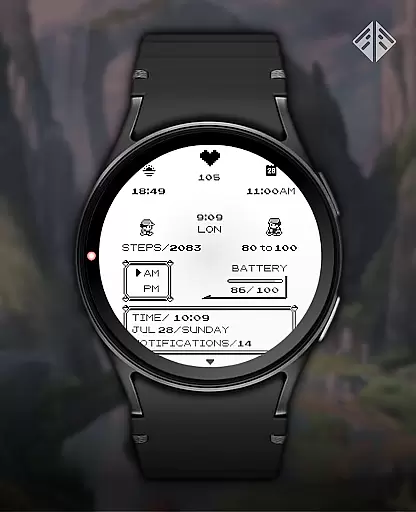
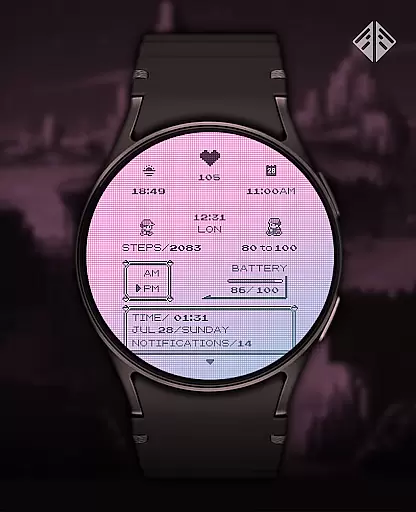
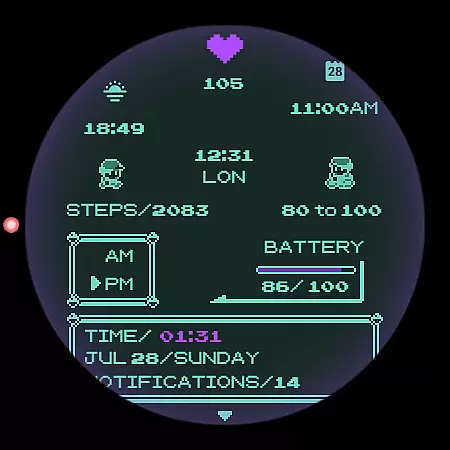
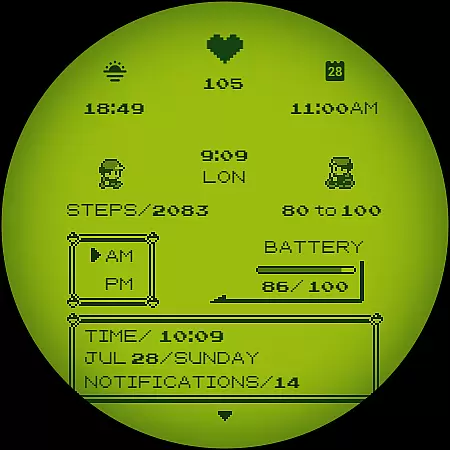
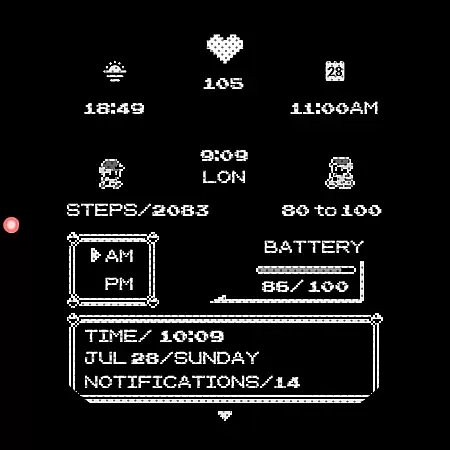
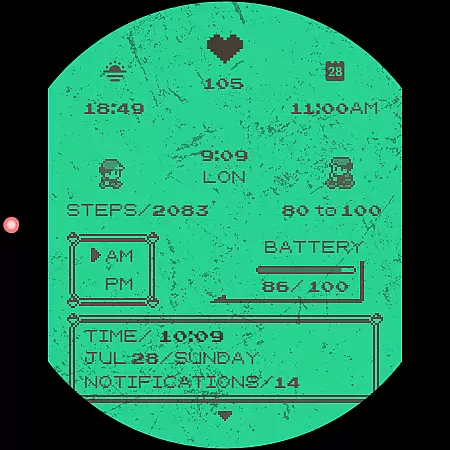
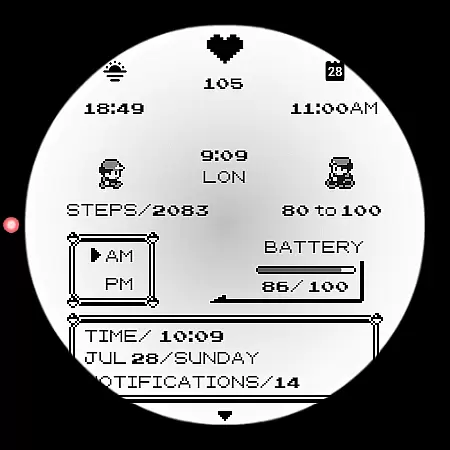
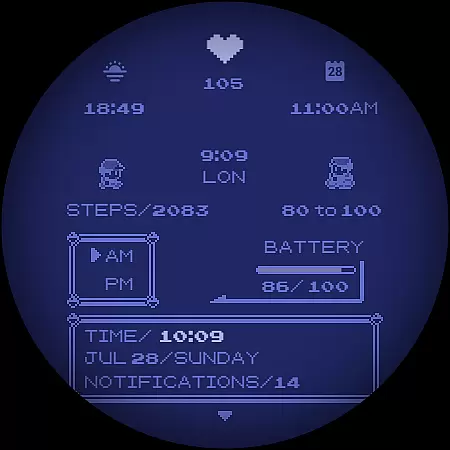
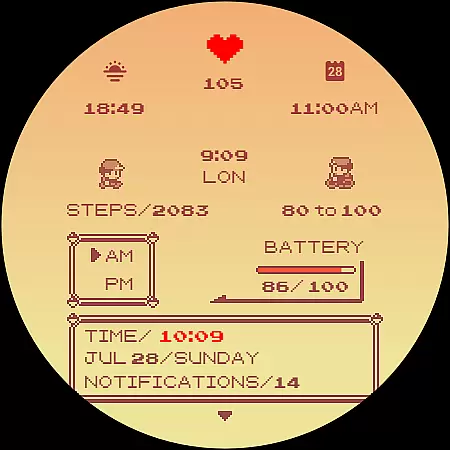
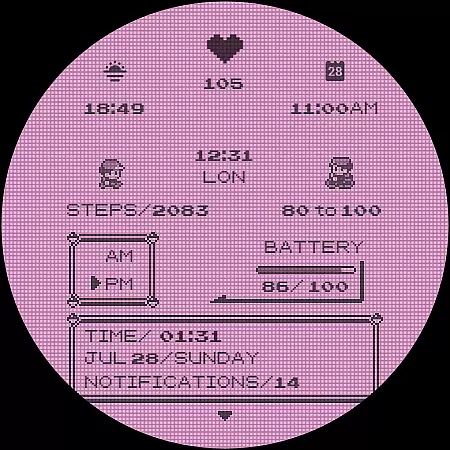
Poke Pixel Retro Watch Face is a pixel art themed watch face designed for Wear OS smartwatches. This standalone app offers users an animated, highly customizable experience with over 1000 possible combinations. It supports various features like 12/24 hour format and auto date format while presenting information in a clean, retro gaming style.
The watch face stands out through its unique handcrafted design and extensive customization options. Users can choose from 30 color schemes and modify elements such as the frame and battery light. Its intuitive companion app simplifies installation and management, making it accessible even for less tech-savvy individuals.
Perfect for those who appreciate nostalgic gaming aesthetics on their smartwatch, this app combines functionality with personalized style. The easy installation process ensures compatibility across multiple Wear OS devices, providing both utility and aesthetic pleasure to its users.
This productivity-focused watch face boasts numerous features that enhance user interaction. With support for 12/24 hour formats and automatic date adjustments, it keeps timekeeping effortless. Users benefit from the instant visibility of essential information, all presented in a crisp pixel-perfect style reminiscent of classic video games.
Customization is at the heart of Poke Pixel Retro Watch Face. Offering 30 distinct color schemes and over a thousand combination possibilities, it allows users to tailor their watch face to their personal taste. Each element, from frames to battery indicators, is adjustable, ensuring a unique appearance that reflects individual preferences.
Beyond aesthetics, practicality is prioritized. An easy-to-use companion app facilitates smooth installation and management processes. By focusing on user-centric design and regular updates, this app guarantees sustained performance and evolving features, making it a reliable choice for enhancing smartwatch utility.
Poke Pixel Retro Watch Face offers a unique approach to managing essential tasks directly from your wrist. The watch face is designed with productivity in mind, allowing users to customize their experience by choosing from over 1000 possible combinations of features.
With support for both 12 and 24-hour time formats, automatic date adjustments, and various color schemes, this app ensures that you can tailor the display to suit your personal preferences while staying informed about your schedule.
The pixel art theme not only brings a retro aesthetic but also provides clear, at-a-glance information. This includes battery status, which helps in planning your day without constant interruptions, thus enhancing focus on important activities.
By integrating seamlessly with Wear OS devices, Poke Pixel Retro Watch Face becomes an indispensable tool for those who value efficiency and style in their daily routines.
One of the standout features of Poke Pixel Retro Watch Face is its reliable cross-device synchronization. Users can easily install and manage the watch face through a companion app on their smartphone, ensuring that all settings and customizations are accurately mirrored on the smartwatch.
The installation process is straightforward, involving just a few steps to connect the smartwatch to the smartphone. Once connected, users can effortlessly apply their chosen configurations, such as color schemes and layout preferences, knowing that these will be consistently applied across devices.
In case of any discrepancies or issues, the app provides comprehensive support options. These include troubleshooting guides within the app description and direct email support, guaranteeing that users receive timely assistance to maintain synchronization integrity.
This level of reliability ensures that whether you're using a Samsung, Fossil, or any other Wear OS device, your personalized watch face remains consistent and functional, contributing to a seamless user experience.
Highly customizable
Vibrant pixel art
Supports Wear OS
Regular updates
Unique designs
Paid application
Requires Wear OS
Complex settings
Limited free options
Not for all devices

Experience real multitasking on your Android!
 4.00
4.00
Professional calendar app for Google Calendar, MS Outlook & Exchange
4.20
Wake up & get tasks done! Add alarms & reminders on the Clock Launcher.
4.00
App Lock with fingerprint, password: Lock apps & hide photos with lock screens
4.60
Stay on top of your to-dos with Google Tasks, part of Google Workspace.
4.60
Activate Two Factor Authentication (2FA or Multi OTP), Password manager and more
4.10
AT&T Internet customers can use this app to personalize their Wi-Fi network.
4.40
Set up, print, and get support—in one place
4.20
QuickEdit is a fast, stable and full featured text and code editor.
4.20
8 custom complications. Custom Time Fonts. Beautiful color schemes. A++ Design.
5.00
Seamlessly integrate data and reports to build your presentation to impress
4.80
CalenGoo is a very flexible and feature-rich calendar app
4.40
Enjoy classic gameplay with customizable features and retro-style graphics.
4.30
Cloud storage, automatic phone backup, and more.
4.10
Secure, open-source, SPICE and SSH Remote Desktop for QEMU KVM virtual machines
4.00
⏰ Finally a timer app which can run multiple timers simultaneously on your watch
3.90
Mega cloud explorer plugin for Solid Explorer
3.80
Smart PDF reader & editor to view, organize and manage PDF documents easily.
3.70
ID.me Authenticator is a simple and free Two Factor Authentication solution
3.50


User Reviews