
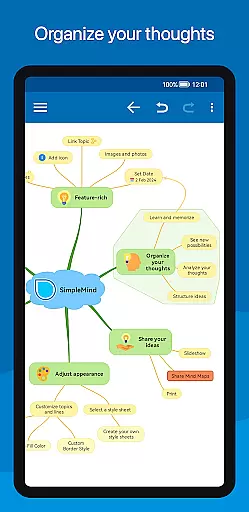
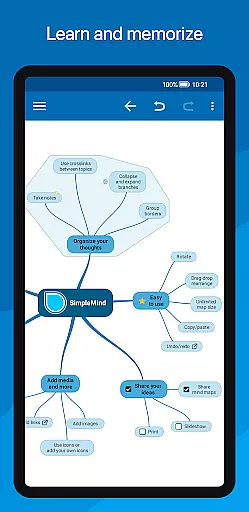
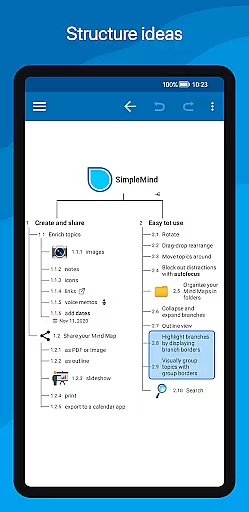
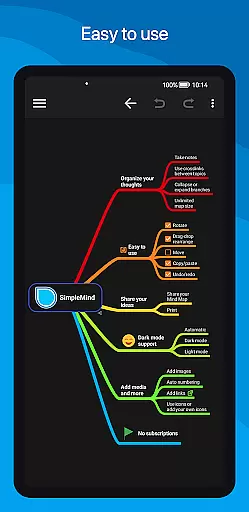
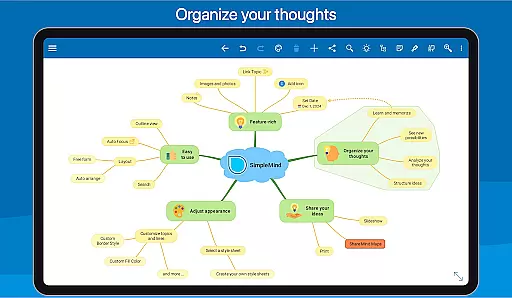
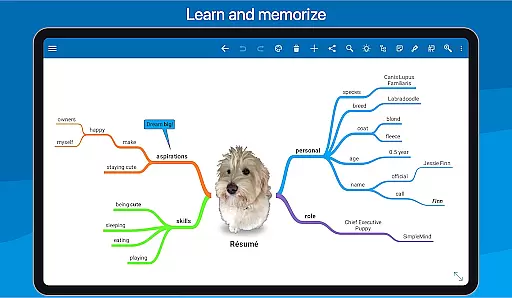
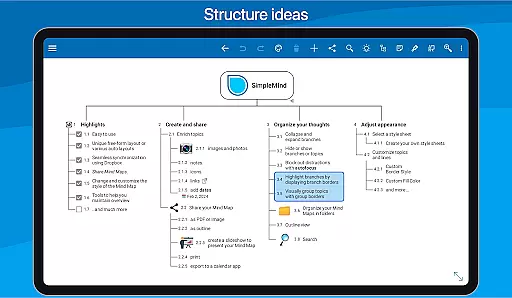
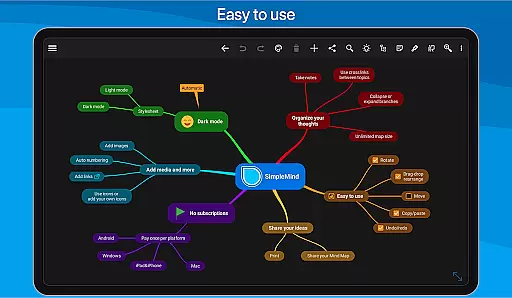
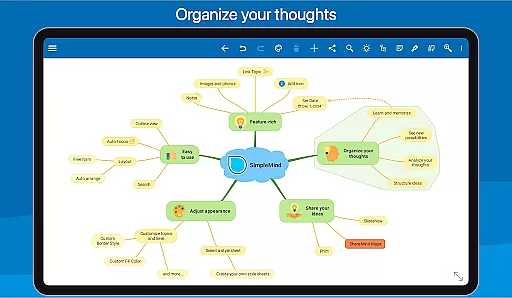
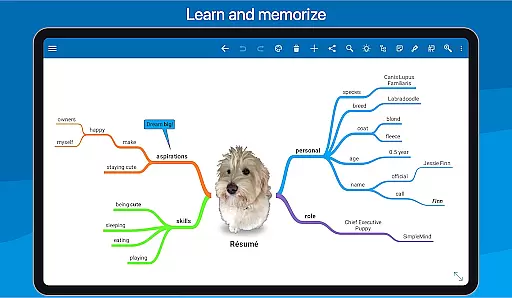
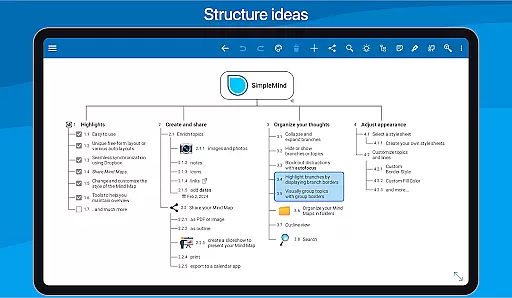
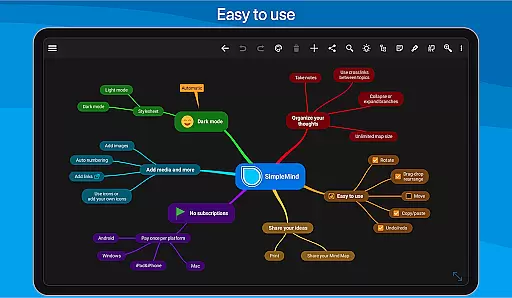
SimpleMind Pro is a premier mind mapping application designed to help users organize thoughts, retain information, and spark new ideas. The app stands out with its intuitive interface that allows for effortless creation of mind maps across various platforms, including Android, Windows, and Mac. Its synchronization feature ensures seamless access to your mind maps wherever you are, making it an essential tool for both personal and professional use.
The app offers versatile functionalities such as free-form and auto layouts, media integration, and comprehensive styling options. Whether you're brainstorming ideas, planning projects, or structuring complex information, SimpleMind Pro provides the tools necessary to maintain clarity and overview. This makes it particularly valuable in fields like business, education, and research where organizing and presenting information effectively is crucial.
SimpleMind Pro boasts an array of features tailored to enhance productivity and creativity. One of its key strengths is the flexible layout options, allowing users to place topics freely or utilize auto-layout for structured brainstorming sessions. The app supports virtually unlimited page sizes and elements, accommodating extensive mind maps without compromising performance.
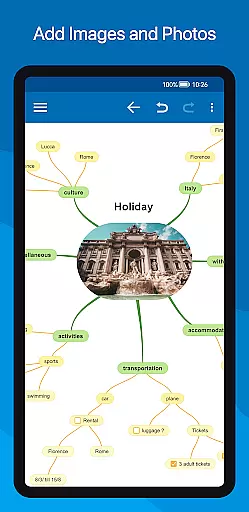
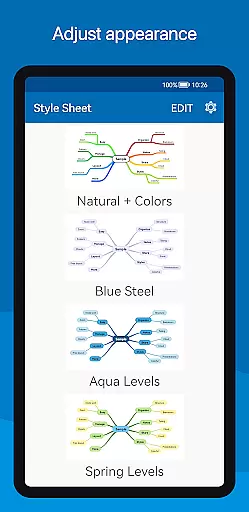
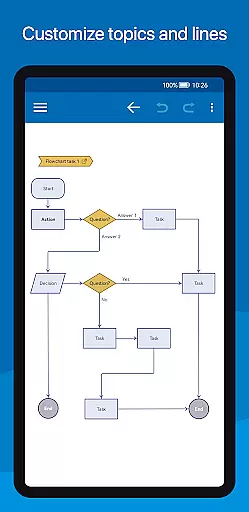
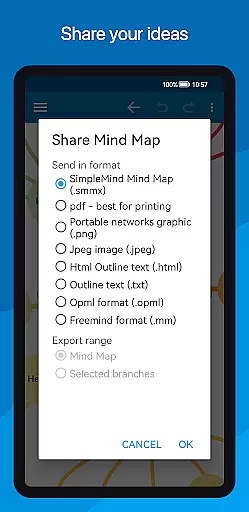
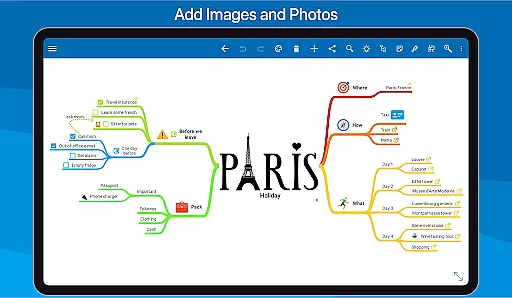
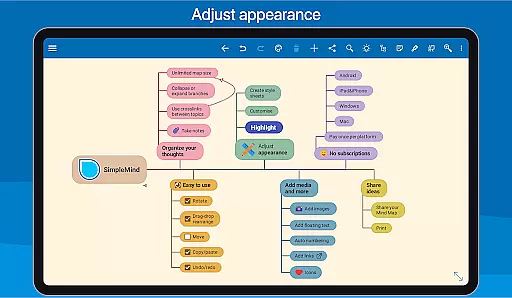
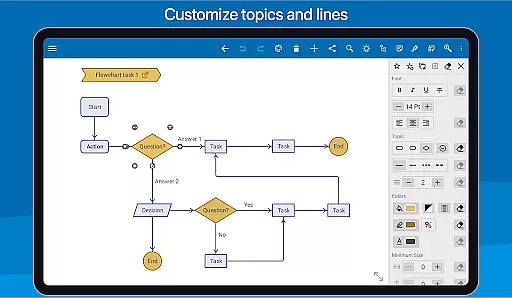
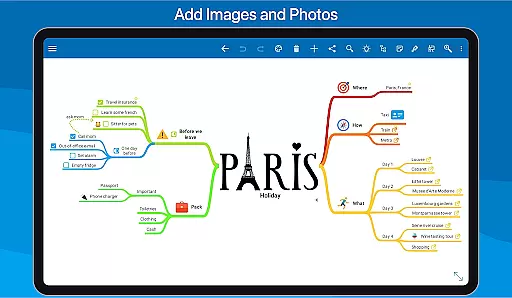
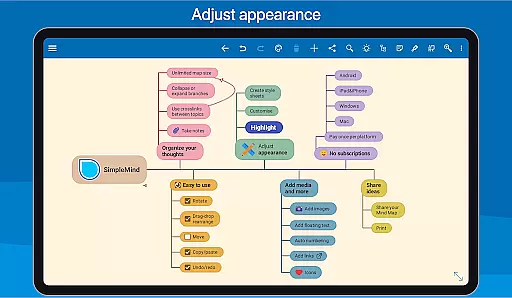
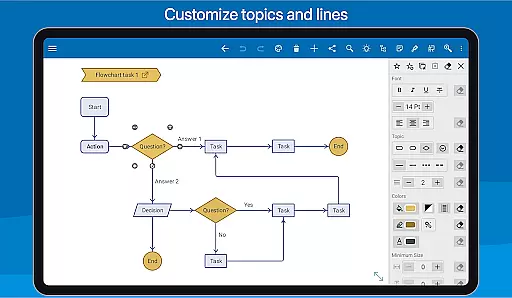
Another standout feature is the ability to integrate various media types, including images, notes, icons, and even voice memos. Users can further customize their mind maps with over 15 style sheets and countless styling options, ensuring each map is unique and tailored to specific needs. Additionally, SimpleMind Pro facilitates easy sharing and exporting of mind maps in multiple formats such as PDF, image, or outline view, which can be imported into word processors.
The app also includes practical tools for maintaining an organized overview, such as collapsing branches, autofocus mode, and visual grouping with borders. These features collectively ensure that users can efficiently manage large and complex mind maps while minimizing distractions and maximizing focus.
SimpleMind Pro excels in core task management by providing users with a comprehensive set of tools to organize and prioritize their thoughts effectively. The app's mind mapping feature allows for the creation of tasks in a free-form layout, enabling users to place topics anywhere they want, fostering creativity and flexibility.
The application supports various auto-layouts which are particularly useful during brainstorming sessions. Users can easily reorganize and restructure tasks using intuitive drag, rotate, and reconnect functions. Additionally, features like checkboxes, progress bars, and auto-numbering help maintain clarity and track the completion status of different tasks within the mind map.
Moreover, SimpleMind Pro offers unique functionalities such as crosslinks that connect any two topics, allowing users to visualize relationships between tasks. This enhances the ability to generate new ideas by linking related concepts. With virtually unlimited page size and support for multiple mind maps on one page, users have all the space they need to manage complex projects efficiently.
Cross-device synchronization is a critical feature of SimpleMind Pro, ensuring that your mind maps are always up-to-date across all platforms. By leveraging cloud services like Dropbox, the app provides seamless synchronization capabilities, allowing you to sync mind maps not only with Android devices but also across different operating systems such as Windows or Mac.
This reliable synchronization ensures that whether you're at home, in the office, or on the go, your latest changes are reflected everywhere. It eliminates the risk of working with outdated versions and helps maintain consistency in your thought processes and project planning.
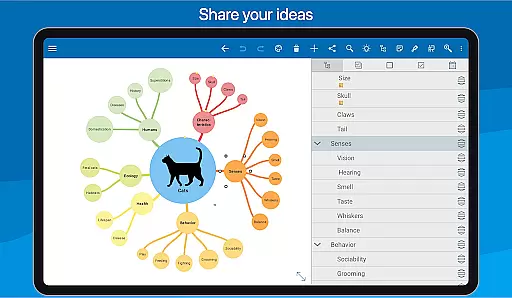
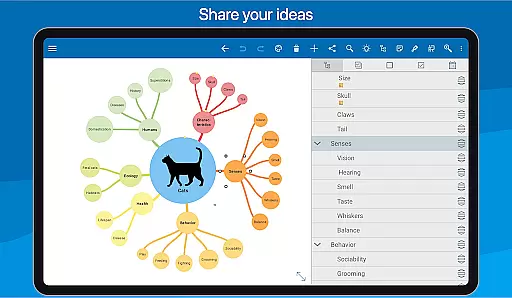
In addition to syncing, SimpleMind Pro supports sharing your mind maps in various formats including PDFs and images. This makes it easy to collaborate with others or present your ideas professionally. The ability to export outlines that can be imported into word processors further extends its utility, making it an indispensable tool for anyone looking to manage tasks reliably across multiple devices.
User-friendly interface
Extensive customization options
Cross-platform synchronization
Versatile layout choices
Reliable long-term support
Premium version comes at a cost
Steeper learning curve for beginners
Limited free version features
Occasional sync issues reported
Resource-intensive on older devices

Experience Reading - Night Mode for Documents
 4.40
4.40
Take control of your clipboard with Clipper!
3.90
Auto-shutoff Alarm with Sunrise, Sunset & Fixed Options.
3.50
Create study competitions, track your hours, and stay consistent with friends
4.5
8 custom complications. Custom Time Fonts. Beautiful color schemes. A++ Design.
5.00
A simple, portable logger for POTA, SOTA, Field Day, and more
4.3
We're working to become the best machining app on the market! www.cncdirt.com
4.80
Fill, sign & send docs, forms, agreements & contracts via electronic signature.
4.50
Subscribe to Webcal & .ics calendars and keep them up-to-date!
4.50
Use powerful, industry-leading AI tools to generate visual charts from any data
4.80
Client for Nextcloud Deck
4.60
All document reader, all in one file viewer read PDF, DOCX, XLS, PPT, TXT files.
4.60
Tally and goal counter for Wear OS & mobile
4.50
Share files & memories safely. Keep your photos and videos secure.
4.40
Enjoy classic gameplay with customizable features and retro-style graphics.
4.30
Intelligent AI Assistant
4.10
⏰ Finally a timer app which can run multiple timers simultaneously on your watch
3.90
Access your phone's notifications, calls, apps, photos & texts on your PC
3.90
A Revolutionary All-in-One Artificial Intelligence Tools
3.80


User Reviews