
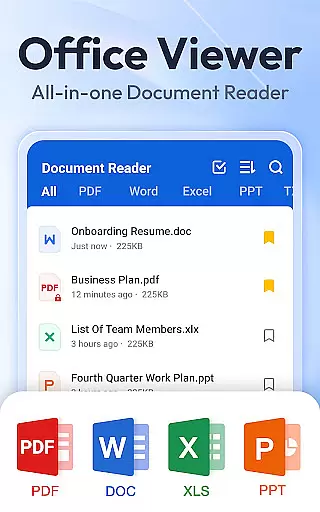
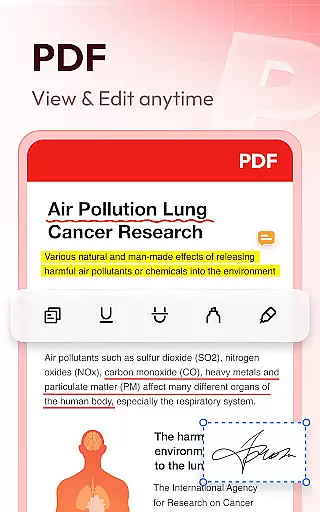
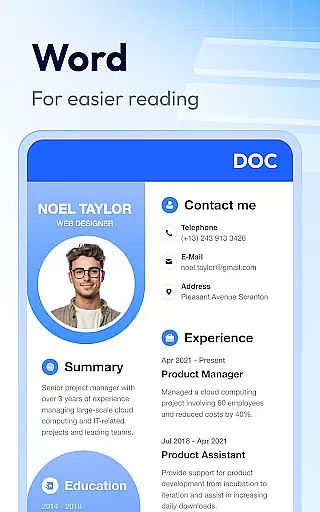
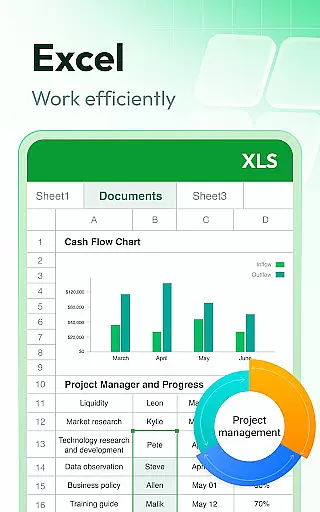
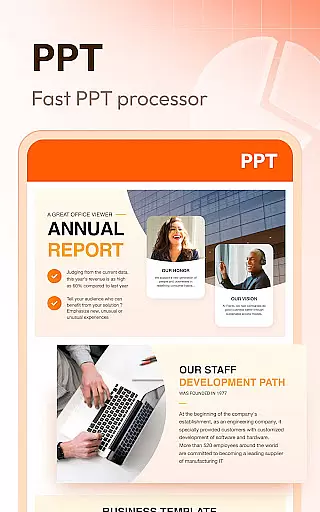

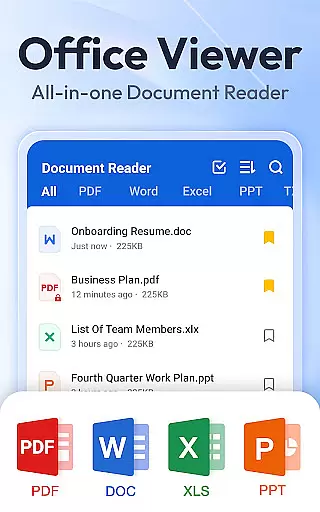

Document Reader & PDF Editor is a versatile productivity tool designed for seamless document management across multiple formats. This all-in-one solution supports PDF, Word, Excel, PPT, TXT, PNG, JPG, and more, making it an essential app for professionals and students alike. The intuitive interface allows users to organize files in well-structured folders with quick search functionality.
What sets this app apart is its offline capability and cross-format compatibility. Users can read, manage, and bookmark important documents without an internet connection. Whether you need to zoom through PDFs, sort Word documents by various parameters, or view high-quality PPT presentations, this app delivers consistent performance. Its lightweight design ensures smooth operation without compromising device resources.
Ideal for business travelers and remote workers, Document Reader & PDF Editor provides a reliable way to handle office files on the go. With features like night mode, image-to-PDF conversion, and advanced document editing capabilities on the roadmap, this app continues to evolve based on user needs.
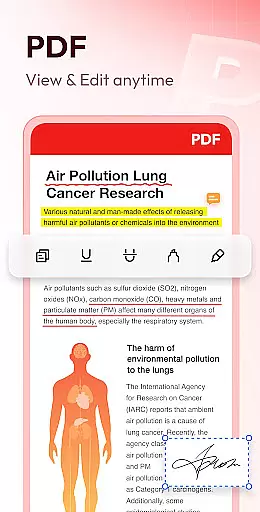
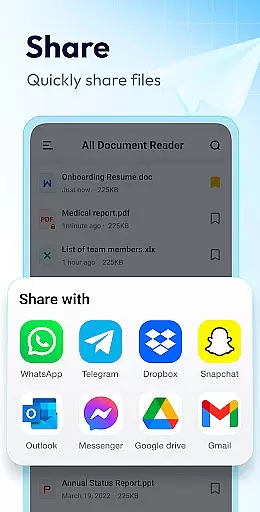
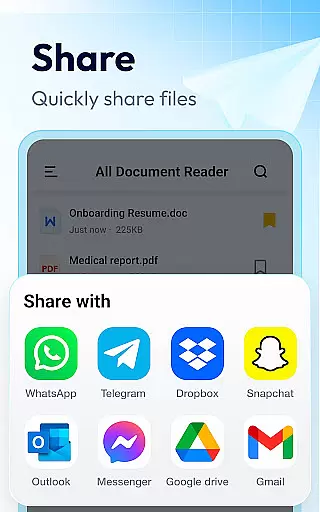
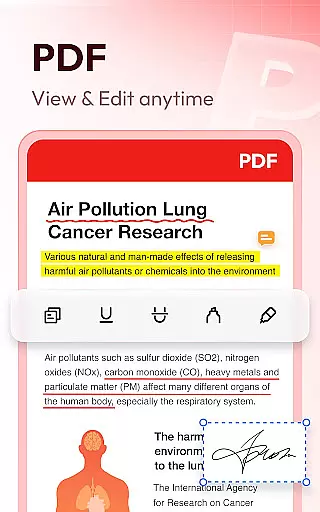
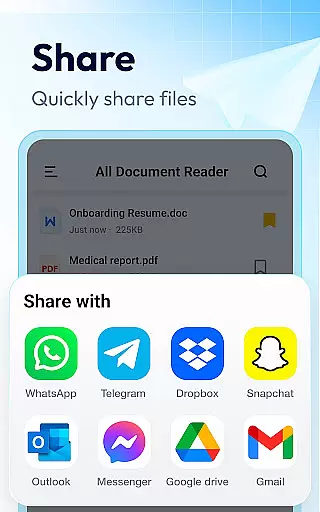
The application boasts an impressive array of features that cater to diverse document management requirements. As a comprehensive PDF reader, it enables users to zoom in/out, switch between landscape and portrait modes, and directly jump to specific pages. The printing and sharing functionality streamlines document distribution while maintaining professional standards.
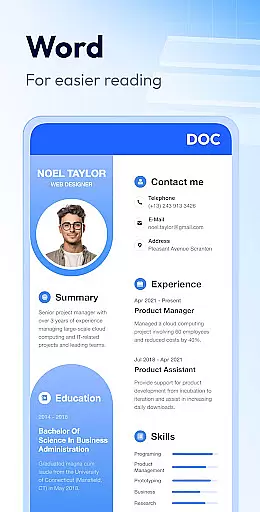
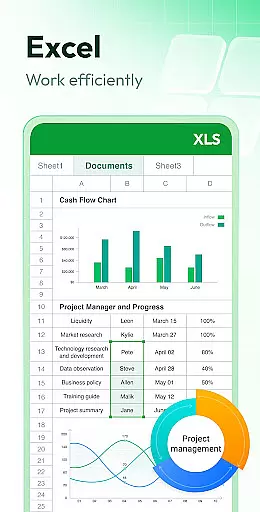
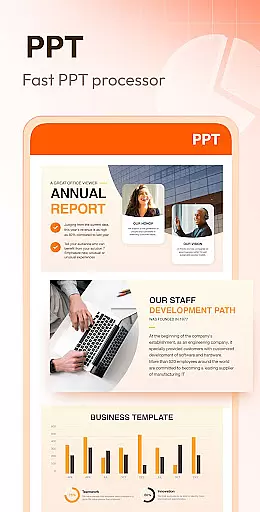
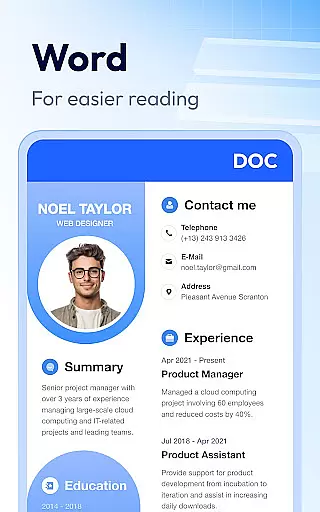
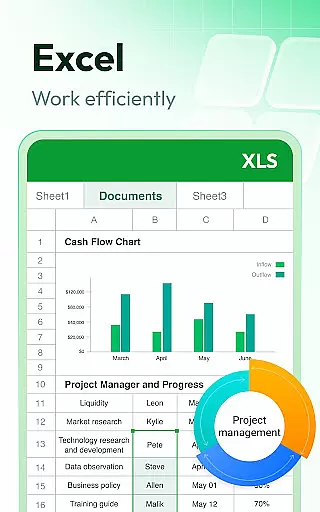
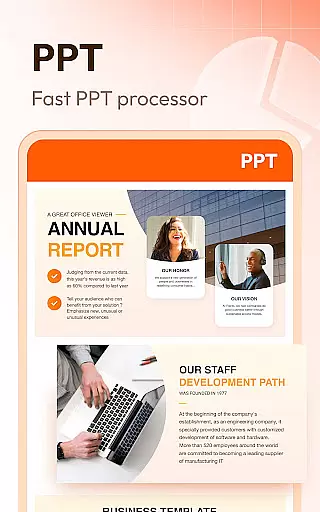
For Word and Excel files, the app provides robust viewing capabilities with advanced sorting options. Users can organize documents by file path, size, name, or last edit date. The PPT viewer component ensures fast loading times and HD quality presentation viewing. All these features are packaged in a simple, elegant interface that prioritizes usability.
Additional notable features include offline access to all document types, bookmarking functionality for quick retrieval, and a clear file management system. The developers have also announced upcoming enhancements such as enhanced editing capabilities, support for additional formats like RAR and ZIP, and text search functionality within documents, demonstrating their commitment to continuous improvement.
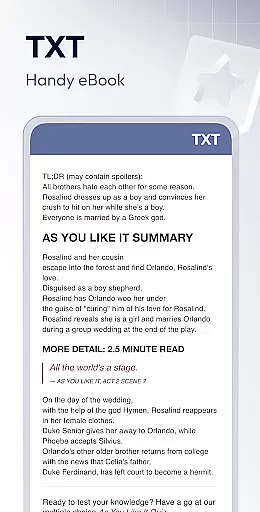
Document Reader & PDF Editor excels in core task management by offering an all-in-one solution for handling various document formats. This app supports PDF, DOC, DOCX, XLS, XLXS, PPT, TXT, and more, ensuring that users can manage all their files in one place.
The application simplifies file organization with clear lists and easy search functionality, allowing users to quickly locate and access their documents. With features like bookmarking, users can mark important documents for rapid retrieval, enhancing productivity.
Moreover, the app provides offline access, meaning users can read and manage their documents without an internet connection. This feature is particularly beneficial for individuals who need to access their files on-the-go or in environments where internet access is limited.
By consolidating document viewing, editing, and management into a single platform, Document Reader & PDF Editor streamlines task management, making it an essential tool for anyone looking to efficiently handle their digital documents.
Cross-device synchronization is a critical feature for users who operate across multiple platforms. Document Reader & PDF Editor ensures reliable synchronization, enabling users to seamlessly transition between devices without losing access to their important files.
With this app, users can start reading or editing a document on one device and continue the task on another, thanks to its robust cloud integration. This means that whether you're switching from your phone to a tablet or a computer, your documents will be up-to-date and readily accessible.
The synchronization process is designed to be fast and stable, maintaining document integrity and formatting across devices. This reliability ensures that users can depend on having the most current version of their documents at their fingertips, regardless of the device they are using.
By prioritizing cross-device synchronization reliability, Document Reader & PDF Editor offers a versatile and dependable solution for managing documents, thereby supporting a seamless and productive workflow.
User-friendly interface
Multi-format support
Offline functionality
Lightweight design
Regular updates
Limited editing tools
Advanced features locked
Occasional bugs
Ads in free version
Storage permission required

Client for Nextcloud Deck
 4.60
4.60
CalenGoo is a very flexible and feature-rich calendar app
4.40
App Lock with fingerprint, password: Lock apps & hide photos with lock screens
4.60
ID.me Authenticator is a simple and free Two Factor Authentication solution
3.50
Tally and goal counter for Wear OS & mobile
4.50
Access, manage and transfer files on Android, PC, Mac, NAS and cloud storages.
4.30
Simple notepad & memo. Take notes, to-do list, shopping list with reminders.
4.80
Seamlessly read, manage, and organize all your PDF files solution in one place
4.40
Put a lock on your cloud: Take the security of your data into your own hands
3.70
Scientific calculator for Android - looks and operates like the real thing!
4.90
Understand anything with a personalized AI research assistant
4.80
QuickBooks Workforce lets teams view pay info and track time in one place.
4.70
App lock - lock apps with fingerprint, password, pin or pattern, protect privacy
4.70
Calendar 2023 widget for Android. Appointment scheduler, planner, and reminder
4.60
Share files & memories safely. Keep your photos and videos secure.
4.40
Total remote control for your Android device, PC and cloud services (IFTTT)!
4.20
Customizable calendar widget for seamless event sync, planning & scheduling.
4.00
Remotely view listen control and record cameras.
3.70
Create study competitions, track your hours, and stay consistent with friends
4.0


User Reviews