
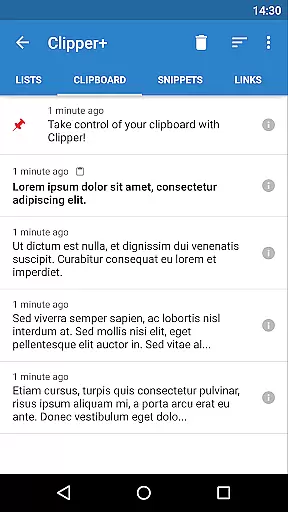
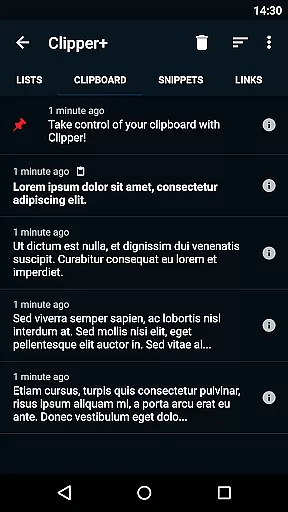
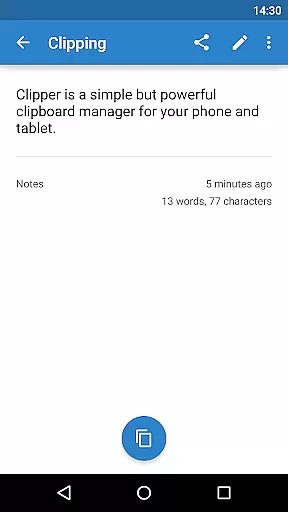
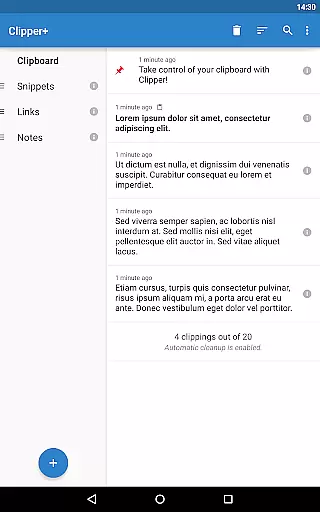
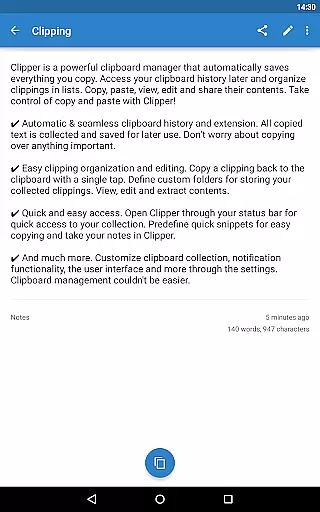
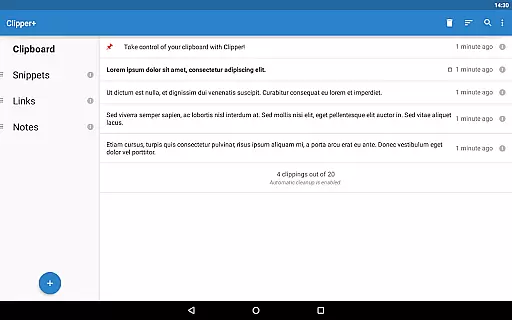
Clipper+: Clipboard Manager is a robust productivity tool designed to enhance your device's clipboard functionality. This app automatically saves all copied text, allowing users to access and manage their clipboard history effortlessly. With features like unlimited clipping storage, dynamic value insertion, and powerful search capabilities, it ensures no important information is lost.
The application supports seamless organization through custom folders and lists, enabling efficient categorization of collected content. Users can edit, view, copy, and share saved clippings with ease. The quick-access feature via the status bar and predefined snippets make repetitive tasks faster. Clipper+ is an essential tool for anyone looking to streamline their workflow and improve productivity.
Clipper+ offers a comprehensive set of features that redefine clipboard management. One standout feature is the unlimited clipping storage, which allows users to save more than just the latest entries, ensuring a complete history is maintained. The dynamic values function enables the inclusion of current date and time in custom snippets, adding versatility to repeated tasks.
Clipping search functionality helps users quickly locate specific entries within their saved clippings. Enhanced settings provide control over how clippings are collected, whether manually or automatically. Additionally, Clipper+ is completely ad-free, offering a distraction-free experience. These features collectively ensure that users have a powerful, flexible tool for managing their clipboard content efficiently.
Clipper+: Clipboard Manager excels in core task management by offering users an efficient way to handle their clipboard history. With the ability to automatically save everything you copy, it ensures no important data is lost.
The app allows for seamless organization of collected clippings into lists, making it easy to categorize and retrieve information when needed. Users can copy, paste, view, edit, and share contents effortlessly, streamlining their workflow.
Dynamic values such as the current date and time can be inserted into custom snippets, providing a personalized touch to repetitive tasks. This feature enhances productivity by reducing the time spent on manual entry of frequently used information.
Cross-device synchronization is a critical component for modern productivity tools, and Clipper+ delivers reliable performance in this area. Although primarily designed for single-device use, its robust backup functionality ensures data integrity across sessions.
Users can import and export backups to internal storage or an SD card, which facilitates data transfer between devices. While real-time syncing isn't a feature, this method provides a dependable way to maintain clipboard continuity.
The app's focus on security and privacy means that your clipboard data remains protected during transfers. Permissions related to storage are solely for backup purposes, ensuring that user data is managed responsibly.
Unlimited clipping storage
Dynamic value insertion
Powerful search functionality
Customizable organization options
Completely ad-free experience
Paid application
Separate installation needed
Limited to text-only clippings
No built-in cloud sync
Requires manual data migration

Seamlessly integrate data and reports to build your presentation to impress
 4.80
4.80
All in one sketching tool. Technical and General drawing. Online Maps support.
3.70
Smart PDF reader & editor to view, organize and manage PDF documents easily.
3.70
Protect and view your important info on your phone and tablet with eWallet®
4.80
Fill, sign & send docs, forms, agreements & contracts via electronic signature.
4.50
PDF scanner & converter for files, photos, lottery, QR codes. One swipe away!
4.50
Simple and reliable communication between inmates, friends and family
3.20
Best Tool for the professionals Electrician, Electrical contractors, etc.
4.90
Browse and view your photos and videos from the phone with photo & video hide.
4.10
To do list widget with a notebook organizer, checklist, simple shopping list
4.60
All document reader, all in one file viewer read PDF, DOCX, XLS, PPT, TXT files.
4.60
When you Focus, so will your Bean in this cozy focus timer
4.30
Access, manage and transfer files on Android, PC, Mac, NAS and cloud storages.
4.30
Font maker keyboard with your own handwriting
4.10
Experience real multitasking on your Android!
4.00
Access your phone's notifications, calls, apps, photos & texts on your PC
3.90
Find and delete junk files & block unwanted notifications & manage files
3.70
ID.me Authenticator is a simple and free Two Factor Authentication solution
3.50
AI Video AI Image Private LLM AI Browser Llama Gemma Ollama Connect LLM Studio
4.1


User Reviews