
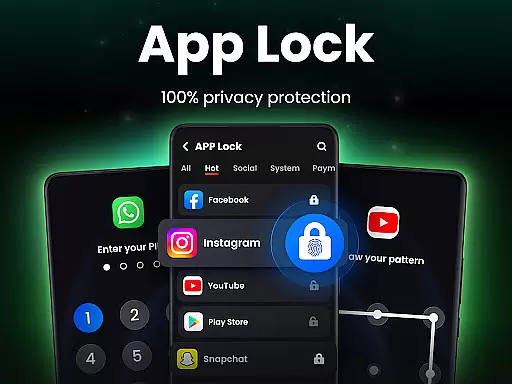
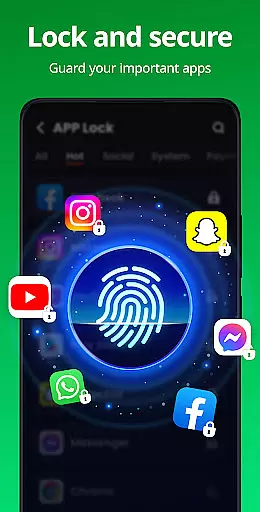
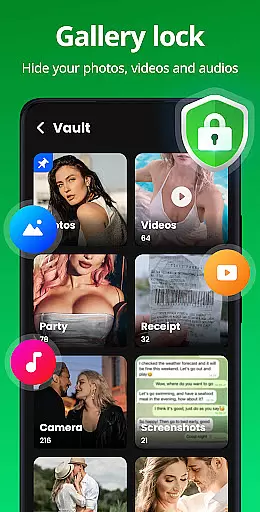
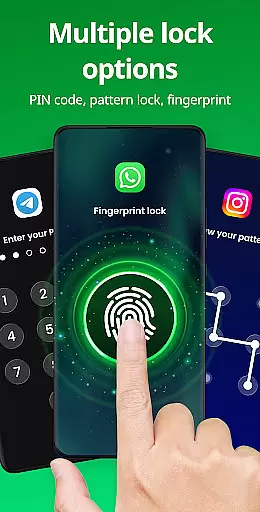
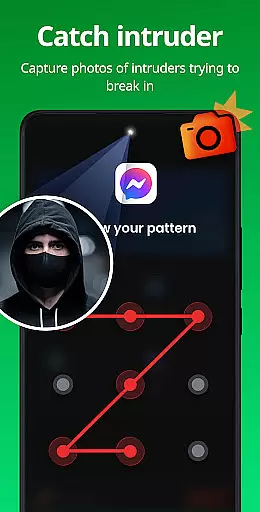
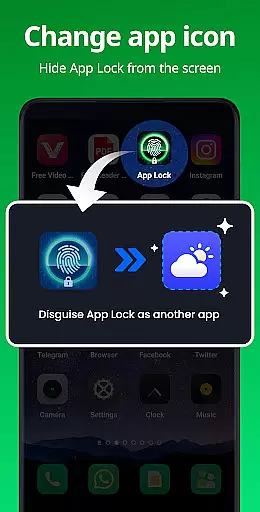
App Lock is a comprehensive security solution designed to protect your private data with just one click. This productivity app allows users to lock social apps like WhatsApp, Instagram, and Facebook using PIN, pattern, or fingerprint authentication. With features such as Safe Vault for hiding private photos/videos, Intruder Selfie that captures unauthorized access attempts, and Disguise App functionality, it ensures complete privacy protection.
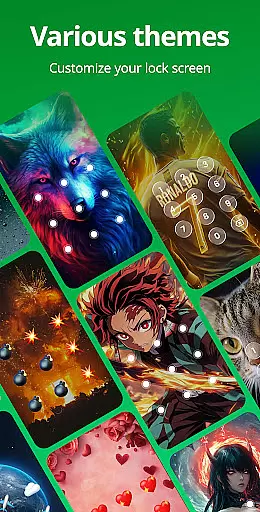
The application also provides practical utilities including Uninstall Protection to prevent accidental removal of the app, customizable lock screen themes, and advanced security options like hidden pattern paths and random keyboards. These features make App Lock an essential tool for anyone looking to safeguard their personal information on mobile devices effectively.
One of the standout features of App Lock is its ability to secure various types of sensitive data through multiple locking methods. Users can choose between PIN, pattern, or fingerprint locks to protect their Gallery, Contacts, Messages, and even payment apps like Google Pay and PayPal. The Safe Vault feature offers an additional layer of security by hiding private media files from the main gallery view.
Another innovative aspect is the Intruder Selfie function, which takes a picture of anyone attempting unauthorized access. Additionally, the Disguise App option lets users mask the app's icon, adding another level of stealth. Customizable themes and settings like relock timers, invisible patterns, and random keyboards further enhance user experience while maintaining top-notch security standards.
At the heart of App Lock's functionality is its robust core task management system, designed to streamline the way users secure their applications and data. This feature allows for seamless locking and unlocking of apps through various methods including PIN, pattern, or fingerprint authentication.
The app provides an intuitive interface where users can easily toggle protection for social media apps, payment platforms, and more. With just a single click, you can safeguard your privacy by enabling locks on newly installed apps or those frequently used such as WhatsApp, Instagram, and Google Pay.
App Lock goes beyond basic locking mechanisms by offering advanced options like disguise mode to mask its presence from prying eyes. Users also benefit from relock settings that automatically secure their device after it has been inactive or powered off, ensuring continuous protection without manual intervention.
While App Lock primarily focuses on securing individual devices, it ensures reliable cross-device synchronization for user preferences and settings. This means if you switch between multiple smartphones or tablets, your chosen security configurations will remain consistent across all platforms.
The application supports cloud backup capabilities which are essential in maintaining data integrity when moving between devices. By backing up hidden files and locked app details to the cloud, users can restore their privacy settings effortlessly on any new device they own.
In addition to cloud backups, App Lock offers features such as intruder selfies and uninstall protection that contribute to a comprehensive approach towards safeguarding personal information regardless of the device being used. These functionalities ensure that even if someone attempts unauthorized access or removal of the app, there are safeguards in place to protect against potential breaches.
Easy-to-use interface
Multiple locking methods
Comprehensive privacy protection
Innovative intruder detection
Customizable themes
Requires many permissions
May drain battery faster
Occasional bugs reported
Limited free features
Fingerprint sensor dependency

Secure, fast, open-source, VNC and SSH Remote Desktop for Windows, Linux and Mac
 4.70
4.70
Experience Reading - Night Mode for Documents
4.40
Auto-shutoff Alarm with Sunrise, Sunset & Fixed Options.
3.50
Total remote control for your Android device, PC and cloud services (IFTTT)!
4.20
Protect and view your important info on your phone and tablet with eWallet®
4.80
CalenGoo is a very flexible and feature-rich calendar app
4.40
Subscribe to Webcal & .ics calendars and keep them up-to-date!
4.50
Lightweight PDF, Word, Excel reader.
4.60
Browse and view your photos and videos from the phone with photo & video hide.
4.10
Android Wallet Password Manager
4.80
Simple notepad & memo. Take notes, to-do list, shopping list with reminders.
4.80
App Lock with fingerprint, password: Lock apps & hide photos with lock screens
4.60
Stay on top of your to-dos with Google Tasks, part of Google Workspace.
4.60
Functional QR scanner and barcode reader that requires little storage space.
4.60
A simple Whisper AI keyboard for reliable speech transcription and rewording
4.60
To do list widget with a notebook organizer, checklist, simple shopping list
4.60
Wake up & get tasks done! Add alarms & reminders on the Clock Launcher.
4.00
Create study competitions, track your hours, and stay consistent with friends
4.1
A comprehensive suite of tools designed specifically for Lactation Consultants
4.2


User Reviews