
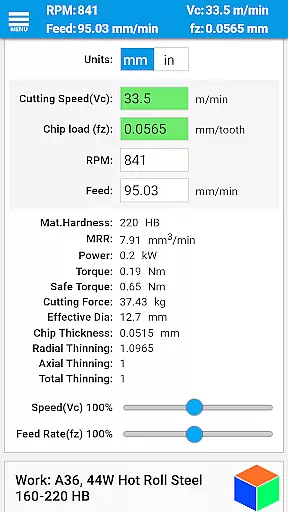
FSWizard Pro Machinist Calc is a premier CNC milling and turning speed and feed calculator designed specifically for machinists. This productivity app simplifies the process of calculating speeds and feeds by allowing users to select their work and tool material without needing to know specific numbers. FSWizard automatically applies recommended cutting speeds and chip loads for various tools, including indexed and solid endmills, drills, and taps.
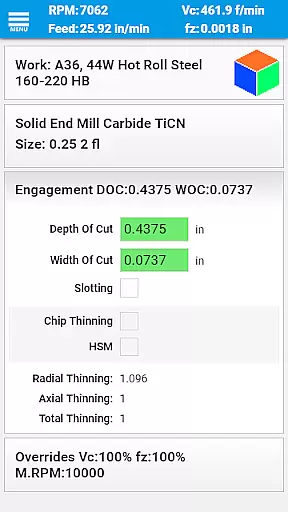
The app is crafted by a CNC machinist, ensuring it meets the real-world needs of professionals in the field. It helps improve machining productivity and optimize cutter life through advanced calculations like Chip Thinning and High-Speed Machining (HSM). Additionally, it provides optimum machining parameters for depth and width of cuts, making it an essential tool for both novice and experienced machinists.
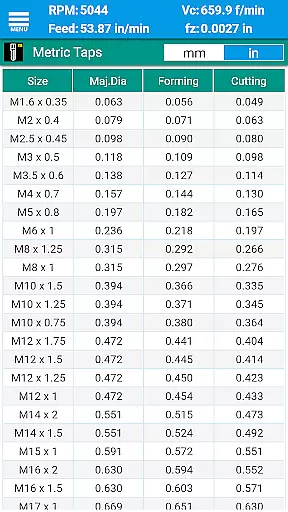
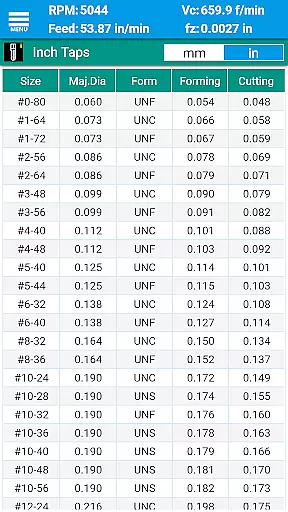
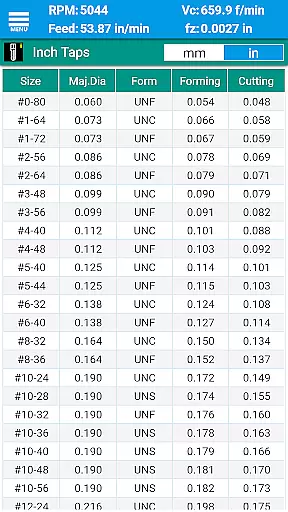
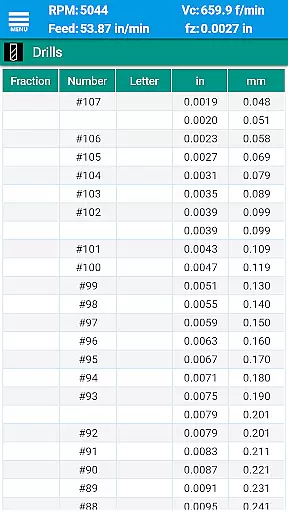
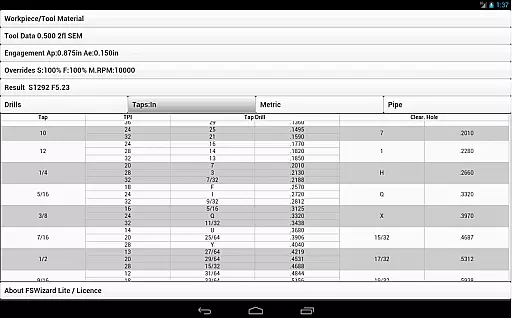
FSWizard Pro offers a comprehensive suite of features tailored for CNC machinists. The app includes milling speeds and feeds, HSM, and chip thinning calculations, as well as specialized functions for ball nose endmills, drilling, and tapping. Users can also access detailed charts for drill sizes, tap drills, BSP and NPT pipe threads, and helicoil threaded inserts.
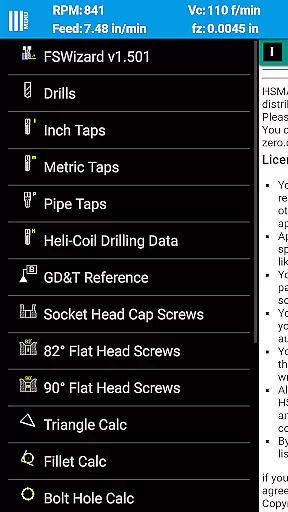
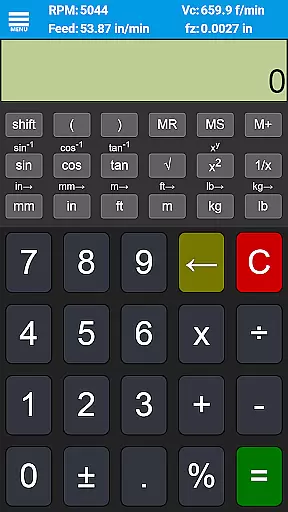
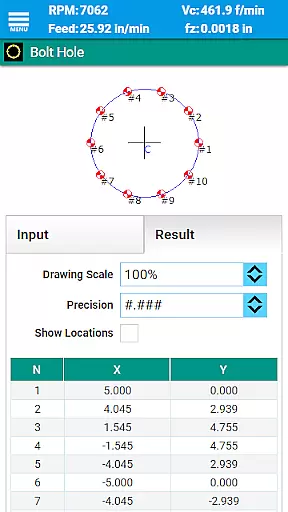
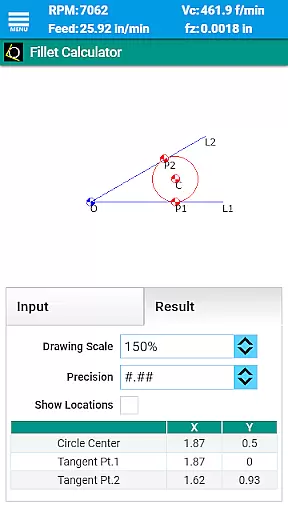
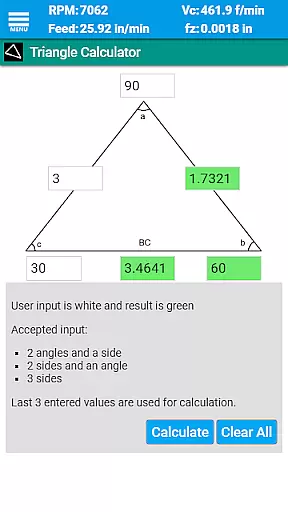
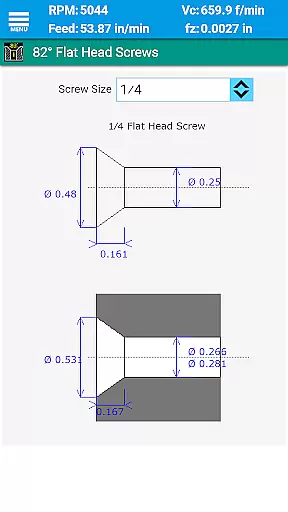
Beyond its core functionalities, FSWizard Pro provides references for imperial and metric flat head screws, socket head cap screws, and interactive GD&T resources. Additional tools include oblique triangle calculators, fillet calculators, bolt circle and countersink calculators, true position calculators, and a scientific calculator with trigonometric functions. These features collectively ensure that machinists have all necessary data at their fingertips.
FSWizard Pro Machinist Calc excels in core task management by offering a comprehensive suite of calculators tailored for CNC milling and turning operations. The app simplifies the process of calculating speeds and feeds, which are crucial for efficient machining.
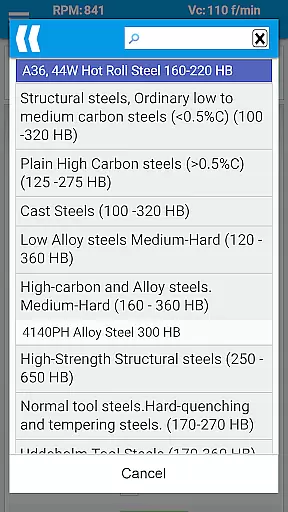
Users can effortlessly choose their workpiece and tool material, eliminating the need to memorize specific numbers. This feature streamlines the decision-making process, allowing machinists to focus on optimizing productivity and extending tool life.
The application automatically applies recommended cutting speeds and chip loads for various tools, including indexed and solid endmills, drills, and taps. This automation not only saves time but also ensures that calculations are based on industry best practices.
By integrating advanced features like High-Speed Machining (HSM) and Chip Thinning calculations, FSWizard empowers users to determine optimal machining parameters, thereby enhancing both efficiency and precision in their work.
While FSWizard Pro Machinist Calc does not explicitly advertise cross-device synchronization, its robust design ensures reliable performance across different devices. This reliability is vital for machinists who require consistent access to critical data regardless of their location or device.
The app's comprehensive database of materials and cutting parameters remains consistent, providing users with dependable information whether they're using a smartphone or tablet. This consistency helps maintain accuracy in calculations and planning.
Although real-time syncing between devices isn't a highlighted feature, the app's offline functionality guarantees that all essential data and calculation tools are accessible without internet connectivity. This approach ensures uninterrupted productivity in workshop environments where network access might be limited.
Furthermore, the universal compatibility with both metric and imperial units demonstrates the app's adaptability across different regions and industries, reinforcing its position as a reliable productivity tool for CNC machinists worldwide.
User-friendly interface
Comprehensive tool library
Advanced calculation options
Wide range of material support
Integrated reference charts
Premium version required for full features
Steep learning curve for beginners
Limited free content
No offline mode
Occasional bugs reported

Take control of your clipboard with Clipper!
 3.90
3.90
Experience real multitasking on your Android!
4.00
A lightweight JSON & XML files creator, editor and viewer (Premium Version)
4.40
Remotely view listen control and record cameras.
3.70
Functional QR scanner and barcode reader that requires little storage space.
4.60
Share files & memories safely. Keep your photos and videos secure.
4.40
AI Chatbot and AI writing assistant powered by ChatGPT.
4.60
Daily processing of PDF documents.
4.40
Browse and view your photos and videos from the phone with photo & video hide.
4.10
Scientific calculator for Android - looks and operates like the real thing!
4.90
Protect and view your important info on your phone and tablet with eWallet®
4.80
Understand anything with a personalized AI research assistant
4.80
Quickly and easily keep track of your work shifts
4.70
Fill, sign & send docs, forms, agreements & contracts via electronic signature.
4.50
Subscribe to Webcal & .ics calendars and keep them up-to-date!
4.50 4.20
4.20
Professional calendar app for Google Calendar, MS Outlook & Exchange
4.20
Secure, open-source, SPICE and SSH Remote Desktop for QEMU KVM virtual machines
4.00
IP Camera Viewer - Android TV : RTSP Surveillance camera viewer for Android TV
4.0


User Reviews