
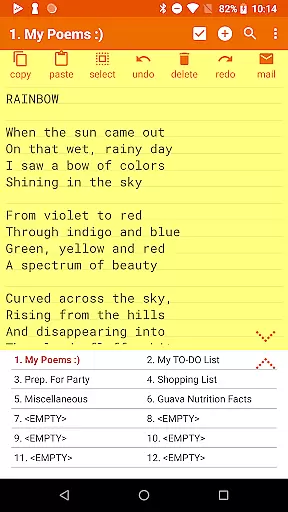

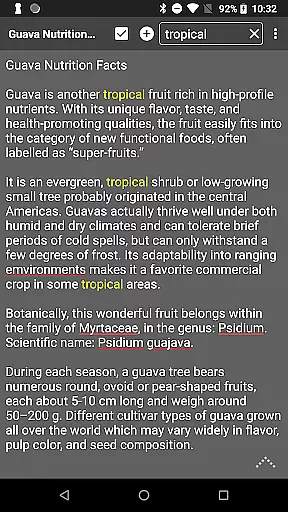
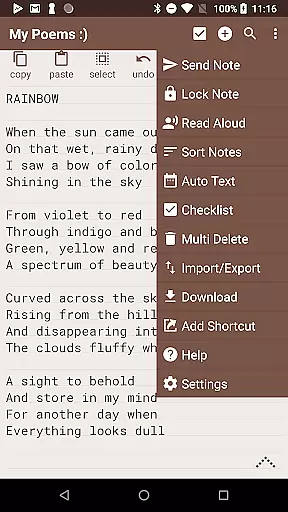
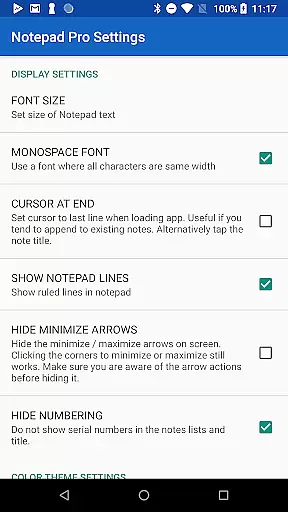


Notepad Pro represents the pinnacle of note-taking applications on Android, offering a robust set of features in an incredibly lightweight package. This productivity tool stands out with its auto-save functionality and versatile capabilities that cater to both casual users and professionals who demand efficiency and reliability. With a size of just 0.3 MB, it ensures that your device's resources are not unduly taxed.
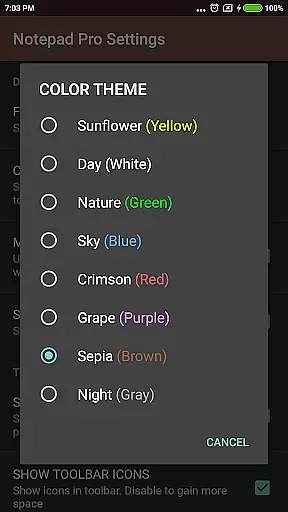
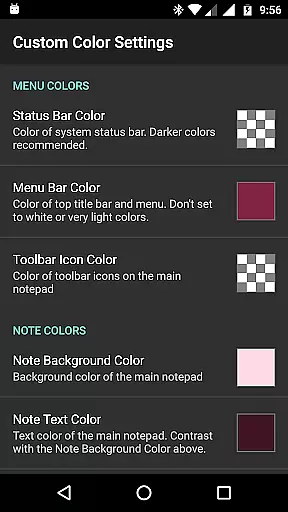
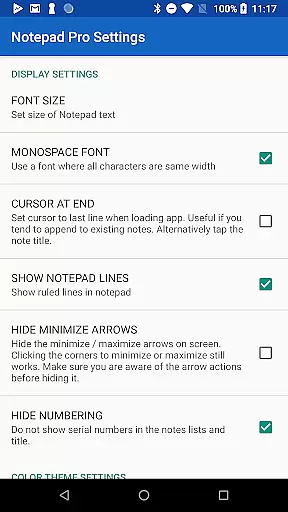
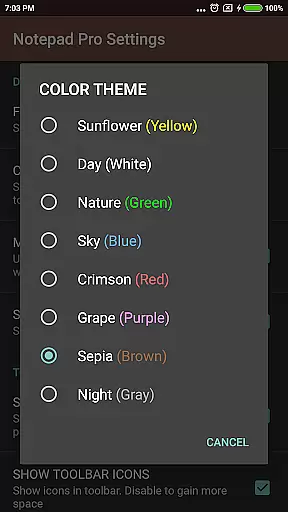
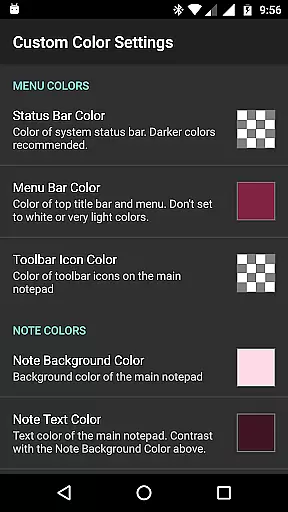
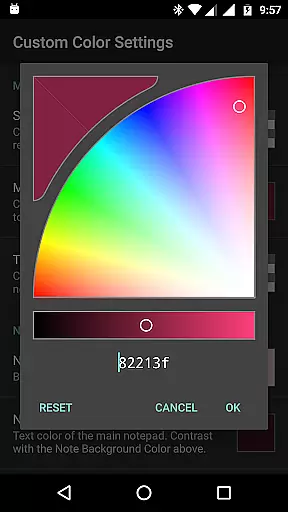
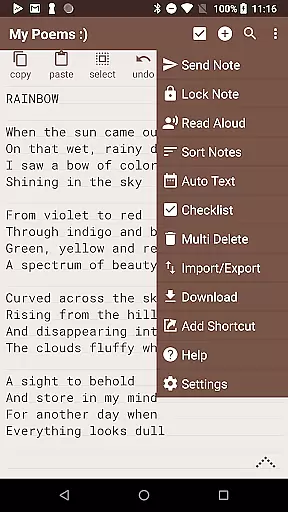
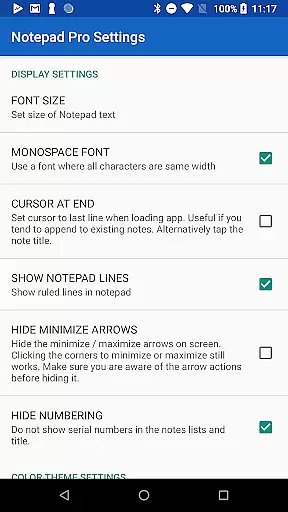
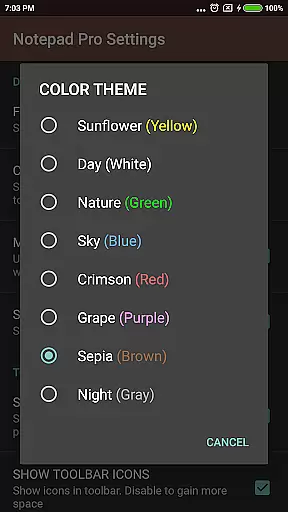
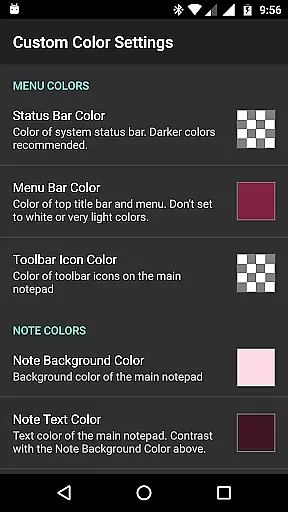
The app provides comprehensive tools for managing notes effectively. Users can enjoy unlimited notepad slots, inline checklist creation, and powerful search functions across all their notes. Its customization options allow for personalized themes and sorting preferences, while safeguarding features like selective import/export and backup frequency settings ensure data security. Whether you're organizing thoughts or collaborating on projects, Notepad Pro is designed to streamline your workflow.
Notepad Pro excels in providing advanced functionalities that enhance user experience significantly. It offers desktop widget support, custom sort options, and categorization features which make navigation and organization intuitive. The ability to create shortcuts to any note from the desktop boosts accessibility, allowing quick access to frequently used documents.
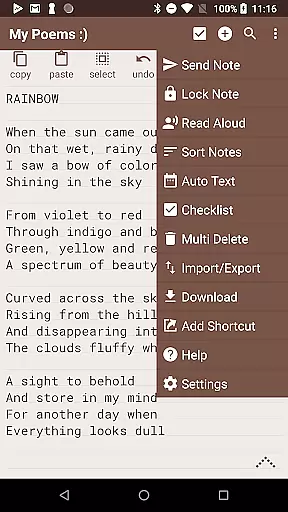
Security and convenience are at the forefront of this application's design. Features such as making notes read-only, specifying backup frequencies, and downloading local copies provide peace of mind regarding data safety. Additionally, sharing capabilities have been enhanced; users can attach notes as files via email or open text sends directly from other apps. These attributes collectively contribute to a seamless and secure note-taking process.
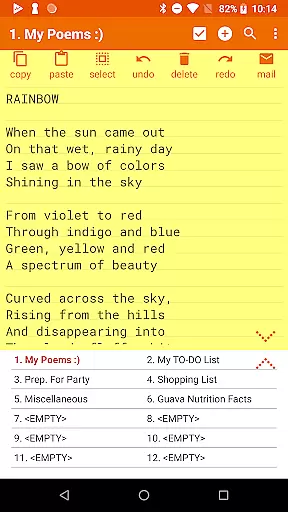
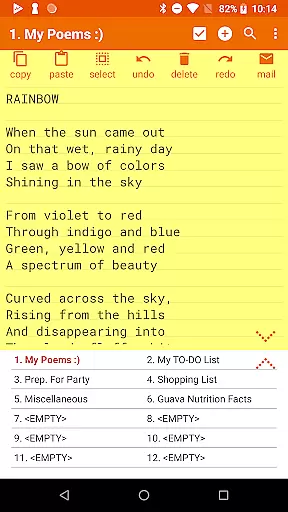
Notepad Pro excels in core task management by offering users a versatile Auto Save Notepad with unlimited notepad slots, ensuring that no idea or task is ever lost. This feature allows for seamless organization of thoughts and responsibilities without the limitation of storage constraints.
In addition to unlimited slots, the app provides an in-line checklist capability, enabling users to create actionable lists directly within their notes. This functionality supports productivity by allowing users to track tasks as they progress, marking off completed items and reordering priorities as needed.
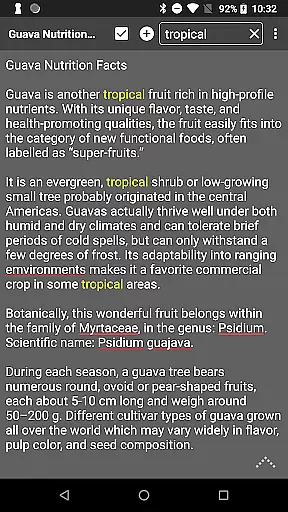
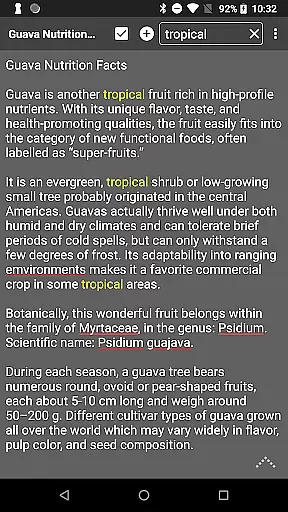
The search functionality within and across notes further enhances task management by providing quick access to specific information. Users can easily locate past entries or related tasks without sifting through numerous notes manually, thus streamlining workflow and boosting efficiency.
While Notepad Pro focuses on device-local features, its ability to download notes and backups locally ensures cross-device synchronization reliability when transferring data between devices. Users can maintain consistency across multiple devices by downloading their notes and backup files onto a shared storage medium.
The app's safeguard features include making notes read-only and specifying backup frequency, which contribute to reliable data integrity. By setting notes to read-only, users prevent accidental edits, preserving the original content when accessed from different devices.
Selective import/export capabilities allow users to manage which notes are moved between devices, enhancing synchronization control. This selective process ensures that only relevant or updated notes are transferred, maintaining an organized and current collection of information across all user devices.
User-friendly interface
Highly customizable
Efficient resource usage
Robust security features
Versatile sharing options
Paid version only
No cloud sync feature
Limited collaboration tools
Basic UI design
Occasional bugs reported

Seamlessly integrate data and reports to build your presentation to impress
 4.80
4.80
Unlock AutoNotification
4.00
Mind Map and brainstorm, note taking and idea collection
4.80
App Lock with fingerprint, password: Lock apps & hide photos with lock screens
4.60
Simple and reliable communication between inmates, friends and family
3.20
Activate Two Factor Authentication (2FA or Multi OTP), Password manager and more
4.10
Multilingual translator for text, voice, and image translation!
4.90
Quickly and easily keep track of your work shifts
4.70
Use powerful, industry-leading AI tools to generate visual charts from any data
4.80
Great calculator for Android named one of USA TODAY's "25 Essential Apps".
4.90
Protect and view your important info on your phone and tablet with eWallet®
4.80
aCalendar+ makes your day, week and month
4.70
Scan paperwork into PDF/JPG, generate your own e-signature and send fax or email
4.70
Client for Nextcloud Deck
4.60
Docker, Kubernetes management over Portainer Mobile
4.40
Access, manage and transfer files on Android, PC, Mac, NAS and cloud storages.
4.30
Access your phone's notifications, calls, apps, photos & texts on your PC
3.90
Auto-shutoff Alarm with Sunrise, Sunset & Fixed Options.
3.50
Experience and share your SolidWorks designs on your Android® phone and tablet.
2.50


User Reviews