
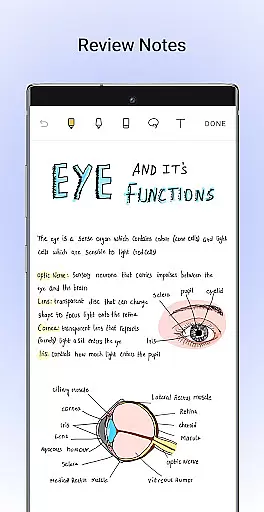
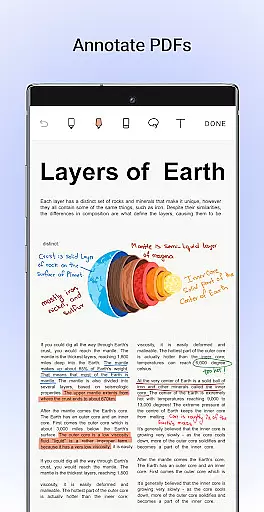
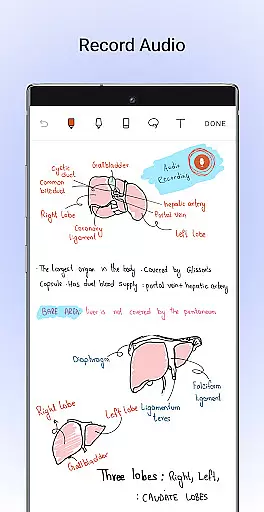
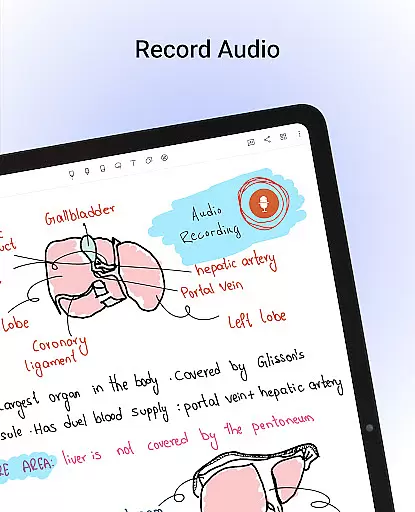
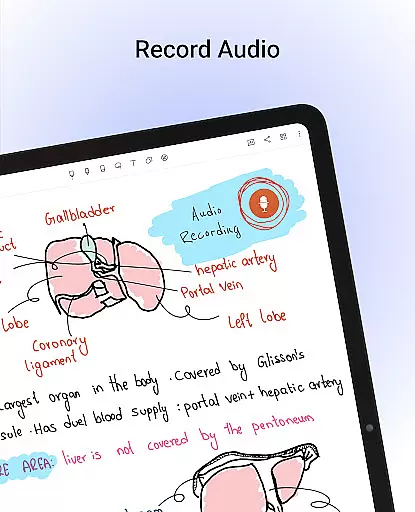
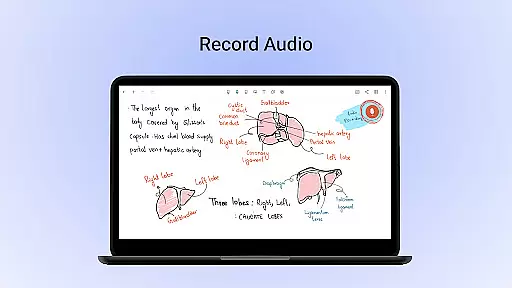
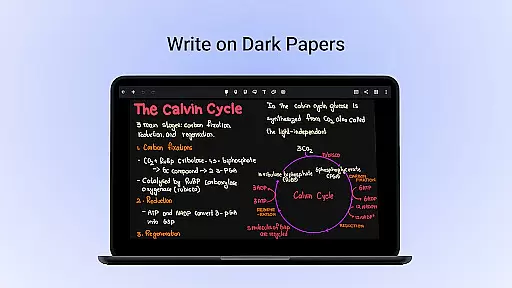
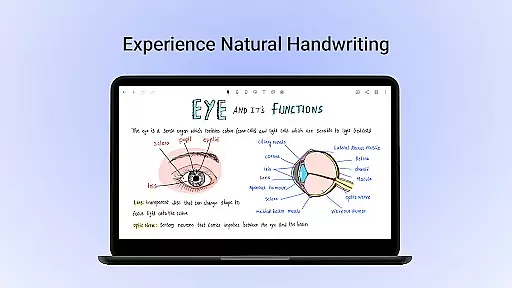
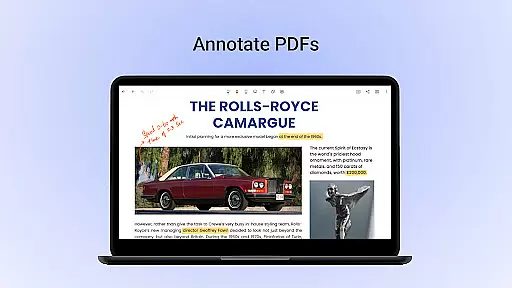
Noteshelf is a comprehensive digital note-taking app designed for students, teachers, and professionals. It allows users to take beautiful handwritten notes, annotate PDFs, record audio notes, and organize their digital notes effectively. The app offers realistic pens and highlighters that make handwriting feel natural while supporting various stylus options for an enhanced experience.
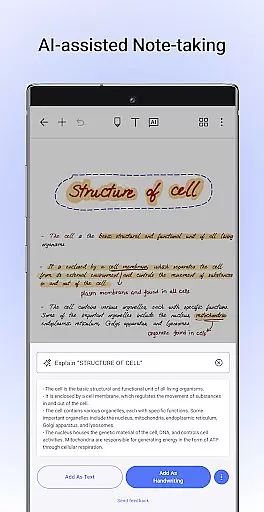
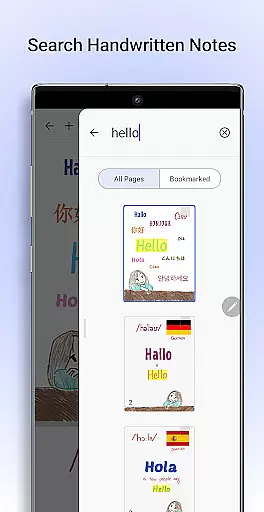
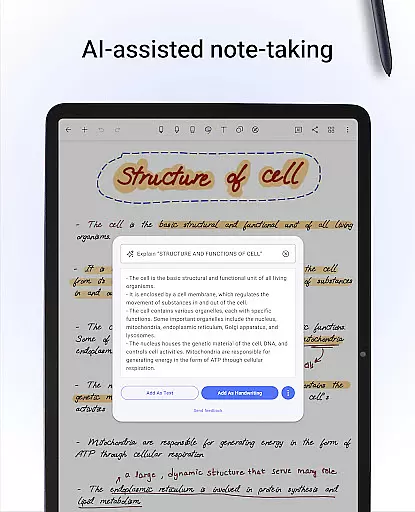
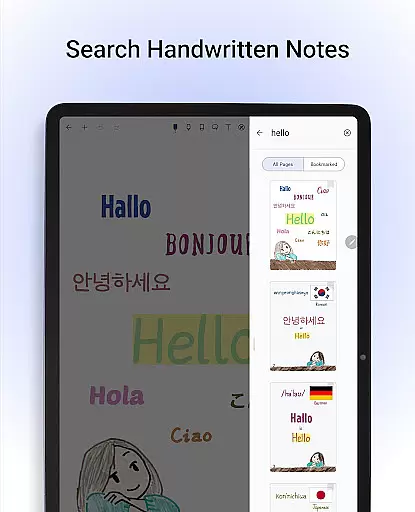
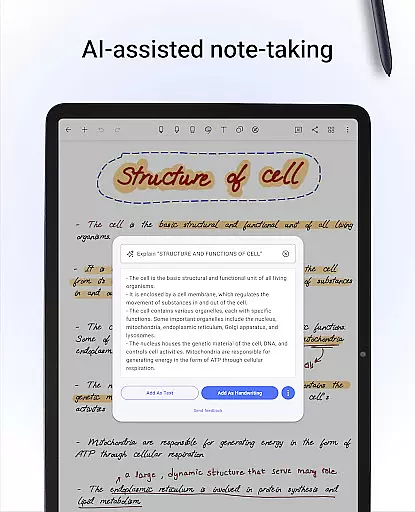
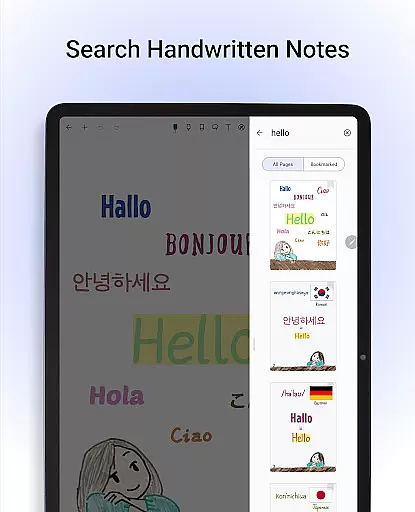
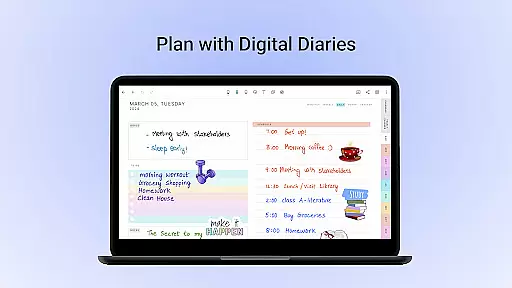
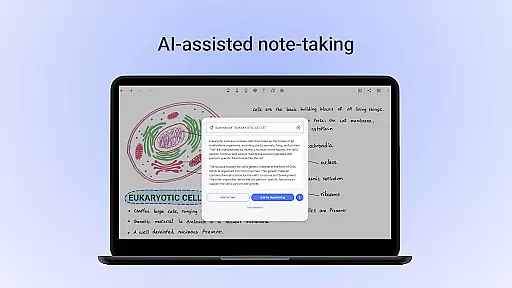
One of Noteshelf's standout features is its ability to search and convert handwritten notes into typed text across 65 languages, making it versatile for global users. With an extensive library of over 200 templates, users can find layouts tailored to different needs such as lesson plans, to-do lists, and bullet journaling. Additionally, the introduction of Noteshelf AI brings intelligent assistance by generating notes, summarizing content, translating text, and explaining complex terms.
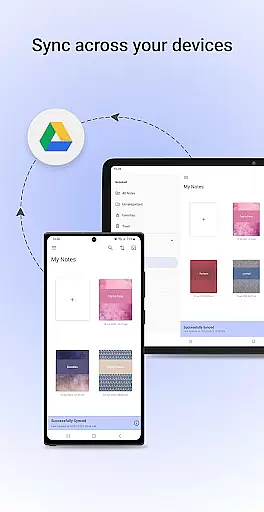
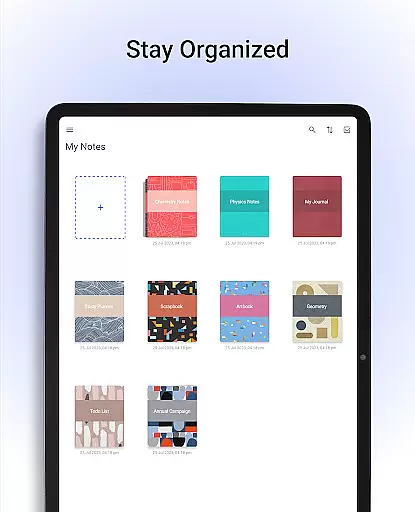
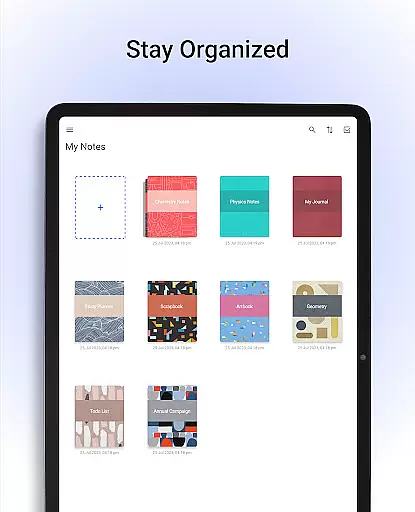
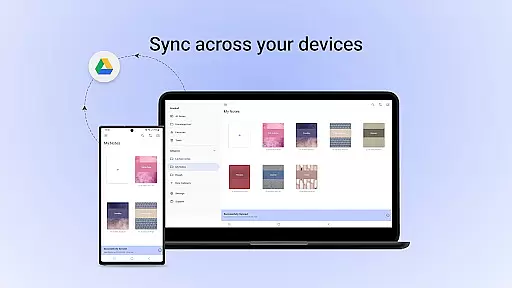
The app also emphasizes personalization and organization. Users can choose from lined, dotted, or grid papers in customizable colors and line spacing. They can type notes with various formatting options, record audio during lectures or meetings, and sync their notes via Google Drive for easy access on any Android device. This ensures that all important information is securely stored and accessible anytime, anywhere.
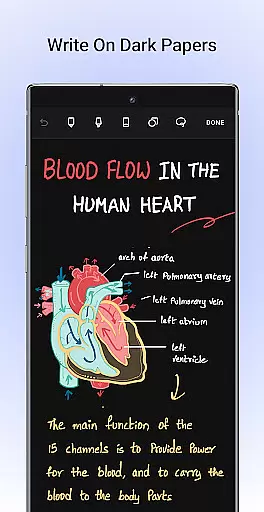
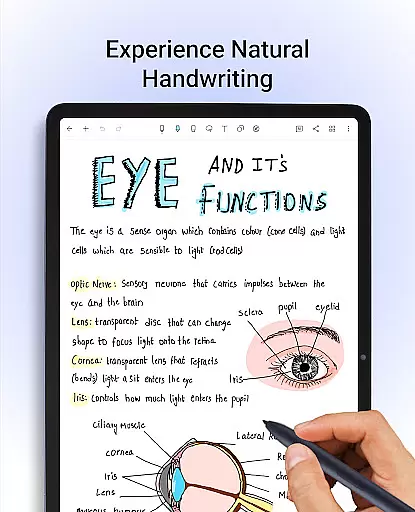
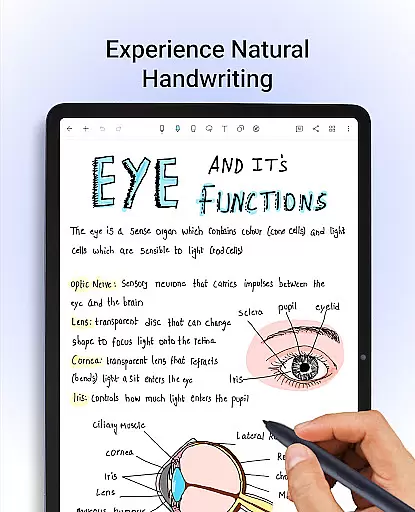
Noteshelf boasts a wide array of features that cater to diverse note-taking needs. One of its primary strengths is the natural handwriting experience provided by realistic pens and highlighters. Users can experiment with different colors, shapes, and images to create visually appealing notes. The support for various stylus options, including Samsung Galaxy Note's S-pen with a quick-erase feature, enhances the tactile sensation of traditional pen-and-paper note-taking.
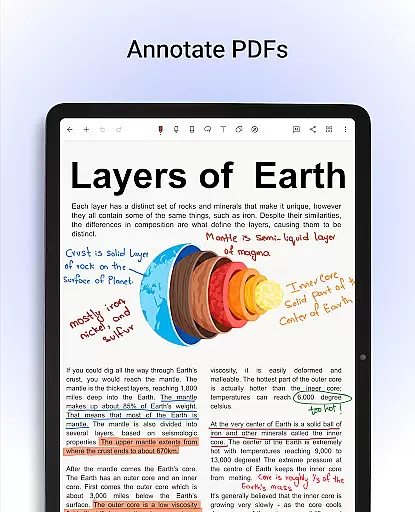
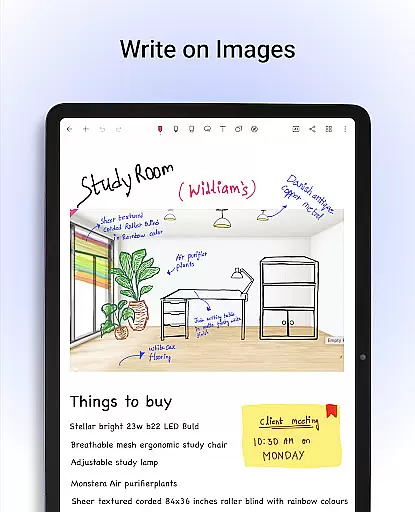
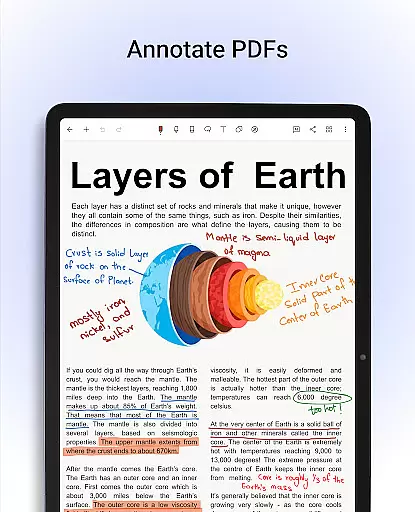
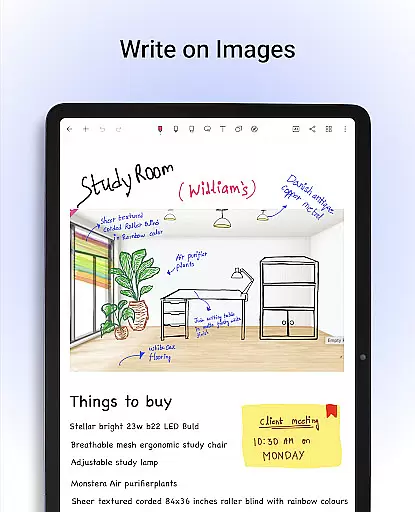
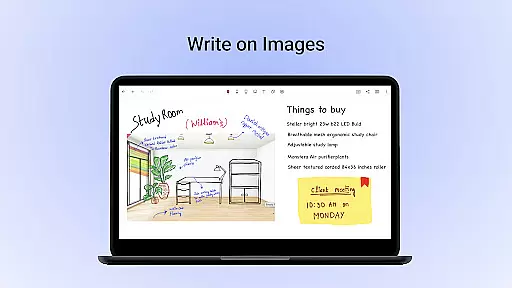
Another significant feature is the ability to annotate PDFs and write on images using convenient formatting tools. This functionality is particularly useful for editing school notes, grading papers, filling out forms, and signing documents. Moreover, the app's OCR technology allows users to search through their handwritten notes and convert them into typed text seamlessly, supporting 65 languages.
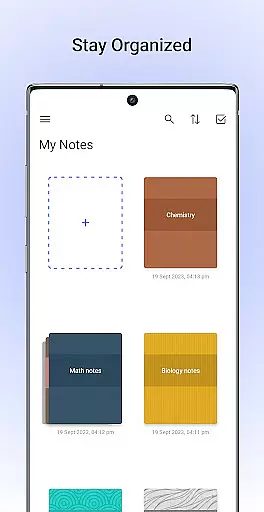
Noteshelf also excels in personalization and organization. Users can select from a vast library of templates for different purposes, personalize their notebooks with crafted covers, and customize paper types and colors. The app supports typing notes with rich formatting options, recording audio notes, and creating flowcharts and diagrams. Furthermore, features like syncing notes via Google Drive, auto-backup to cloud services, and publishing notes to Evernote ensure that users' data remains safe and accessible across devices.
Noteshelf excels in core task management by offering a comprehensive suite of tools designed to enhance productivity. The app allows users to take beautiful handwritten notes, annotate PDFs, and record audio notes, making it an all-in-one solution for students, teachers, and professionals.
The natural handwriting feature provides a realistic pen experience with a variety of colors and styles, ensuring that note-taking is both efficient and enjoyable. Additionally, the ability to search and convert handwritten notes into text across 65 languages adds a layer of convenience and accessibility not found in many other productivity apps.
With Noteshelf AI, users can further streamline their workflow. This intelligent assistant understands handwriting and can generate notes, summarize content, translate text, and explain complex terms. These features ensure that users can manage their tasks effectively while maintaining high levels of organization and clarity.
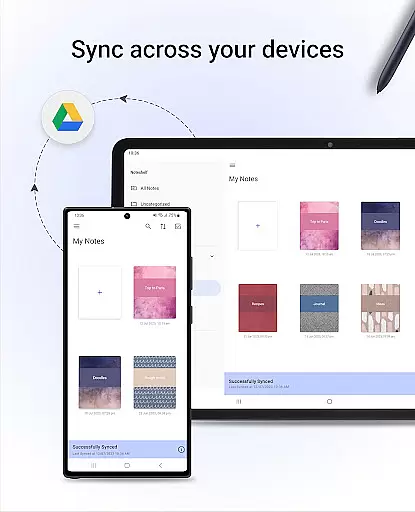
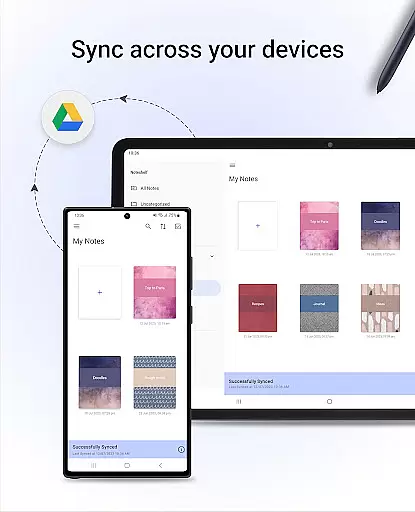
Cross-device synchronization is a critical feature for any productivity app, and Noteshelf delivers this with exceptional reliability. By syncing notes via Google Drive, users can easily access their notes on any Android device, ensuring that important information is always at their fingertips.
In addition to Google Drive, Noteshelf supports auto-backup to various cloud services such as OneDrive, Dropbox, and WebDAV. This multi-cloud support ensures that data is not only accessible but also securely backed up, reducing the risk of data loss.
Furthermore, the app's ability to automatically publish notes to Evernote enhances its cross-device functionality. Users can access their notes from any location, making it ideal for those who need to stay productive on the go. This seamless integration across multiple platforms underscores Noteshelf's commitment to providing a reliable and versatile note-taking experience.
User-friendly interface
Realistic handwriting tools
Extensive template library
Powerful OCR capabilities
Robust synchronization options
Limited free features
Occasional bugs reported
Requires learning curve
Premium subscription needed
Heavy storage usage

Seamlessly integrate data and reports to build your presentation to impress
 4.80
4.80
Create study competitions, track your hours, and stay consistent with friends
4.5
Planet Free VPN - The best Fast Unlimited and Secure VPN Without Logs
4.50
Automates browsing any website and notifies you of important changes or events
4.30
App lock - lock apps with fingerprint, password, pin or pattern, protect privacy
4.70
App Lock with fingerprint, password: Lock apps & hide photos with lock screens
4.60
Enjoy classic gameplay with customizable features and retro-style graphics.
4.30
Daily processing of PDF documents.
4.40
Browse and view your photos and videos from the phone with photo & video hide.
4.10
Native client for Forgejo and Gitea
5.00
The long-awaited modern gallery app for your Nextcloud server
4.70
aCalendar+ makes your day, week and month
4.70
Secure, fast, open-source, Remote Desktop Client for Windows and Linux with SSH
4.60
A simple Whisper AI keyboard for reliable speech transcription and rewording
4.60
Experience Reading - Night Mode for Documents
4.40
Send files, sync SMS, notifications & clipboard across devices via local network
4.40
Find and delete junk files & block unwanted notifications & manage files
3.70
ID.me Authenticator is a simple and free Two Factor Authentication solution
3.50
Easiest event planning, volunteer signups & parent teacher conference scheduling
2.20


User Reviews