
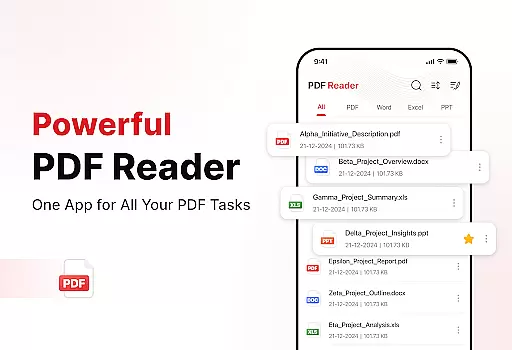
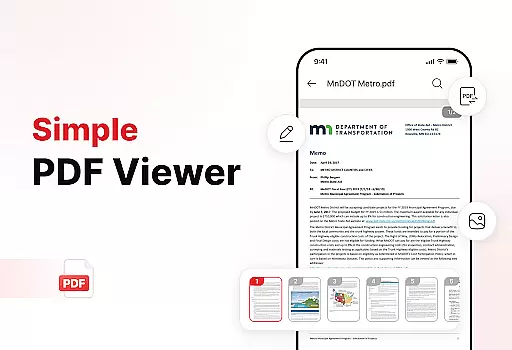
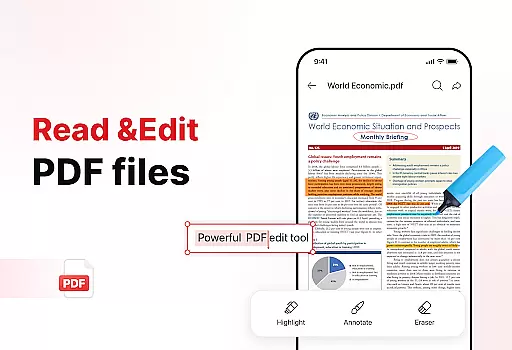
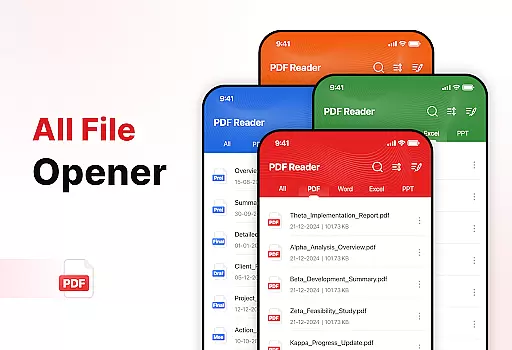
PDF Reader - Edit & View is a comprehensive document management solution designed to simplify how you handle, organize, and convert files. This productivity app offers versatile PDF reading capabilities, allowing users to open and read PDFs of any size without lag while providing easy navigation and zoom features for detailed viewing. The app supports multiple file formats including XLS, DOCX, and PPT, making it an essential tool for students, professionals, and anyone who frequently works with documents.
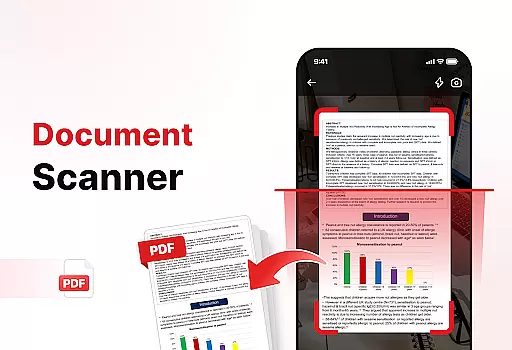
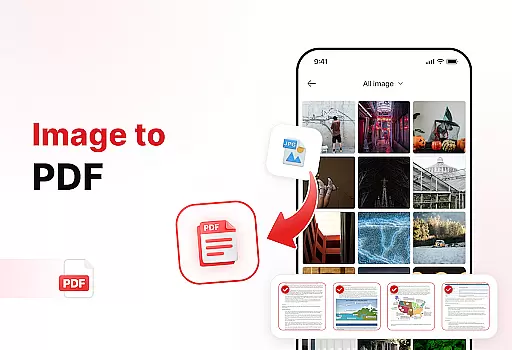
Beyond basic reading functionality, the app includes powerful document conversion tools. Users can scan physical documents and convert them into high-quality PDFs or transform images and screenshots into professional PDF files. The enhanced productivity features enable efficient file management through advanced sorting options, bookmarking, and effortless sharing capabilities. With its user-friendly interface and robust feature set, this app streamlines document handling while boosting overall productivity.
PDF Reader - Edit & View stands out with its comprehensive feature set tailored for document management. The app's versatile PDF reader allows seamless navigation through documents of any size, with smooth zoom functionality for detailed viewing. It supports multiple file formats including XLS, DOCX, and PPT, providing users with flexibility in handling various document types.
The app's powerful document converter enables users to digitize physical documents through scanning and convert them into high-quality PDFs. Additionally, it can transform images, screenshots, and graphics into professional PDF files within seconds. The enhanced productivity tools include advanced file sorting options, bookmark management, and quick search functionality. Users can also add digital signatures to PDFs and share documents effortlessly with colleagues or friends. These features collectively create a robust document management solution that saves time while maintaining professional standards.
Task management is a cornerstone of productivity, and the PDF Reader - Edit & View app excels in this area by offering users a comprehensive suite of tools to handle their documents efficiently. The app's ability to manage and organize files is one of its standout features, allowing users to keep their storage clean and clutter-free.
The functionality extends to advanced sorting options where users can sort files by name, date, or size, ensuring that important documents are always easy to find. This level of organization is crucial for professionals who deal with a multitude of files daily and require quick access to their documents.
Moreover, the app provides effortless sharing capabilities, which means users can instantly share PDFs and other files with colleagues, friends, or family. This feature enhances collaborative work environments and streamlines communication processes.
In essence, PDF Reader - Edit & View transforms how users interact with their documents by providing powerful task management features that save time and boost productivity, making it an indispensable tool for anyone looking to simplify their document management process.
Cross-device synchronization is vital for users who operate on multiple platforms and need consistent access to their documents. PDF Reader - Edit & View addresses this need by ensuring reliable synchronization across devices, thus maintaining continuity in the user's workflow no matter where they are.
This app supports real-time updates, meaning any changes made to a document on one device will be immediately reflected on all others that are connected to the same account. This seamless integration allows users to start working on a document from their office computer and continue editing it on their tablet while commuting home.
Furthermore, the synchronization process is designed to be robust and secure, safeguarding user data against loss or unauthorized access during transfers between devices. Users can trust that their sensitive information remains protected at all times.
By prioritizing cross-device synchronization reliability, PDF Reader - Edit & View ensures that users have a dependable and efficient experience when managing their documents across different devices, enhancing both accessibility and peace of mind.
User-friendly interface
Multi-format support
Powerful conversion tools
Advanced organization features
Effortless sharing options
Limited free features
Occasional performance lags
Subscription required for premium
Complex settings for beginners
Large file size

A Revolutionary All-in-One Artificial Intelligence Tools
 3.80
3.80
AI Video AI Image Private LLM AI Browser Llama Gemma Ollama Connect LLM Studio
4.5
All in one sketching tool. Technical and General drawing. Online Maps support.
3.70
Smart PDF reader & editor to view, organize and manage PDF documents easily.
3.70
Absolutely the best CNC machinist speed and feed calculator around. fswizard.com
4.60
Easiest event planning, volunteer signups & parent teacher conference scheduling
2.20
Multilingual translator for text, voice, and image translation!
4.90
The AI assistant that thinks with you - write, code, and solve complex tasks
4.60
Lightweight PDF, Word, Excel reader.
4.60
Best Tool for the professionals Electrician, Electrical contractors, etc.
4.90
Direct Chat without saving contacts & Dual WA Account on Single Device
4.70
A beautiful digital clock with autostart and many other functions
4.70
Calendar 2023 widget for Android. Appointment scheduler, planner, and reminder
4.60
This small app MUST BE INSTALLED after purchase, else license won't work
4.40
Secure your apps with lock screens, use custom themes and different features.
4.40 4.20
4.20
Intelligent AI Assistant
4.10
Find and delete junk files & block unwanted notifications & manage files
3.70
IP Camera Viewer - Android TV : RTSP Surveillance camera viewer for Android TV
4.2


User Reviews