
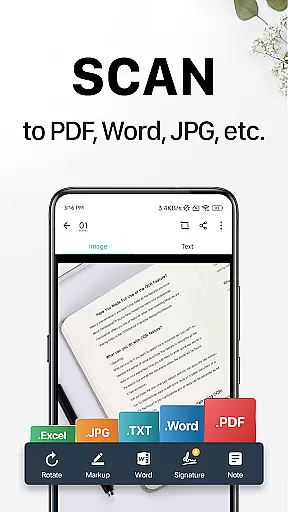
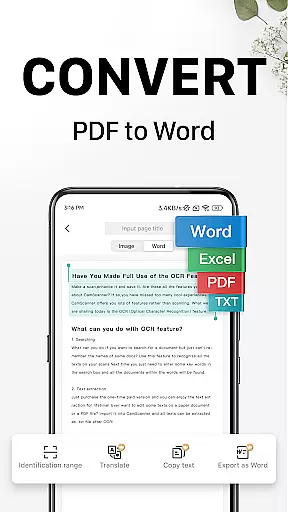
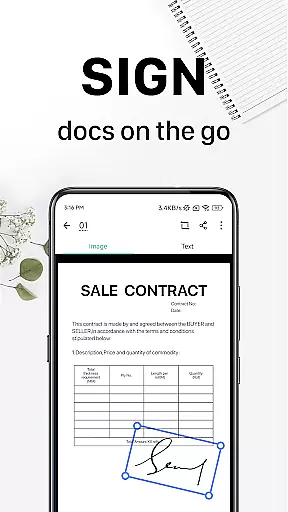
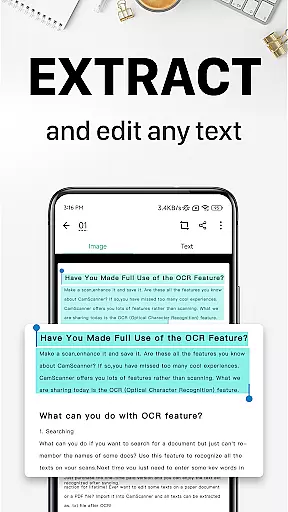
CamScanner is a versatile productivity app that transforms your mobile device into a powerful document scanner. With advanced OCR technology, it allows users to scan, save, and share documents in various formats including PDF, JPG, Word, and TXT. The app's intuitive interface makes it easy to digitize receipts, notes, invoices, and more with just a few taps.
Beyond basic scanning, CamScanner offers features like smart cropping, auto-enhancement, and text extraction, making it an ideal tool for professionals and students alike. Whether you need to quickly capture meeting notes or manage important business documents, this app provides a complete mobile office solution that can significantly boost your productivity.
The app's cross-platform syncing capability ensures you can access your documents anytime, anywhere. With over 300 million users worldwide, CamScanner has proven its value as an essential productivity tool for both personal and professional use.
CamScanner stands out with its comprehensive feature set designed to optimize document management. The app's quick digitization capability uses your phone's camera to capture high-quality scans of various document types, from business cards to certificates. Its intelligent cropping and enhancement tools ensure every scan maintains premium quality.
One of the app's most valuable features is its OCR capability, which enables users to extract and edit text from scanned documents. This functionality extends to creating searchable PDFs and editable documents. The app also supports wireless printing and remote faxing to over 30 countries, eliminating the need for traditional office equipment.
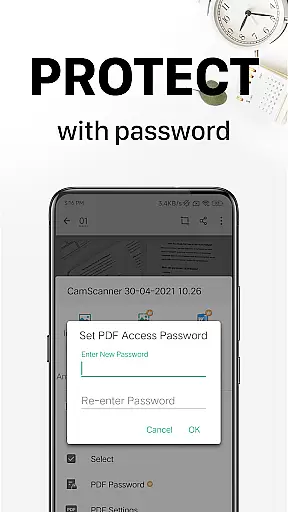
Advanced document editing tools allow users to annotate, add watermarks, and organize files efficiently. The quick search function, combined with tagging capabilities and OCR-based content search, makes document retrieval effortless. Security features include password protection for viewing documents and secure sharing options, ensuring sensitive information remains protected.
CamScanner excels in core task management by offering a comprehensive suite of tools designed to streamline document handling. This productivity app allows users to quickly digitize various types of documents, from receipts to business cards, using their mobile device's camera.
The app stands out with its smart cropping and auto-enhancing features that ensure high-quality scans. These capabilities are crucial for maintaining the integrity of important information, making it easier for users to manage their digital paperwork efficiently.
Additionally, CamScanner provides advanced document editing options, including annotations and customized watermarks. Such features empower users to modify and personalize their documents, catering to both professional and personal needs while enhancing overall task management.
Cross-device synchronization is a pivotal feature of CamScanner, ensuring that users can access their documents from any device. By signing up for an account, individuals can sync their scanned documents across smartphones, tablets, and computers via the CamScanner website.
This reliable synchronization facilitates seamless transitions between devices without compromising data integrity or accessibility. Users benefit from real-time updates, which means any changes made on one device are immediately reflected on all others linked to the same account.
Moreover, this cross-platform support enhances collaboration opportunities as users can share, edit, and manage documents with colleagues or family members regardless of the device they use. This flexibility significantly boosts productivity and ensures that critical information is always at hand when needed.
User-friendly interface
Accurate OCR recognition
Cross-platform syncing
Comprehensive editing tools
Wireless printing capability
Premium features locked
Subscription fees apply
Basic ads in free version
Internet required for OCR
File size limitations

When you Focus, so will your Bean in this cozy focus timer
 4.30
4.30
Wake up & get tasks done! Add alarms & reminders on the Clock Launcher.
4.00
CalenGoo is a very flexible and feature-rich calendar app
4.40
Easiest event planning, volunteer signups & parent teacher conference scheduling
2.20
Cloud storage, automatic phone backup, and more.
4.10
Subscribe to Webcal & .ics calendars and keep them up-to-date!
4.50
Tally and goal counter for Wear OS & mobile
4.50
Scientific calculator for Android - looks and operates like the real thing!
4.90
Daily processing of PDF documents.
4.40
Multilingual translator for text, voice, and image translation!
4.90
Protect and view your important info on your phone and tablet with eWallet®
4.80
aCalendar+ makes your day, week and month
4.70
A simple Whisper AI keyboard for reliable speech transcription and rewording
4.60
A lightweight JSON & XML files creator, editor and viewer (Premium Version)
4.40
Docker, Kubernetes management over Portainer Mobile
4.40
A Pixel Art watchface inspired by other iconic 90s designs for Wear OS devices!
4.40
All in One PDF Reader: Manage, Read and Edit your Documents
4.20
Make your handwriting beautiful, even more than pen on paper.
3.60
AI Video AI Image Private LLM AI Browser Llama Gemma Ollama Connect LLM Studio
4.4


User Reviews