
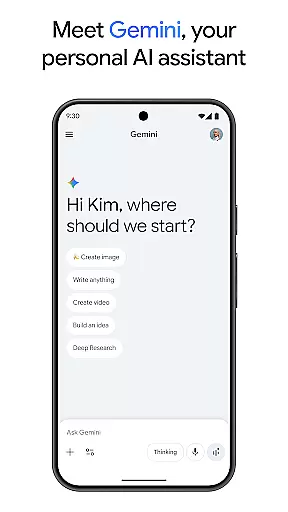
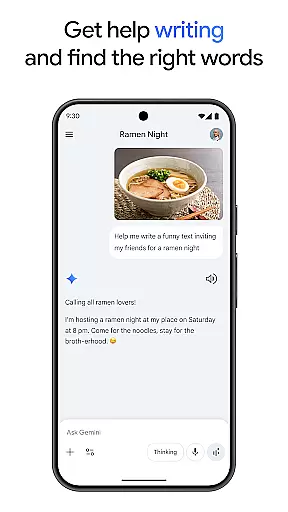
Gemini, developed by Google, is a powerful AI assistant designed to enhance both creativity and productivity. This application provides direct access to Google's advanced family of AI models right on your mobile device. With Gemini, users can brainstorm ideas, simplify complex topics, and even rehearse for important events using the Gemini Live feature. Additionally, it offers unique capabilities such as Canvas for bringing ideas to life, transforming files into podcasts, and creating stunning images from simple text descriptions.
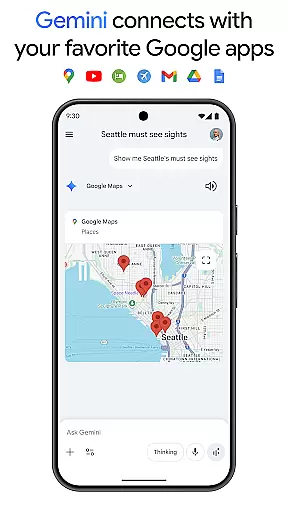
The app seamlessly integrates with popular Google services like Search, YouTube, Maps, and Gmail, making it an essential tool for both personal and professional use. Whether you're studying, planning trips, or working on creative projects, Gemini delivers summaries, deep dives, and real-world examples all in one place. Its Pro and Ultra plans provide enhanced features including extended context windows, video generation, and early access to new AI innovations, ensuring that users have the best tools at their disposal.
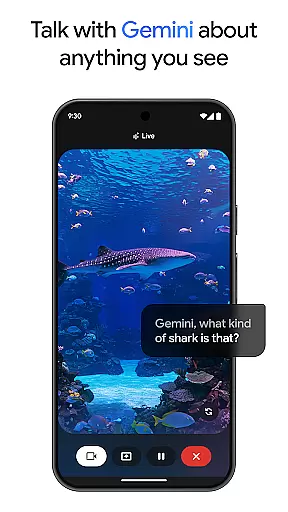
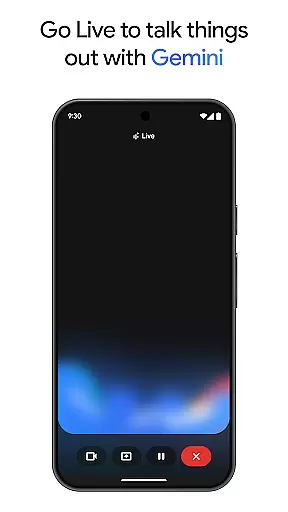
Gemini stands out with its comprehensive suite of features tailored to boost productivity and creativity. One of its key functionalities is Gemini Live, which allows users to engage in dynamic conversations by sharing their camera or screen, facilitating discussions about virtually anything they see. The Canvas feature enables users to create prototypes of apps, games, web pages, infographics, and more, streamlining the transition from concept to creation.
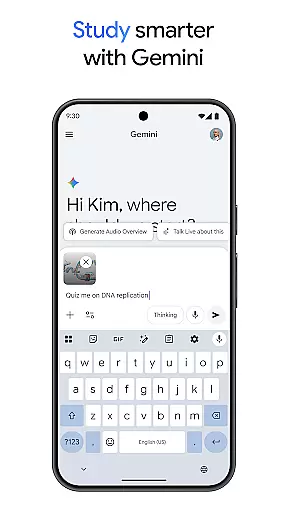
Moreover, Gemini supports integration with essential Google apps, enhancing workflow efficiency. It aids in academic pursuits by generating quizzes and flashcards, providing interactive visuals, and offering real-world examples. Users can also convert any file into a podcast, edit images effortlessly, and plan trips with greater ease and speed. The Pro and Ultra subscription plans unlock advanced capabilities such as industry-leading context windows, superior model access, and innovative features like video generation and Deep Research, setting Gemini apart from other productivity tools.
Gemini revolutionizes core task management by offering users a comprehensive suite of productivity tools designed to streamline workflows and enhance efficiency. At its core, the app leverages Google's advanced AI models to assist with brainstorming sessions, simplifying complex topics, and even rehearsing for significant events through Gemini Live.
Users can seamlessly integrate their favorite Google apps such as Search, YouTube, Maps, and Gmail into their workflow, creating a unified platform that connects all aspects of their digital life. This integration allows for smooth transitions between tasks, whether it's studying with interactive quizzes or transforming files into podcasts for on-the-go learning.
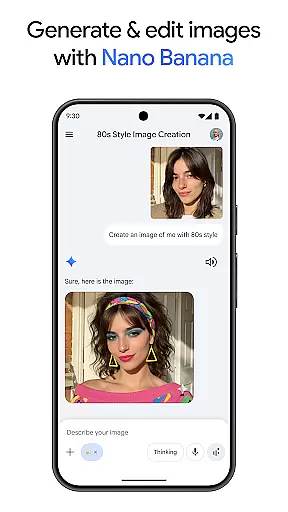
The application also supports creative endeavors with Canvas, enabling the prototyping of apps, games, web pages, infographics, and more from simple prompts. With features like Nano Banana image generation and editing, users are empowered to bring their ideas to life visually, making Gemini an indispensable tool in any productive environment.
Cross-device synchronization is a pivotal feature of Gemini, ensuring that your data and progress are reliably updated across all your devices. By opting into the Gemini app experience, users can enjoy uninterrupted access to their information whether they're switching between their phone, tablet, or computer.
This reliable sync capability extends beyond just text-based content; it encompasses multimedia elements such as images created with Nano Banana Pro and audio files converted into podcasts. The industry-leading 1M token context window further enhances this reliability by allowing Gemini to process vast amounts of datau2014up to 1,500 pages of text or 30k lines of codeu2014ensuring no detail is lost in translation between devices.
For those who upgrade to the Pro plan, additional benefits include higher access to powerful models like 3 Pro and exclusive features such as video generation with Veo 3.1 Fast. These enhancements not only improve task management but also ensure that every piece of work remains consistent and up-to-date regardless of where it was last accessed or edited.
Advanced AI models
Seamless Google integration
Innovative Canvas tool
Enhanced productivity features
Early access to AI innovations
Premium features require subscription
Complexity may overwhelm new users
Limited free-tier functionality
High system requirements
Privacy concerns with data usage

QuickBooks Workforce lets teams view pay info and track time in one place.
 4.70
4.70
Native client for Forgejo and Gitea
5.00
Absolutely the best CNC machinist speed and feed calculator around. fswizard.com
4.60
Multilingual translator for text, voice, and image translation!
4.90
Tally and goal counter for Wear OS & mobile
4.50
Scientific calculator for Android - looks and operates like the real thing!
4.90
Intelligent AI Assistant
4.10
Seamlessly read, manage, and organize all your PDF files solution in one place
4.40
Set up, print, and get support—in one place
4.20
We're working to become the best machining app on the market! www.cncdirt.com
4.80
App lock - lock apps with fingerprint, password, pin or pattern, protect privacy
4.70
Client for Nextcloud Deck
4.60
App Lock with fingerprint, password: Lock apps & hide photos with lock screens
4.60
Calendar 2023 widget for Android. Appointment scheduler, planner, and reminder
4.60
Fill, sign & send docs, forms, agreements & contracts via electronic signature.
4.50
Translate text/voice/photos in 150+ languages. Offline & fast translator app.
4.50
Create and edit presentations with Google Slides, part of Google Workspace.
4.00
Access your phone's notifications, calls, apps, photos & texts on your PC
3.90
Ultimate Virtual AI Character for immersive Roleplay Chat. Perfect Companion
3.90


User Reviews