
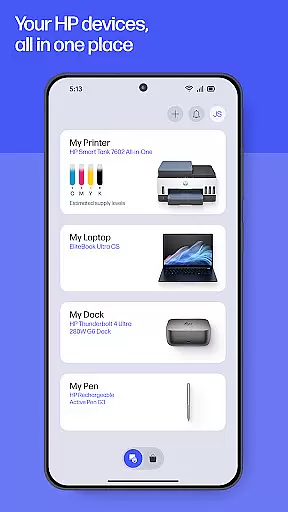
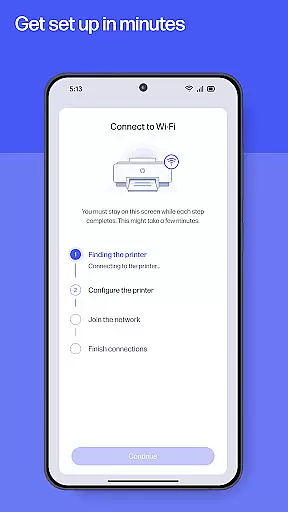
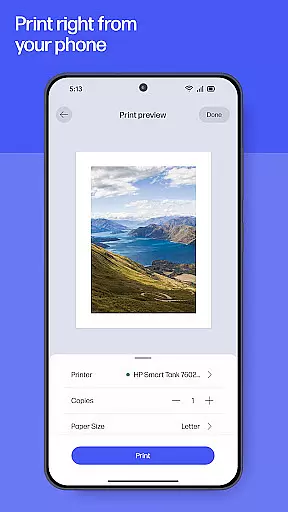
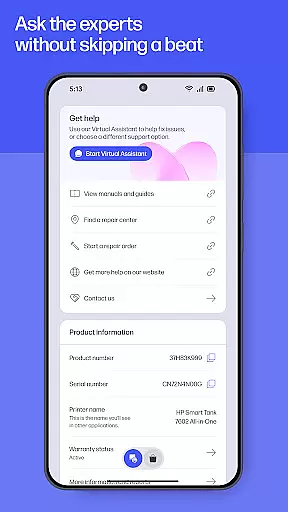
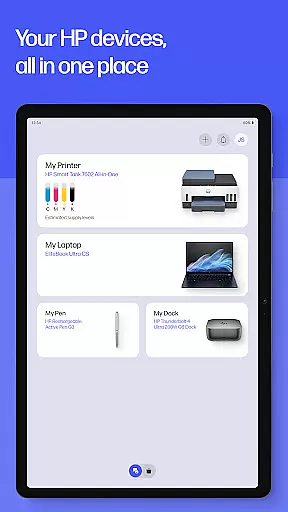
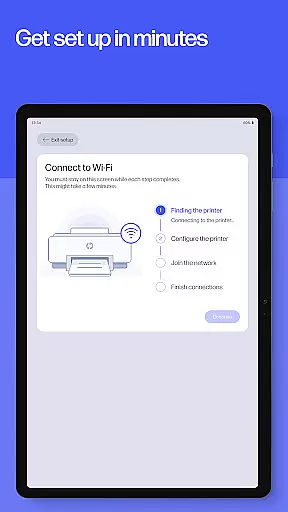
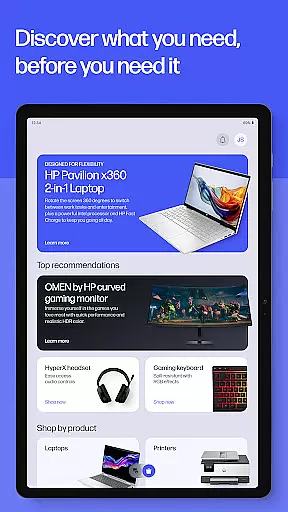
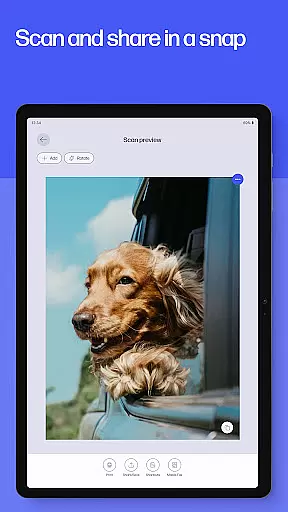
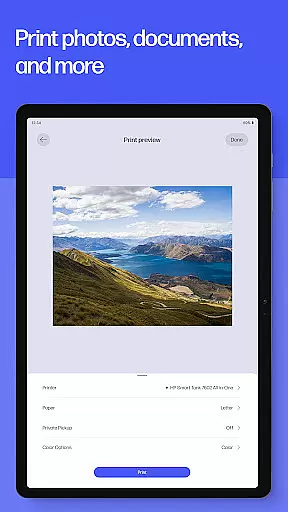
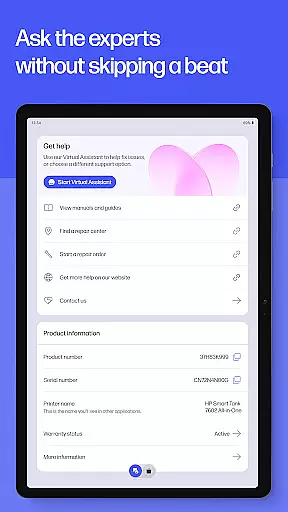
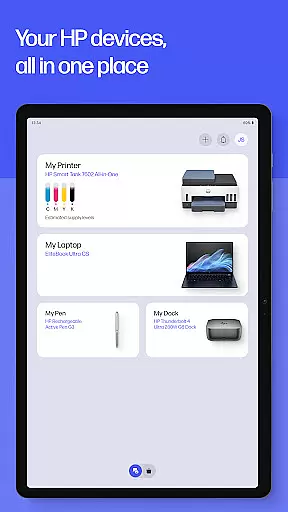
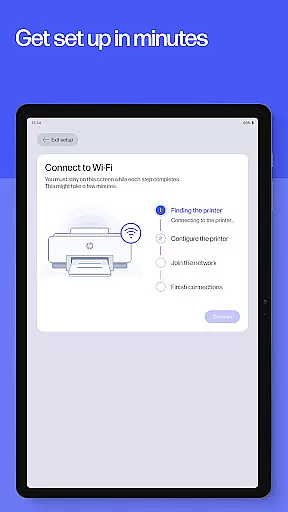
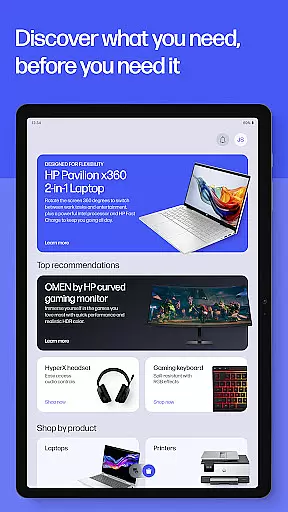
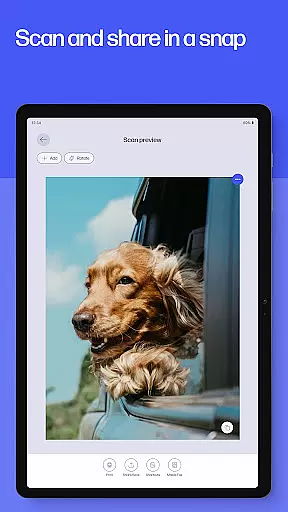
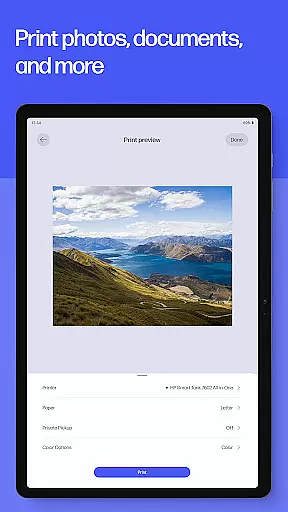
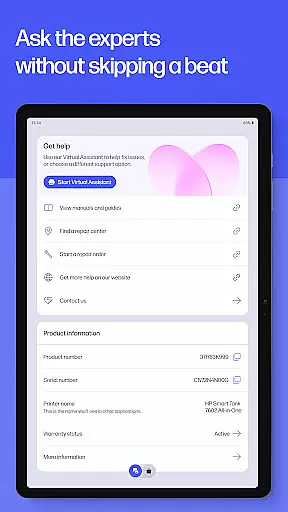
The HP app is your comprehensive productivity solution for managing HP devices. It offers a complete suite of tools to set up, personalize, and maintain your printers and computers. With guided setup processes, users can quickly configure new devices while monitoring essential metrics like ink levels. The app enables seamless printing and scanning from anywhere, whether you're at home or in the office.
Additionally, HP provides instant support options including live chat and phone assistance, ensuring minimal downtime. Unique features like HP Printables unlock creative possibilities, while practical tools such as Print Shortcuts and Print Supplies streamline daily tasks. This all-in-one platform ensures that both casual users and professionals can maximize their device's potential.
The HP app stands out with its diverse feature set tailored for productivity enthusiasts. One of its core strengths is the Easy Setup functionality, which simplifies the initial configuration of new HP devices through step-by-step guidance. Once set up, users can effortlessly manage print jobs, check ink levels, and adjust settings to optimize performance.
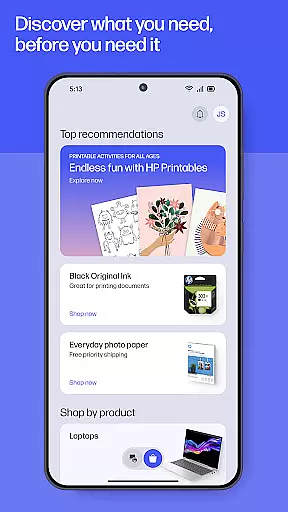
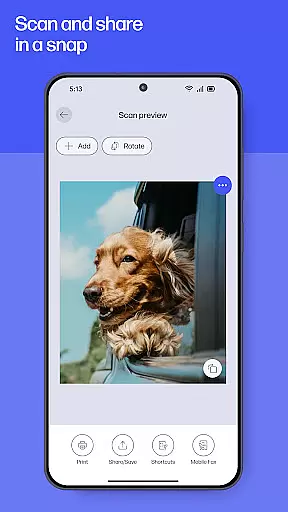
Beyond basic management, the app offers advanced capabilities such as HP Printables, which grants access to a library of printable templates for educational and creative projects. Users can also scan documents directly to email, send faxes, and even order printer supplies when running low. These innovations ensure that users have everything they need to stay productive without switching between multiple applications.
Task management is essential for productivity applications, and the HP app excels in this area by offering a comprehensive suite of tools designed to streamline your printing and scanning tasks. With features like Print Shortcuts, users can create custom presets for frequently used print jobs, significantly reducing setup time and effort.
The app goes beyond basic printing by integrating advanced functionalities such as Scan Documents and Fax capabilities. These features allow users to not only digitize paper documents quickly but also send and receive faxes directly from their mobile devices, making it an all-in-one solution for document management needs.
What sets HP apart is its proactive approach to maintaining productivity. The Print Supplies feature notifies users when ink or paper levels are low, enabling them to order supplies promptly and avoid interruptions in their workflow. This level of automation ensures that users can focus on their core activities without worrying about running out of essential materials.
By combining these robust task management features with an intuitive interface, the HP app empowers users to handle their document-related tasks more efficiently. Whether you're at home or in the office, the app's comprehensive toolset helps maintain a smooth and uninterrupted workflow, ultimately enhancing overall productivity.
In today's interconnected world, reliable cross-device synchronization is crucial for maintaining workflow continuity. The HP app addresses this need by providing seamless integration across various devices, ensuring that your settings, preferences, and task statuses are consistently updated and accessible wherever you are.
The application supports real-time updates, which means any changes made on one device are immediately reflected on all others linked to your HP account. This functionality is particularly beneficial for users who switch between smartphones, tablets, and computers throughout their day, as it eliminates the need to manually adjust settings or track progress across different platforms.
Moreover, the HP app's cloud-based architecture guarantees data integrity and availability. Whether you're checking ink levels, managing print queues, or accessing scanned documents, you can trust that the information displayed is current and accurate, regardless of the device you're using. This reliability fosters confidence in the app's ability to support critical tasks without data discrepancies.
By prioritizing cross-device synchronization, the HP app ensures that users experience a cohesive and efficient workflow. This capability not only saves time but also reduces the potential for errors associated with inconsistent data across devices, thereby enhancing the overall user experience and productivity.
User-friendly interface
Comprehensive device management
Instant support options
Versatile printing tools
Creative template library
Limited to HP devices
Some features English-only
Internet connection required
HP account necessary
Potential future charges

Secure, fast, open-source, VNC and SSH Remote Desktop for Windows, Linux and Mac
 4.70
4.70
The long-awaited modern gallery app for your Nextcloud server
4.70
Device's storage information in a simple and clear graphical form (infographics)
4.10
Absolutely the best CNC machinist speed and feed calculator around. fswizard.com
4.60
PDF scanner & converter for files, photos, lottery, QR codes. One swipe away!
4.50
Access, manage and transfer files on Android, PC, Mac, NAS and cloud storages.
4.30
Ultimate Virtual AI Character for immersive Roleplay Chat. Perfect Companion
3.90
Okta MFA
4.70
AI Chatbot and AI writing assistant powered by ChatGPT.
4.60
Native client for Forgejo and Gitea
5.00
All document reader, all in one file viewer read PDF, DOCX, XLS, PPT, TXT files.
4.60
Translate text/voice/photos in 150+ languages. Offline & fast translator app.
4.50
CalenGoo is a very flexible and feature-rich calendar app
4.40
Docker, Kubernetes management over Portainer Mobile
4.40
Activate Two Factor Authentication (2FA or Multi OTP), Password manager and more
4.10
Wake up & get tasks done! Add alarms & reminders on the Clock Launcher.
4.00
* block pre-roll ads, pop-up and forced redirect ads * Samsung certification app
4.00
Remotely view listen control and record cameras.
3.70
Find and delete junk files & block unwanted notifications & manage files
3.70


User Reviews