
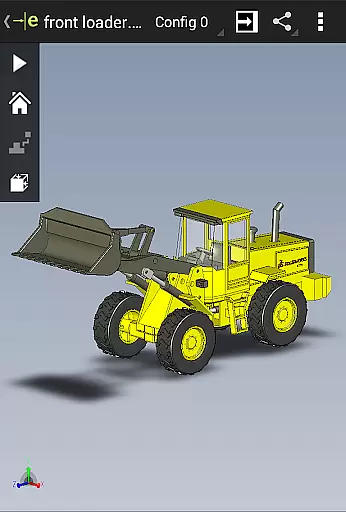
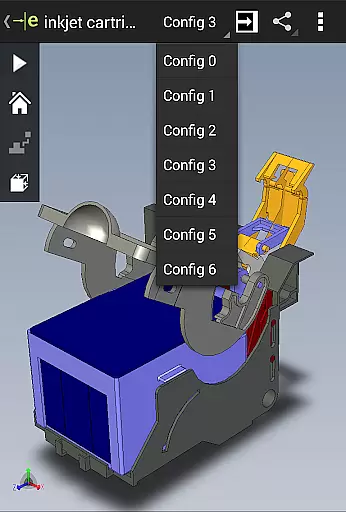
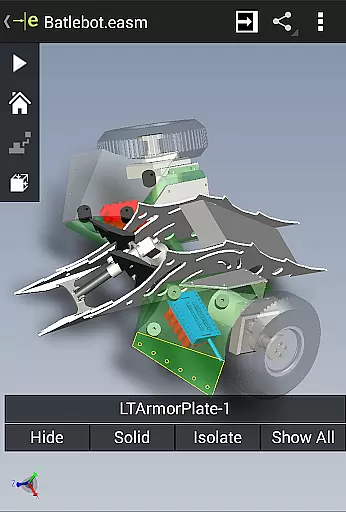
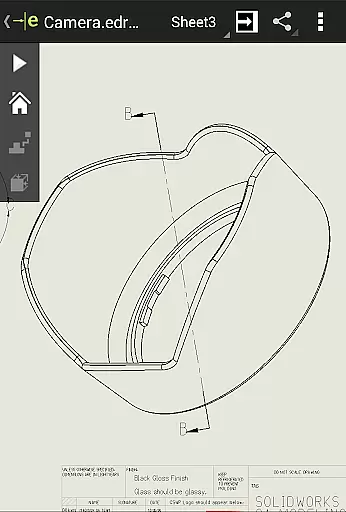
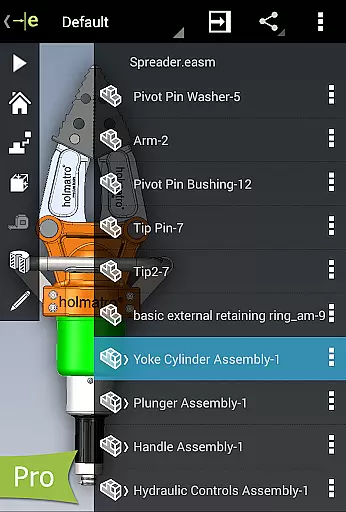
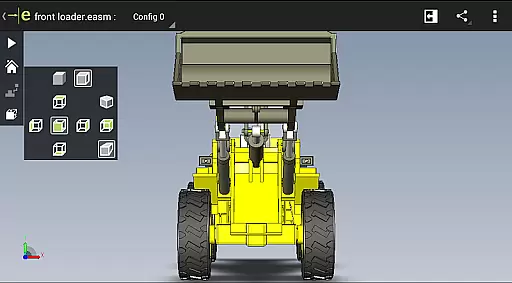
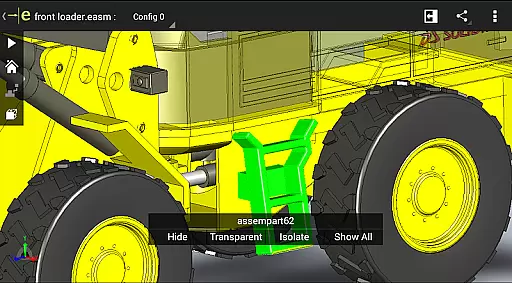
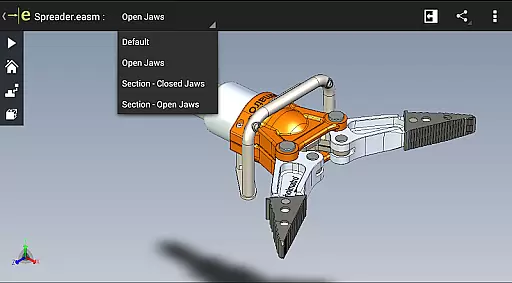
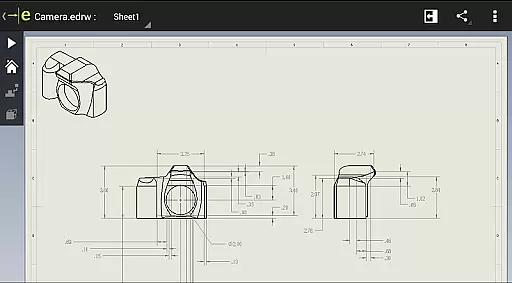
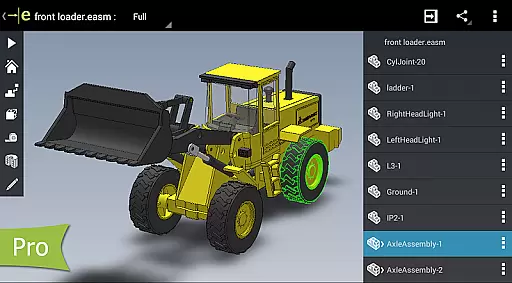
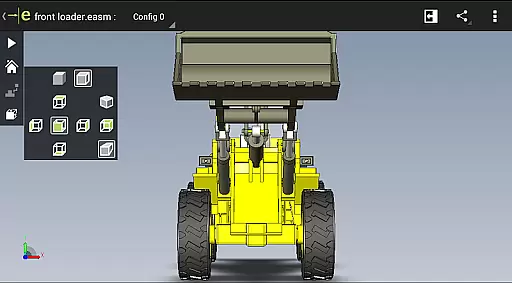
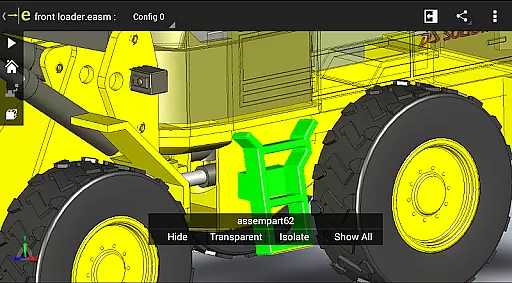
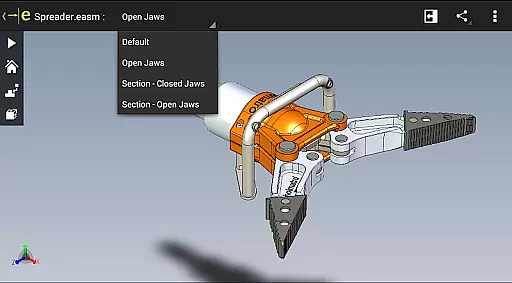
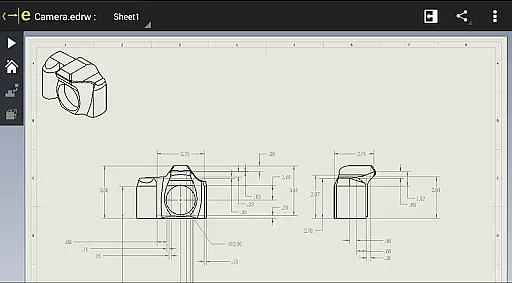
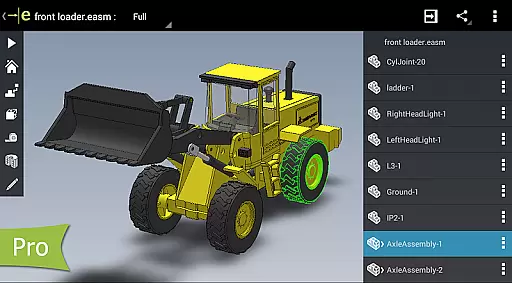
eDrawings is a powerful CAD viewer designed for Android devices, enabling users to view native eDrawings files as well as SolidWorks parts, assemblies, and drawings. This app revolutionizes the way product design information is shared by allowing users to easily load and send files via email, facilitating collaboration with all stakeholders in product development.
With multi-touch gestures, users can effortlessly pan, zoom, and rotate models. The app supports drawing sheets and exploded views for files published from SolidWorks, making it an essential tool for anyone involved in CAD design. Whether you're a professional designer or simply need to interpret 2D and 3D designs, eDrawings provides an intuitive platform to visualize and understand complex CAD data.
eDrawings offers a comprehensive set of features that cater to both casual users and professionals. The app's user-friendly interface allows users to open various 3D and 2D file formats including EASM, EPRT, SLDASM, SLDPRT, IGES, IGS, JT, STEP, STP, IFC, EDRW, SLDDRW, DWG, and DXF. Files can be accessed from multiple sources such as email attachments, cloud storage services like Dropbox and Google Drive, web and FTP sites, and network folders.
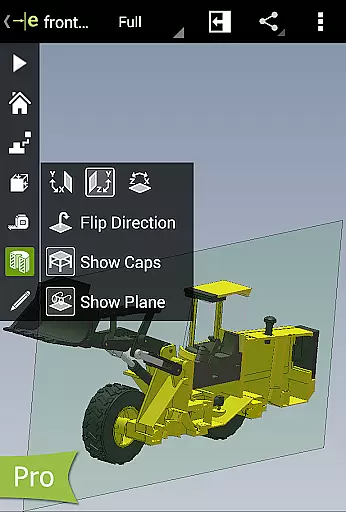
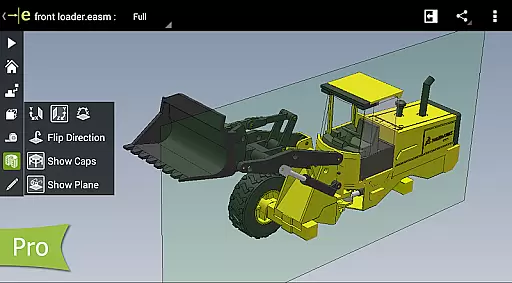
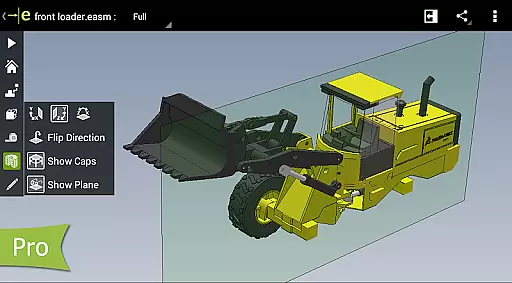
Users can animate standard 3D views, browse through 2D drawing sheets, and view designs in full screen. For advanced functionality, upgrading to eDrawings Pro via in-app purchase enables measurement tools, dynamic cross-section viewing, and markup capabilities. These features ensure that users can effectively analyze, annotate, and share their designs while maintaining a complete history of modifications within the eDrawings file.
Task management is a critical aspect of productivity applications, and eDrawings excels in this area by providing users with an intuitive interface to handle complex CAD data efficiently. The app allows you to open various 3D and 2D file formats, including EASM, EPRT, SLDASM, SLDPRT, IGES, IGS, JT, STEP, STP, IFC, EDRW, SLDDRW, DWG, and DXF.
eDrawings simplifies the process of managing design tasks through its multi-touch gestures that enable easy panning, zooming, and rotating of models. This functionality ensures that users can interact with their CAD designs effortlessly, making it simpler to review and collaborate on product development.
By upgrading to eDrawings Pro via an in-app purchase, users unlock advanced features such as measurement tools, dynamic cross-section views, and markup capabilities. These enhancements allow for more detailed analysis and communication within the design process, ultimately improving task management efficiency.
Cross-device synchronization is vital for maintaining consistency across different platforms, and eDrawings offers reliable performance in this domain. Users can load and send files via email, ensuring seamless collaboration with everyone involved in product development, even those who are not regular CAD software users.
The app supports integration with cloud storage services like Dropboxu2122, SkyDriveu00ae, Google Drive, Hightailu00ae, and others, allowing users to access their CAD files from any source easily. This flexibility ensures that your designs are always up-to-date and accessible, no matter where you are or which device you're using.
With full-screen viewing and double-tap fitting options, eDrawings provides a consistent experience across devices. Whether you're working on an Android phone or tablet, the app ensures that your designs are displayed accurately and can be reviewed effectively, enhancing cross-device workflow reliability.
User-friendly interface
Supports multiple file formats
Facilitates easy collaboration
Advanced measurement tools
Comprehensive markup capabilities
Basic version has limited features
In-app purchases can be costly
Occasional UI glitches reported
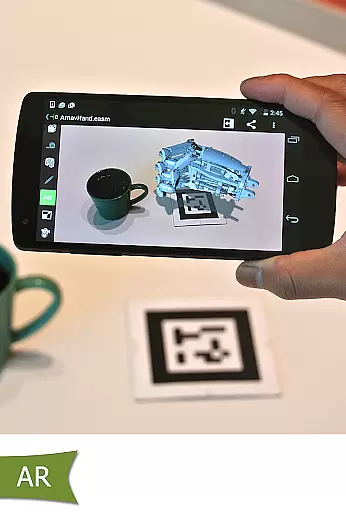
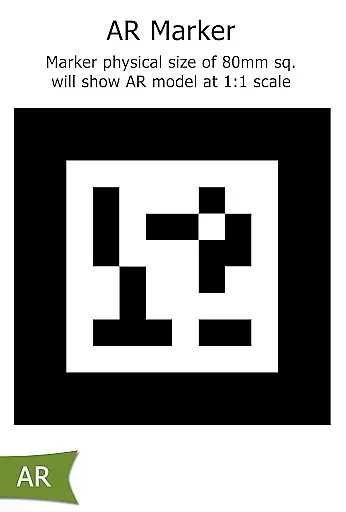
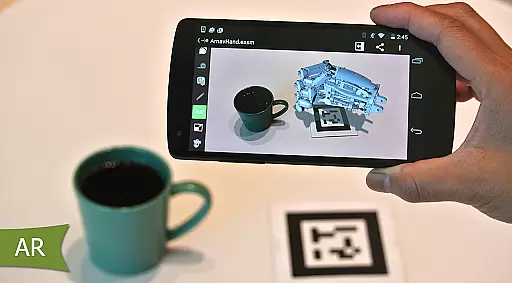
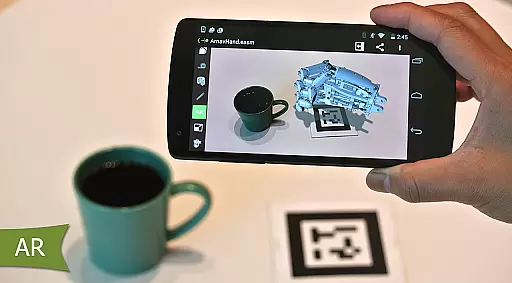
Limited AR functionality
Requires significant storage space

Make apps & sites with natural language prompts
 4.10
4.10
Font maker keyboard with your own handwriting
4.10
Activate Two Factor Authentication (2FA or Multi OTP), Password manager and more
4.10
ID.me Authenticator is a simple and free Two Factor Authentication solution
3.50
Secure, open-source, SPICE and SSH Remote Desktop for QEMU KVM virtual machines
4.00
Code on-the-go with VScode for Android. Edit,debug and collaborate from mobile!!
3.10
Docker, Kubernetes management over Portainer Mobile
4.40
The ultimate file manager for rooted devices. The original and still the best.
4.00
Scientific calculator for Android - looks and operates like the real thing!
4.90
Great calculator for Android named one of USA TODAY's "25 Essential Apps".
4.90
Seamlessly integrate data and reports to build your presentation to impress
4.80
Understand anything with a personalized AI research assistant
4.80
Simple notepad & memo. Take notes, to-do list, shopping list with reminders.
4.80
aCalendar+ makes your day, week and month
4.70
Quickly and easily keep track of your work shifts
4.70
Subscribe to Webcal & .ics calendars and keep them up-to-date!
4.50
Tally and goal counter for Wear OS & mobile
4.50
Todo reminder
4.10
Cloud storage, automatic phone backup, and more.
4.10


User Reviews