
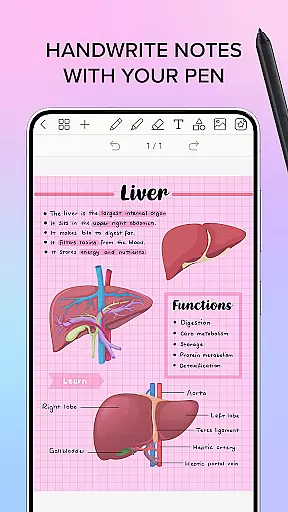
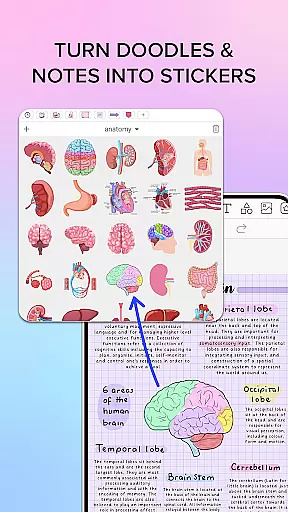
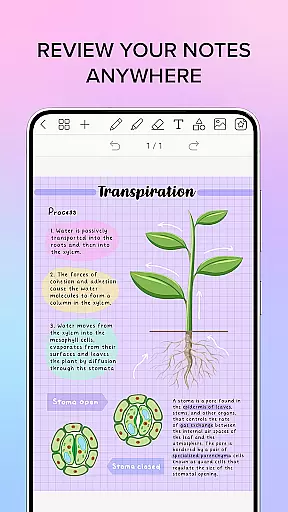
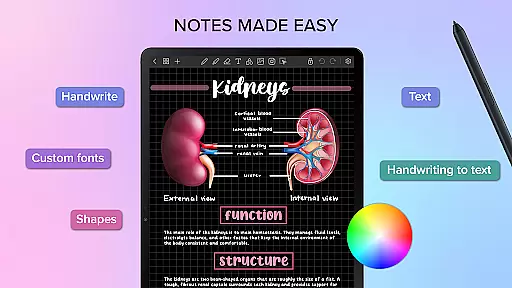
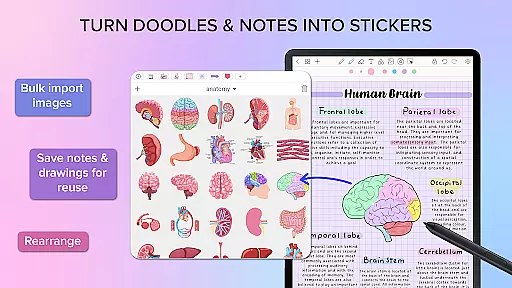
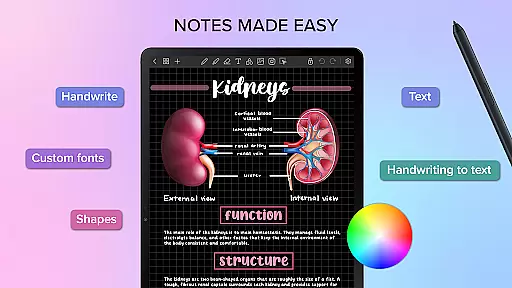
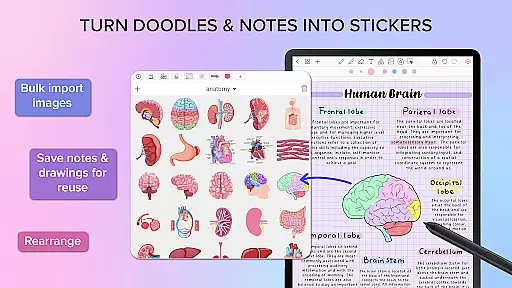
Penly is a comprehensive digital planner, journal, and note-taking app designed to enhance both creativity and productivity. The app features an intuitive interface with smooth handwriting recognition and smart eraser functionality, alongside tools for text, image, and shape manipulation. Users can create sticker collections, import custom fonts, and convert handwriting to text seamlessly.
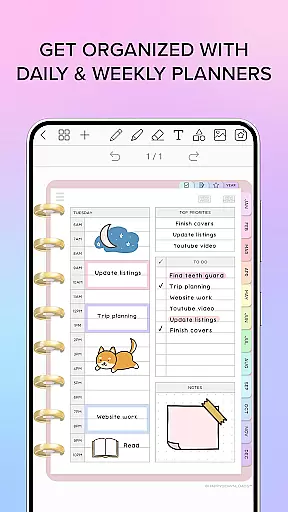
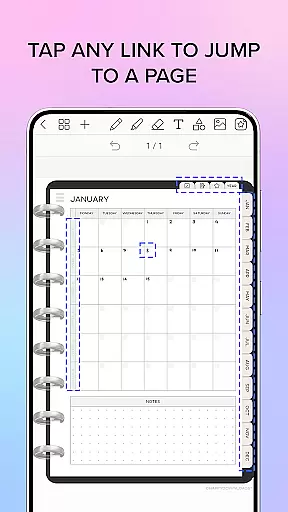
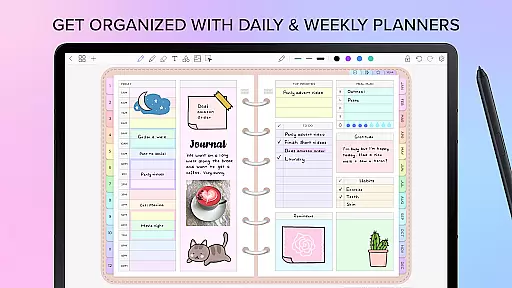
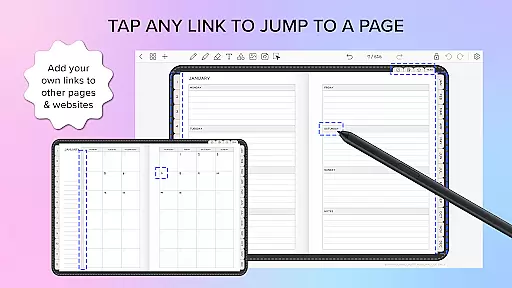
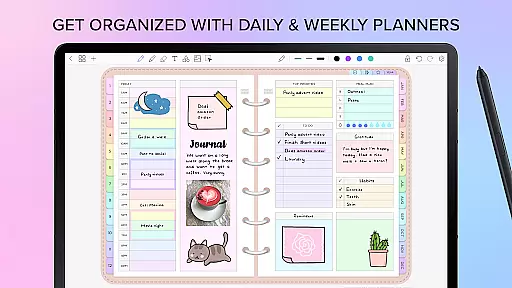
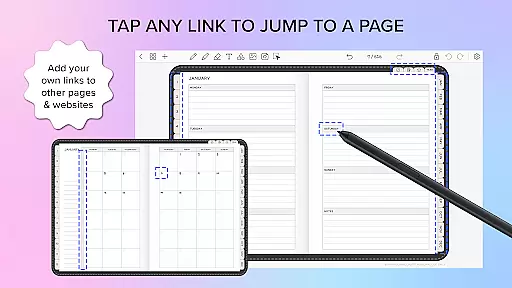
The app includes four digital planners with hyperlinked pages, available in undated and reusable formats. These planners come in landscape and portrait orientations, with styles ranging from vibrant rainbow to sleek black minimal designs. Penly also supports importing any PDF file, allowing users to navigate using existing hyperlinks and export files as editable Penly documents or PDFs.
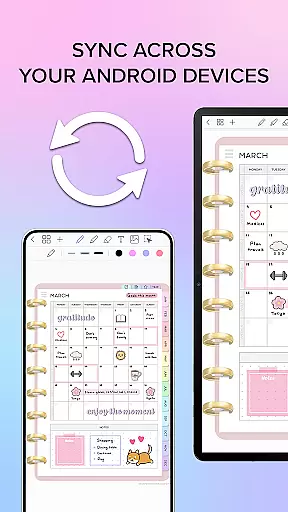
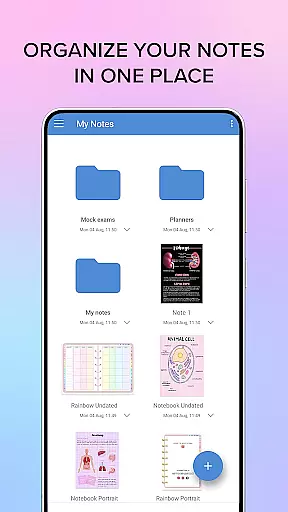
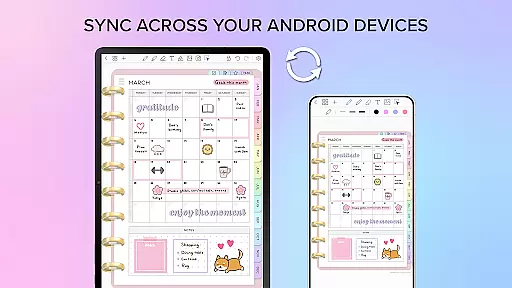
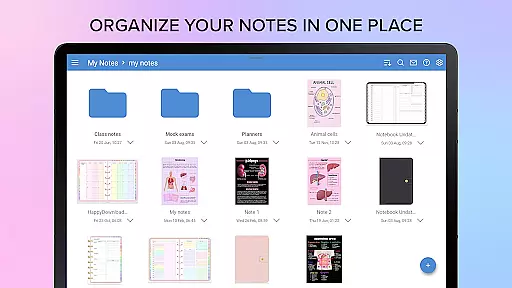
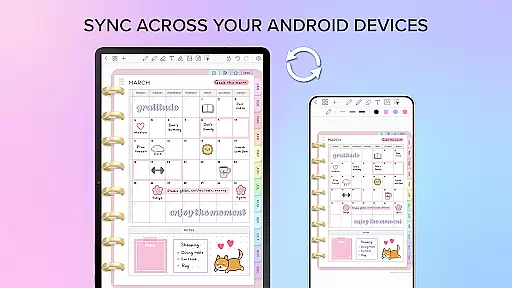
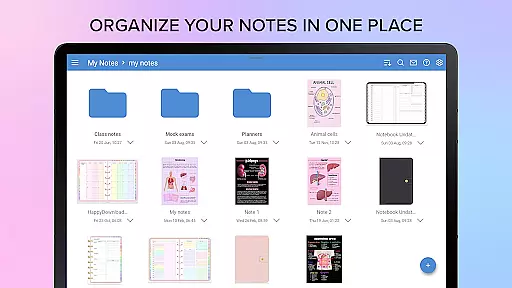
With robust organizational capabilities, Penly enables users to manage notes and documents efficiently through folders and sub-folders. Syncing between Android devices is possible via Google Drive, ensuring that work is always up-to-date across all devices. Whether for personal or professional use, Penly offers a versatile platform for organizing thoughts and tasks effectively.
Penly stands out with its rich feature set tailored for productivity enthusiasts. One of the key highlights is its advanced handwriting recognition, which allows for automatic conversion to text, making note-taking faster and more efficient. The app's smooth handwriting and smart eraser tools ensure precision and ease of editing, enhancing the overall user experience.
Another notable feature is the ability to create and organize sticker collections. Users can bulk import stickers, save frequently used drawings, and favorite collections for quick access. The app also supports creating custom hyperlinks within documents, enabling navigation to specific pages or external websites. This functionality is particularly useful for structuring complex documents and linking related content seamlessly.
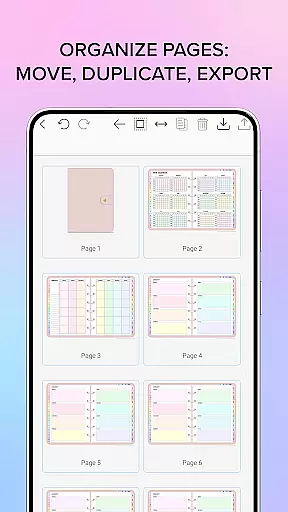
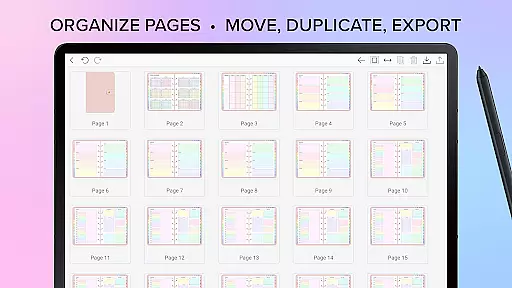
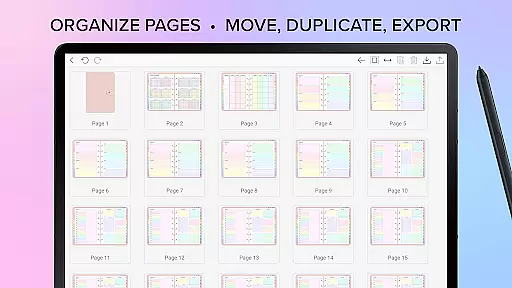
Penly excels in document management with its robust folder and sub-folder system. Users can easily copy, paste, delete, and rearrange pages, ensuring that notes and documents are well-organized. Additionally, the app's syncing capabilities via Google Drive allow for real-time updates across multiple devices, providing flexibility and convenience for users who need access on the go.
Penly excels in core task management by offering a comprehensive suite of tools designed to enhance productivity. The app provides users with the ability to create, organize, and manage tasks through digital planners that include hyperlinked pages for easy navigation.
The digital planners come with monthly, weekly, and daily views, allowing users to structure their schedules effectively. These undated planners are reusable, giving users the flexibility to input dates as needed, which is particularly useful for long-term planning and task tracking.
Additionally, Penly supports the organization of notes and documents through folders and sub-folders, ensuring that all related information is easily accessible. This organizational capability extends to the rearrangement of pages within documents, providing a seamless experience for managing complex projects or personal tasks.
Cross-device synchronization is a critical feature of Penly, ensuring that users can access their data reliably across multiple Android devices. By linking Google Drive to the app, Penly enables automatic syncing whenever the app is opened or closed, maintaining up-to-date information at all times.
This synchronization process can also be performed manually, giving users control over when their data is updated. Such flexibility ensures that users can work offline if needed and sync their changes once they regain internet connectivity.
Moreover, Penly's reliable syncing mechanism means that documents reopen exactly where users left off, preserving the continuity of their workflow. This feature is essential for maintaining productivity, especially for users who switch between devices frequently throughout their day.
User-friendly interface
Advanced handwriting recognition
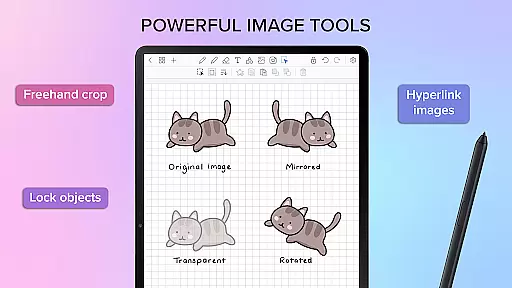
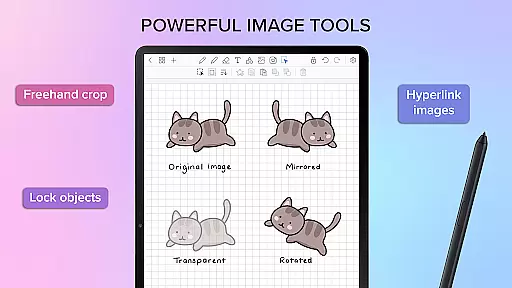
Versatile sticker and image tools
Efficient document organization
Seamless cross-device syncing
Limited language support
No free version available
Occasional sync issues
Learning curve for new users
Subscription cost may be high

Secure, fast, open-source, VNC and SSH Remote Desktop for Windows, Linux and Mac
 4.70
4.70
Native client for Forgejo and Gitea
5.00
Create study competitions, track your hours, and stay consistent with friends
4.1
Protect and view your important info on your phone and tablet with eWallet®
4.80
App lock - lock apps with fingerprint, password, pin or pattern, protect privacy
4.70
Font maker keyboard with your own handwriting
4.10
All document reader, all in one file viewer read PDF, DOCX, XLS, PPT, TXT files.
4.60
Translate text/voice/photos in 150+ languages. Offline & fast translator app.
4.50
Docker, Kubernetes management over Portainer Mobile
4.40
8 custom complications. Custom Time Fonts. Beautiful color schemes. A++ Design.
5.00
Use powerful, industry-leading AI tools to generate visual charts from any data
4.80
Understand anything with a personalized AI research assistant
4.80
Scan paperwork into PDF/JPG, generate your own e-signature and send fax or email
4.70
Send files, sync SMS, notifications & clipboard across devices via local network
4.40
Automates browsing any website and notifies you of important changes or events
4.30
Ultimate Virtual AI Character for immersive Roleplay Chat. Perfect Companion
3.90
Mega cloud explorer plugin for Solid Explorer
3.80
Make your handwriting beautiful, even more than pen on paper.
3.60
Simple and reliable communication between inmates, friends and family
3.20


User Reviews