
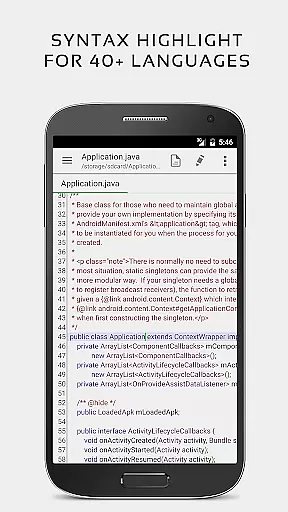


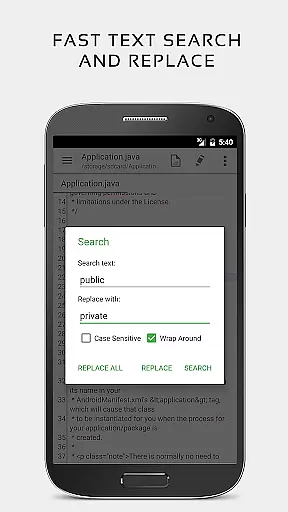
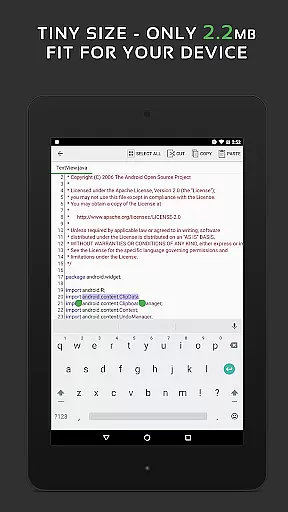
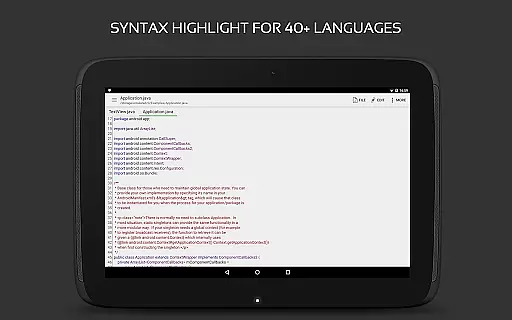
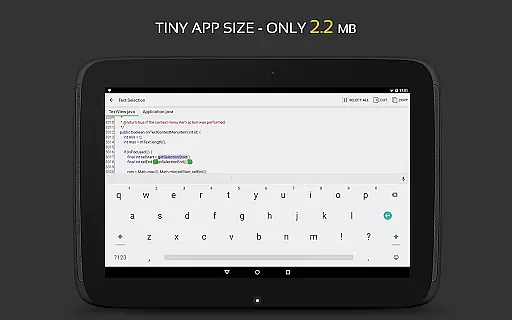
QuickEdit Text Editor Pro is a premium text editing solution designed for both casual and professional users. This app combines the functionality of a standard notepad with advanced code editing capabilities, making it suitable for programming tasks as well. With support for over 170 programming languages and syntax highlighting, QuickEdit stands out as an essential tool for developers. The app also includes an online compiler that supports more than 30 languages, allowing users to compile and run code directly from their mobile devices.
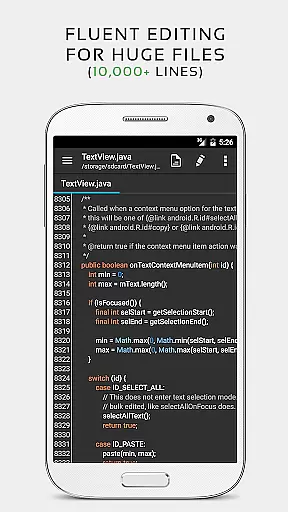
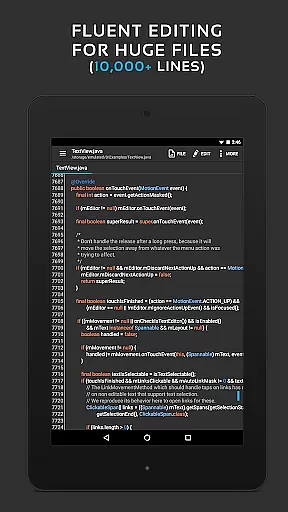
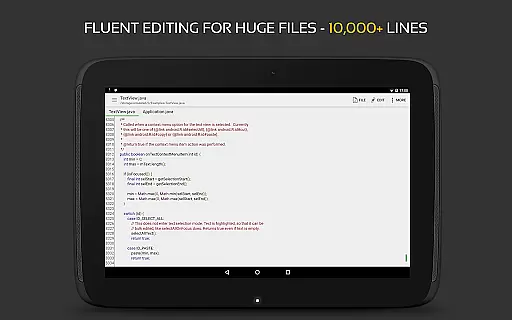
Performance-wise, QuickEdit is optimized for speed and responsiveness, even when handling large files exceeding 10,000 lines. Its intuitive interface offers features such as line numbering, unlimited undo/redo, and smooth scrolling in both vertical and horizontal directions. Whether you're editing plain text files or working on complex coding projects, QuickEdit ensures a seamless experience across phones and tablets. The app's versatility extends to its cloud integration, supporting access to files from Google Drive, Dropbox, and other popular storage services.
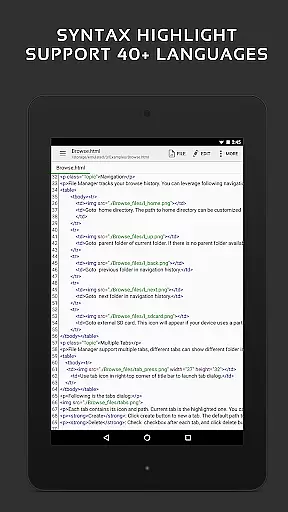
QuickEdit Text Editor Pro boasts an impressive array of features tailored for productivity enthusiasts and developers alike. One of its standout functionalities is the robust syntax highlighting for over 170 programming languages, including C++, Java, Python, and many others. This feature makes it easier for programmers to read and debug their code efficiently. Additionally, the built-in online compiler supports more than 30 languages, enabling users to test their scripts without leaving the app.
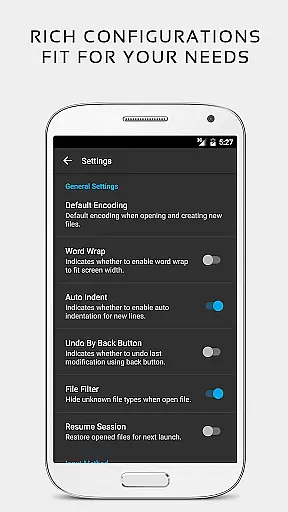
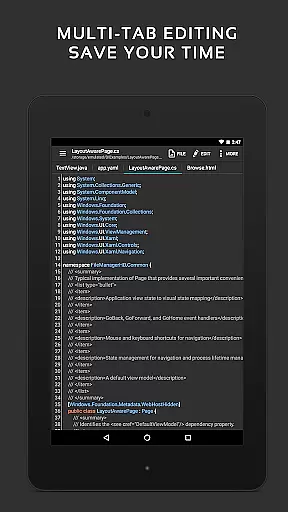
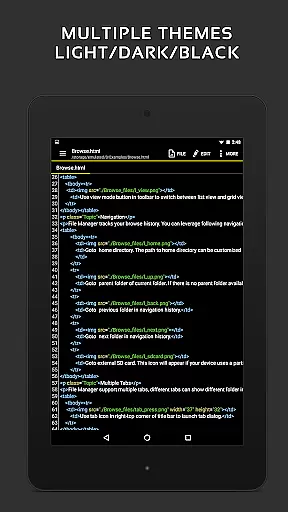
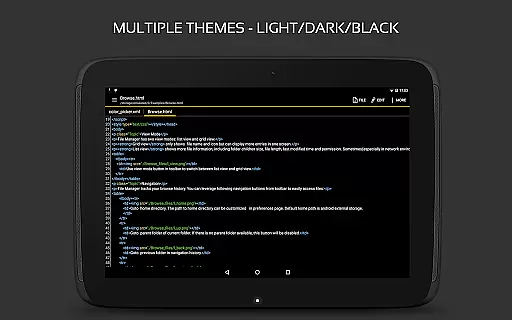
The app's performance optimizations ensure lag-free operation, even with extensive documents. Users can easily navigate through multiple open tabs, adjust line indentations, and utilize fast selection tools. Physical keyboard support enhances the typing experience, while smooth scrolling and direct line targeting improve navigation. QuickEdit also provides preview options for HTML, CSS, AsciiDoc, and Markdown files, making it a versatile choice for various content creation needs. With both light and dark themes available, users can customize their editing environment for optimal comfort and usability.
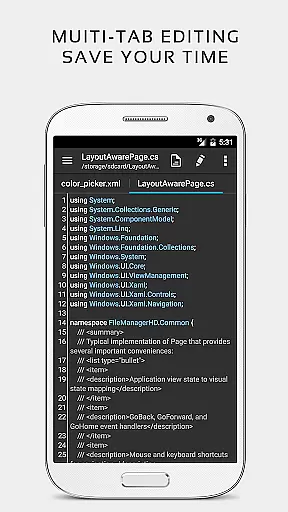
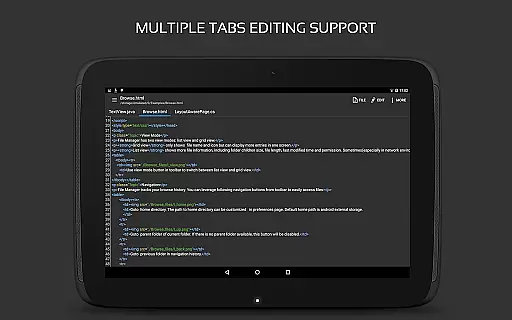
Task management is a critical aspect of productivity applications, and QuickEdit Text Editor Pro excels in this area. The app provides users with the ability to easily navigate between multiple open tabs, ensuring that managing various tasks or files simultaneously is seamless and efficient.
QuickEdit incorporates features such as undo and redo changes without limit, which allows users to experiment with their text or code edits without the fear of making irreversible mistakes. This feature is crucial for effective task management as it supports a dynamic editing process.
The application also offers the functionality to display, increase, or decrease line indentations, which helps in organizing the structure of the text or code being edited. This level of control over formatting aids in breaking down complex tasks into more manageable parts.
With its high performance even on large text files, QuickEdit ensures that speed and responsiveness remain optimal, allowing users to manage their tasks efficiently without experiencing lag or delays.
Cross-device synchronization is essential for users who work across multiple devices. QuickEdit Text Editor Pro addresses this need by providing reliable access to files from various cloud services including FTP, Google Drive, Dropbox, and OneDrive.
This synchronization feature ensures that whether you're working on a phone, tablet, or any other device, your files are always up-to-date and accessible. It eliminates the constraints of location and device, offering flexibility in how and where you can work on your documents.
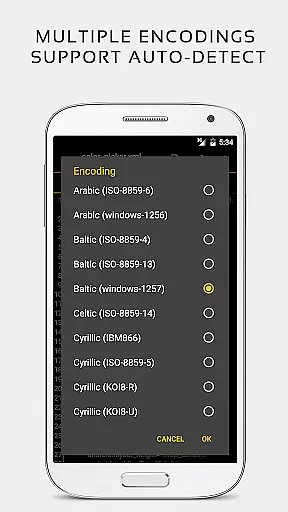
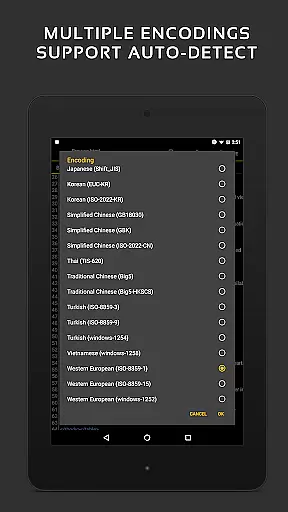
Moreover, QuickEdit's capability to automatically detect charset and encoding contributes to the consistency and reliability of file synchronization across devices. Users can be confident that their files will retain their original properties regardless of the device used to edit them.
By supporting both light and dark themes, QuickEdit enhances usability across different devices and environments, adapting to user preferences and ensuring a comfortable editing experience at all times.
Fast and responsive performance
Extensive language support
Advanced syntax highlighting
Integrated online compiler
Cloud service integration
Paid version only
No collaborative editing
Limited UI customization
Root required for system files
Occasional bugs reported

AI Video AI Image Private LLM AI Browser Llama Gemma Ollama Connect LLM Studio
 4.5
4.5
Experience Reading - Night Mode for Documents
4.40
Android Wallet Password Manager
4.80
Make your handwriting beautiful, even more than pen on paper.
3.60
Find and delete junk files & block unwanted notifications & manage files
3.70
Subscribe to Webcal & .ics calendars and keep them up-to-date!
4.50
Okta MFA
4.70
Seamlessly read, manage, and organize all your PDF files solution in one place
4.40
Set up, print, and get support—in one place
4.20
Scientific calculator for Android - looks and operates like the real thing!
4.90
Mind Map and brainstorm, note taking and idea collection
4.80
The long-awaited modern gallery app for your Nextcloud server
4.70
All document reader, all in one file viewer read PDF, DOCX, XLS, PPT, TXT files.
4.60
Enjoy classic gameplay with customizable features and retro-style graphics.
4.30
Access, manage and transfer files on Android, PC, Mac, NAS and cloud storages.
4.30
All in One PDF Reader: Manage, Read and Edit your Documents
4.20
Mega cloud explorer plugin for Solid Explorer
3.80
The upgraded version of Name Wheel with AI and the power to add your own wheels.
4.1
A simple, portable logger for POTA, SOTA, Field Day, and more
4.5


User Reviews