
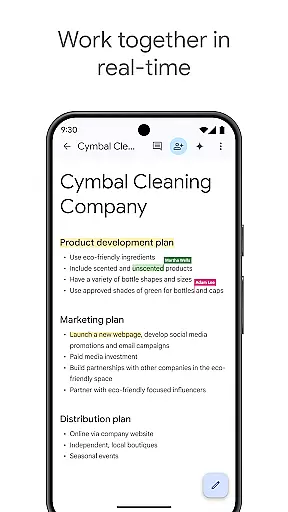
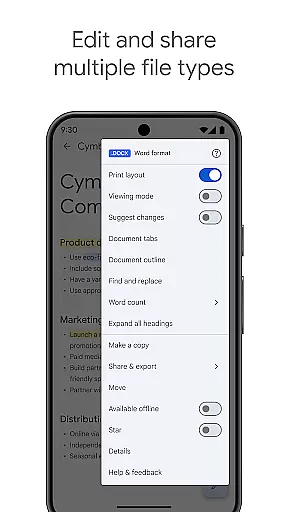
Google Docs is a powerful productivity application that enables users to create, edit, and collaborate on documents directly from their Android devices. The app's core functionality revolves around real-time collaboration, allowing teams to work together seamlessly on projects. Its intuitive interface supports multiple file formats, including Microsoft Word documents, making it versatile for both personal and professional use.
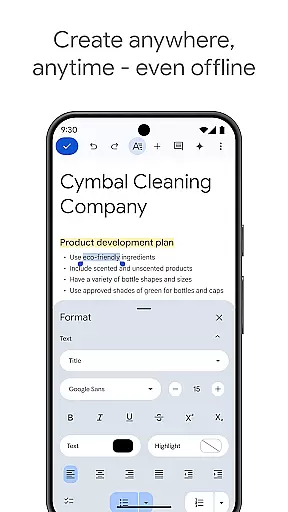
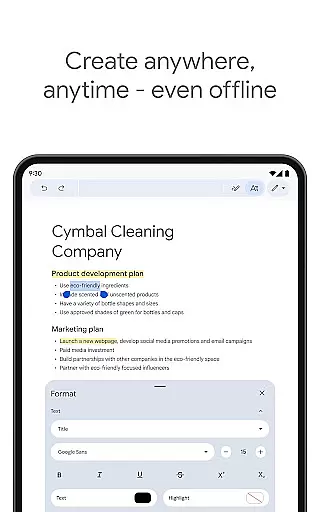
One of the standout features is its ability to function offline, ensuring productivity isn't limited by internet connectivity. Users can capture ideas on the go and utilize pre-designed templates to streamline document creation. For Google Workspace subscribers, the app offers advanced AI-powered writing suggestions and content generation capabilities through Gemini, elevating the quality of work produced.
This application is particularly valuable for remote teams and mobile professionals who need to maintain document workflows while traveling or working from different locations. The integration with Google Workspace ecosystem provides a comprehensive solution for team communication and project management.
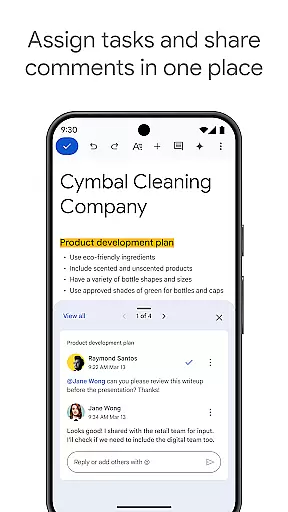
Google Docs distinguishes itself through several key features that enhance document creation and collaboration. The real-time editing capability allows multiple users to simultaneously work on the same document, with changes reflected instantly. This feature includes threaded comments and action items, facilitating organized teamwork and project tracking.
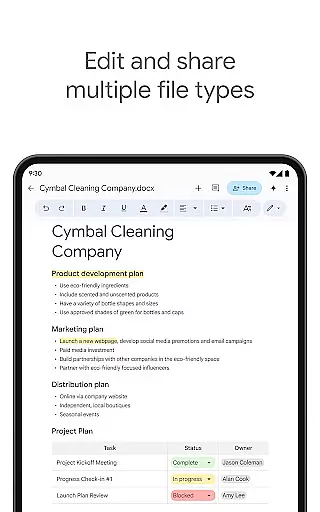
The application supports cross-platform compatibility, enabling users to open and edit various file formats without conversion issues. Its offline mode ensures continuous productivity, while the integrated template gallery helps users create professional-looking documents quickly. Advanced features available to paid subscribers include AI-powered writing assistance and image creation tools, which help users produce higher-quality content more efficiently.
Security and permission management are handled through Google's robust infrastructure, ensuring document safety while maintaining ease of access. The app also integrates seamlessly with other Google services, creating a unified workspace environment that streamlines workflow management across different applications.
Google Docs excels in core task management by providing a comprehensive suite of tools designed to streamline document creation and collaboration. The app allows users to create, edit, and collaborate on documents in real time, ensuring that teams can work together efficiently regardless of their physical location.
The ability to share documents with team members and edit content collaboratively ensures that projects move forward without unnecessary delays. Users can leave comments and assign action items directly within the document, promoting clear communication and accountability among collaborators.
With features like offline mode, users are not constrained by internet connectivity. This means you can capture ideas and make edits on the go, whether during a flight or in a remote location. Additionally, the availability of easy-to-use templates saves time and adds a professional touch to your documents, enhancing overall productivity.
Cross-device synchronization is a cornerstone of Google Docs' reliability, ensuring that users have a seamless experience across all their devices. Whether you're switching from your Android phone to a tablet or a desktop computer, Google Docs keeps your work up-to-date and accessible wherever you are.
This synchronization is near-instantaneous, meaning that any changes made on one device appear almost immediately on others. This feature is particularly beneficial for users who are always on the move and need reliable access to their documents without worrying about version control or data loss.
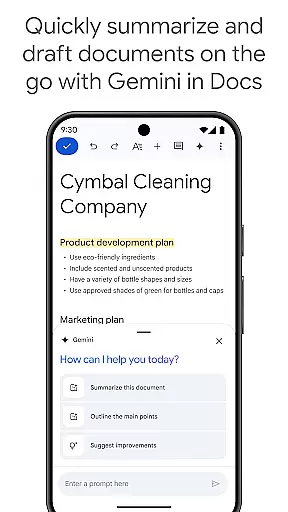
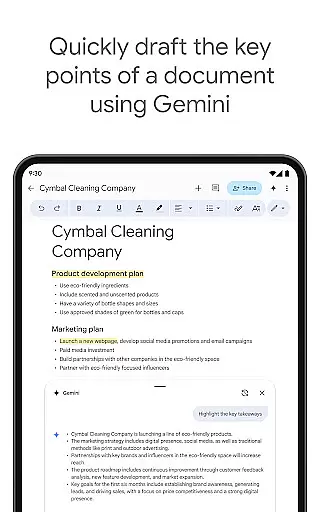
For Google Workspace paid subscribers, additional features powered by AI further enhance this synchronization. For instance, Gemini in Docs helps quickly draft and edit content, making the transition between devices even smoother. These advanced capabilities ensure that no matter where you are or what device you're using, your documents are always current and ready for further development.
User-friendly interface
Real-time collaboration
Offline functionality
AI-powered assistance
Cross-platform support
Limited formatting options
Requires internet
Basic templates only
No advanced features
Subscription needed

QuickBooks Workforce lets teams view pay info and track time in one place.
 4.70
4.70
Experience Reading - Night Mode for Documents
4.40
Create study competitions, track your hours, and stay consistent with friends
4.1
aCalendar+ makes your day, week and month
4.70
Easiest event planning, volunteer signups & parent teacher conference scheduling
2.20
Font maker keyboard with your own handwriting
4.10
Best Tool for the professionals Electrician, Electrical contractors, etc.
4.90
The ultimate file manager for rooted devices. The original and still the best.
4.00
Share files & memories safely. Keep your photos and videos secure.
4.40
Scientific calculator for Android - looks and operates like the real thing!
4.90
Secure, fast, open-source, VNC and SSH Remote Desktop for Windows, Linux and Mac
4.70
Client for Nextcloud Deck
4.60
Tally and goal counter for Wear OS & mobile
4.50
CalenGoo is a very flexible and feature-rich calendar app
4.40
Automates browsing any website and notifies you of important changes or events
4.30
Professional calendar app for Google Calendar, MS Outlook & Exchange
4.20
Pwnagotchi companion app
4.20
Ultimate Virtual AI Character for immersive Roleplay Chat. Perfect Companion
3.90
ID.me Authenticator is a simple and free Two Factor Authentication solution
3.50


User Reviews