
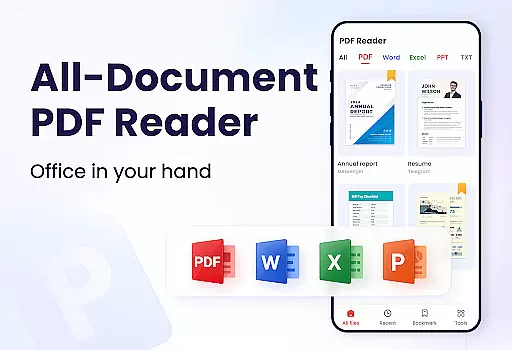
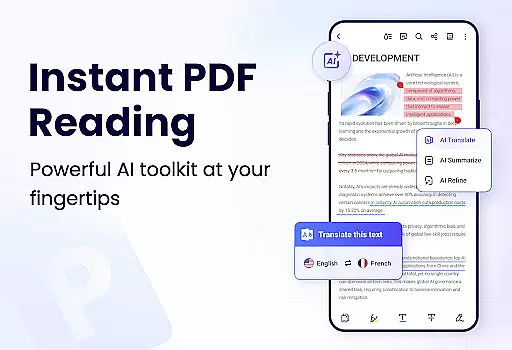
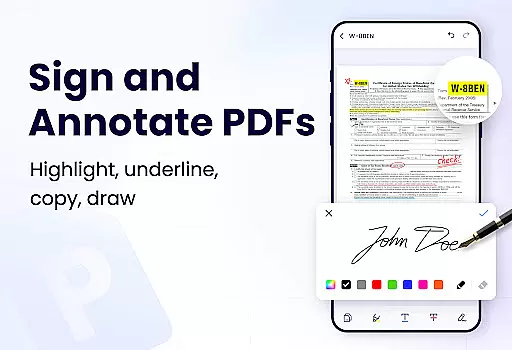
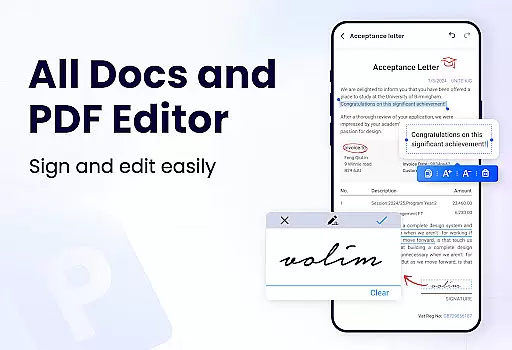
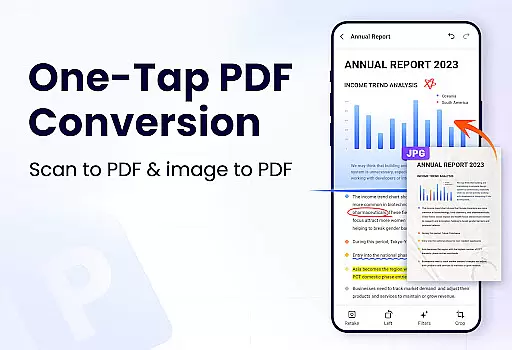
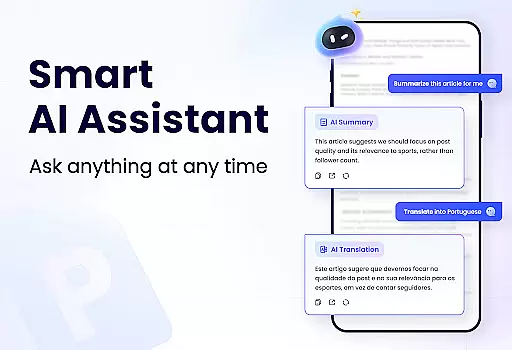
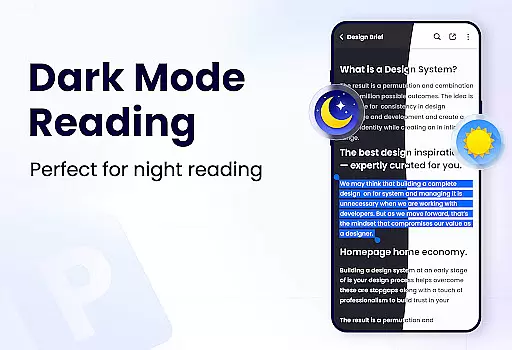
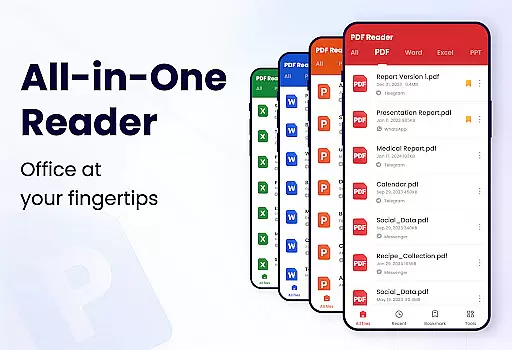
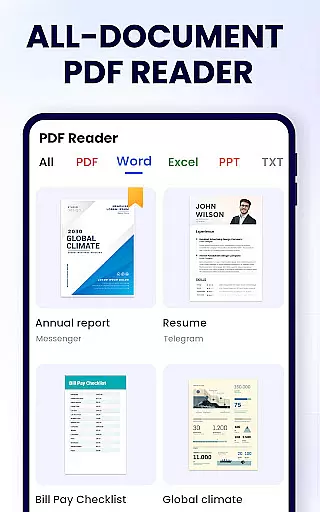
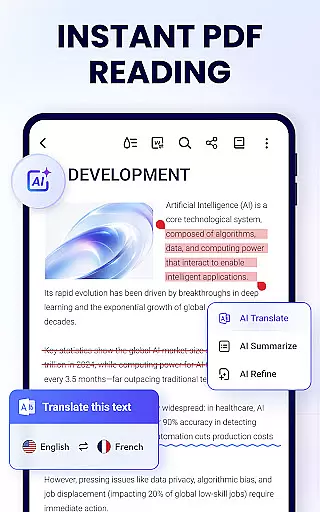
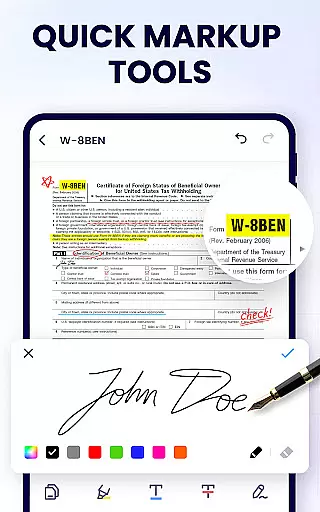
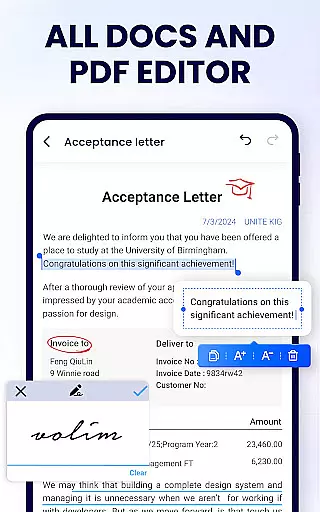
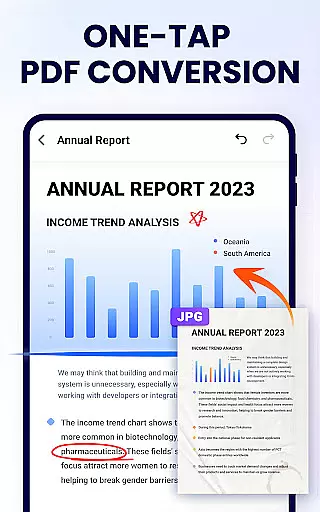
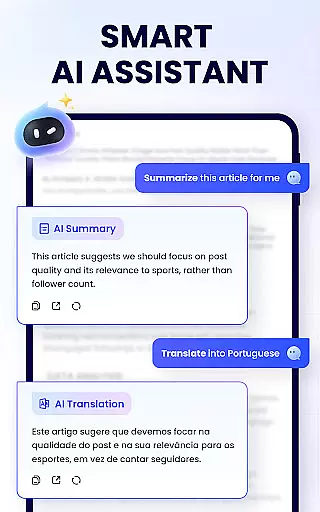
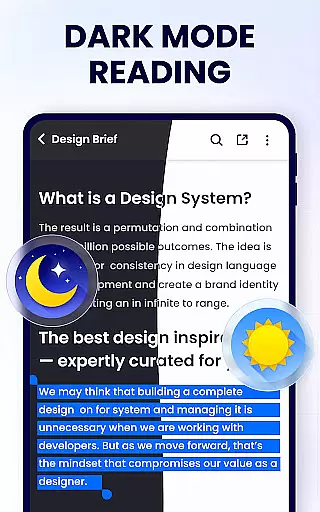
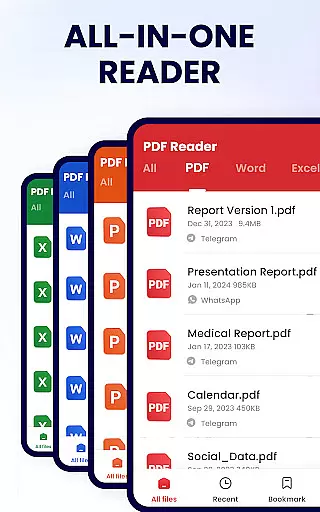
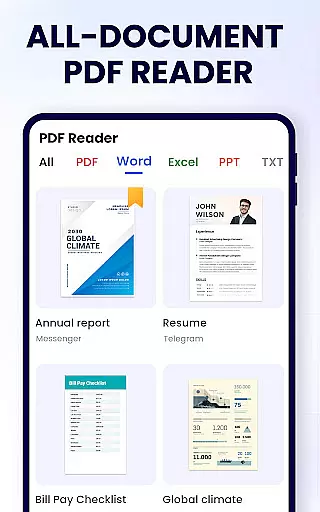
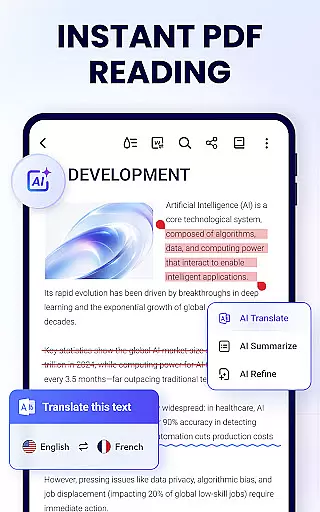
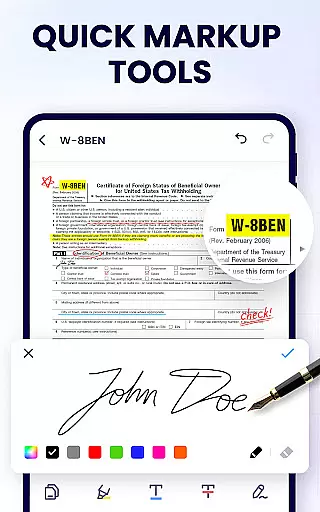
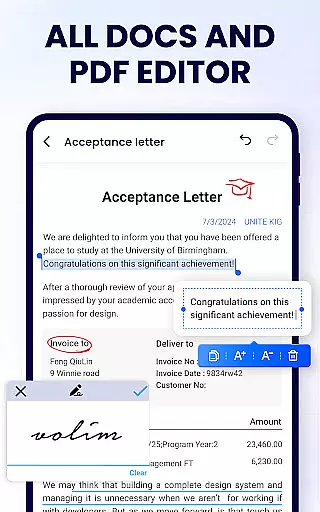
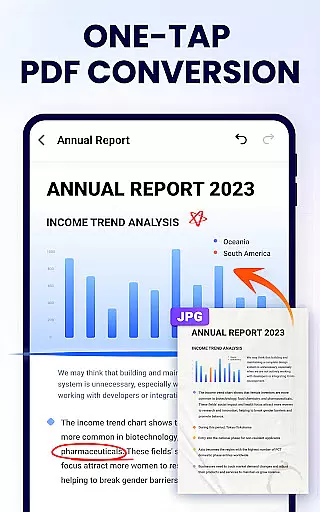
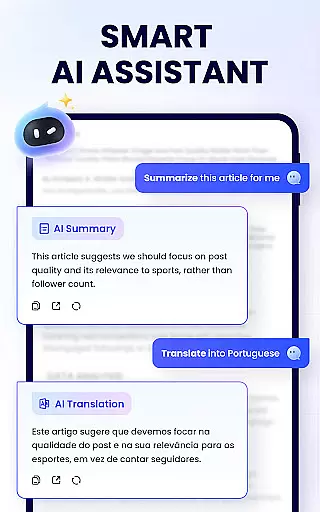
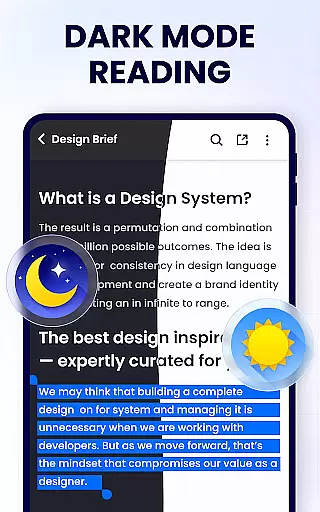
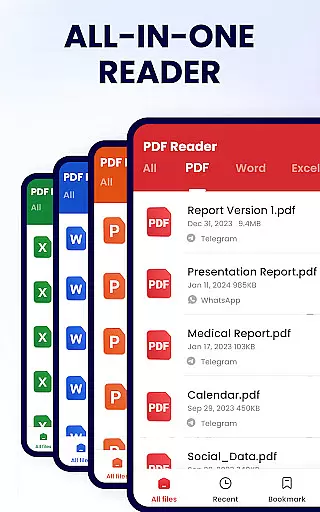
PDF Reader - PDF Viewer is a comprehensive productivity tool designed for Android users who need to manage, edit, and view PDF documents efficiently. This free app, A+ Read, offers an extensive range of features including reading, editing, merging, splitting, and securing PDF files with passwords. It stands out as not just a viewer but also a capable editor and manager, making it ideal for both work and study environments.
The app's auto-search functionality displays all your PDF files in a clear list format, allowing for quick access and navigation. With support for bookmarks, annotations, and various viewing modes, it ensures a seamless user experience. Additionally, its lightweight design and ability to share documents via social media platforms enhance its practicality and convenience.
Whether you're a student needing to annotate lecture notes or a professional managing reports, PDF Reader - PDF Viewer provides the tools necessary to handle PDFs effectively. Its ongoing updates promise even more features like dark mode, form filling, and file conversion, ensuring that it remains a top choice for Android users.
PDF Reader - PDF Viewer boasts a variety of features that cater to different user needs. As a convenient PDF viewer, it automatically searches and lists all PDF files on your device, enabling fast access and easy navigation. The app supports both page-by-page and continuous scrolling modes, along with horizontal and vertical viewing options, providing flexibility in how you read your documents.
As a smart PDF reader, it offers full-screen mode for an immersive reading experience and allows users to zoom in and out as needed. You can directly jump to specific pages by entering the page number, which is particularly useful for navigating large documents. Furthermore, the app includes efficient PDF editing capabilities such as annotating, highlighting, underlining, and striking through text, as well as doodling on PDFs.
The app also functions as a full-featured PDF manager. Users can merge and split PDF files, set passwords for document protection, and maintain a list of recently opened files for quick access. Sharing PDFs via social media is straightforward, and the app's lightweight nature ensures smooth performance. Additional features like renaming files, printing, and future updates promising dark mode and file conversion make this app a versatile tool for managing PDFs.
In the realm of productivity, effective task management is paramount. PDF Reader - PDF Viewer excels in organizing and handling PDF documents, which are often critical in both professional and academic environments. This app provides a comprehensive suite of tools that allow users to not only view but also manage their PDF files efficiently.
The application's capabilities extend beyond simple viewing. It offers features such as merging and splitting PDFs, setting passwords for document protection, and bookmarking pages for easy reference. These functions ensure that users can maintain an organized digital workspace, making it simpler to locate and work on specific documents.
Moreover, the convenience of accessing recently opened files in a simplified list format enhances workflow continuity. Users can quickly pick up where they left off without the hassle of searching through directories, thus streamlining their document management process.
By integrating these robust management features, PDF Reader - PDF Viewer empowers users to take control of their tasks with confidence, ensuring that important information is always at their fingertips, ready for action.
For professionals and students alike, having reliable access to documents across multiple devices is crucial. PDF Reader - PDF Viewer addresses this need by providing a seamless experience when working with PDFs on the go. While the current feature set does not explicitly mention cloud services, its efficient file handling lays the groundwork for potential cross-device functionality.
The app's ability to quickly open and read PDFs, coupled with its full-featured management options, means that users can count on consistent performance regardless of their location or device. This reliability is essential for those who require immediate access to their documents at all times.
Furthermore, the inclusion of sharing capabilities via social media platforms indicates a level of connectivity that could be expanded into more formalized synchronization features. As updates continue to roll out, users can anticipate enhancements that will further solidify the appu2019s role in facilitating dependable cross-device workflows.
With these foundational elements in place, PDF Reader - PDF Viewer is poised to become an indispensable tool for anyone seeking to maintain productivity without being tethered to a single device.
User-friendly interface
Comprehensive editing tools
Secure file management
Lightweight and fast
Regular updates
Limited advanced features
Occasional bugs
Ads in free version
Basic UI design
In-app purchases

Seamlessly integrate data and reports to build your presentation to impress
 4.80
4.80
Create study competitions, track your hours, and stay consistent with friends
4.3
Professional calendar app for Google Calendar, MS Outlook & Exchange
4.20
Send files, sync SMS, notifications & clipboard across devices via local network
4.40
Smart PDF reader & editor to view, organize and manage PDF documents easily.
3.70
Protect and view your important info on your phone and tablet with eWallet®
4.80
All document reader, all in one file viewer read PDF, DOCX, XLS, PPT, TXT files.
4.60
Great calculator for Android named one of USA TODAY's "25 Essential Apps".
4.90
A simple Whisper AI keyboard for reliable speech transcription and rewording
4.60
Best Tool for the professionals Electrician, Electrical contractors, etc.
4.90
aCalendar+ makes your day, week and month
4.70
Functional QR scanner and barcode reader that requires little storage space.
4.60
Total remote control for your Android device, PC and cloud services (IFTTT)!
4.20
Access your phone's notifications, calls, apps, photos & texts on your PC
3.90
A Revolutionary All-in-One Artificial Intelligence Tools
3.80
Mega cloud explorer plugin for Solid Explorer
3.80
ID.me Authenticator is a simple and free Two Factor Authentication solution
3.50
A simple, portable logger for POTA, SOTA, Field Day, and more
4.4
A comprehensive suite of tools designed specifically for Lactation Consultants
4.3


User Reviews