
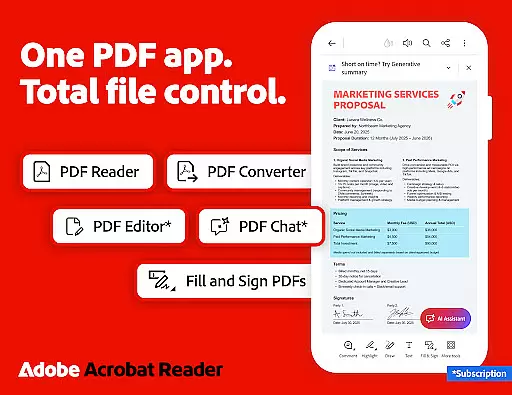
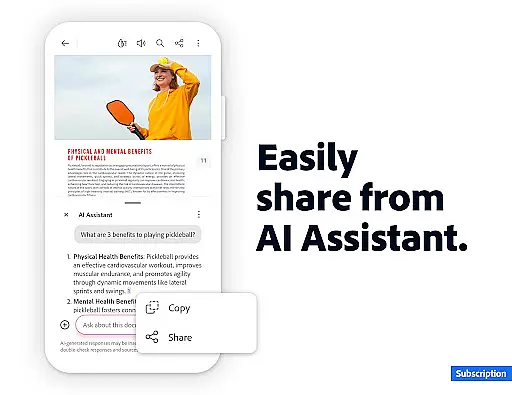
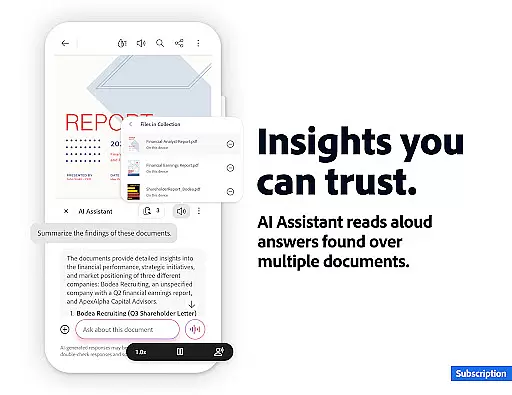
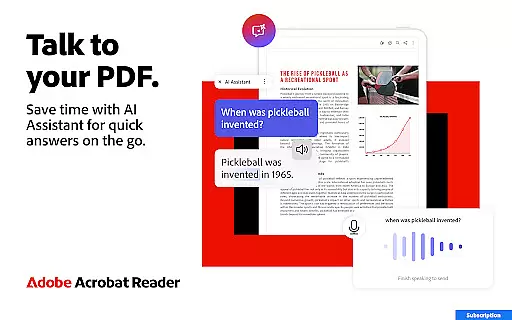
Adobe Acrobat Reader is a comprehensive productivity tool that revolutionizes PDF management. As the world's most trusted PDF reader, editor, and maker, it offers advanced features powered by AI technology. The application enables users to work across multiple files using PDF Spaces, generate instant summaries with Generative AI, and access cited answers through Figures Q&A.
The app's robust functionality extends to document editing, OCR capabilities, and file conversion across various formats. With over 635 million installs, it provides essential tools for professionals who need to view, share, annotate, and sign documents efficiently. Its cloud integration allows seamless access to files across mobile and web platforms, making it indispensable for modern workflows.
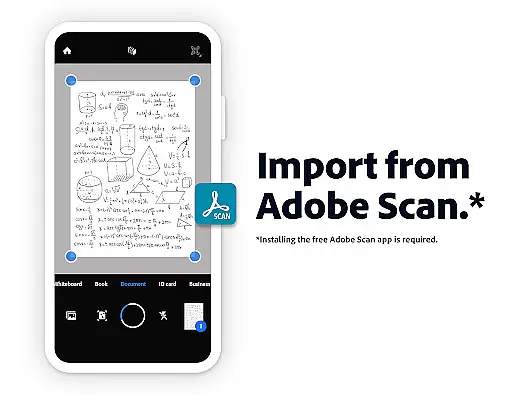
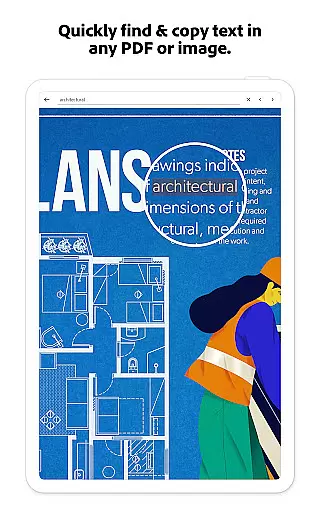
Adobe Acrobat Reader distinguishes itself through innovative AI-powered features. The Adobe Acrobat AI Assistant facilitates multi-file collaboration while enabling users to interact with documents through voice or text prompts. Its Optical Character Recognition (OCR) capability transforms scanned PDFs into editable content, supporting enhanced productivity.
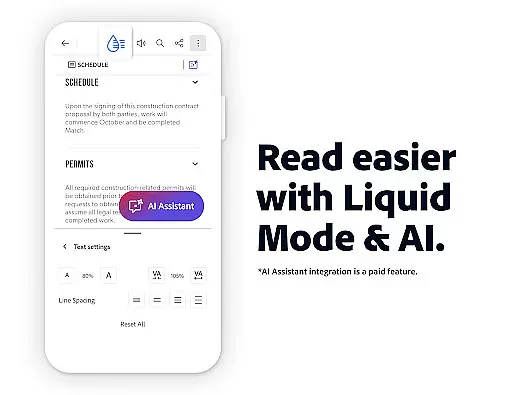
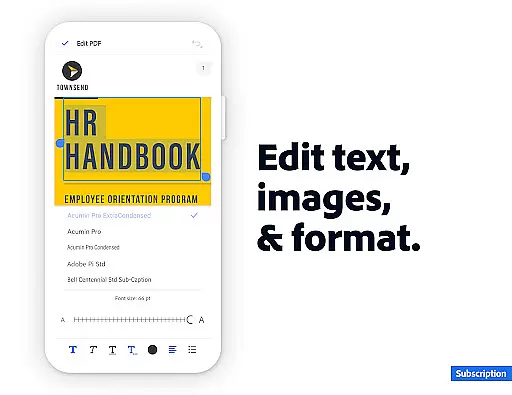
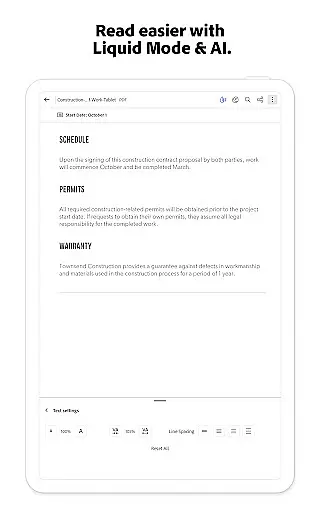
The application excels in document manipulation, allowing users to merge, split, compress, and convert files across different formats. Advanced editing tools enable precise modifications of text and images within PDFs. Additionally, its Liquid Mode optimizes reading experiences on mobile devices, while enterprise-level security features ensure documents remain protected through password protection and encryption protocols.
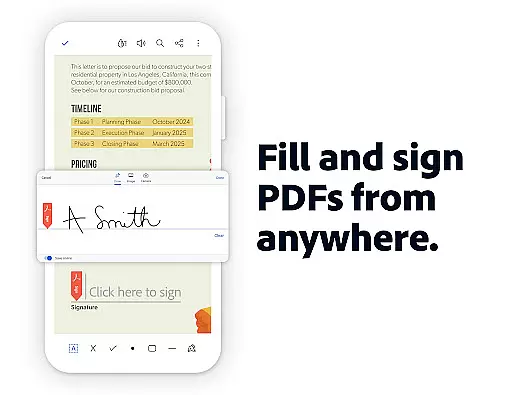
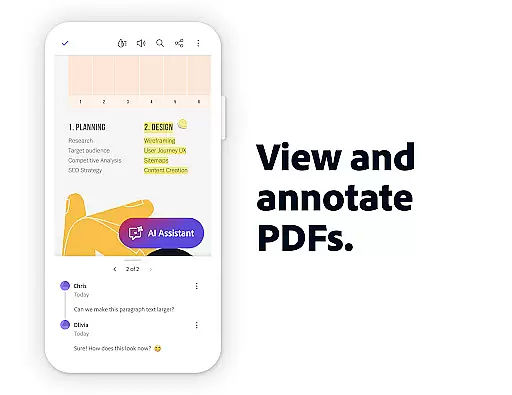
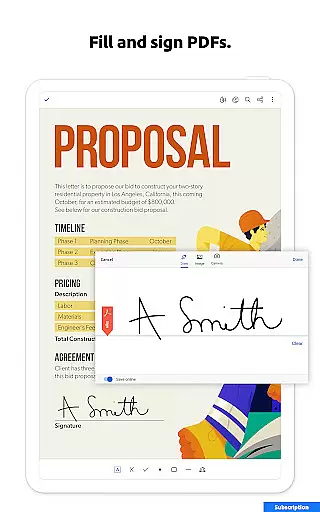
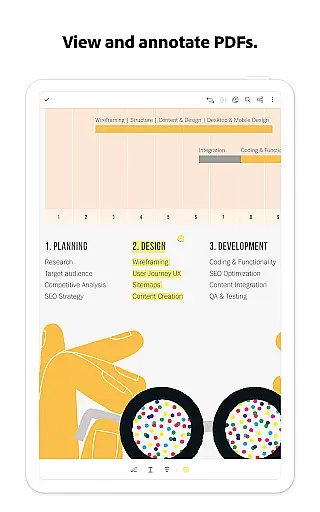
Adobe Acrobat Reader excels in core task management by offering a comprehensive suite of productivity tools. The app allows users to view, share, annotate, and sign documents seamlessly, all within a single interface.
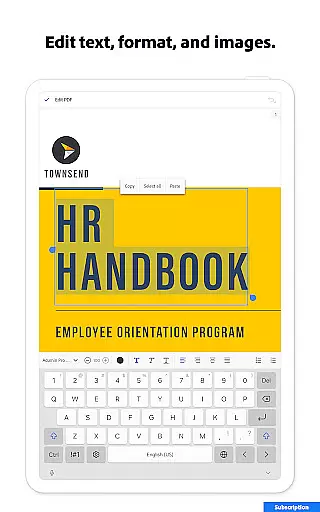
One standout feature is the ability to edit PDFs directly, including text and images, which streamlines document management significantly. With Optical Character Recognition (OCR), scanned PDFs can be transformed into searchable and editable text, enhancing usability across different formats.
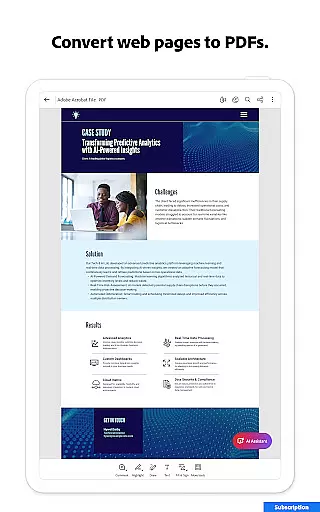
The app also supports merging, organizing, and converting PDFs with ease. Users can split or combine files, reorder pages, and export PDFs to various formats such as Microsoft Word, Excel, and PowerPoint. This versatility ensures that users can manage their documents efficiently without needing multiple applications.
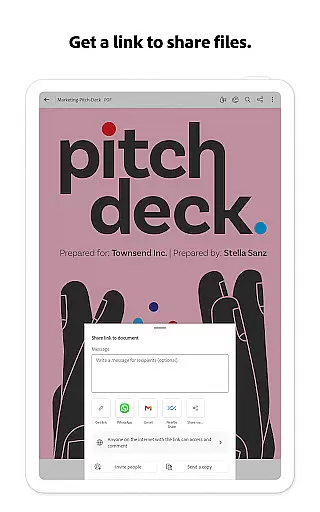
Additionally, Adobe Acrobat Reader offers collaboration features, allowing users to share files, leave comments, and receive activity notifications. These capabilities make it an indispensable tool for individuals and teams looking to optimize their document workflows.
Cross-device synchronization is a critical feature of Adobe Acrobat Reader, ensuring that users can access their documents from any device with consistent reliability. By linking online storage accounts like Google Drive, Dropbox, and Microsoft OneDrive, users can effortlessly manage and retrieve their files.
The app's cloud integration guarantees that all changes made on one device are instantly updated across all linked devices. Whether editing a document on a mobile phone or reviewing it on a desktop, users can trust that they are always working with the most current version.
Moreover, Adobe Acrobat Reader provides a seamless reading experience through its Liquid Mode, which optimizes PDF viewing by adjusting font sizes and spacing to fit different screen sizes. This feature ensures that documents remain readable and well-formatted, regardless of the device being used.
For added convenience, the app includes voice support functionalities, enabling users to listen to their PDFs on the go. This feature not only enhances accessibility but also ensures that users can stay productive even when away from their desks. Overall, Adobe Acrobat Reader's robust synchronization capabilities make it an essential tool for modern, flexible work environments.
User-friendly interface
Advanced AI capabilities
Comprehensive editing tools
Robust security features
Excellent cloud integration
Paid features are expensive
Some features are complex
High resource consumption
Limited free AI functions
Occasional performance issues

 4.20
4.20
A customizable calendar for your Wear OS watch
4.20
⏰ Finally a timer app which can run multiple timers simultaneously on your watch
3.90
Stay on top of your to-dos with Google Tasks, part of Google Workspace.
4.60
ID.me Authenticator is a simple and free Two Factor Authentication solution
3.50
Ultimate Virtual AI Character for immersive Roleplay Chat. Perfect Companion
3.90
Scan paperwork into PDF/JPG, generate your own e-signature and send fax or email
4.70
Okta MFA
4.70
AI Chatbot and AI writing assistant powered by ChatGPT.
4.60
The long-awaited modern gallery app for your Nextcloud server
4.70
Client for Nextcloud Deck
4.60
Translate text/voice/photos in 150+ languages. Offline & fast translator app.
4.50
Subscribe to Webcal & .ics calendars and keep them up-to-date!
4.50
A lightweight JSON & XML files creator, editor and viewer (Premium Version)
4.40
When you Focus, so will your Bean in this cozy focus timer
4.30
Easily read and manage all your PDF files
4.10
Find and delete junk files & block unwanted notifications & manage files
3.70
Easiest event planning, volunteer signups & parent teacher conference scheduling
2.20
The upgraded version of Name Wheel with AI and the power to add your own wheels.
4.4


User Reviews