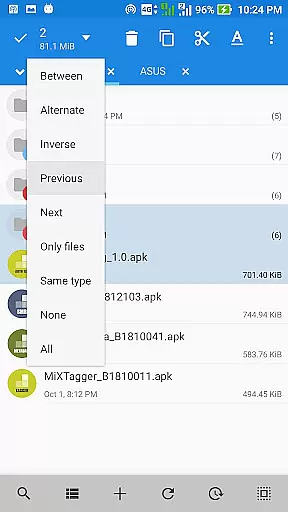
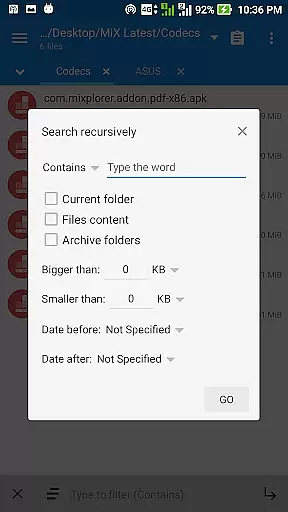
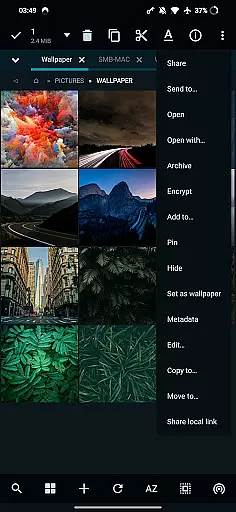
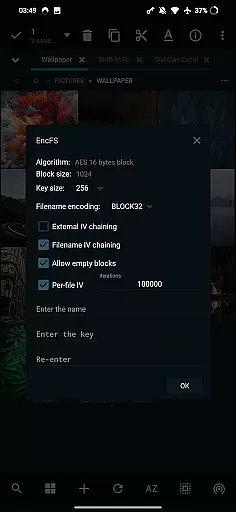
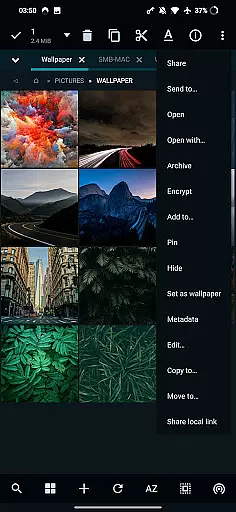
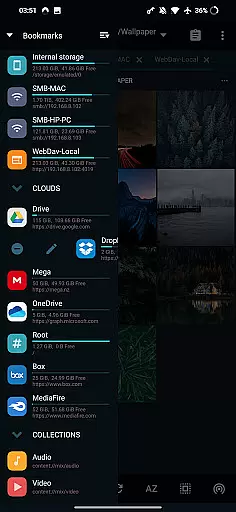
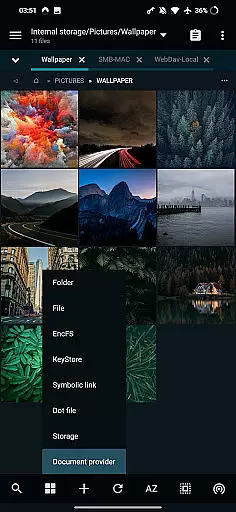
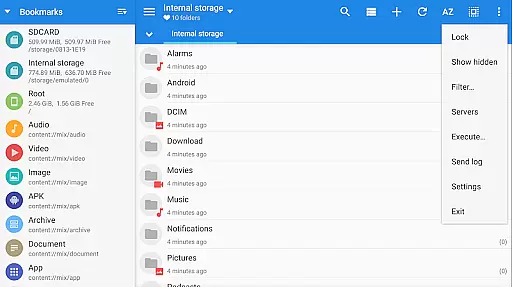
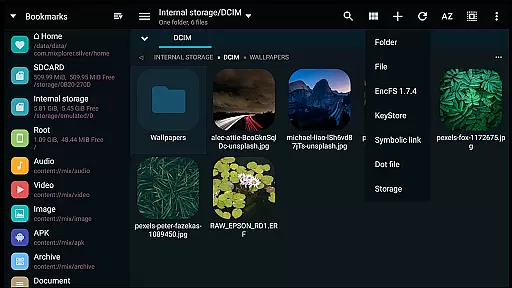
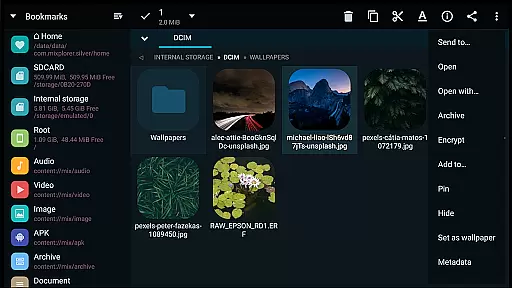
MiXplorer Silver is a premium file management solution that combines the robust MiXplorer file manager with powerful add-ons like Archiver, Image viewer, Tagger, and PDF reader. Designed for productivity enthusiasts, this app offers an all-in-one platform to efficiently manage files, archives, and multimedia content while supporting root operations and cloud storage integration.
The application stands out with its extensive customization options, allowing users to personalize themes, menu layouts, and action buttons. Its advanced functionality includes support for over 20 archive formats, EncFS encryption, FTP/HTTP servers, and seamless drag-and-drop multitasking in dual-panel mode. Whether you're organizing local files or accessing cloud services like Google Drive and Dropbox, MiXplorer Silver provides a unified experience tailored to both casual users and power users seeking precision control.
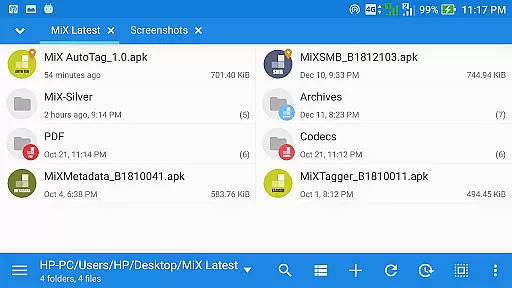
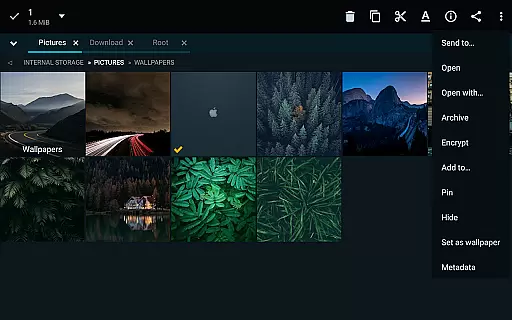
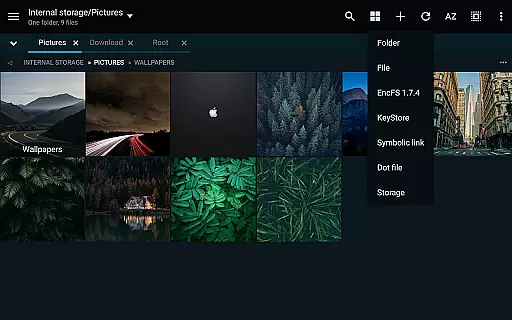
MiXplorer Silver boasts an impressive array of features designed to enhance productivity. The app supports unlimited tabbed browsing and dual-panel navigation, enabling efficient multitasking and file management across multiple directories. With advanced sorting options, customizable bookmarks, and themable interfaces, users can tailor the app to their specific workflow needs.
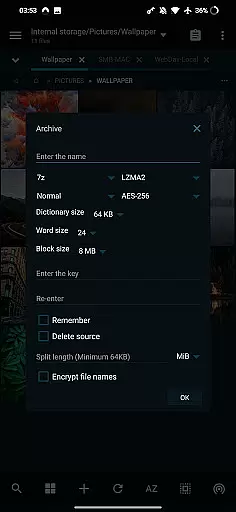
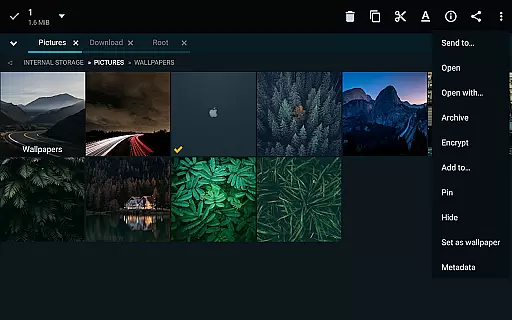
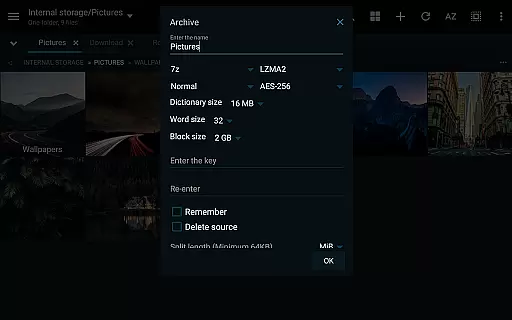
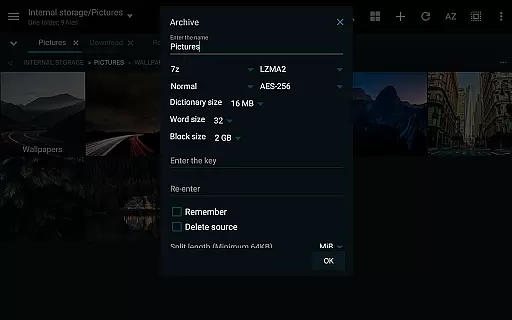
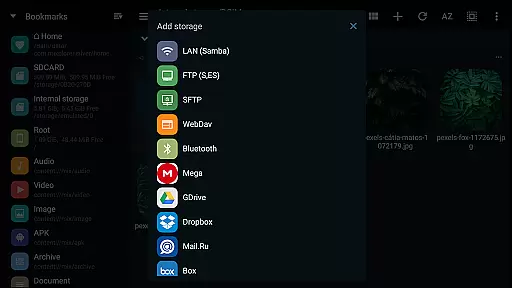
One of the standout capabilities is its comprehensive archive handling, which includes packing and unpacking formats like 7z, RAR, TAR, and ISO, along with modifying ZIP files. Additionally, the app integrates cloud storage providers such as Mega.nz, OneDrive, and Google Drive, offering centralized access to online files. For media enthusiasts, it includes built-in viewers for images, PDFs, and EPUB files, alongside a media player enhanced with extra video codecs. Advanced users will appreciate the root access, FTP server functionality, and EncFS volume support, making it a versatile tool for both everyday tasks and specialized operations.
In the realm of productivity, effective task management is crucial for optimizing workflow and ensuring that users can efficiently handle their responsibilities. MiXplorer Silver File Manager excels in this area by providing a robust platform where users can create and manage tasks with ease.
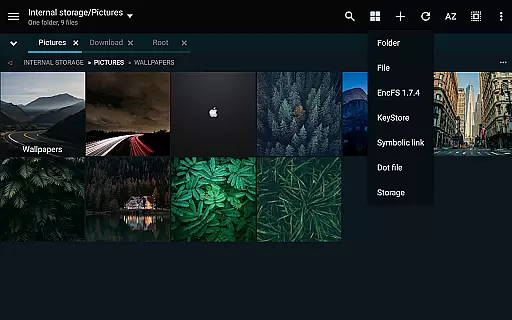
The application allows users to effortlessly create Tasks to multitask operations such as Copy, Move, and other file manipulations. This functionality streamlines the process of managing multiple operations simultaneously, enhancing productivity and allowing for a more organized approach to file management.
With customizable bookmarks and categorized essential file types, users benefit from an organized system that supports efficient navigation and task execution. The ability to sort, disable, or enable menu options and action buttons further refines the task management experience, catering to individual preferences and workflows.
Ultimately, MiXplorer Silver transforms routine file operations into a structured task management system, empowering users to maintain control over their digital environment and optimize their productivity through thoughtful design and powerful features.
Cross-device synchronization is a pivotal feature for users who operate across multiple devices and require reliable and consistent access to their files and settings. MiXplorer Silver File Manager addresses this need by offering steadfast synchronization capabilities that ensure data integrity and availability.
This file manager supports various cloud storage services including Mega.nz, Dropbox, Google Drive, and OneDrive among others, granting users the flexibility to synchronize their data with their preferred cloud platforms. This extensive cloud support facilitates seamless access to files from any device, bolstering productivity regardless of location.
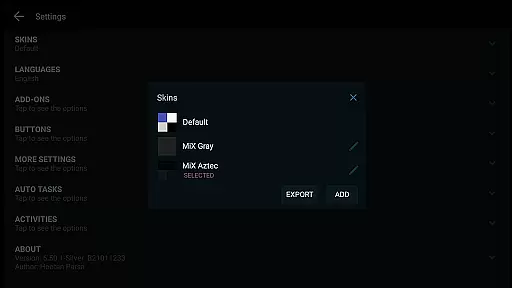
Moreover, MiXplorer Silver enables exporting and importing all preferences, bookmarks, and customized skins, which enhances the synchronization experience by maintaining a uniform look and feel across devices. Users can expect not only file consistency but also personalized interface elements that travel with them wherever they go.
By delivering dependable cross-device synchronization, MiXplorer Silver ensures that whether at home, in the office, or on the move, users enjoy uninterrupted access to their digital workspace, thus significantly contributing to a frictionless and productive user experience.
Highly customizable interface
Extensive archive format support
Unified cloud storage access
Advanced root operation tools
Efficient multitasking features
Paid app with no free version
Steeper learning curve
Occasional performance lag
Limited offline help resources
Heavy on system resources

Seamlessly integrate data and reports to build your presentation to impress
 4.80
4.80
Experience real multitasking on your Android!
4.00
Auto-shutoff Alarm with Sunrise, Sunset & Fixed Options.
3.50
Smart PDF reader & editor to view, organize and manage PDF documents easily.
3.70
Todo reminder
4.10
Translate text/voice/photos in 150+ languages. Offline & fast translator app.
4.50
Create and edit presentations with Google Slides, part of Google Workspace.
4.00
Code on-the-go with VScode for Android. Edit,debug and collaborate from mobile!!
3.10
Secure your apps with lock screens, use custom themes and different features.
4.40
Functional QR scanner and barcode reader that requires little storage space.
4.60
All document reader, all in one file viewer read PDF, DOCX, XLS, PPT, TXT files.
4.60
A lightweight JSON & XML files creator, editor and viewer (Premium Version)
4.40
Docker, Kubernetes management over Portainer Mobile
4.40
This small app MUST BE INSTALLED after purchase, else license won't work
4.40
Customizable calendar widget for seamless event sync, planning & scheduling.
4.00
Secure, open-source, SPICE and SSH Remote Desktop for QEMU KVM virtual machines
4.00
The ultimate file manager for rooted devices. The original and still the best.
4.00
Take control of your clipboard with Clipper!
3.90
Simple and reliable communication between inmates, friends and family
3.20


User Reviews