
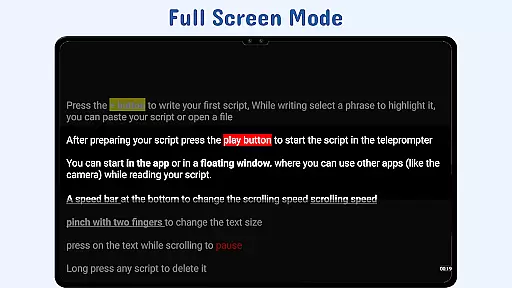
Nano Teleprompter is a productivity app designed to streamline the teleprompting process for content creators, public speakers, and professionals. With its intuitive interface and robust features, it offers seamless script management through Google Drive integration. Users can create, edit, and sync scripts in real-time, ensuring they always have access to the latest version of their content.
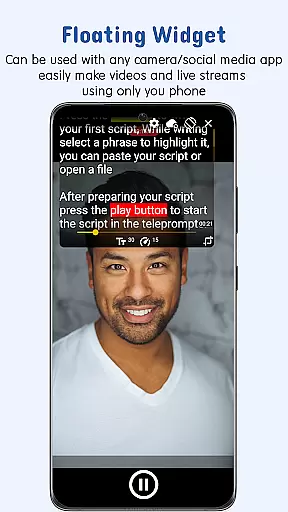
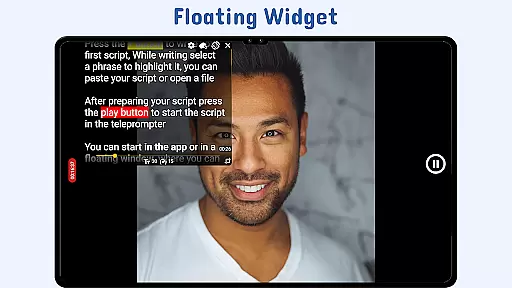
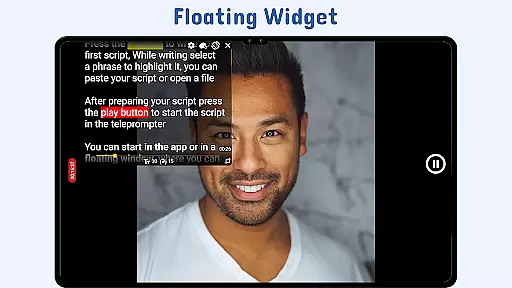
The app's standout feature is its floating teleprompter widget, which allows users to overlay scripts on any camera app while recording. This flexibility makes it ideal for video production, live streaming, or delivering speeches without interrupting the workflow. Nano Teleprompter also supports customizable text formatting, gesture controls, and remote control options, empowering users to tailor their experience for maximum efficiency.
Whether you're a YouTuber, educator, or business professional, Nano Teleprompter enhances your ability to deliver polished presentations effortlessly.
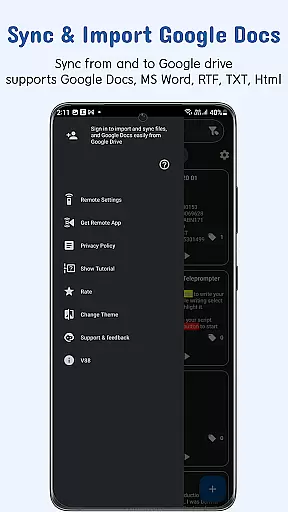
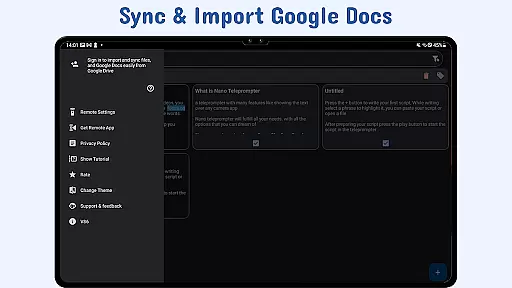
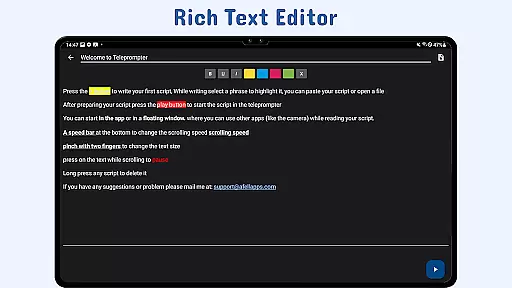
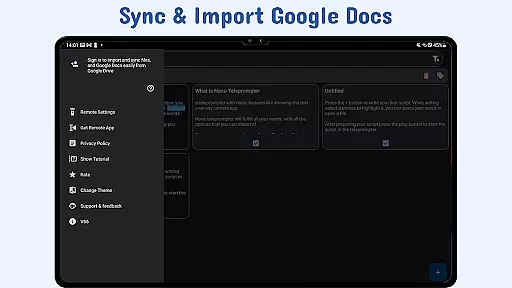
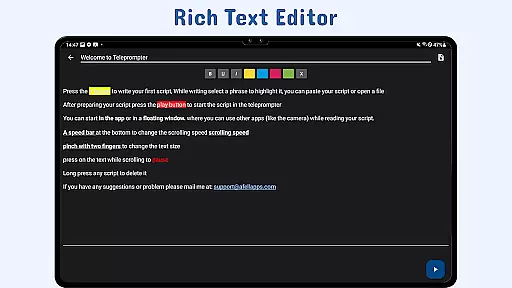
Nano Teleprompter stands out with its comprehensive set of features tailored for productivity. The app integrates directly with Google Drive, enabling users to manage scripts in formats like Google Docs, MS Word, RTF, TXT, and HTML. This ensures that all updates made on the web are instantly reflected in the app, providing a dynamic and synchronized workflow.
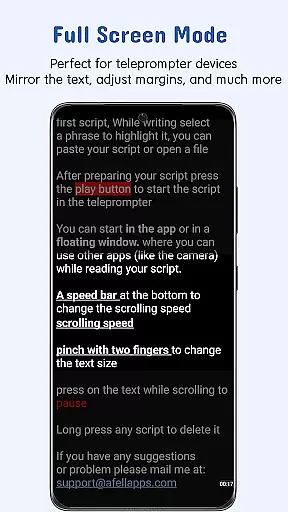
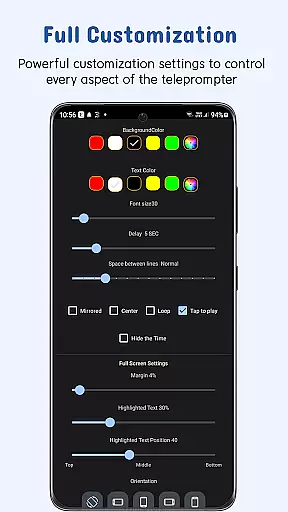
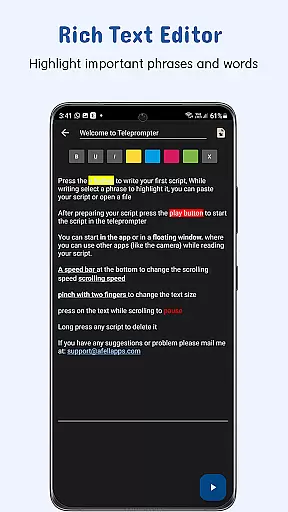
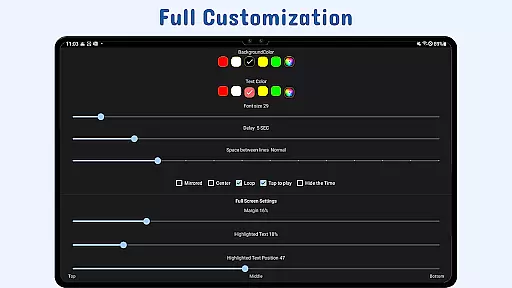
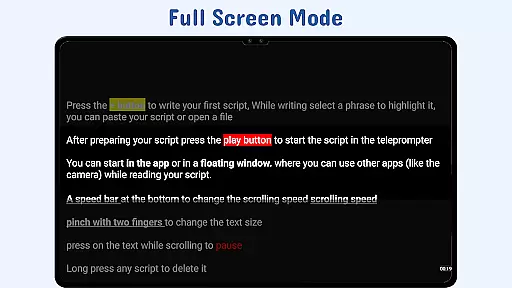
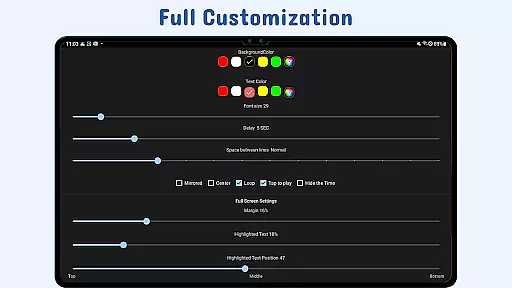
One of the app's key innovations is the floating teleprompter widget, which can be resized and positioned freely on the screen. This feature works seamlessly in both landscape and portrait modes, making it compatible with various recording setups. Additionally, users can customize text size, color, background opacity, and line spacing to suit their preferences, ensuring optimal readability during use.
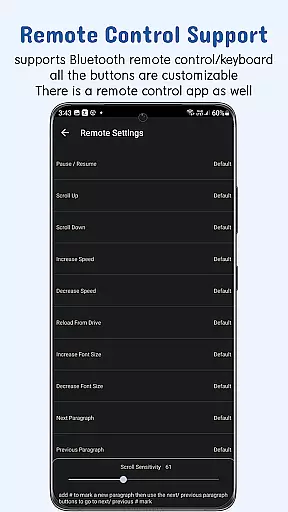
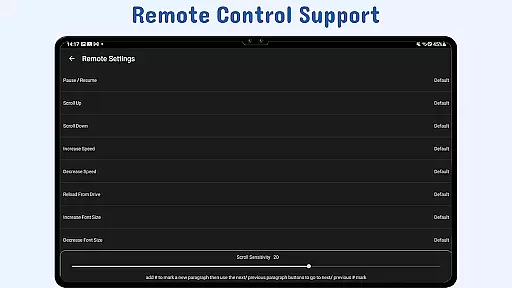
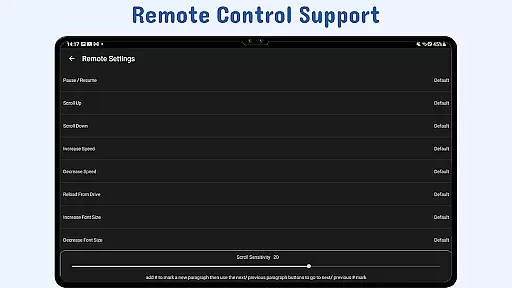
Other notable features include gesture controls for zooming and resizing, adjustable scroll delays for precise timing, and remote control support for hands-free operation. These functionalities collectively enhance user control and convenience, setting Nano Teleprompter apart as a versatile tool for modern professionals.
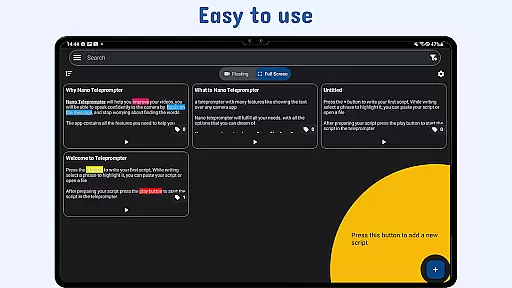
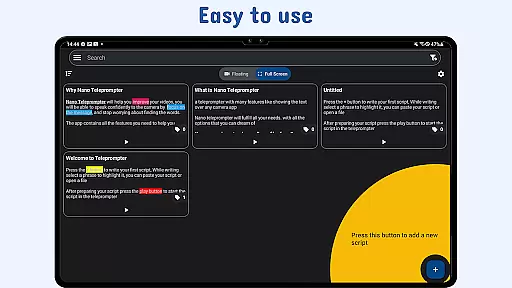
At the heart of Nano Teleprompter lies its robust core task management system, designed to streamline your workflow. This feature allows users to create, edit, and manage scripts directly through an intuitive interface or via seamless Google Drive integration.
The app automatically syncs any changes made to your documents in real-time, ensuring that whether you're working from your PC or mobile device, your scripts are always up-to-date. With support for multiple formats such as Google Docs, MS Word, RTF, TXT, and HTML, flexibility in script preparation is guaranteed.
Users benefit from the freedom to organize their work efficiently without being tied down to a single device or location. The ability to drag and drop files from a computer or write directly in the browser enhances productivity by simplifying the content creation process while maintaining synchronization across all devices.
Cross-device synchronization is a pivotal feature of Nano Teleprompter, providing users with reliable access to their scripts no matter where they are. By leveraging Google Drive's cloud service, this app ensures that every change made on one device instantly reflects on all others linked to the same account.
This level of synchronization reliability means you can start editing your script on your phone during a commute and continue right where you left off once you're back at your desktop. It eliminates the risk of losing important updates or working on outdated versions of your scripts.
The peace of mind offered by knowing your work is continuously backed up and accessible across multiple platforms empowers professionals who rely on consistent availability of their materials. Whether recording videos, live streaming, or delivering speeches, Nano Teleprompter keeps your content current and readily available.
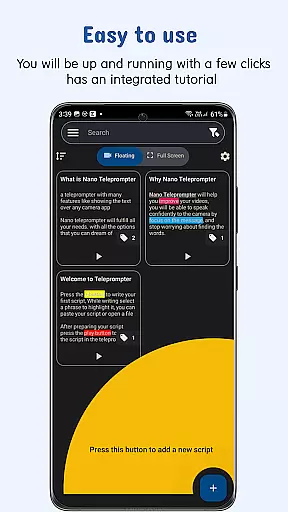
User-friendly interface
Real-time Google Drive sync
Floating widget flexibility
Customizable text options
Remote control compatibility
Limited offline functionality
Premium features require subscription
Occasional sync delays
Learning curve for new users
Dependent on third-party services

When you Focus, so will your Bean in this cozy focus timer
 4.30
4.30
Smart PDF reader & editor to view, organize and manage PDF documents easily.
3.70
Secure, fast, open-source, Remote Desktop Client for Windows and Linux with SSH
4.60
Todo reminder
4.10
Subscribe to Webcal & .ics calendars and keep them up-to-date!
4.50
Docker, Kubernetes management over Portainer Mobile
4.40
Understand anything with a personalized AI research assistant
4.80
Scan paperwork into PDF/JPG, generate your own e-signature and send fax or email
4.70
AT&T Internet customers can use this app to personalize their Wi-Fi network.
4.40
Best Tool for the professionals Electrician, Electrical contractors, etc.
4.90
Direct Chat without saving contacts & Dual WA Account on Single Device
4.70
Functional QR scanner and barcode reader that requires little storage space.
4.60
Send files, sync SMS, notifications & clipboard across devices via local network
4.40
Access, manage and transfer files on Android, PC, Mac, NAS and cloud storages.
4.30
Professional calendar app for Google Calendar, MS Outlook & Exchange
4.20
Take control of your clipboard with Clipper!
3.90
Easiest event planning, volunteer signups & parent teacher conference scheduling
2.20
Ads Free App! Editor, Hide File, Copy, Move, Delete and Rename.. all facility av
1.70
AI Video AI Image Private LLM AI Browser Llama Gemma Ollama Connect LLM Studio
4.3


User Reviews