
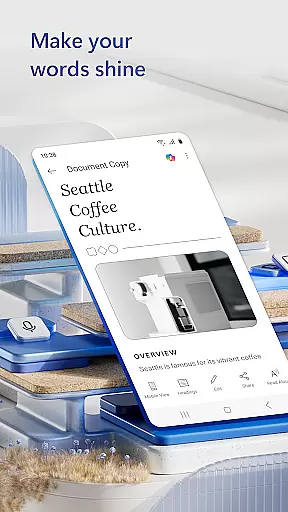
Microsoft Word is the quintessential mobile document editor that empowers users to create, edit, and collaborate on documents from their mobile devices with ease. It mirrors the desktop experience by offering powerful editing tools, PDF conversion capabilities, and seamless file sharing options.
This app stands out with its rich formatting features, a vast template gallery for resumes and cover letters, and real-time collaboration functions. Whether you're a blogger crafting articles or a project manager drafting reports, Microsoft Word adapts to your needs. Its ability to maintain document integrity across devices ensures that your work looks professional and polished, no matter where it's edited.
With Microsoft Word, productivity is not confined to the office. You can access files on the go, make necessary edits, and share them instantly with colleagues or clients, streamlining workflows and enhancing efficiency in various professional scenarios.
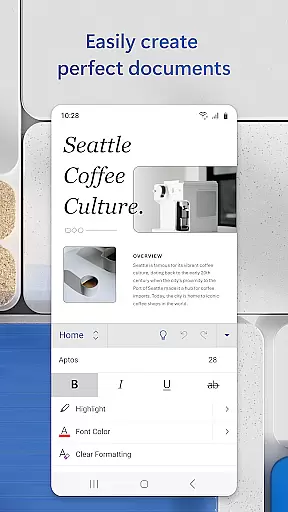
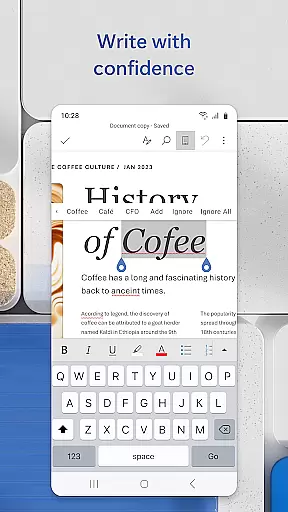
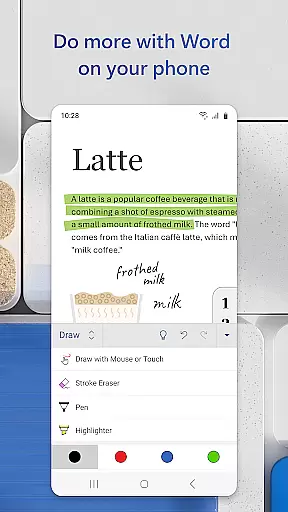
Microsoft Word offers an extensive array of features designed to enhance mobile productivity. The app provides a comprehensive set of writing tools including spell check, proofreading, and beautiful modern templates suitable for any writing task, ensuring your documents are not only error-free but also visually appealing.
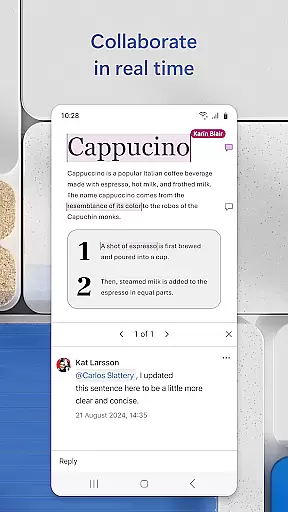
One of the standout functionalities is its robust collaboration system. Users can leave comments next to text, track changes, and view editing history, which makes teamwork more efficient. Moreover, the built-in PDF converter allows users to convert documents to and from PDF formats effortlessly, providing flexibility in handling different file types.
Furthermore, Microsoft Word integrates seamlessly with cloud services, enabling easy access and synchronization of documents across multiple devices. This feature ensures that whether you're working on a letter, blog post, or complex report, your work is always up-to-date and accessible wherever you are.
Microsoft Word exemplifies core task management by offering a comprehensive suite of tools designed to handle various document-related tasks efficiently. The app allows users to create, edit, and manage documents with ease, ensuring that all writing, editing, and formatting tasks are seamlessly integrated into one platform.
The application provides powerful features such as real-time collaboration, which enables multiple users to work on the same document simultaneously. This feature is crucial for team projects where task delegation and progress tracking are essential. Additionally, Microsoft Word's comment and review system ensures that feedback is organized and accessible, streamlining the editing process.
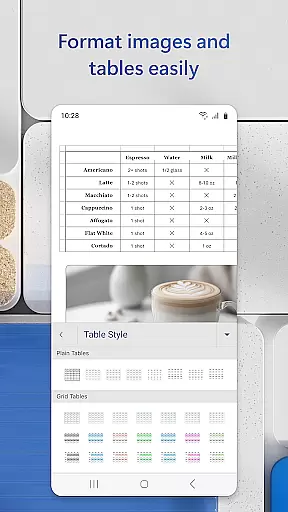
With its intuitive interface, users can easily navigate through different functions, from basic text editing to more complex layout designs. The availability of templates further simplifies task management by providing ready-to-use formats for resumes, cover letters, and other document types. This not only saves time but also enhances productivity by allowing users to focus on content rather than formatting.
Overall, Microsoft Word's robust task management capabilities ensure that users can efficiently handle their document needs, whether working individually or collaboratively. By centralizing these functions within a single app, it significantly boosts productivity and ensures that all document management tasks are completed with precision and ease.
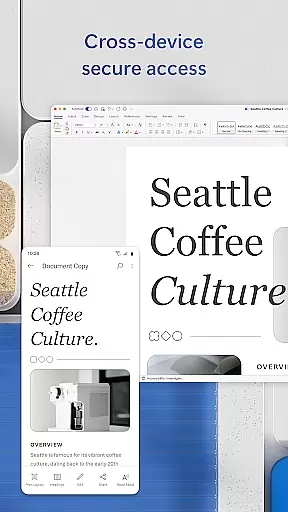
Cross-device synchronization is a pivotal feature of Microsoft Word, ensuring that users can access their documents from any device without losing data integrity or formatting. This reliability is achieved through seamless integration with cloud services, allowing real-time updates and backups across multiple platforms.
When a user edits a document on their mobile device, the changes are automatically synced to the cloud and reflected on other linked devices, such as a PC or tablet. This means that whether you're commuting, in the office, or at home, your work remains consistent and up-to-date. The ability to pick up right where you left off, regardless of the device, greatly enhances workflow continuity and efficiency.
Microsoft Word also offers offline functionality, which means users can continue working even without an internet connection. Once reconnected, the app synchronizes the latest changes, ensuring that no data is lost. This dual capability of online and offline access underscores the app's commitment to reliable cross-device performance.
In summary, Microsoft Word's cross-device synchronization reliability empowers users to work flexibly and efficiently across different environments. By leveraging cloud technology, the app ensures that all devices are consistently updated, providing a dependable and uninterrupted user experience. This feature is indispensable for modern professionals who require constant access to their documents on the go.
User-friendly interface
Extensive template library
Real-time collaboration tools
Powerful PDF conversion
Cross-device compatibility
Requires Microsoft account
Limited functionality on small screens
Some features need premium subscription
Occasional sync issues
Heavy app size

Secure, fast, open-source, VNC and SSH Remote Desktop for Windows, Linux and Mac
 4.70
4.70
Professional calendar app for Google Calendar, MS Outlook & Exchange
4.20
Planet Free VPN - The best Fast Unlimited and Secure VPN Without Logs
4.50
Todo reminder
4.10
Stay on top of your to-dos with Google Tasks, part of Google Workspace.
4.60
Subscribe to Webcal & .ics calendars and keep them up-to-date!
4.50
Code on-the-go with VScode for Android. Edit,debug and collaborate from mobile!!
3.10
To do list widget with a notebook organizer, checklist, simple shopping list
4.60
Experience and share your SolidWorks designs on your Android® phone and tablet.
2.50
Best Tool for the professionals Electrician, Electrical contractors, etc.
4.90
Use powerful, industry-leading AI tools to generate visual charts from any data
4.80
Secure, fast, open-source, Remote Desktop Client for Windows and Linux with SSH
4.60
App Lock with fingerprint, password: Lock apps & hide photos with lock screens
4.60
Functional QR scanner and barcode reader that requires little storage space.
4.60
Share files & memories safely. Keep your photos and videos secure.
4.40
Automates browsing any website and notifies you of important changes or events
4.30
Total remote control for your Android device, PC and cloud services (IFTTT)!
4.20
Wake up & get tasks done! Add alarms & reminders on the Clock Launcher.
4.00
Customizable calendar widget for seamless event sync, planning & scheduling.
4.00


User Reviews