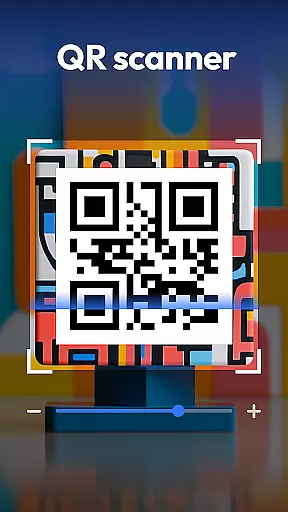
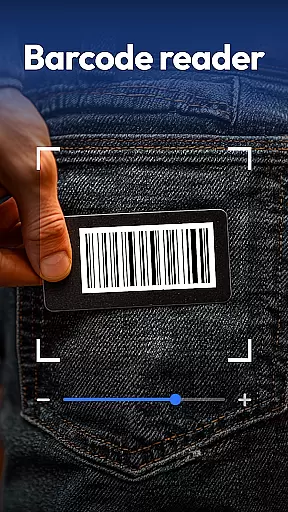
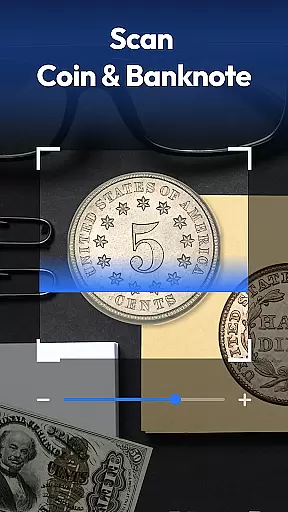
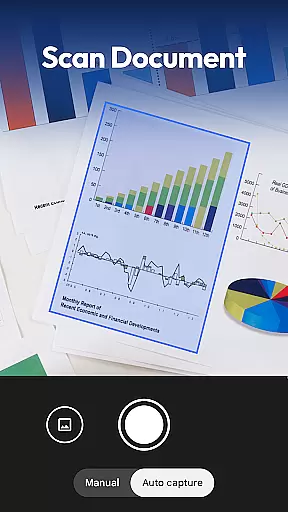
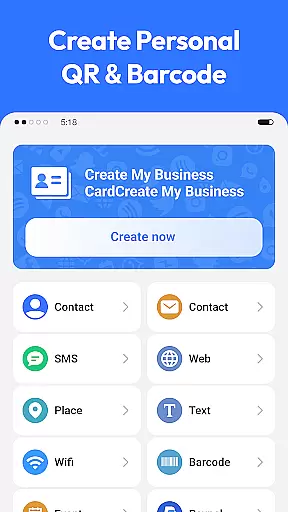
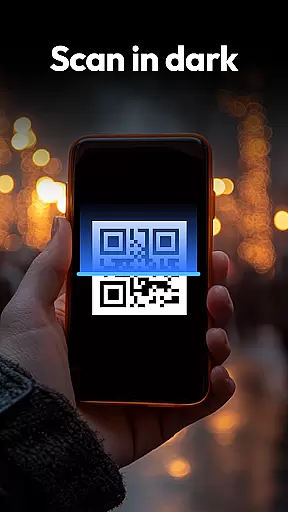
QR & Barcode Scanner is a versatile productivity tool designed to streamline various scanning tasks on Android devices. This all-in-one application combines multiple scanning capabilities, making it an essential utility for both personal and professional use.
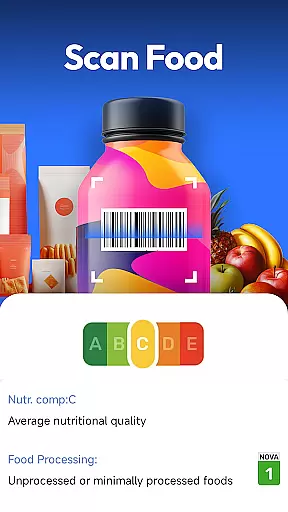
The app's core functionality revolves around its powerful scanning engine that supports QR codes, barcodes, coins, banknotes, food labels, and documents. Its advanced features include automatic zoom, low-light scanning with flashlight support, and comprehensive scan history management. The inclusion of specialized scanning modes for currency recognition and nutritional information makes it particularly valuable for collectors and health-conscious users.
Whether you're digitizing documents, tracking product prices while shopping, or analyzing food nutrition facts, this application provides a seamless experience across various use cases. The privacy-focused design requires only camera access, ensuring user data remains protected while delivering exceptional scanning performance.
QR & Barcode Scanner distinguishes itself through its comprehensive feature set tailored for productivity enhancement. The application's most notable characteristic is its multi-functional scanning capability that extends beyond traditional QR and barcode reading.
Advanced recognition algorithms enable precise identification of coins, banknotes, and food product information. The document scanning feature incorporates OCR technology to create searchable PDF files from physical documents. Specialized modes for price comparison across major retailers and nutritional analysis provide practical value for shoppers and health enthusiasts. The integrated QR code generator adds another layer of utility, allowing users to create various types of quick response codes effortlessly.
The application's intelligent scanning system automatically adjusts focus and lighting conditions, ensuring optimal results in diverse environments. The well-organized scan history and categorization system enables efficient management of scanned items, while the privacy-conscious permission structure maintains minimal device access requirements.
Task management is a cornerstone of productivity applications, and QR & Barcode Scanner excels in this area by offering an all-in-one solution for various scanning needs. The app consolidates multiple functions such as scanning QR codes, barcodes, coins, banknotes, food labels, and documents into one efficient platform.
The application's design allows users to swiftly transition between different scanning modes without losing performance or speed. This seamless integration ensures that whether you're tracking inventory, collecting currency details, or digitizing paperwork, the process remains intuitive and straightforward.
QR & Barcode Scanner enhances user experience with features like auto-zoom, flashlight activation for low-light conditions, and maintaining a scan history. These capabilities ensure that users can manage their scanning tasks effectively, regardless of environmental challenges or specific requirements.
Cross-device synchronization is vital for users who operate on multiple platforms and need consistent access to their data. QR & Barcode Scanner addresses this by providing reliable synchronization across devices, ensuring that your scan history and generated QR codes are accessible wherever you go.
The app employs a privacy-first approach, requiring only camera access and eschewing unnecessary permissions. This not only streamlines the synchronization process but also reassures users about their data's safety and privacy during cross-device usage.
With real-time updates and cloud backup options, QR & Barcode Scanner guarantees that every scan or generated code is immediately available on all linked devices. This reliability empowers users to utilize the app's full potential without worrying about data loss or synchronization issues.
Fast scanning speed
Multi-function support
User-friendly interface
Privacy-focused design
Free to use
Limited iOS support
Ads in free version
Occasional glitches
Large file size
Internet required

Client for Nextcloud Deck
 4.60
4.60
Experience real multitasking on your Android!
4.00
⏰ Finally a timer app which can run multiple timers simultaneously on your watch
3.90
Pwnagotchi companion app
4.20
Cloud storage, automatic phone backup, and more.
4.10
Enjoy classic gameplay with customizable features and retro-style graphics.
4.30
Docker, Kubernetes management over Portainer Mobile
4.40
A simple Whisper AI keyboard for reliable speech transcription and rewording
4.60
Simple notepad & memo. Take notes, to-do list, shopping list with reminders.
4.80
Great calculator for Android named one of USA TODAY's "25 Essential Apps".
4.90
Android Wallet Password Manager
4.80
QuickBooks Workforce lets teams view pay info and track time in one place.
4.70
Stay on top of your to-dos with Google Tasks, part of Google Workspace.
4.60
To do list widget with a notebook organizer, checklist, simple shopping list
4.60
Access, manage and transfer files on Android, PC, Mac, NAS and cloud storages.
4.30
Make apps & sites with natural language prompts
4.10
Activate Two Factor Authentication (2FA or Multi OTP), Password manager and more
4.10
A Revolutionary All-in-One Artificial Intelligence Tools
3.80
IP Camera Viewer - Android TV : RTSP Surveillance camera viewer for Android TV
4.3


User Reviews